Freshly Baked Modeling Challenge 14 – Firewood

Forum Archive Freshly Baked Modeling Challenge 14 – Firewood

Viewing 9 posts - 1 through 9 (of 9 total)
  • Author
    Posts
  • #18709

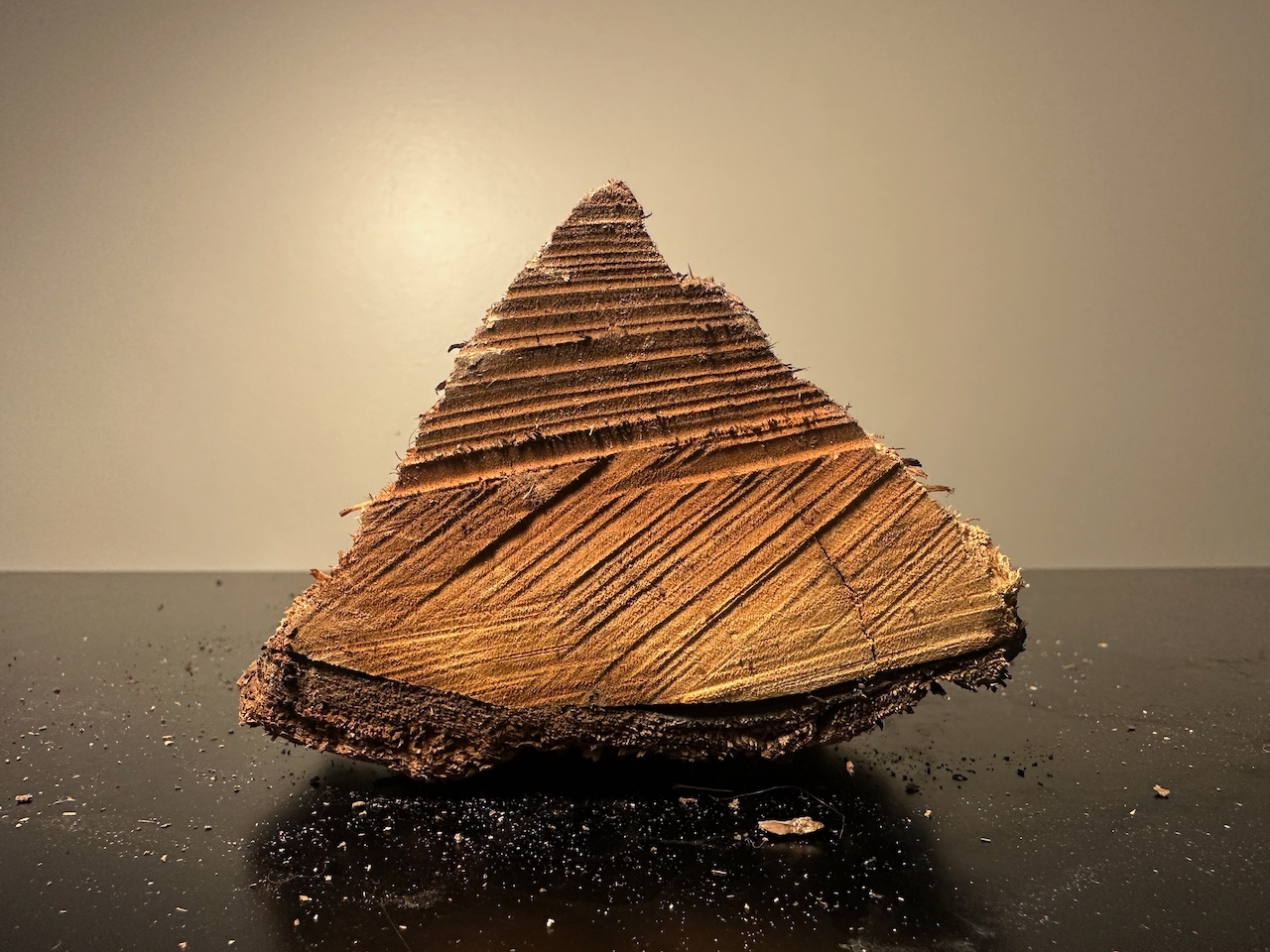
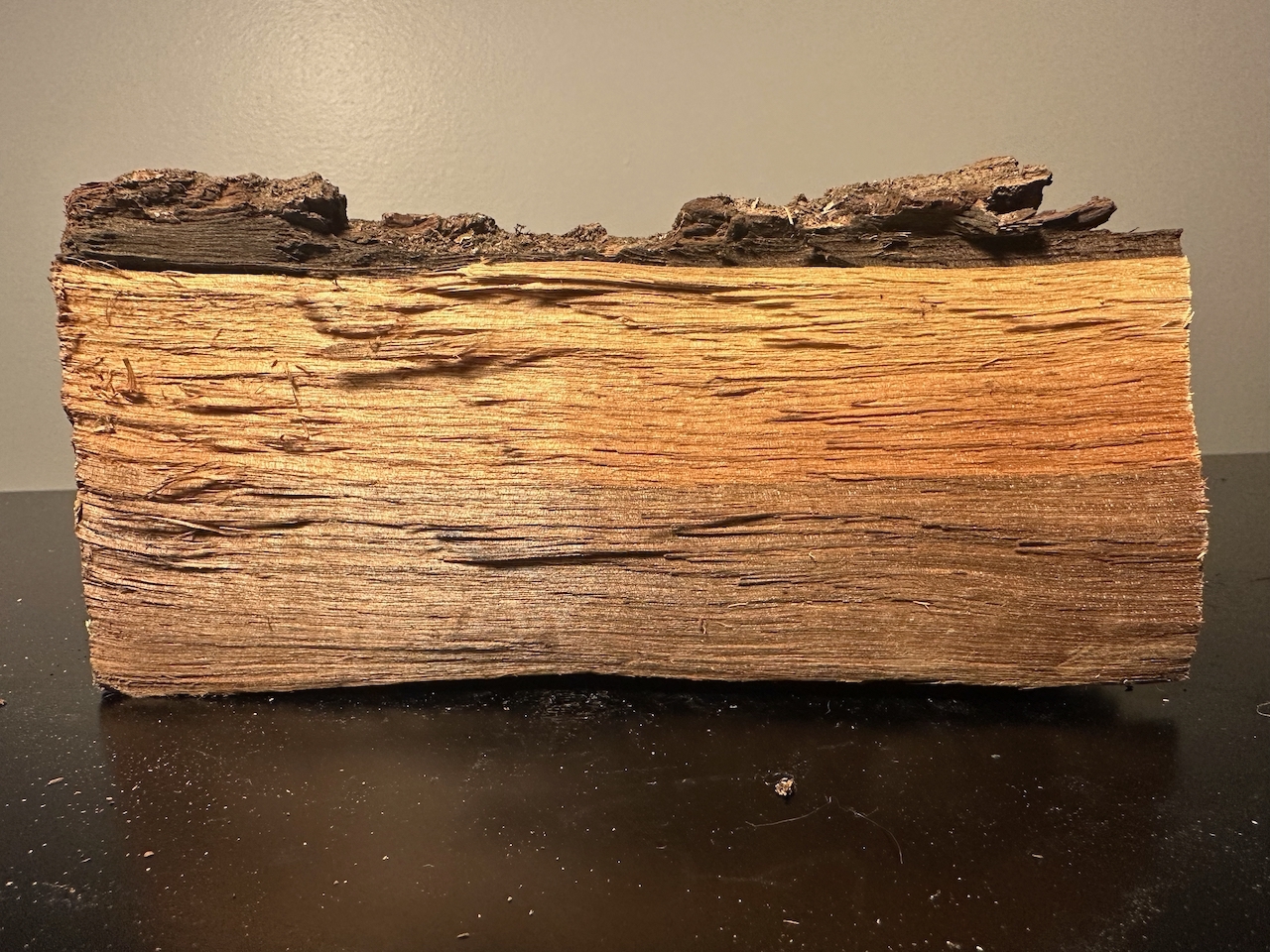
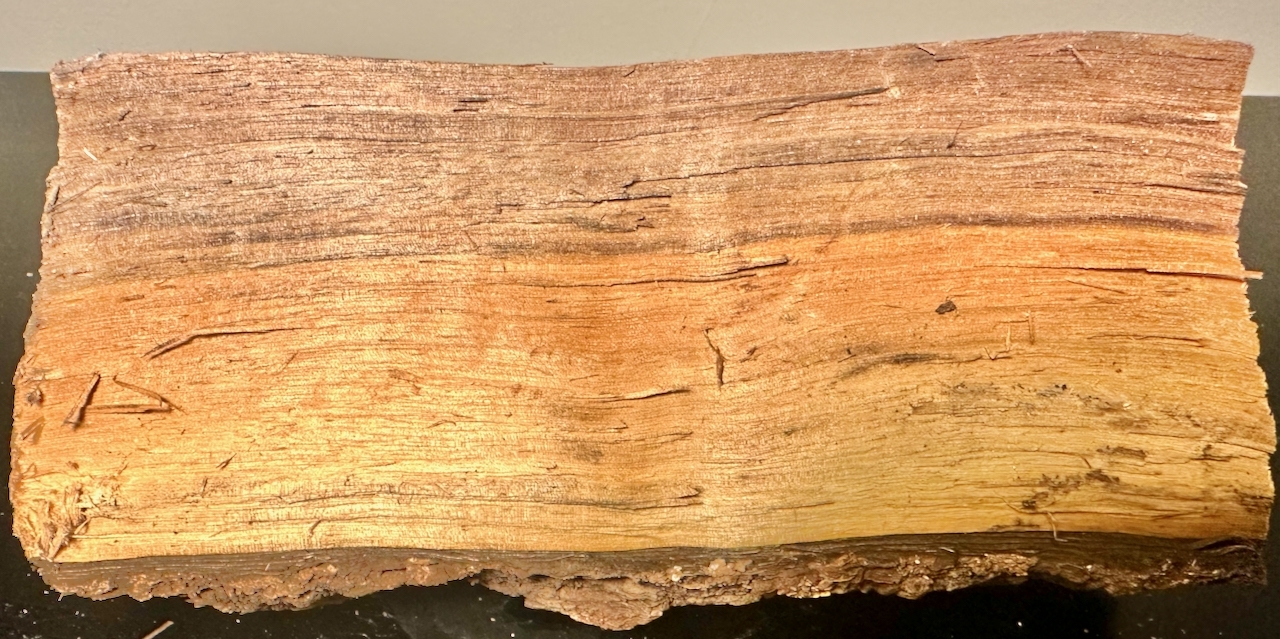
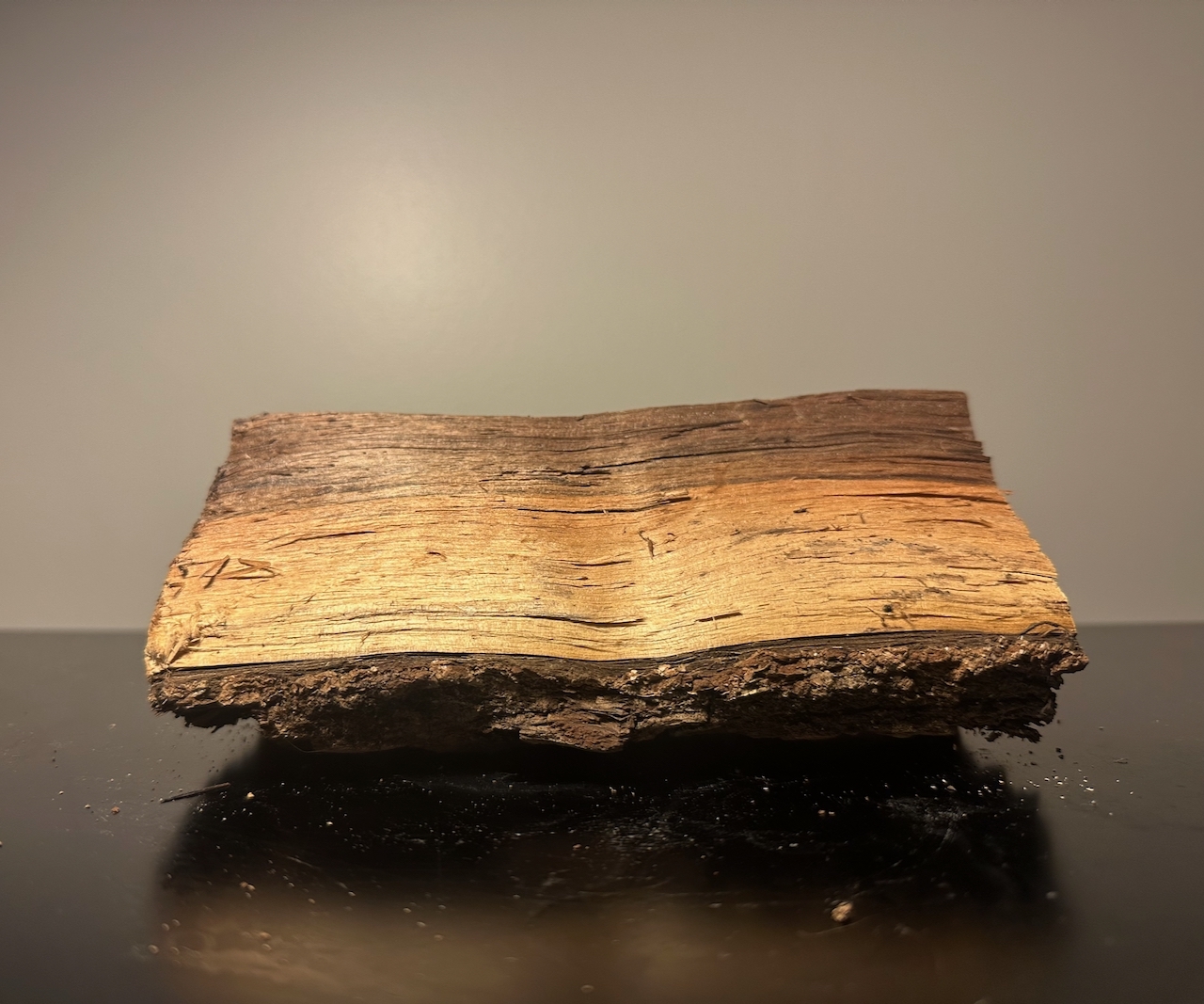
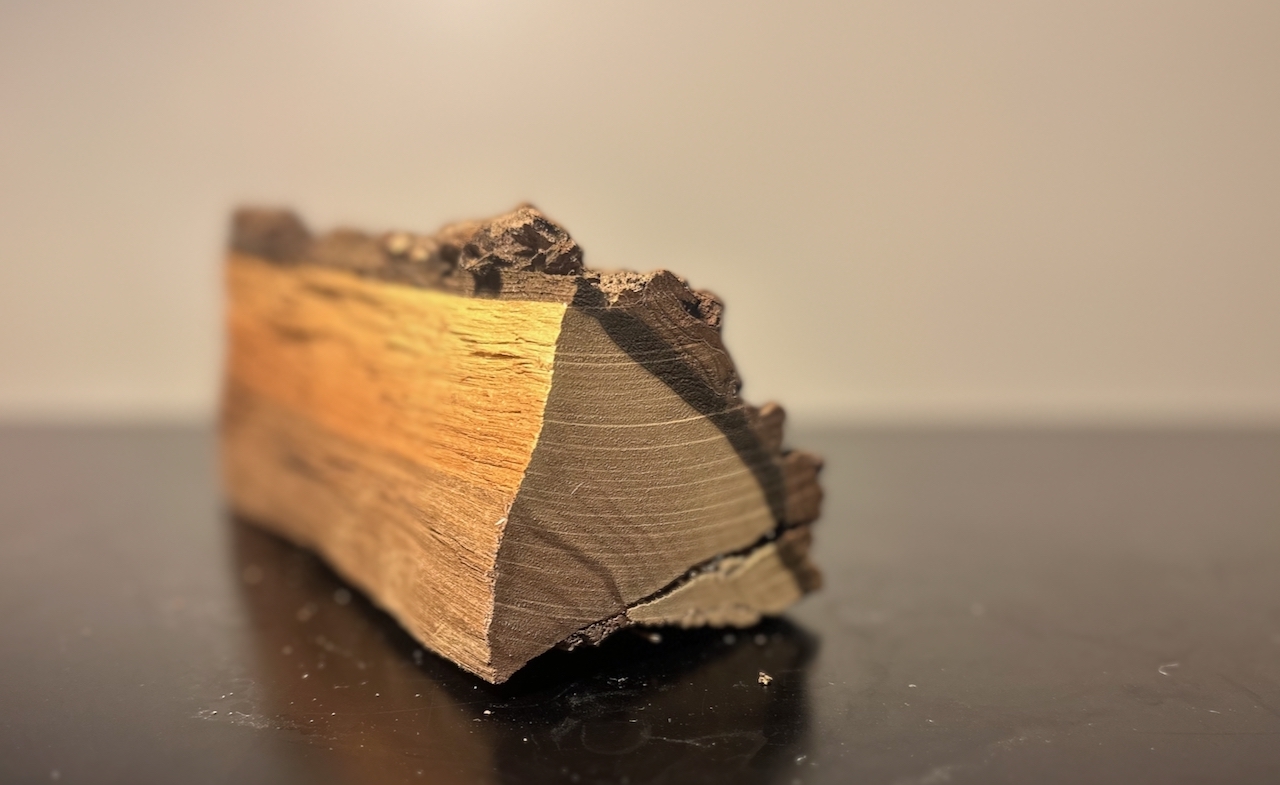
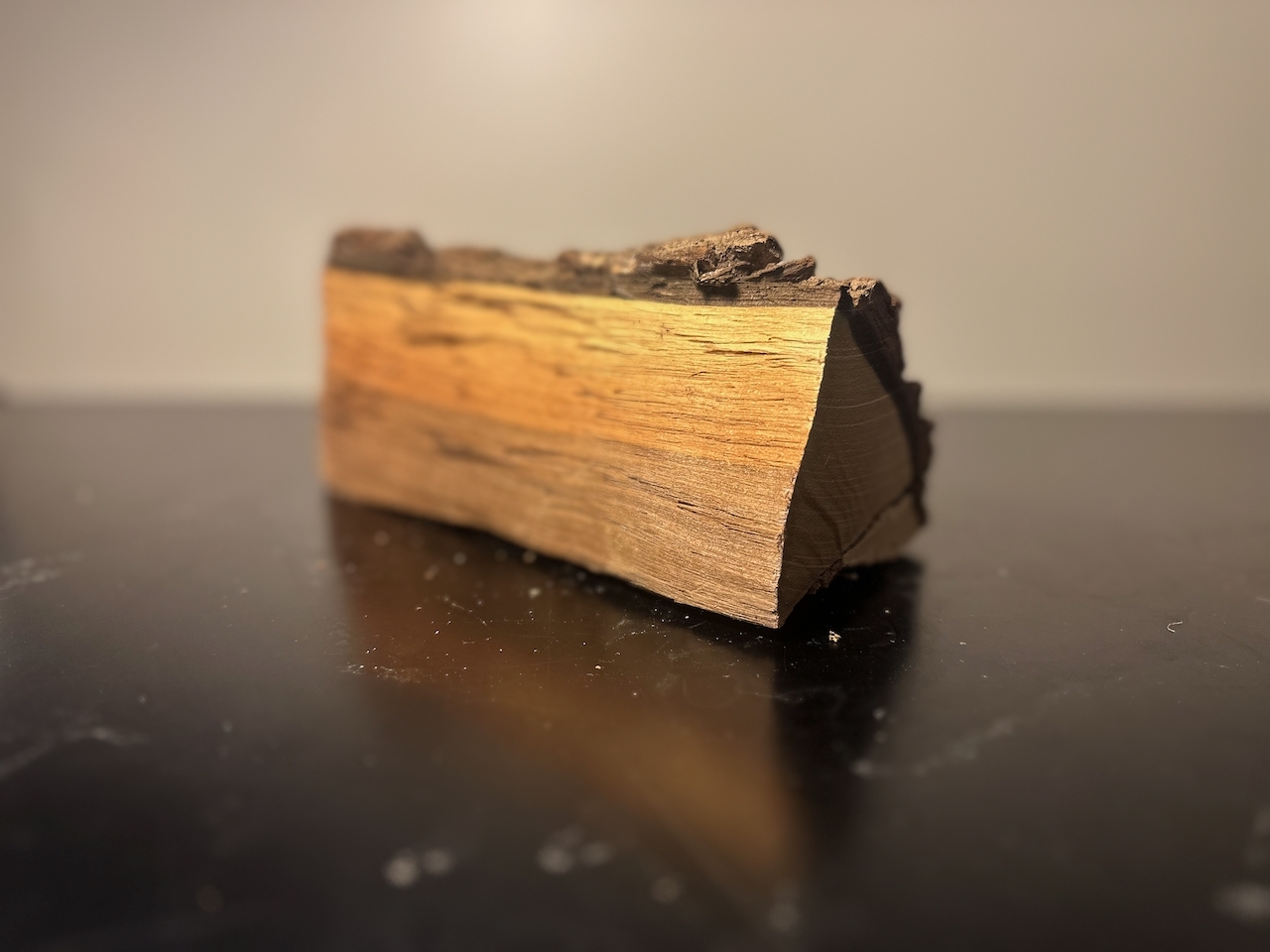
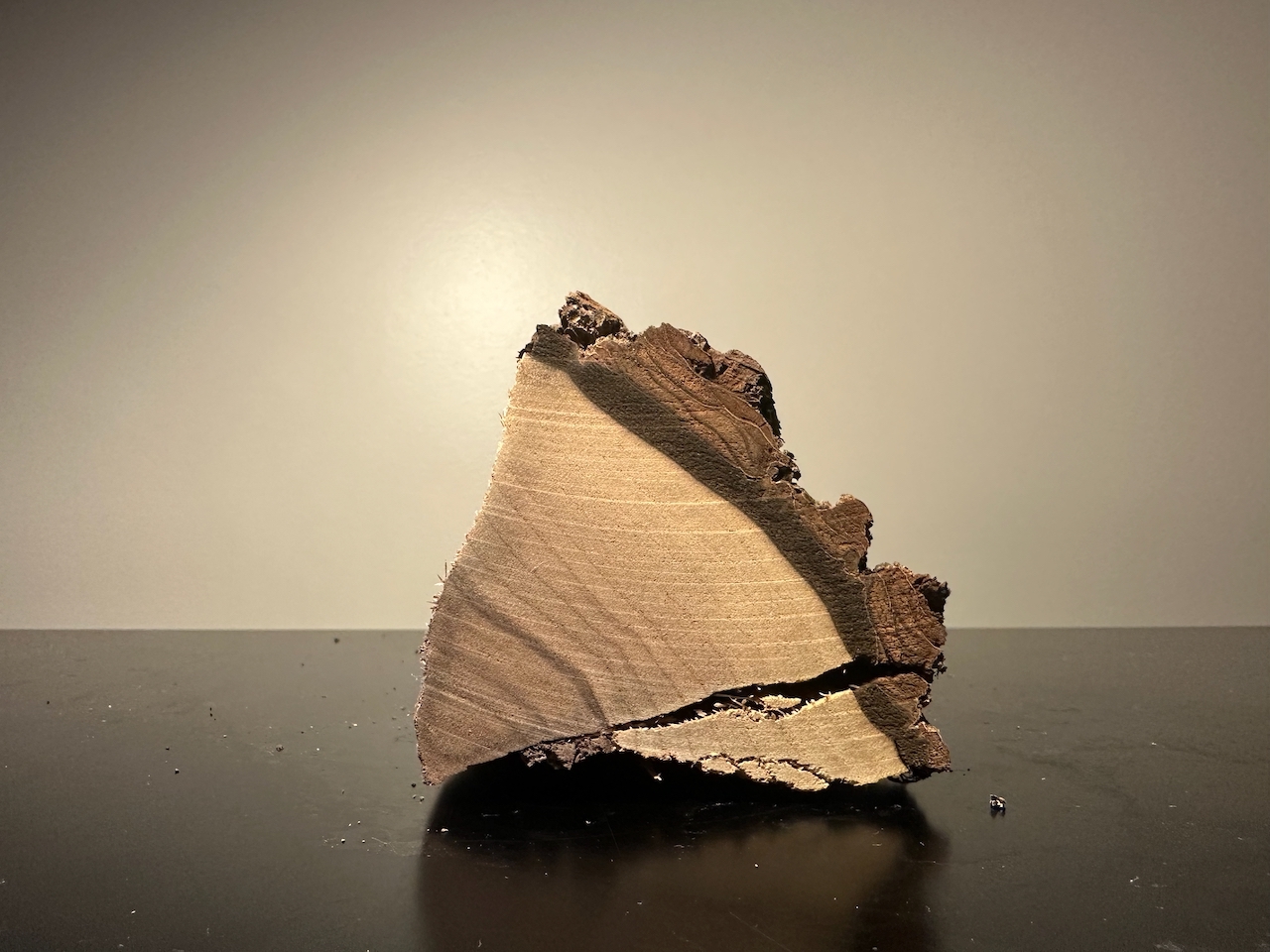
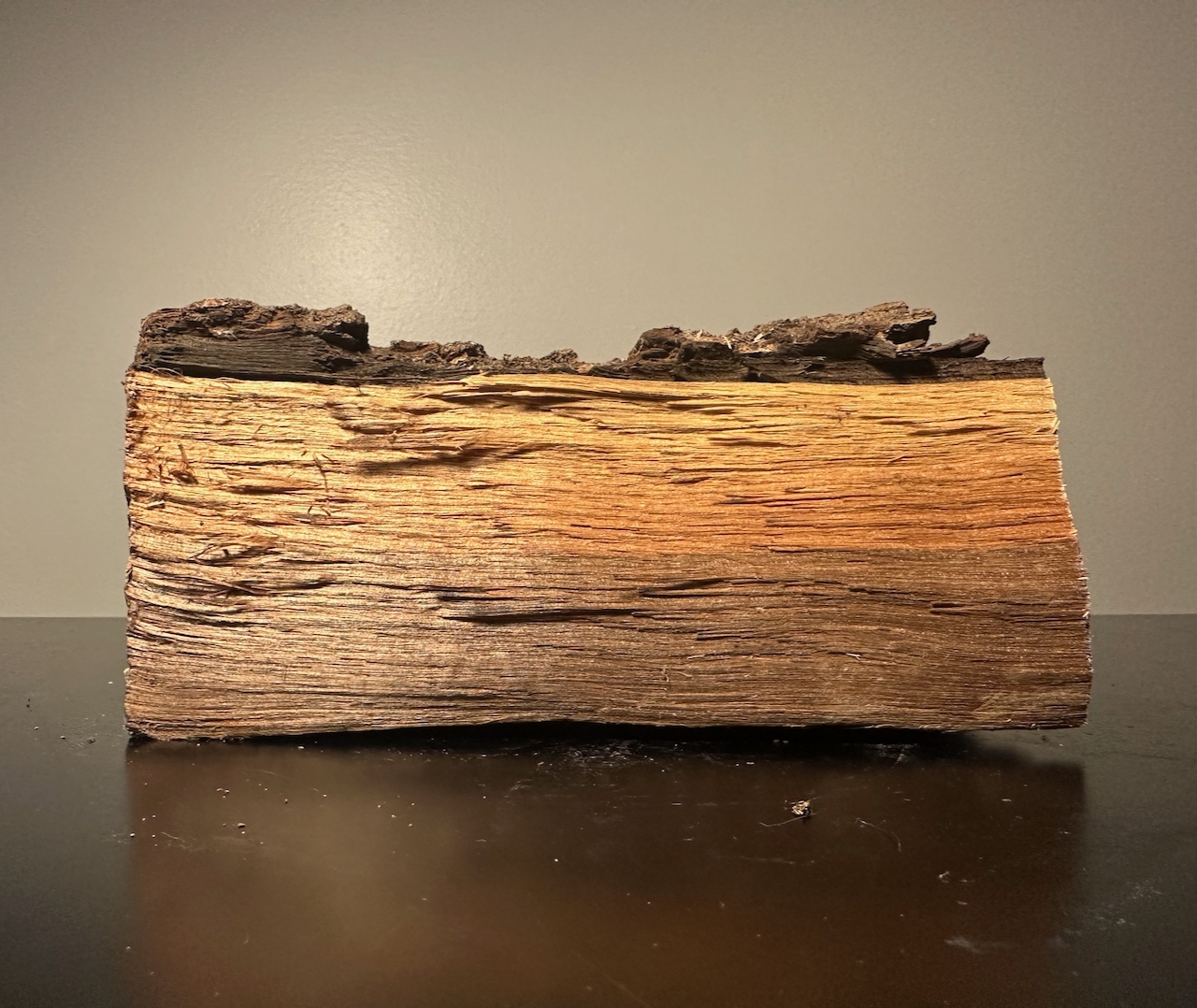
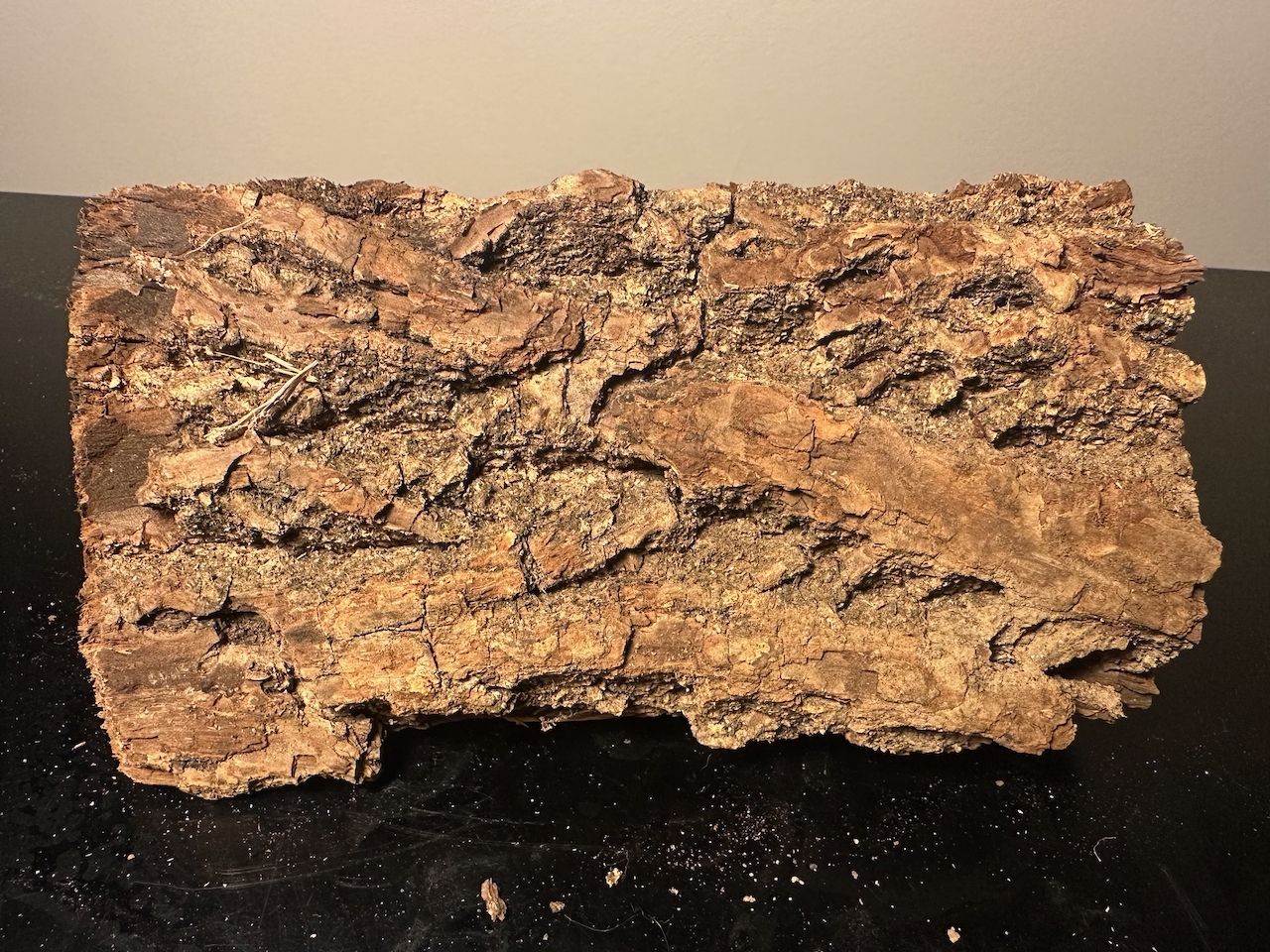
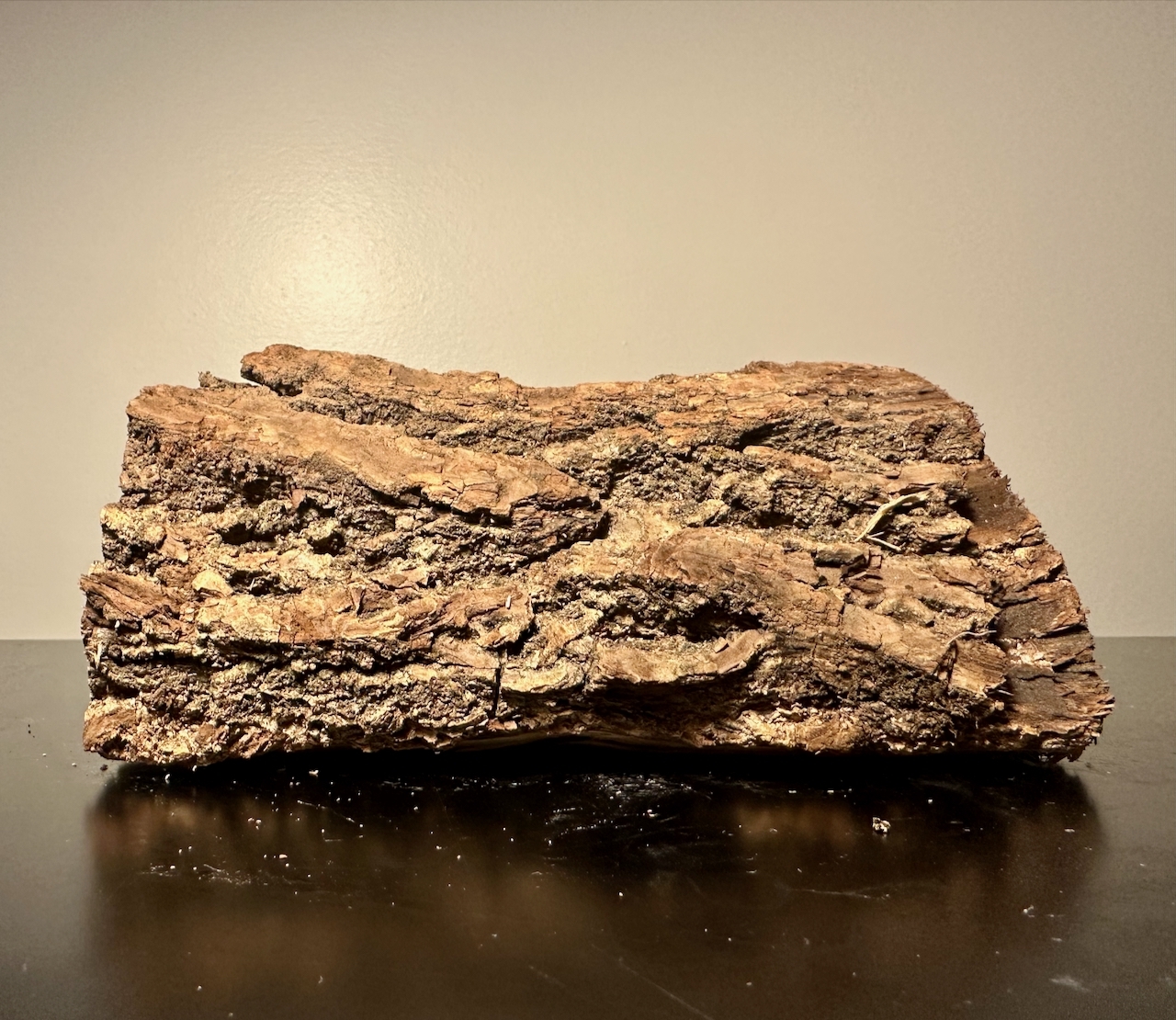
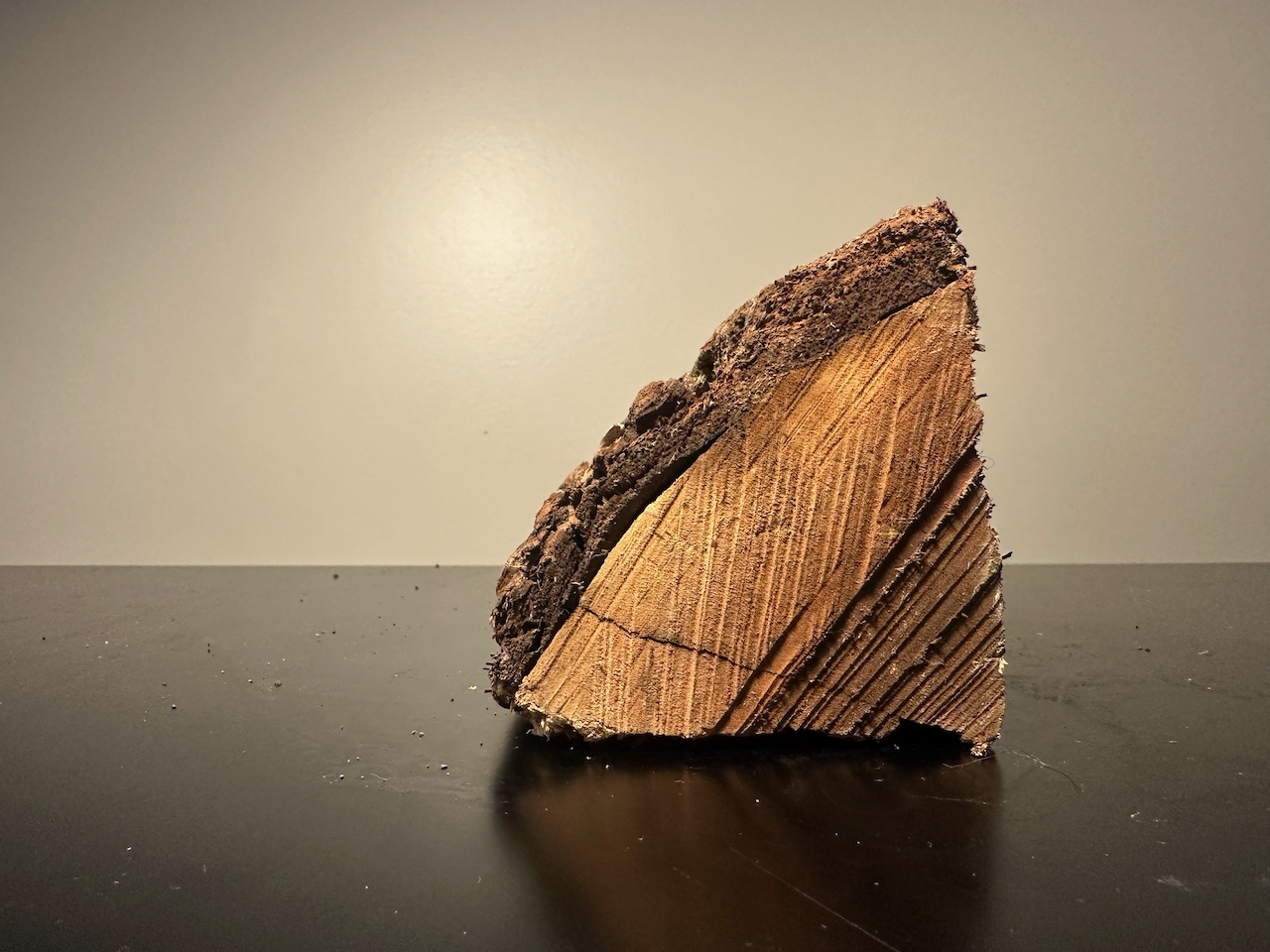
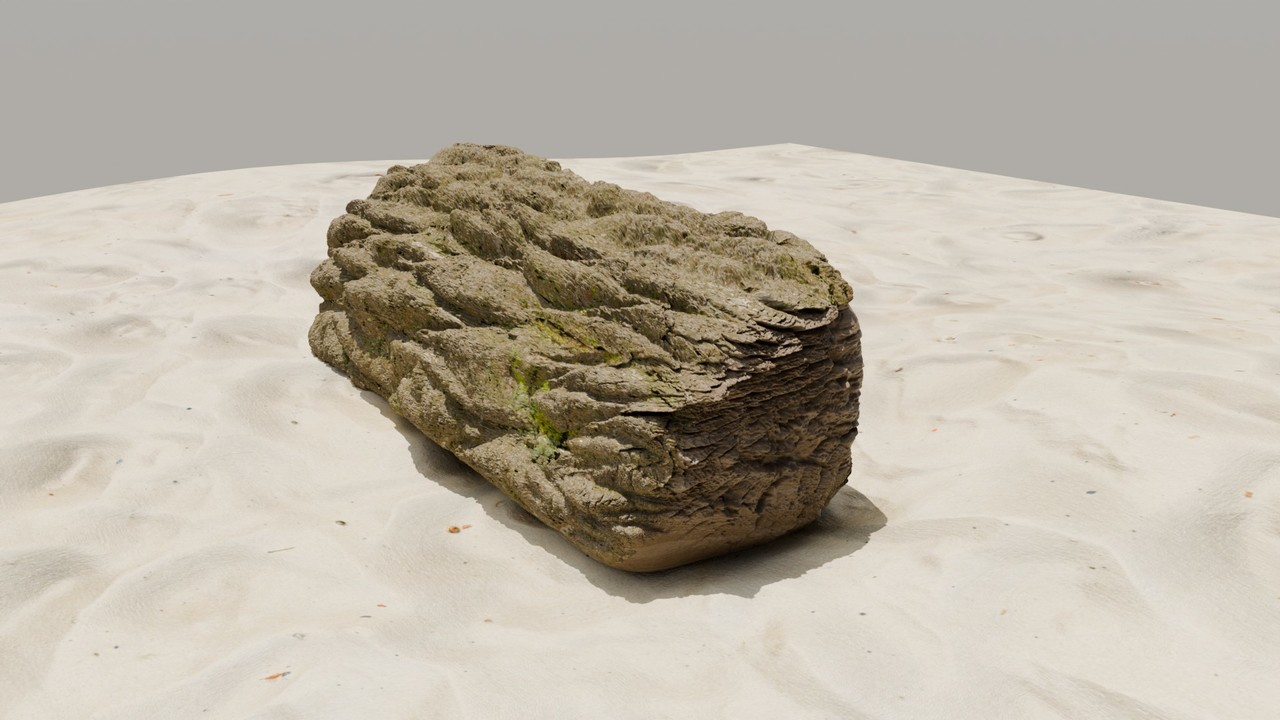
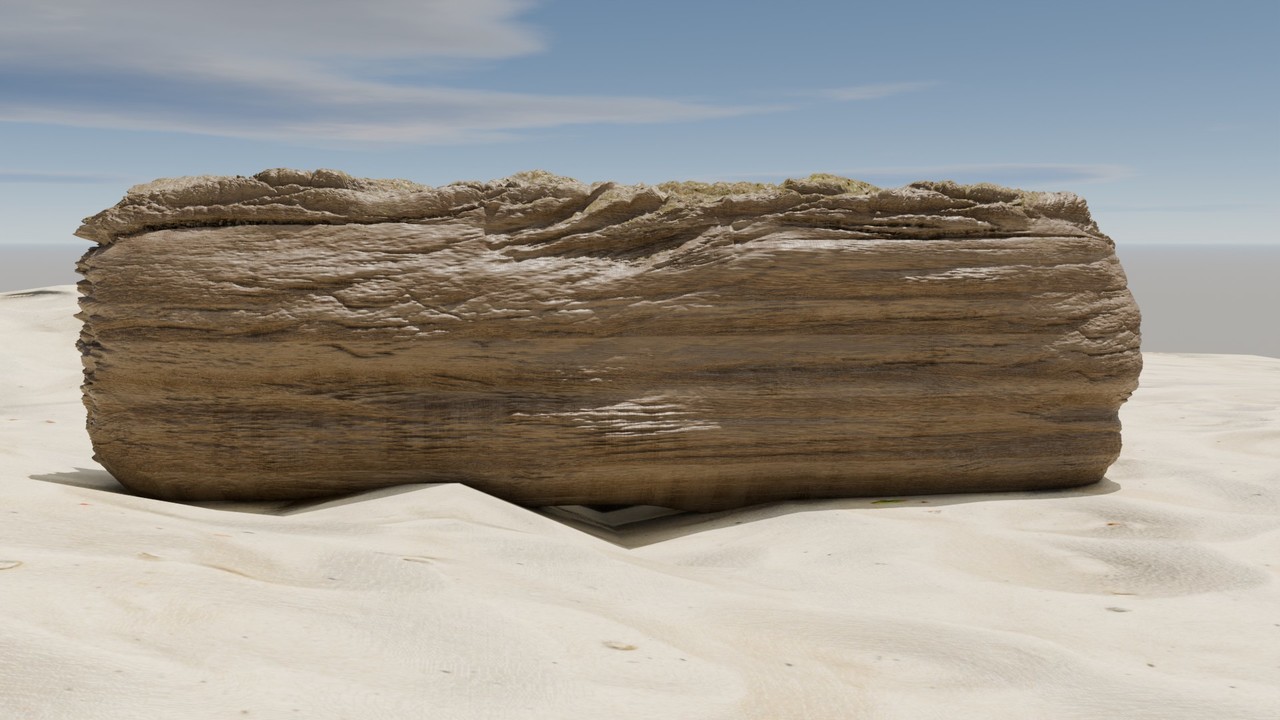
    I’m heading out early this week to spend a couple of days camping, hiking, and enjoying some campfires. In that spirit, this week’s challenge is to model a piece of firewood. 🙂

    Take a close look at the texture and break down the shapes—there’s a lot you can achieve with sculpting.

    I challenge you to create this entirely in Blender and share your results below or in the gallery! Happy Blending!

    IMG_9063.jpeg

    IMG_9064.jpeg

    IMG_9057.jpeg

    IMG_9056.jpeg

    IMG_9055.jpeg

    IMG_9049.jpeg

    IMG_9050.jpeg

    IMG_9051.jpeg

    IMG_9054.jpeg

    IMG_9061.jpeg

    IMG_9052.jpeg

    IMG_9053.jpeg

    #89268
    Martin Bergwerf
    Participant

      Oh, that one is super fun! Also quite challenging 😃

      #89269
      Omar Domenech
      Participant

        This one is pro level for sure.

        #89270
        Melanie Teeters
        Participant

          Amazing!

          #89271
          Leo
          Participant

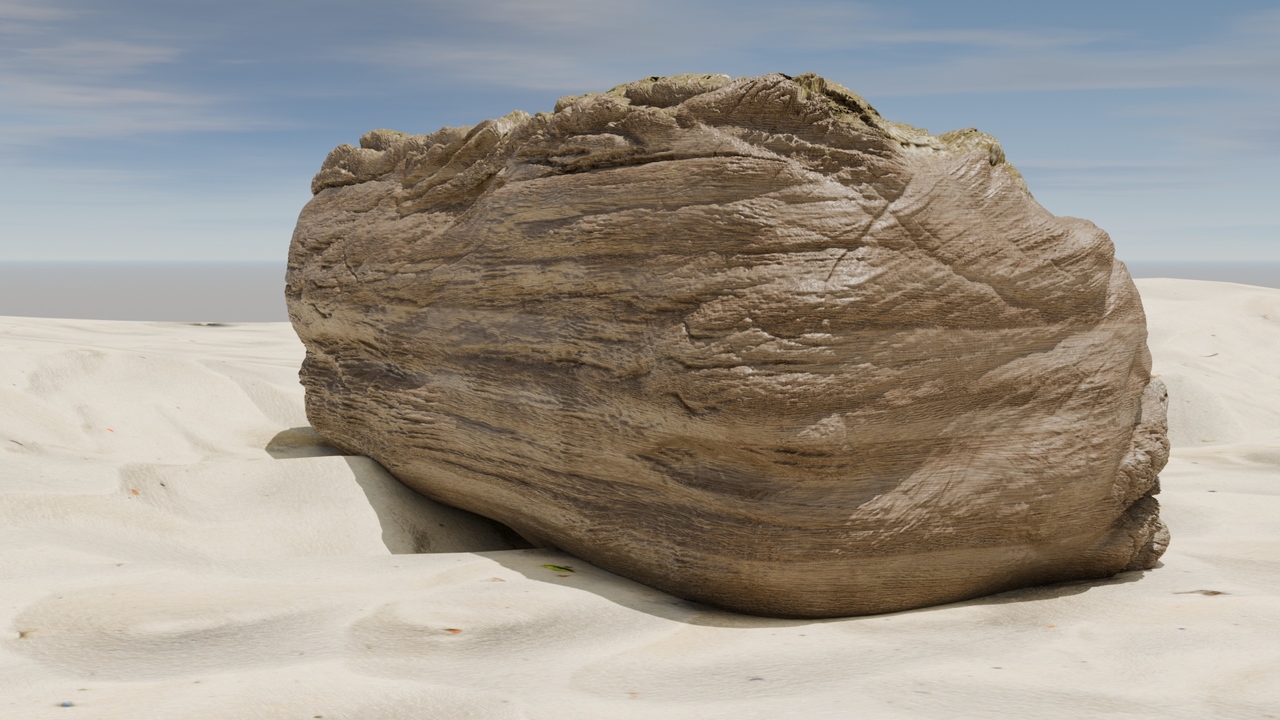
            That was just a level too high for me :). I think i made driftwood haha. 

            I’m kind of missing the crispy edges and surface and I think I need to add more details to achieve that but I’ll leave it at that for now. I wanted to continue sculpting today because I bought a graphics tablet but Blender says no. First I got an error message saying something like “Non-uniform scale issue”. I applied Scale and cleared delta but it didn’t help. Only the error message no longer appeared. When I switch from object mode to sculpt mode, the object also turns dark gray, so it changes color slightly and you can’t change anything on the object. I don’t know but maybe someone knows the problem. 

            Happy blending ♥

            treibholz.jpgtreibholz2.jpgtreibholz1.jpg

            #89272
            Martin Bergwerf
            Participant

              Hi Leo, sounds like the Object is Masked somehow. ALT+M should fix that.

              Another possibility is, that the Object is not the Selected and Active and Object and you have Fade Inactive Geometry turned on.

              But maybe it’s something else…?

              And yes, that wood is extremely difficult!

              #89273
              Omar Domenech
              Participant

                That sounds like a very weird issue. Dd you try it on a perfectly new scene? Always when there”s weird stuff like that, to troubleshoot it’s better to open a new file and begin testing stuff there, usually the problem goes away and you at least realize there is something specifically in the file and not Blender, the computer or the tablet itself.

                #89274
                Leo
                Participant

                  ALT + M was it. Thank you thank you Martin. Learned something new again

                  #89275
                  Adrian Bellworthy
                  Participant

                    Driftwood works great for a fire!

                  Viewing 9 posts - 1 through 9 (of 9 total)
                  • The topic ‘Freshly Baked Modeling Challenge 14 – Firewood’ is closed to new replies.