Pasting Reversed Keyframes

Forum Archive Pasting Reversed Keyframes

Viewing 3 posts - 1 through 3 (of 3 total)
  • Author
    Posts
  • #18180
    Nathi Tappan
    Participant

      I wonder if there’s something simple I’m missing?

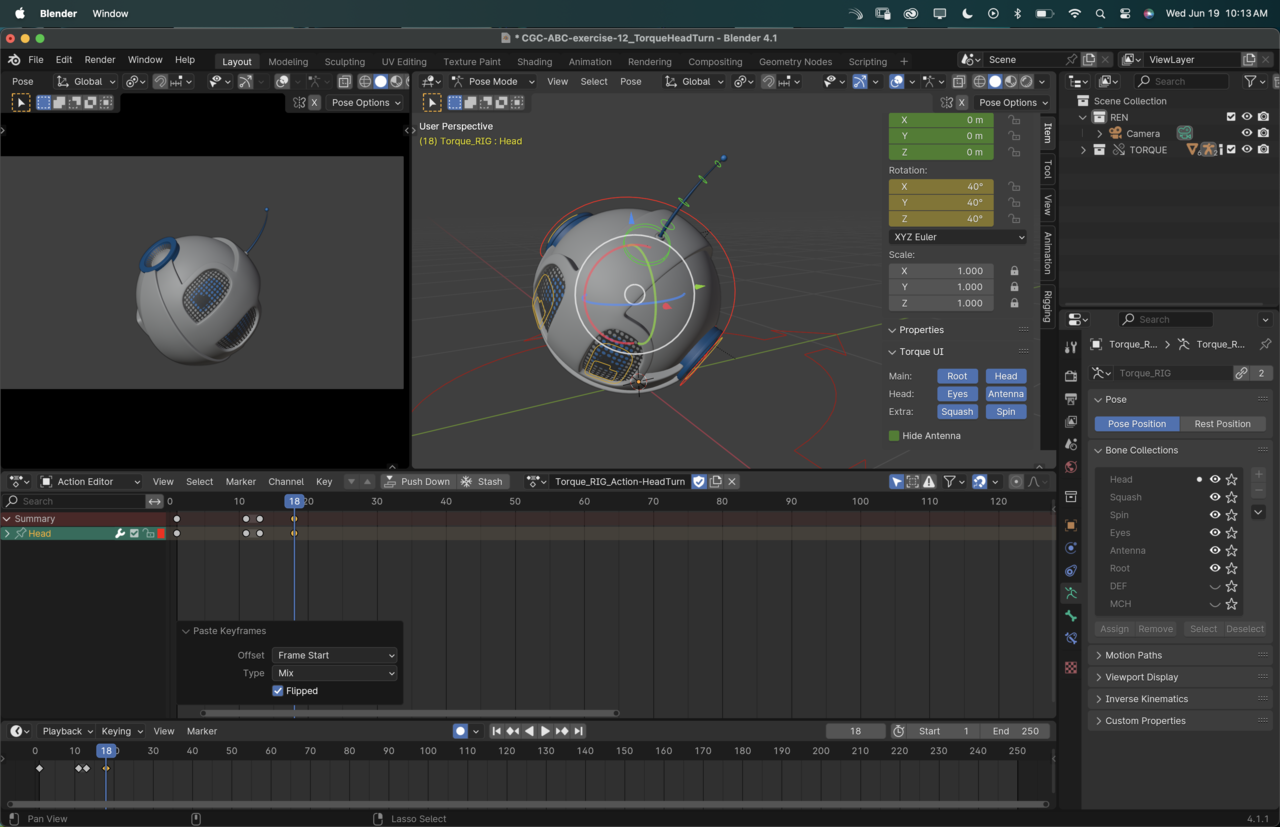
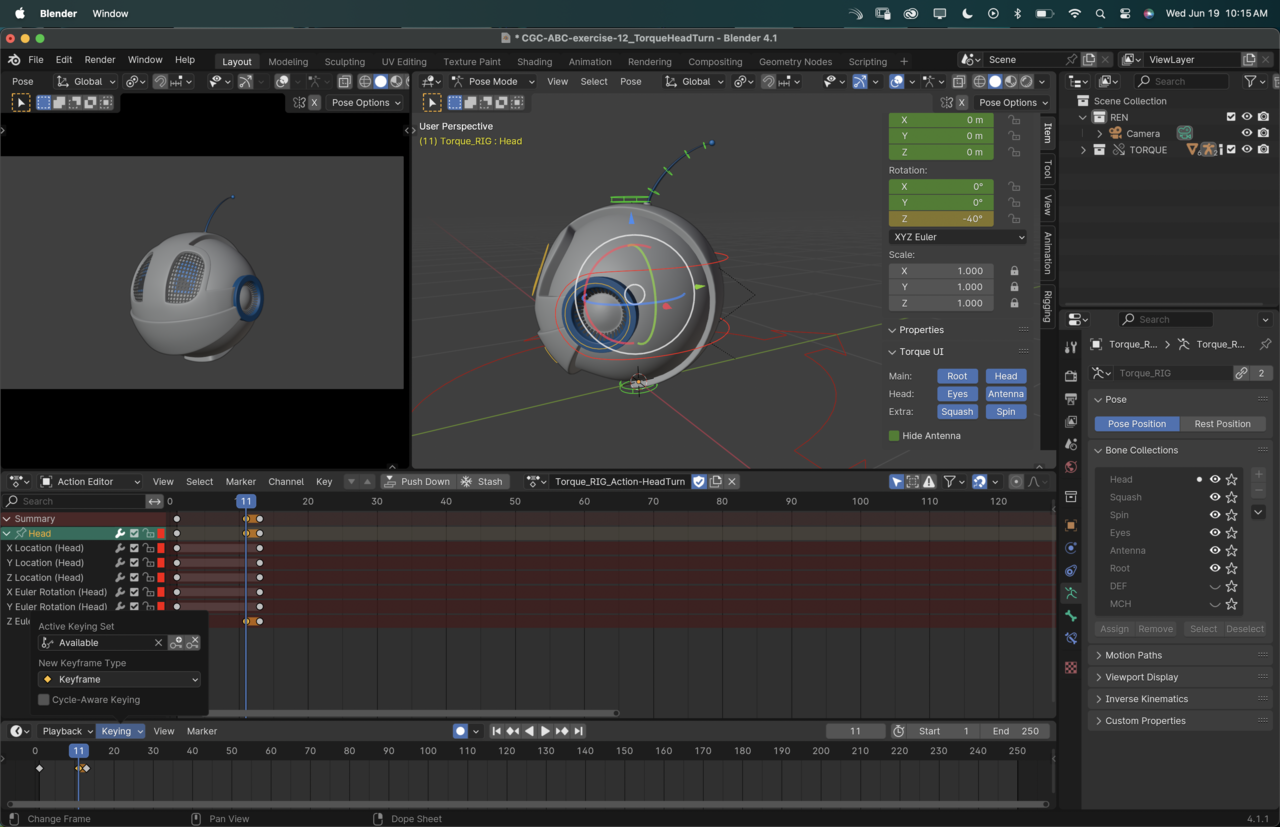
      When I paste the reversed keyframes it copies the reversed values in all rotation channels even if originally just Z rotation was changed. Trying to troubleshoot I noticed it was only adding keyframes to the one channel, even though I have available as the keying set (after setting keyframes on everything with whole character), and autokeying turned on. 

      Once I manually hit I on the rotation, all channels get keys and the reversed pasting works.

      Any idea on what I’m doing wrong?

      Here are some screenshots of my settings:
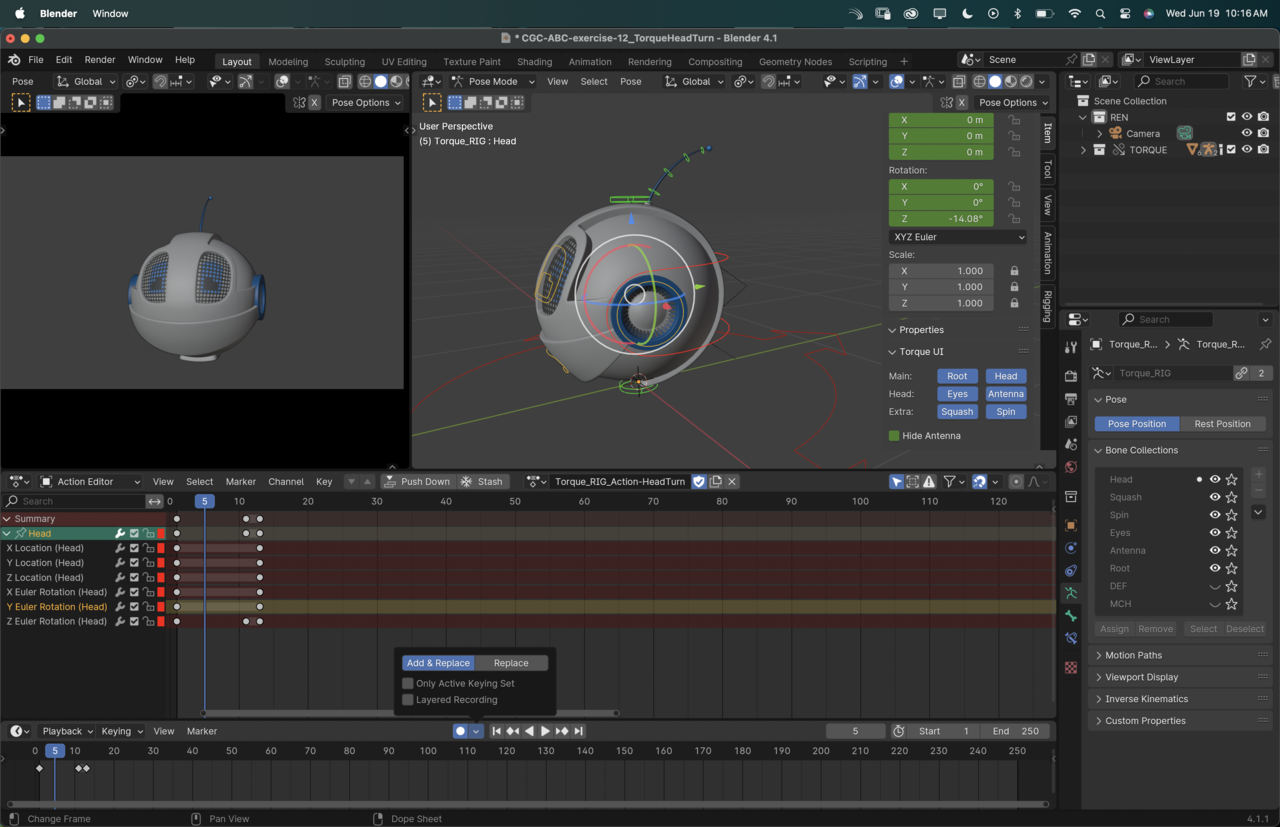
      9 at 10.16.36 AM.png

      9 at 10.13.00 AM.png

      9 at 10.15.55 AM.png

      #86906
      Martin Bergwerf
      Participant

        Hi Nathi,

        I am not sure, but that might be because of changed behavior in 4.1

        Here’s a link, that also contains a link to a YT video:

        https://developer.blender.org/docs/release_notes/4.1/animation_rigging/

        #86907
        Nathi Tappan
        Participant

          Yep, that explains it… it’s the new behavior. I kinda like it now that I know to expect it… so if intend to flip the keys I should actively hit I instead of only relying on the autokeying. 

          Thanks Martin!

        Viewing 3 posts - 1 through 3 (of 3 total)
        • The topic ‘Pasting Reversed Keyframes’ is closed to new replies.