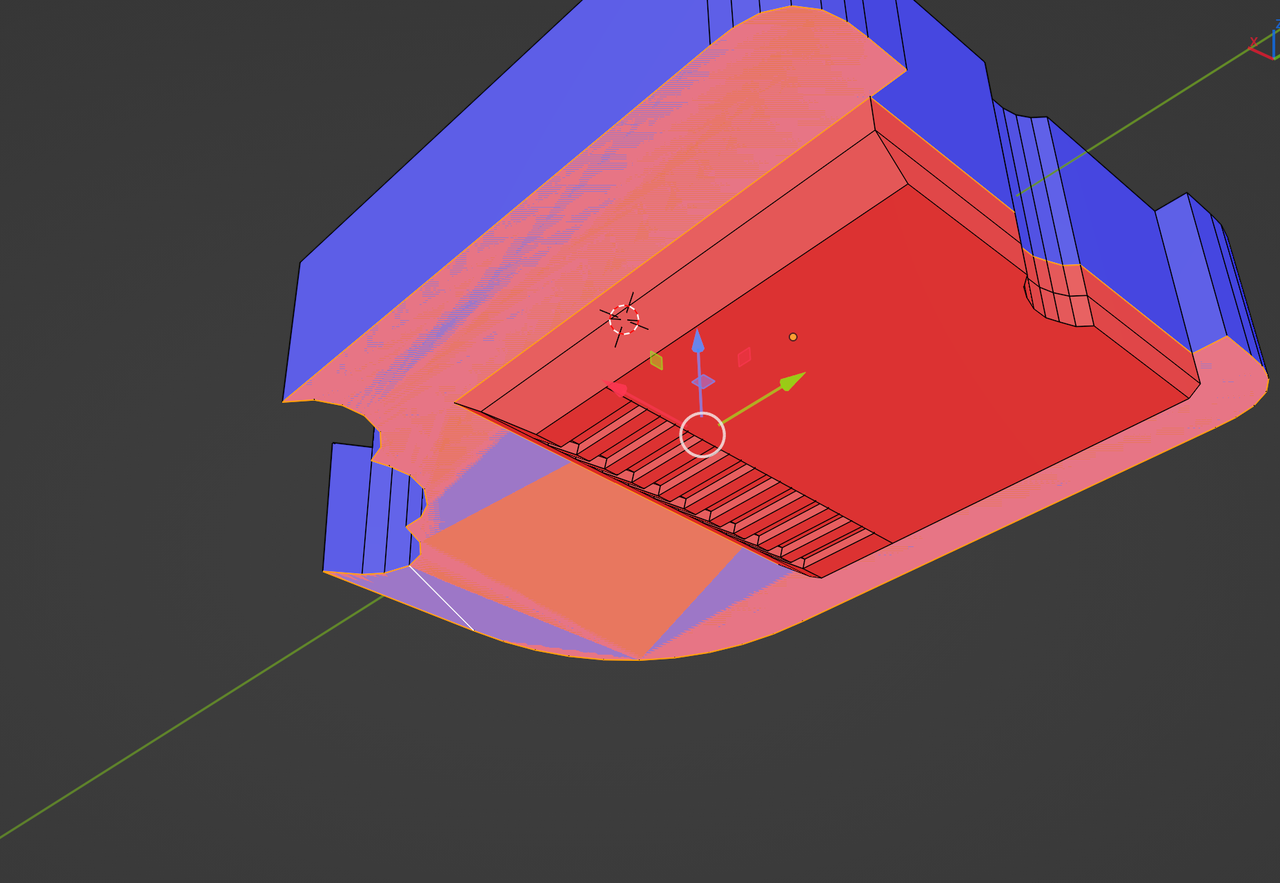
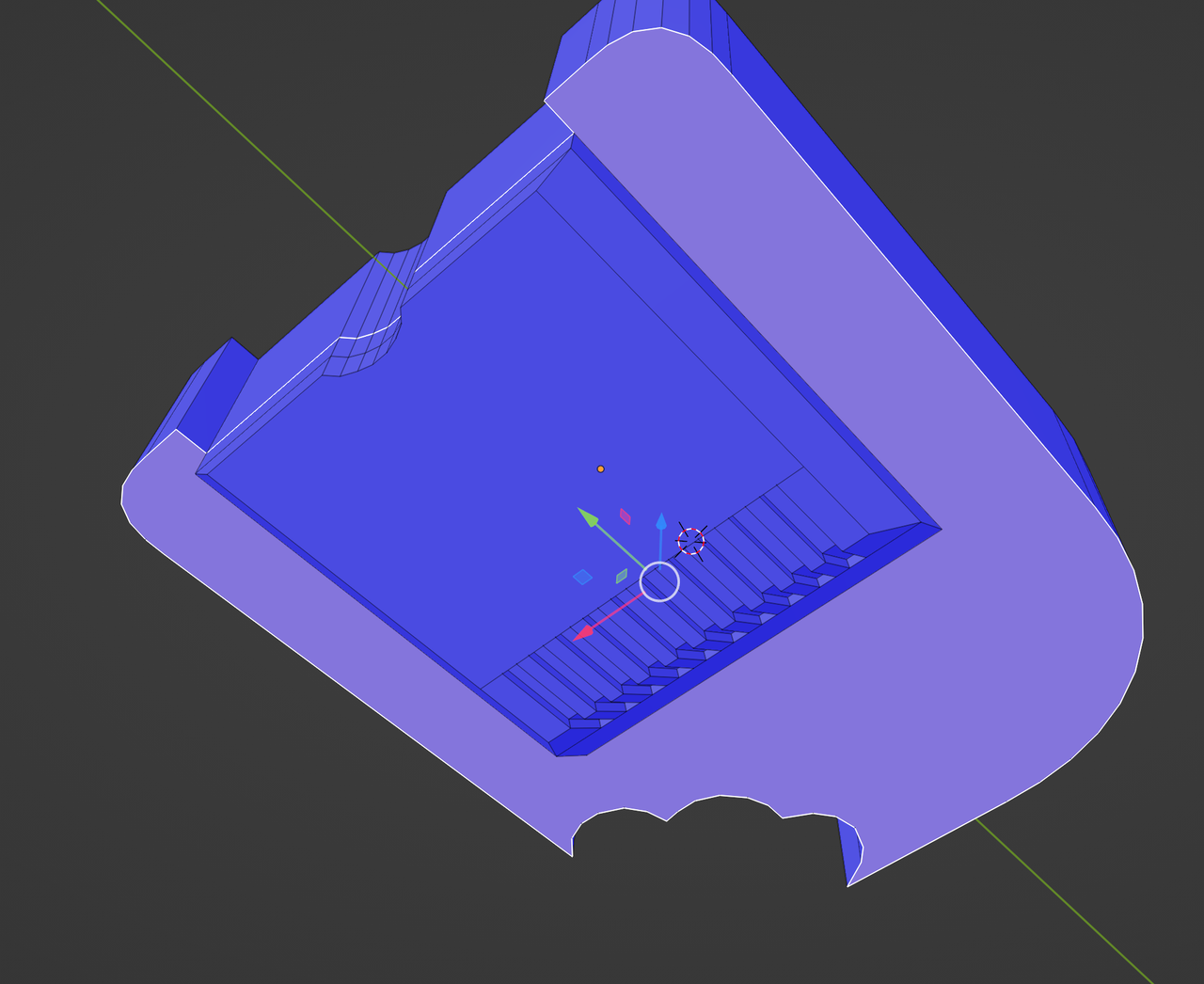
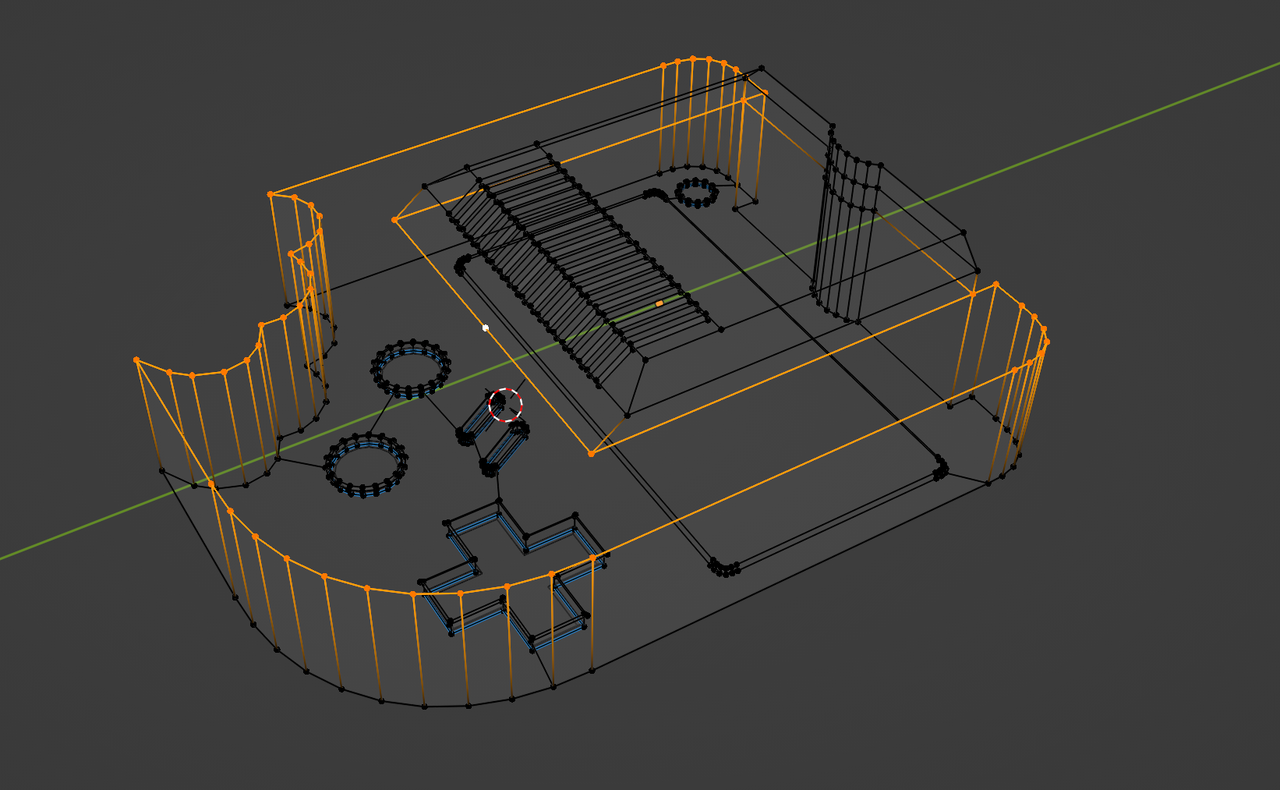
What is going on? Inset Issue on making cartridge slot.

Forum Archive What is going on? Inset Issue on making cartridge slot.

Viewing 10 posts - 1 through 10 (of 10 total)
  • Author
    Posts
  • #17267
    Johnathan Tyler
    Participant

      Can anyone tell me what is going on? Wacky stuff. I’ve tried merging the vertices that aren’t getting selected, they’re the only ones there. 

      #83104
      Martin Bergwerf
      Participant

        Hi Johnathan,

        I don’t really understand your question, but you seem to have double Vertices: Select everything (with ‘A’) and then M > Merge > By Distance (make sure the Threshold isn’t too large (or too small)). Followed by (with everything still Selected)  SHIFT+N, to fix possible inconsistent Normals.

        Please ask again, if that doesn’t fix your issue.

        #83105
        Johnathan Tyler
        Participant

          That’s my issue, I’ve already merged vertices and this is still going on, and for some reason at the beginning one side worked but then stopped working correctly. You could see if it happens for you if you’d like. https://drive.google.com/file/d/1XMkrKuo1469qGju5fK98tHC0ZodOu31N/view?usp=sharing

          #83106
          Martin Bergwerf
          Participant

            Hi Jonathan,

            You have a few problems. First let’s do some clean up: you need to fix the overlapping Faces (a leftover from your earlier Inset with the wrong Selection, I guess):

            Inset Problem.png

            That is one large Face and two smaller ones. get rid of the smaller ones..if it is difficult to only Select the two smaller ones, just Delete all three and the re-fill the bottom with one Face.

            Make sure, that the large Face is not like this:

            Inset Problem_01.png

            But Fill it with this Selection:

            Inset Problem_02.png

            Then Merge By Distance and lastly fix the Normals.

            #83107
            Omar Domenech
            Participant

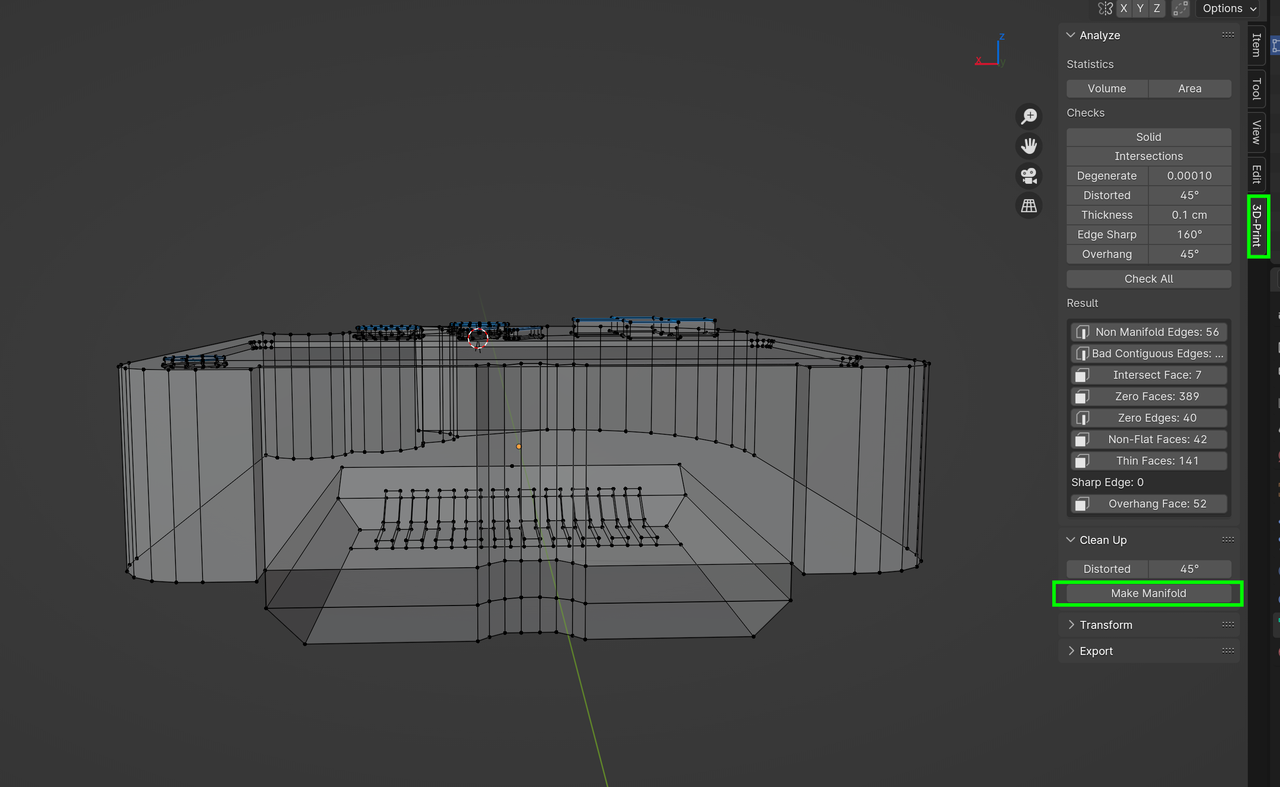
              And my favorite thing right now, you can use 3D Print Toolbox addon which can make mesh checks for you, super useful.

              #83108
              Martin Bergwerf
              Participant

                If you use the 3D Print Toolbox Addon, you can simple press Make Manifold and it will fix your Mesh:

                Manifold.png

                But I think it’s a good idea, to try and solve the problems yourself first…

                #83109
                Johnathan Tyler
                Participant

                  Thank you guys, I didn’t even consider overlapping faces as an issue. I’ll def try fixing it myself but also look into the 3D print toolbox. 

                  #83110
                  Johnathan Tyler
                  Participant

                    Fixed the faces causing this issue and my inset issue. Then, I ran into more and used the 3D toolbox which modified over 40 faces and edges, and some vertices too. I am not sure what I’m doing to make so many duplicates but I would be super frustrated trying to learn how to solve it all now so this 3d tool kit is super useful. 

                    #83111
                    Martin Bergwerf
                    Participant

                      But be careful Johnathan,

                      It doesn’t always do what you want. You’ll have some requirements for 3D Printing, that you do not need for your model.

                      For instance, your model doesn’t always need to be manifold…a Plane (Primitive) is non-manifold and running the Make Manifold command, will make the Geometry disappear….sometimes it ‘fixes’ too much and sometimes not enough.

                      In your case it seems to have done really well, but it’s not always a simple one-click solution for all your Mesh problems.

                      #83112
                      Omar Domenech
                      Participant

                        Yes as Martin says, I would use it to search for mesh problems, just so it highlights them in case I made a mistake so I myself can go in and fix them. But the fixing it by itself button is kinda tricky and dangerous. 

                      Viewing 10 posts - 1 through 10 (of 10 total)
                      • The topic ‘What is going on? Inset Issue on making cartridge slot.’ is closed to new replies.