Specific edges are not beveling

Forum Archive Specific edges are not beveling

Viewing 4 posts - 1 through 4 (of 4 total)
  • Author
    Posts
  • #17052
    Drew Lunsford
    Participant

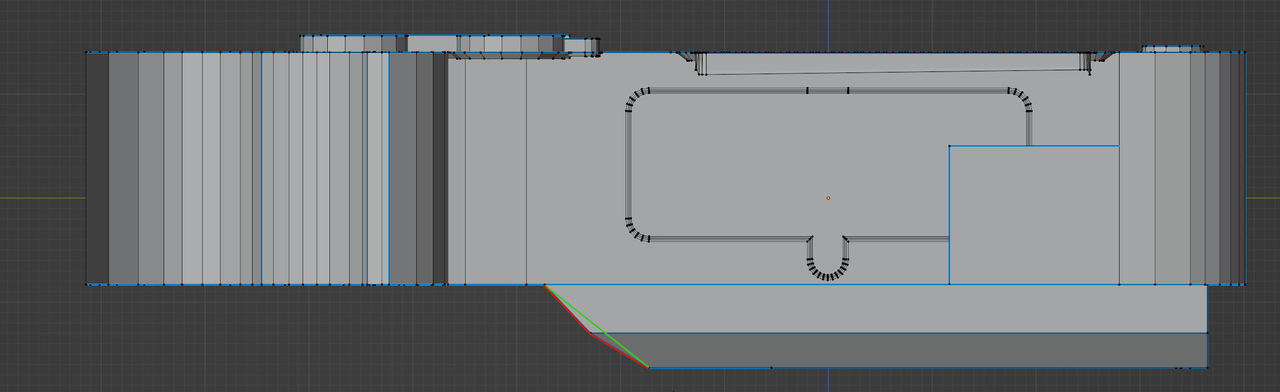
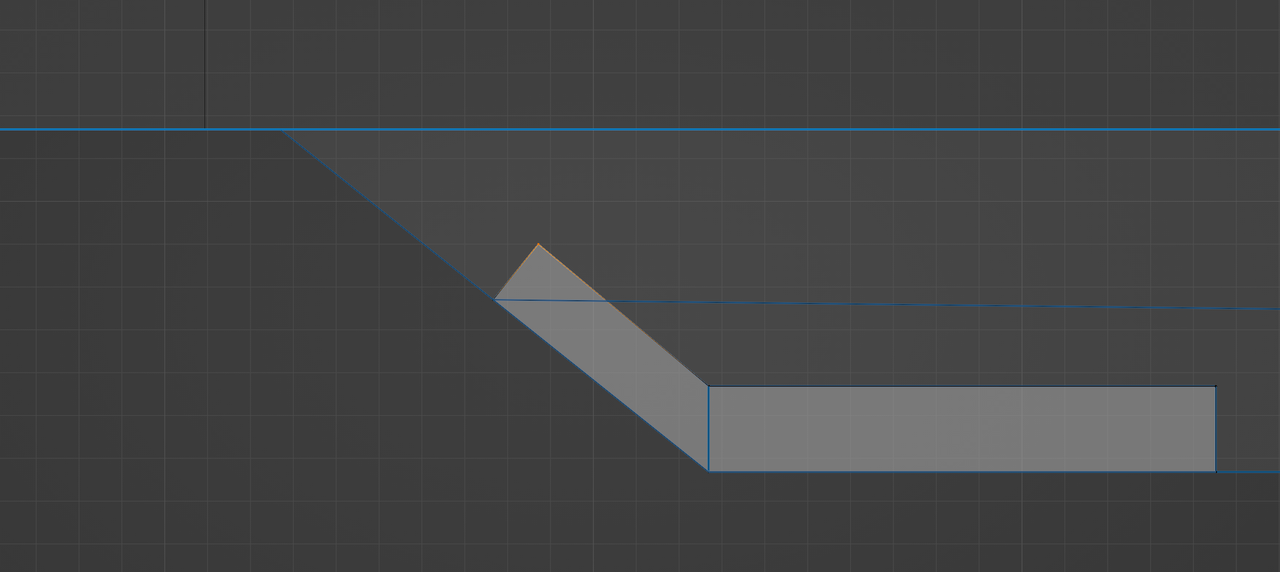
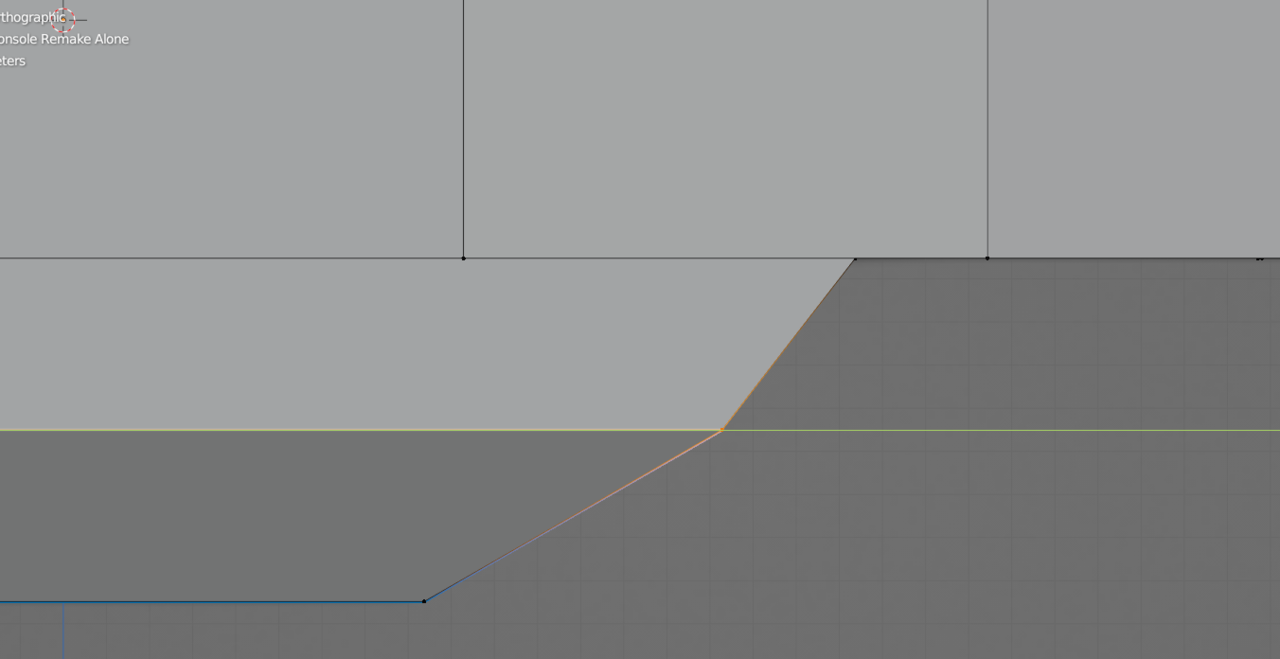
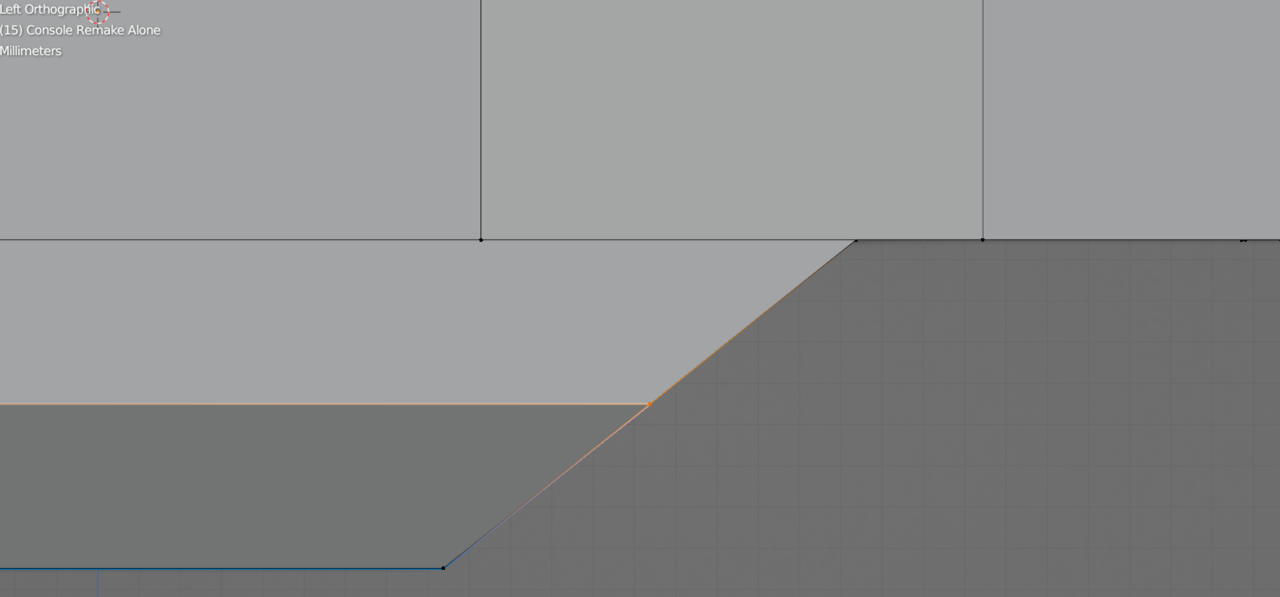
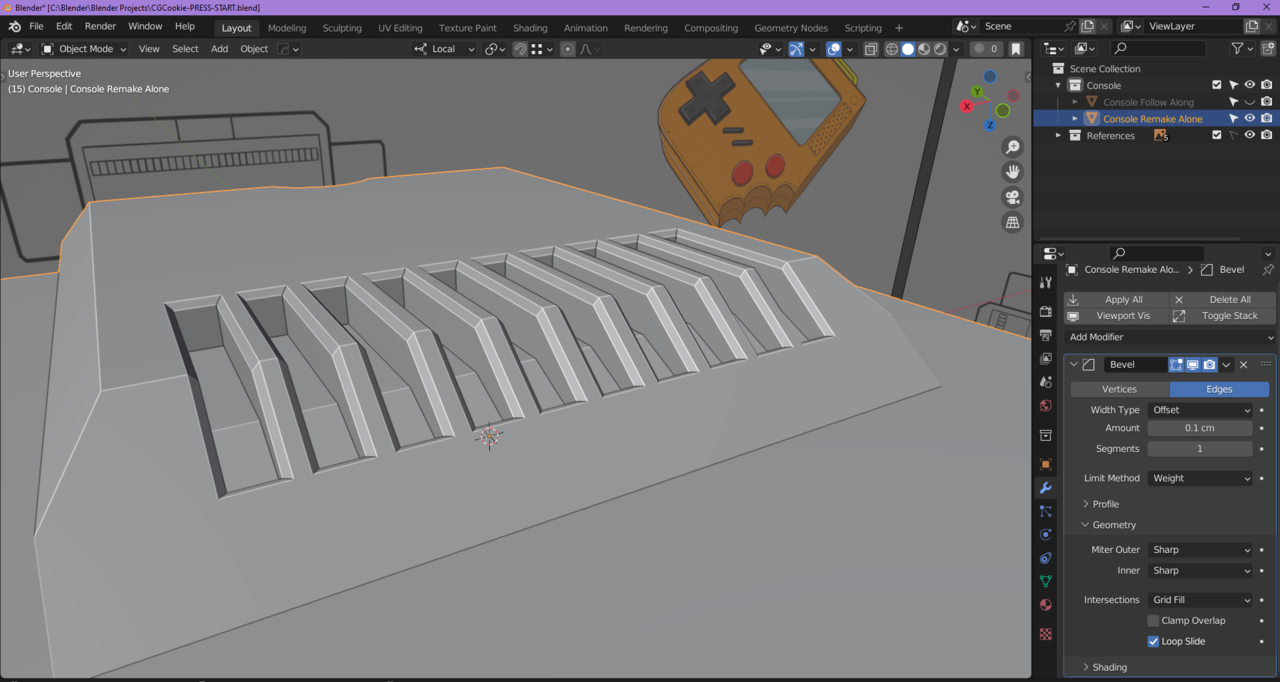
      Hello, I’ve been trying to get this bevel to work, I was having some problems with the surrounding edges and ended up fixing those, but now the top and bottom edges won’t bevel using the modifier. I tested manually beveling (4th image) and it looks all sorts of messed up. I’m not sure where to go from here.

      Image 1

      Image 2

      Image 3

      Image 4

      I’ve tried removing doubles, turning off Clamp Overlap, recalculating normals, and I applied scale (all things listed in other posts).

      I appreciate your time, thanks 🙂

      #82061
      Dwayne Savage
      Participant

        Based off of image number 4 I’d say you have some vertices along those edges. Thus some kind of n-gon. 

        #82062
        Martin Bergwerf
        Participant

          HI Drew @midnightdoesart ,

          You also (in addition to those extra Vertices) might have something like this (red angle, should be straight like the green line):
          Angle_fix.png

          This is more or less how it should be:

          Fix_07.png

          It is possible to fix this, but not straightforward and it is probably better to redo that part…

          If this is not it, maybe you can upload your .blend to Dropbox, Googledrive, or so and post a link here.

          #82063
          Drew Lunsford
          Participant

            Thank you so much for your replies! It’s working perfectly now.

            It turned out it was just that angle needing to be straightened out.

            Unaligned.png

            Aligned.png

            I turned off auto merge and slid the outermost vert (if you select all of them edge slide gets all wonky) up and then turned on increment snapping in order to get it lined up in the center. And then I just made sure everything else was aligned by scaling to 0 on their respective axes or by using vertex snapping.

            Fixed.png

          Viewing 4 posts - 1 through 4 (of 4 total)
          • The topic ‘Specific edges are not beveling’ is closed to new replies.