Error Submit Assignment

Forum Archive Error Submit Assignment

Viewing 13 posts - 1 through 13 (of 13 total)
  • Author
    Posts
  • #16890

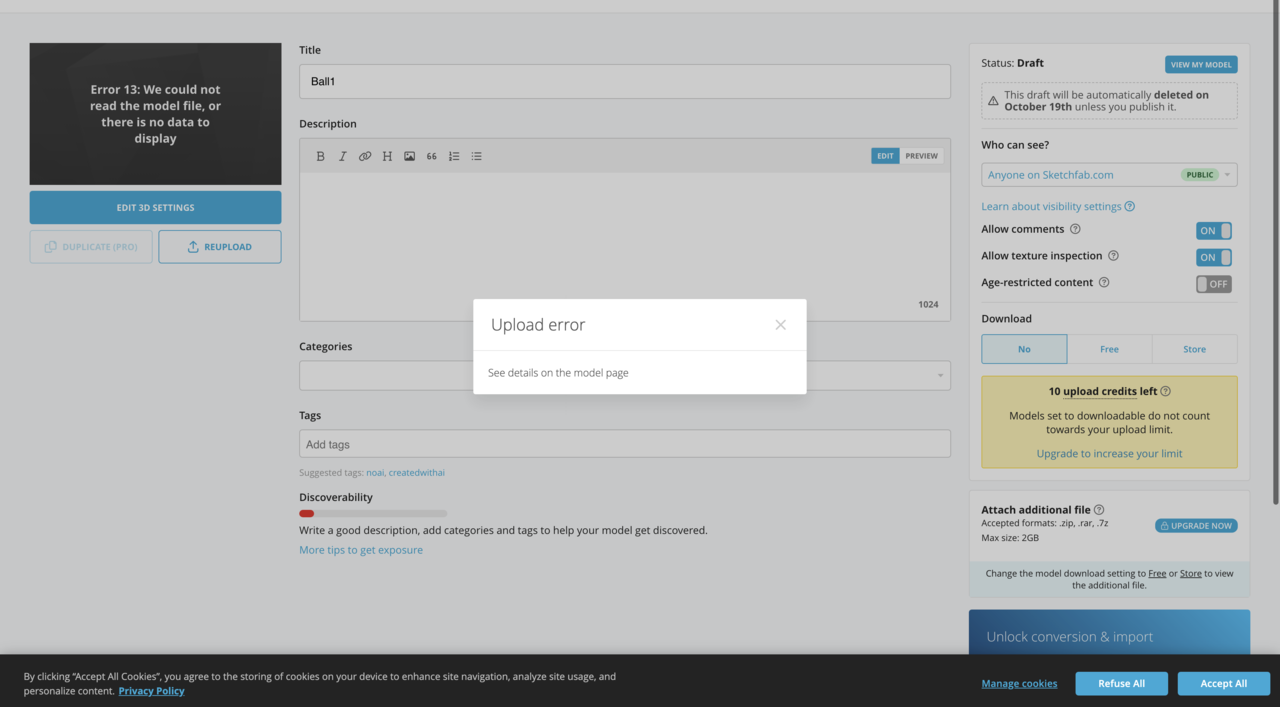
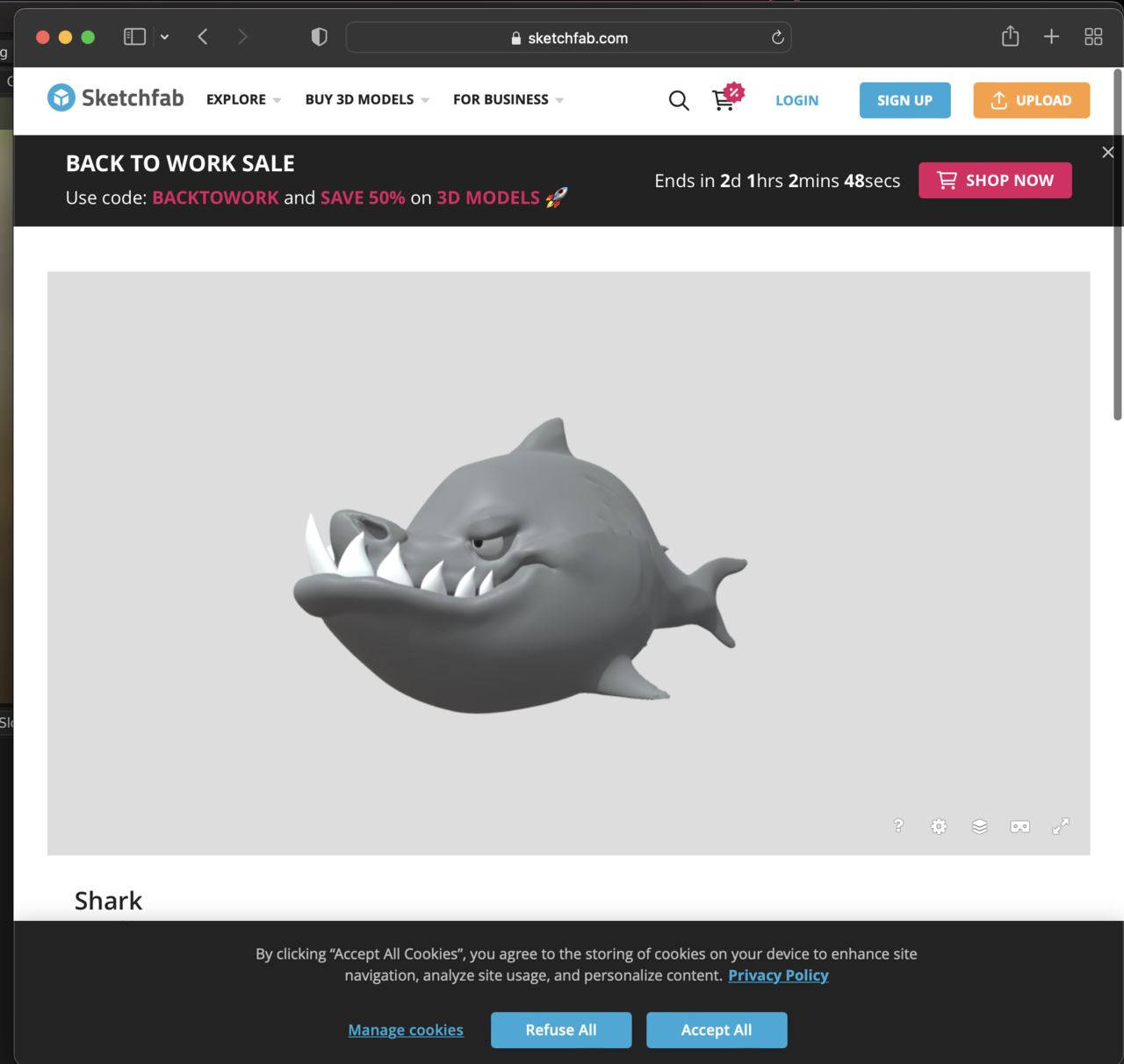
    I try to submit shark assignment in sketchfab, I try several file family however, it always come up with error 13: We couldn’t read model file, or there is no data to display. Please help

    #81280

    I did try follow the instruction from https://www.youtube.com/watch?v=VWjYbb8t7Iw by baking the object first but it still got error 13, I try blend and and fbx and all still error 13

    #81281

    9-20 at 02.38.04.png9-20 at 02.38.37.png

    #81282

    9-20 at 02.38.57.png

    #81283

    I try to Upload Simply Cube with no Texture just Shift + A and cube still can’t upload

    #81284
    Martin Bergwerf
    Participant

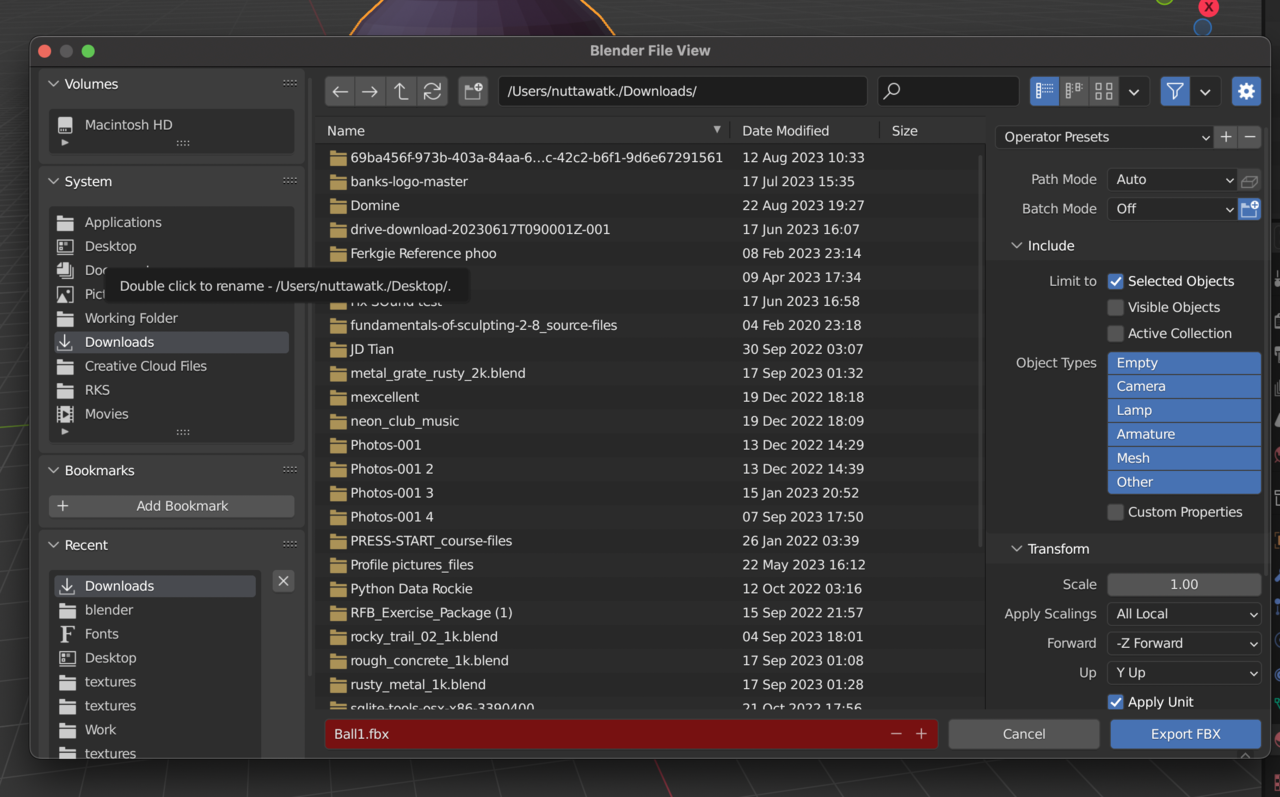
      Well, the fact that Ball1.fbx is highlighted red is highly suspicious…

      It’s also not in your Downloads…

      I’ll watch that YT link tomorrow, maybe that will clear things up for me.

      #81285
      Omar Domenech
      Participant

        Here’s the link again:

        Codes Sketchfab

        Here’s what they say about that error:

        Error 13 Invalid Data: We could not find any file to process. It could be a format we don’t recognize, or a file format version we don’t support (e.g. old versions of COLLADA).

        Go into the link where they offer solutions. Since the issue is on the side of Sketchfab, maybe you could contact them and hopefully hand you a better solution. 

        #81286

        I followed the link and followed every step:

        1. Install Sketchfap add-on in the blender

        2. Export from the [N] tab log into the account, and Export directly to Sketch Fab it still shows. 9-20 at 11.43.32.png

        #81287

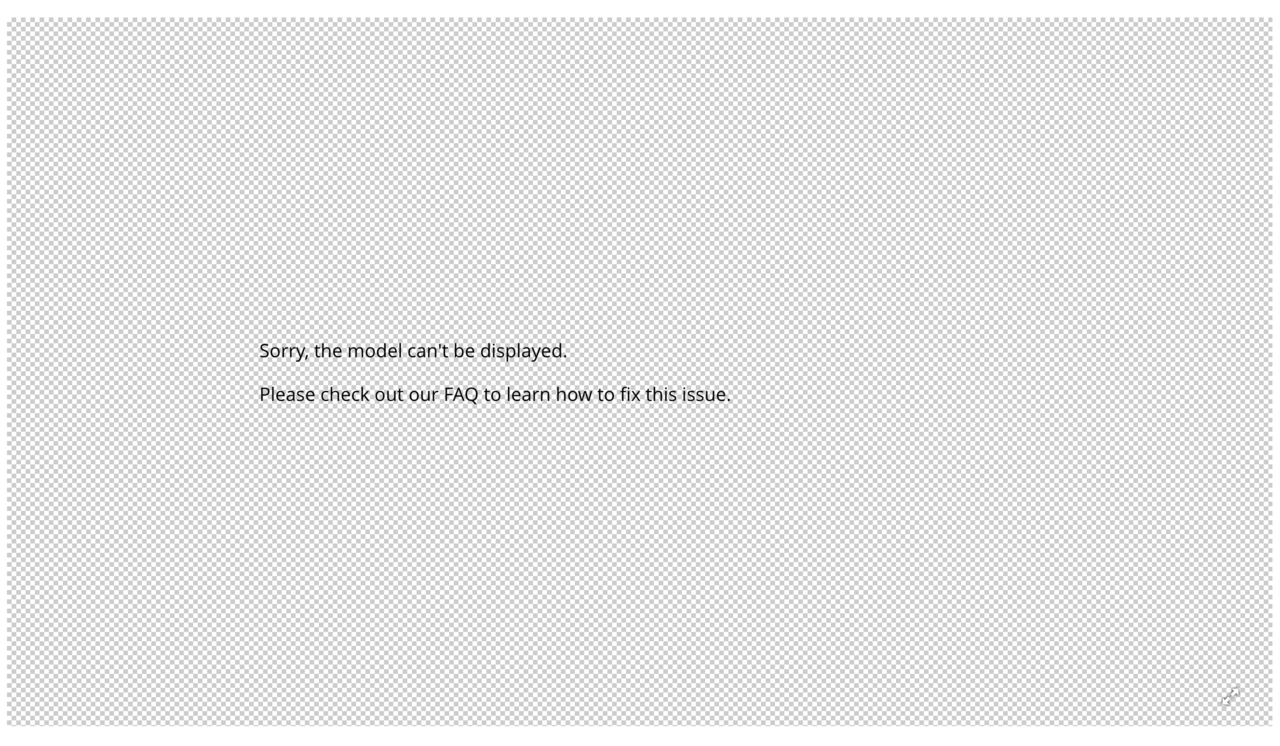
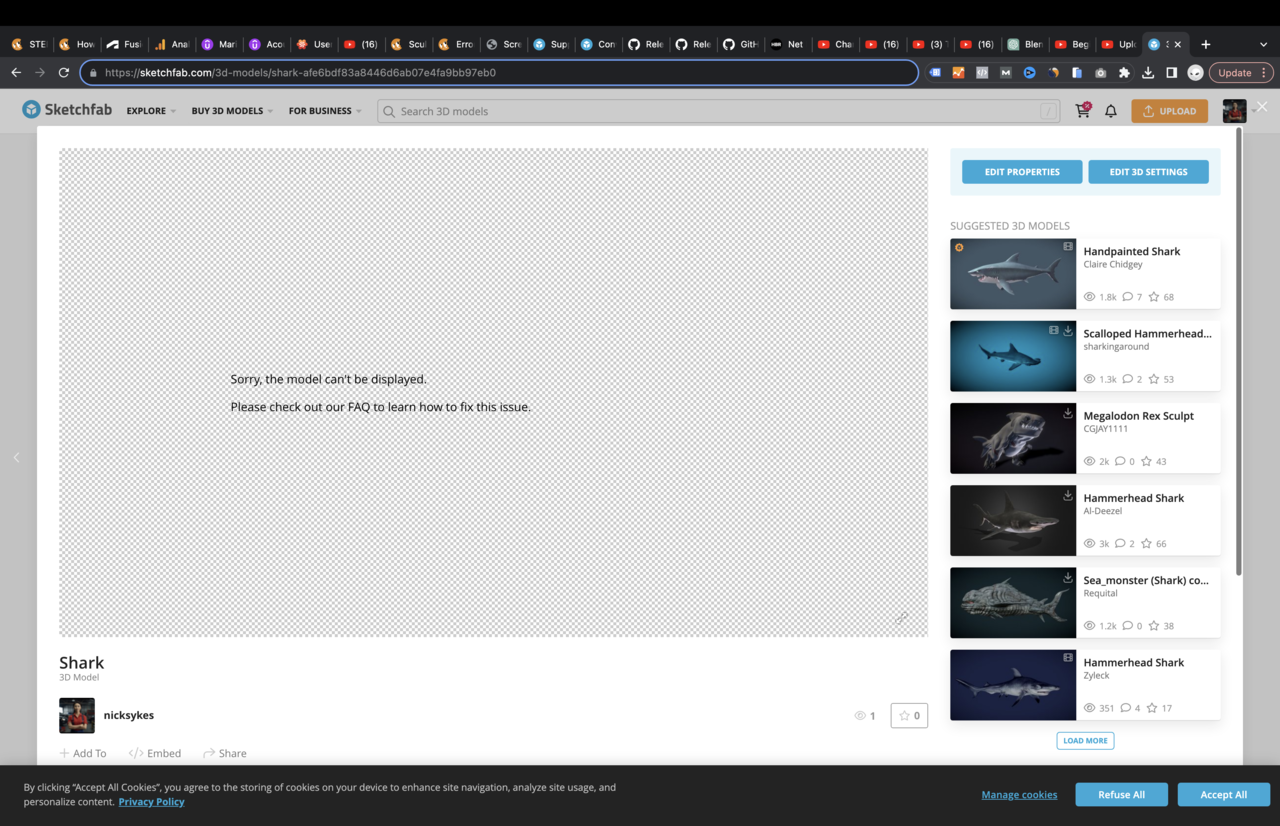
        Hi guys, I Solved the problem, The upload is good since the first one was by uploading the .blend file directly. however the problem is with my chrome browser being unable to see 3D I don’t know why, But when I try to open the link inside Safari it shows the model just fine, sorry to keep you in trouble.

        9-20 at 11.57.22.png9-20 at 11.57.12.png

        #81288
        Martin Bergwerf
        Participant

          Glad that worked!

          Some areas don’t seem very hydrodynamic (below the gills, for instance) and there is an ugly seam in the middle (look from above), but overall very nice.

          #81289

          I think I did something wrong with it, I try my best to pinch it in but when lock X it look weird, Can i Ask for advice, how would you fix that area 

          #81290
          Martin Bergwerf
          Participant

            Using the Smooth Brush, you should be able to fix any problematic areas that you have left. All the broad shapes are already there. Looking at it from a distance, it’s great.

            #81291

            Thank you for your advice and great course, I will do another design shark this weekend for practice.

          Viewing 13 posts - 1 through 13 (of 13 total)
          • The topic ‘Error Submit Assignment’ is closed to new replies.