What is the best way to do a retopo of another mesh with the same faces?

Forum Archive What is the best way to do a retopo of another mesh with the same faces?

Viewing 5 posts - 1 through 5 (of 5 total)
  • Author
    Posts
  • #16860
    Kimberly T.
    Participant

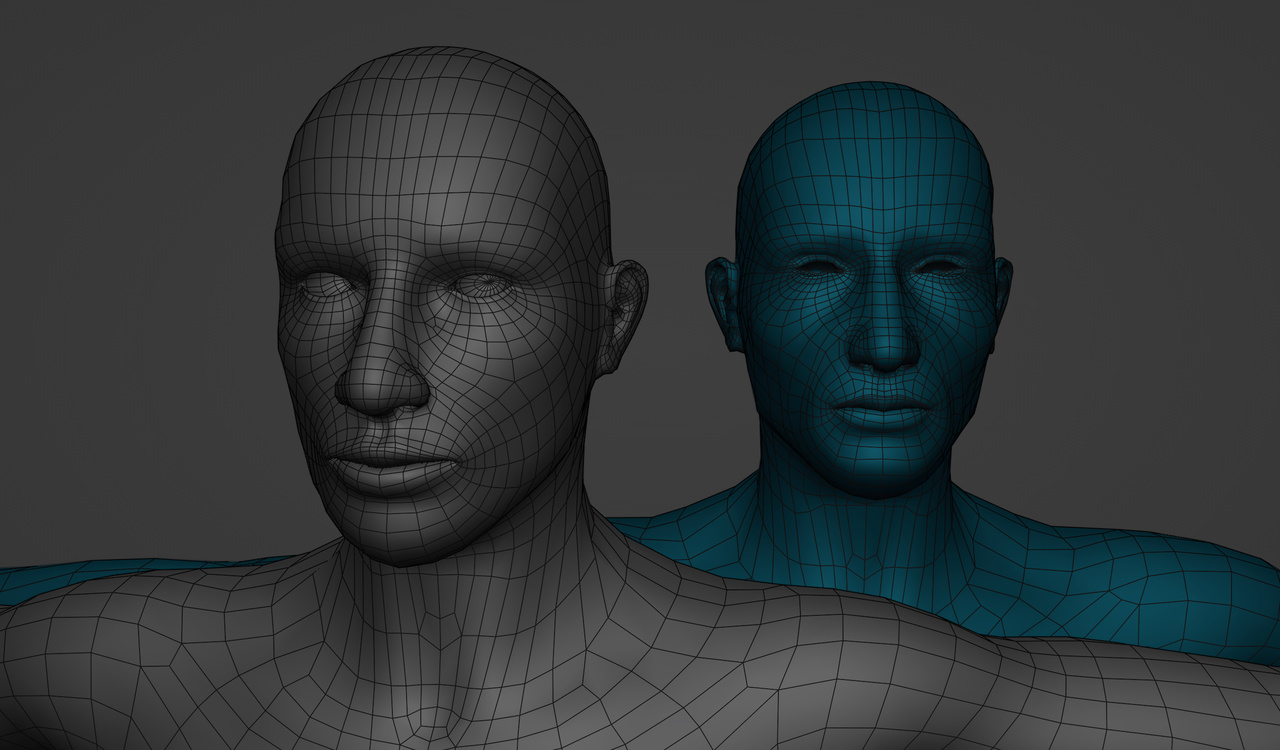
      Hi. I would like to copy the grey mesh’s topology onto the blue mesh. I know there are ways to do a retopology such as sculpting, moving vertices in edit mode, and extruding faces from a new plane mesh onto the mesh. However, these meshes are very similar, just different locations of vertices but same number of faces.

      -10 15-07-26-582.jpg

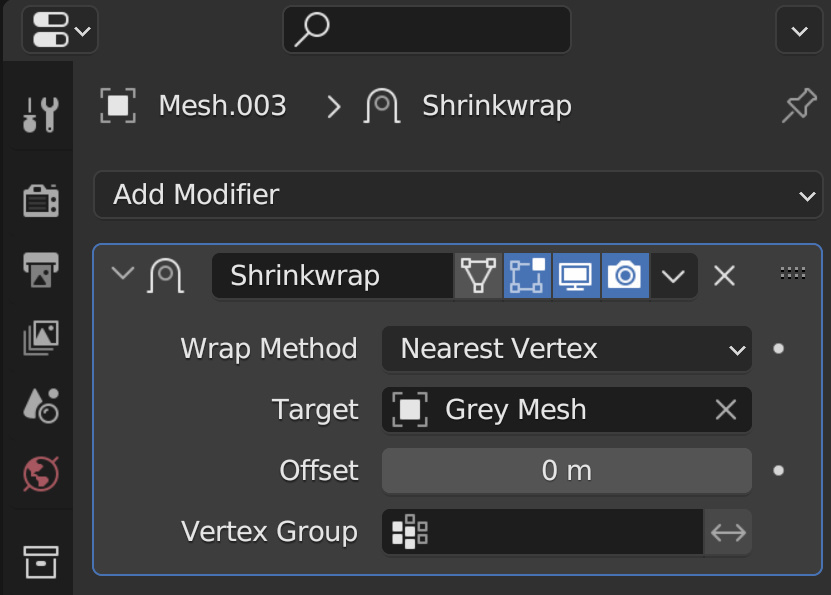
      A method I used for this was shrinkwrap with the nearest vertices.

      -10 15-16-37-253.jpg

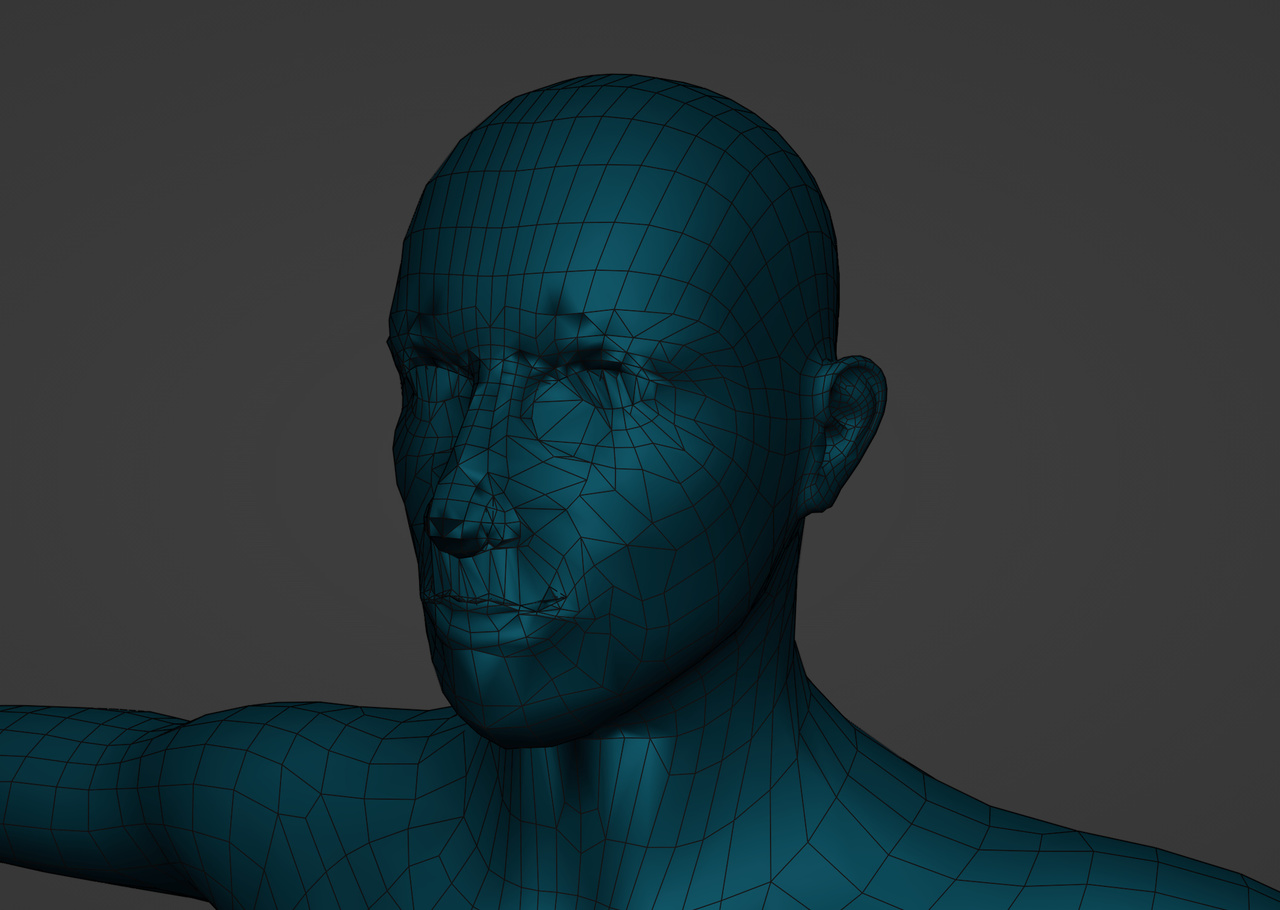
      But this was the result.

      -10 15-15-21-360.jpg

      Any insight is appreciated. Thank you.

      NOTE: The grey mesh and blue mesh are in the exact same location points.

      #81154
      Martin Bergwerf
      Participant

        Shrinkwrapping is a good idea, but:

        Subdivide the Target Mesh and definitely don’t use Nearest Vertex (the Vertices are not in the same position and they might snap to the wrong Vertex).

        #81155
        Adrian Bellworthy
        Participant

          I’m not sure what you are trying to do, or why you want the same mesh on a different model?

          The same mesh on a different model is a duplicate of the first.

          Select the model with the topology you want, SHIFT+D to duplicate it, second model has the same topology.

          #81156
          Omar Domenech
          Participant

            Yes as Adrian says, you don’t need to do anything if what you are after is two objects with the same data, you just need to duplicate it and there you go. 

            If you say that because one object has stuff on top like modifiers, then you just need to swap the object data. First select the mesh you want its data to be changed, then select the mesh that has the data you like, Control + L and Link object data.

            #81157
            Kimberly T.
            Participant

              Yes, they have the same topology, however, I favor the grey one because of the facial definition. They have slightly different facial features. The grey mesh has wider eyes and the blue one has smaller eyes and bigger maxilla.

            Viewing 5 posts - 1 through 5 (of 5 total)
            • The topic ‘What is the best way to do a retopo of another mesh with the same faces?’ is closed to new replies.