Strange Shadows on the bottom face.

Forum Archive Strange Shadows on the bottom face.

Viewing 5 posts - 1 through 5 (of 5 total)
  • Author
    Posts
  • #16295
    Louis Malherbe
    Participant

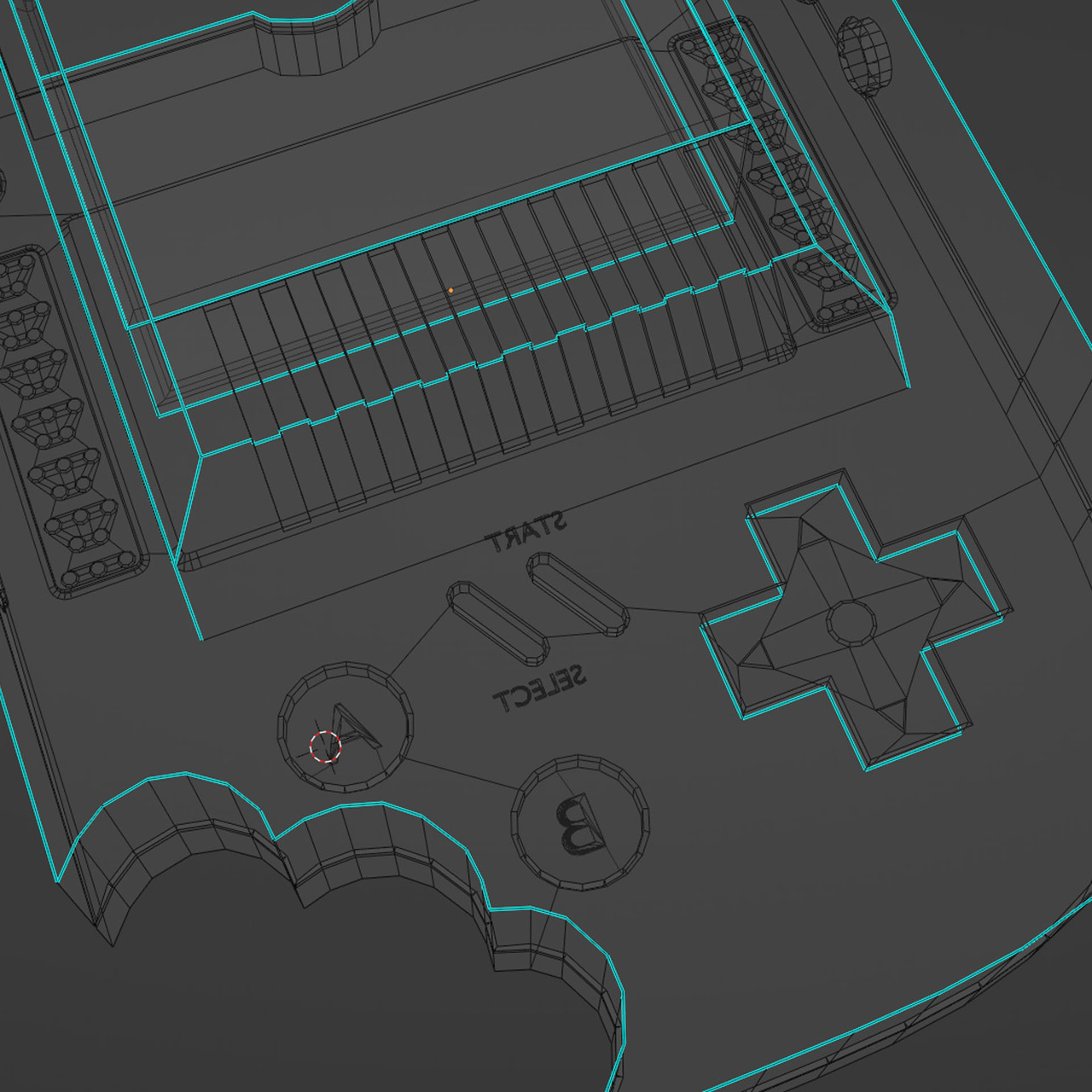
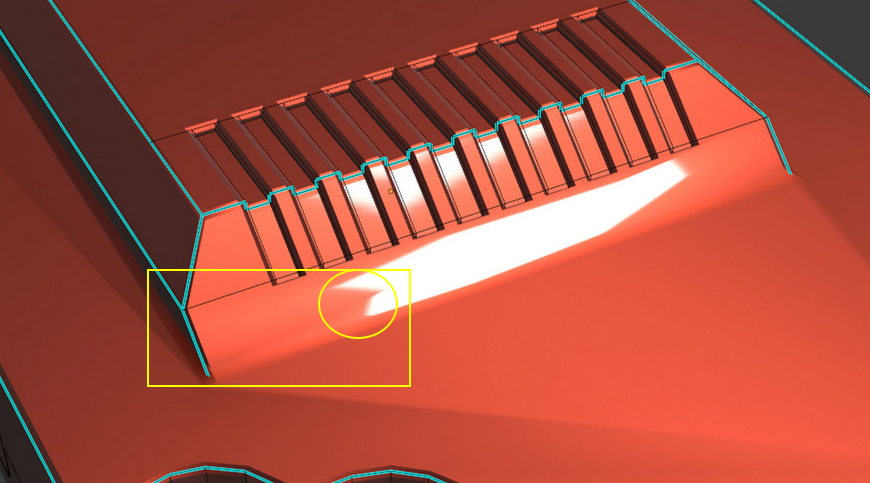
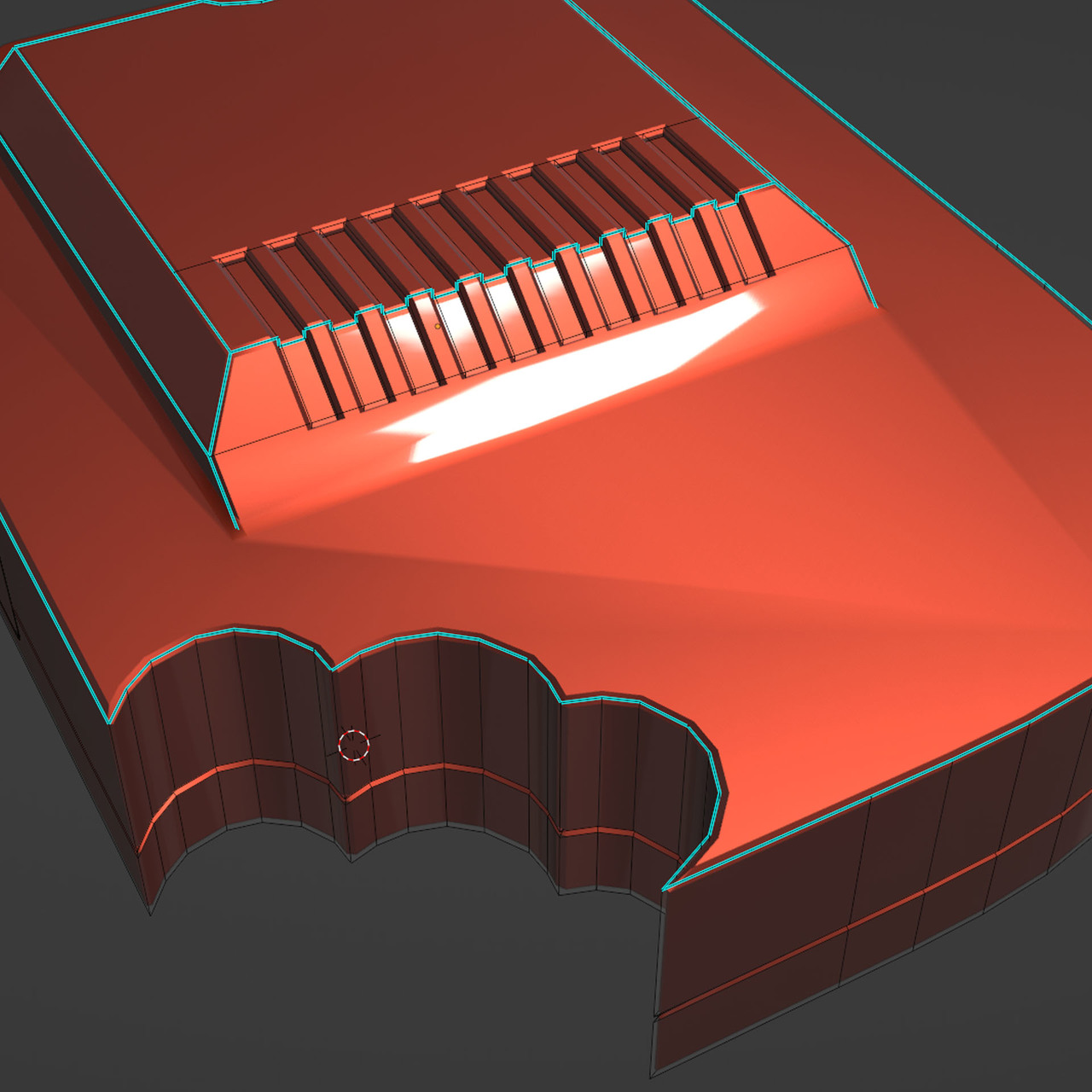
      I can’t seem to get the bottom face smooth. I have made sure that numerous areas are level and even. But I must be missing something. I have found that disabling my Bevel modifier makes it go away. So I’m assuming it has something to do with that.

      Any more detailed advice would be amazing.

      Untitled-1.jpgWireframe.jpg

      #78875
      Martin Bergwerf
      Participant

        Hi Louis @Looish5 ,

        Personally, I find this more worrying:

        Worries.png

        Anyway, you can try to enable Harden Normals in your Bevel Modifier, under Shading. And you can also try to slightly reduce the threshold angle in the Auto Smooth…

        There might actually be something wrong with your model, but I’d need to see your .blend file, in order to be able to troublshoot.

        (If you want, you can upload it to Dropbox, GoogleDrive, or any filesharing system and post a link here, then we can have a look at what’s causing this.)

        #78876
        Adrian Bellworthy
        Participant

          It could be a number of things, such as flipped normals, double verts or bevel modifier settings as Spikey alluded to.

          #78877
          Omar Domenech
          Participant

            It could be also that the Ngon is way too big, maybe you van try connecting some extra edges with J. But yes, it would be easy to troubleshoot what’s exactly wrong by having the file. 

            #78878
            Jonathan Lampel
            Participant

              My guess would be that it’s because that bottom edge isn’t marked sharp like the others. Any n-gon will look fine if it’s perfectly flat, but that applies to the normals as well as the actual geometry (refresher on that). Because the shading is smooth along that edge, it’s interpolating between the flat face and the angled face. Marking it sharp will separate the two so that the angles of each are not blended together when calculating the shading. 

            Viewing 5 posts - 1 through 5 (of 5 total)
            • The topic ‘Strange Shadows on the bottom face.’ is closed to new replies.