Bevel shader doesn’t seem to be working for me.

Forum Archive Bevel shader doesn’t seem to be working for me.

Viewing 6 posts - 1 through 6 (of 6 total)
  • Author
    Posts
  • #15857
    Eric George
    Participant

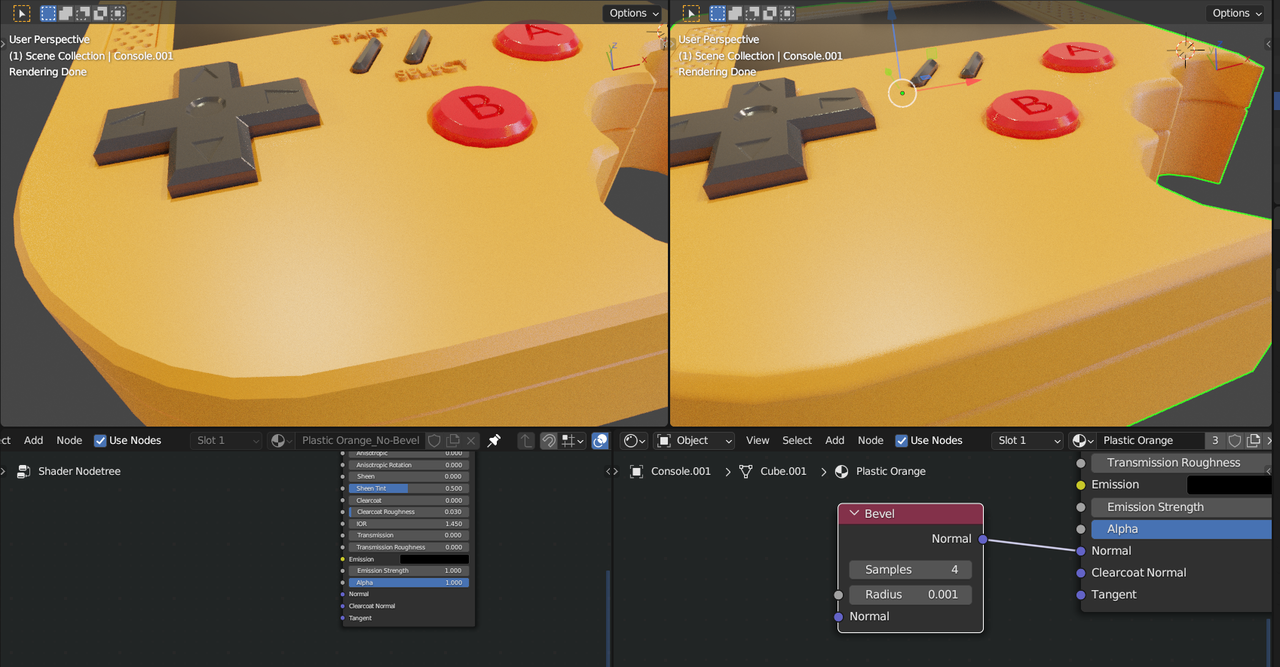
      Hi – I just finished the materials lesson of Press START and I can’t seem to see a difference using the bevel shader. I’m definitely using Cycles and have the Render preview on. I’ve attached a screenshot of the console as well as link to the blend file hoping somebody can give me some direction. Thanks!

      Blend file

      Screenshot

      #77205
      Martin Bergwerf
      Participant

        Hi Eric,

        You are using Cycles as Render Engine, but Material Preview uses Eevee1

        The Bevel Shader works just fine in your file:

        Bevel_2.png

        #77206
        Eric George
        Participant

          Hi Martin – thank you for the quick reply. I do still have some confusion I’m hoping I can get some help on.

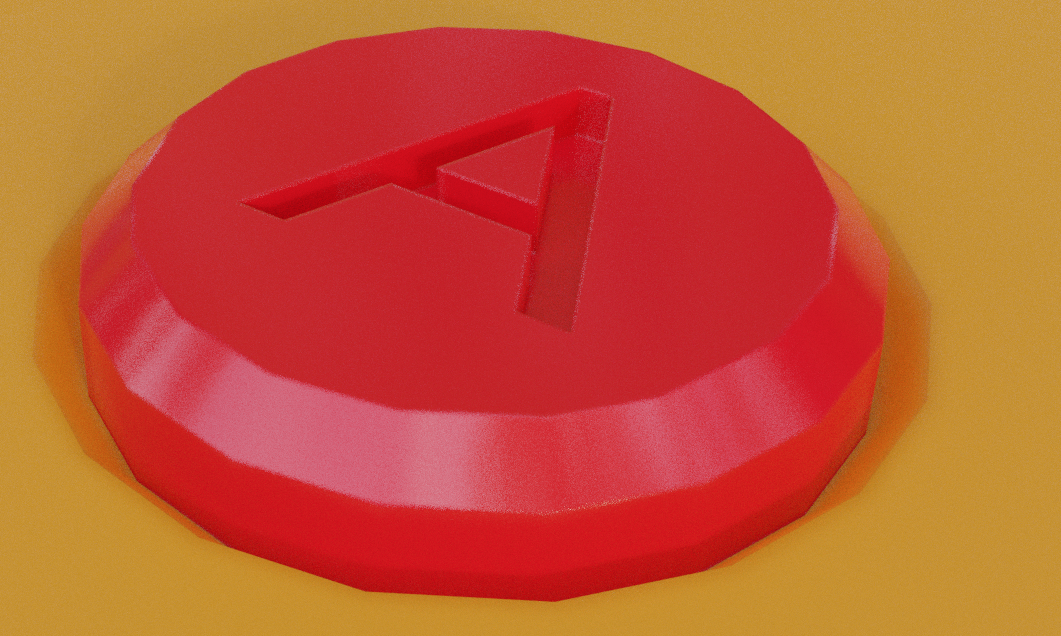
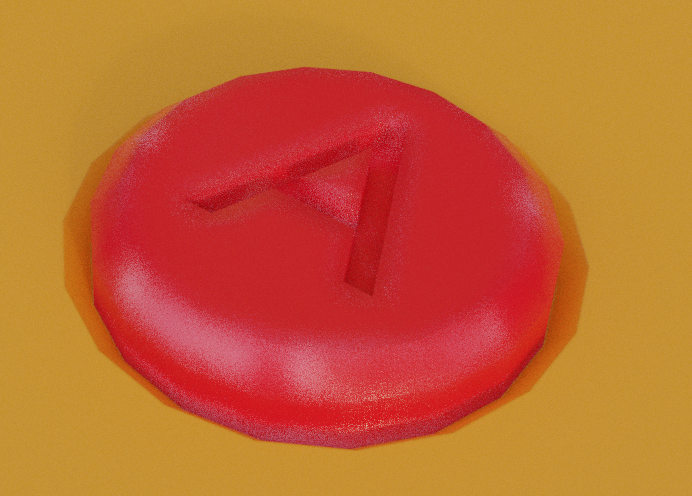
          I revisited my file and I do now see that the bevel shader is having an effect. It’s just much less than the effect in the video or the demo file provided in this course. I’d like to understand better what is different in my geometry or settings that could reduce the effect in my file.

          For example, here is my file with the shader turned off:
          me_off.png

          my file with the shader turned on:

          me_on.png

          and the demo file with the shader turned on:
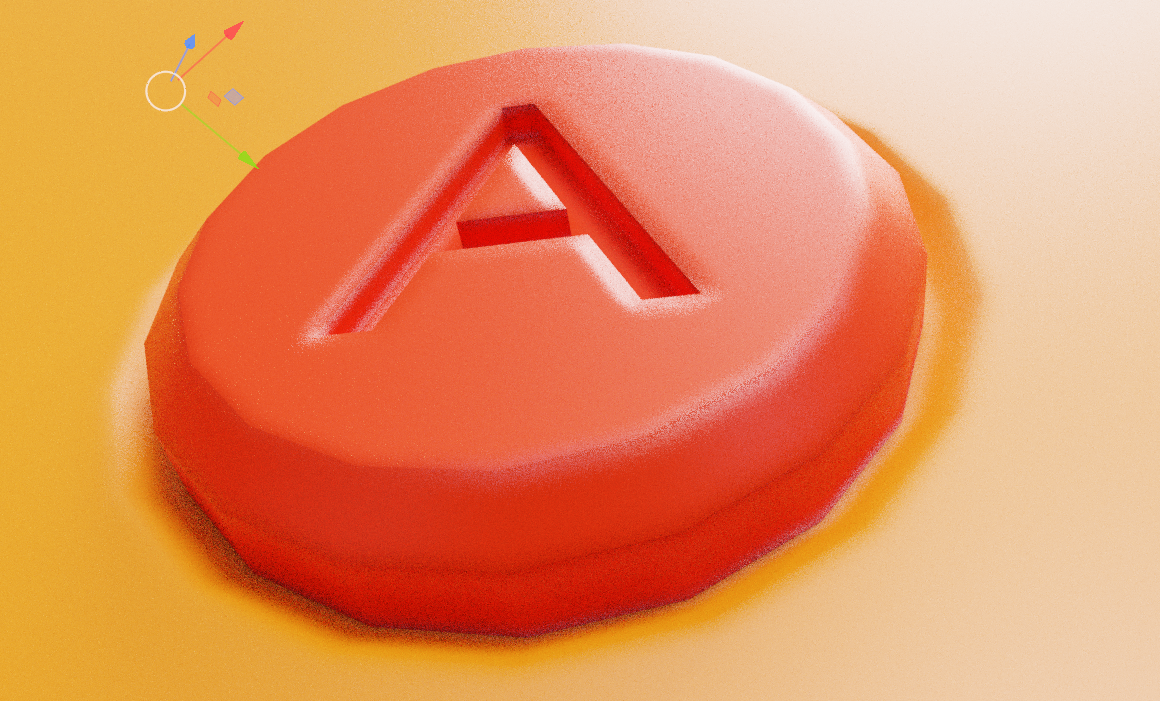
          demo_on.png

          The effect in the demo file is much greater than in my file with the same shader settings. Is there a clear reason why?

          Thank you.

          #77207
          Martin Bergwerf
          Participant

            ]  I’d like to understand better what is different in my geometry or settings that could reduce the effect in my file.

            That will be the Radius.

            You have a Radius of 0.0001 and in the Tutorial, Jonathan uses a Radius of 0.001.

            #77208
            Eric George
            Participant

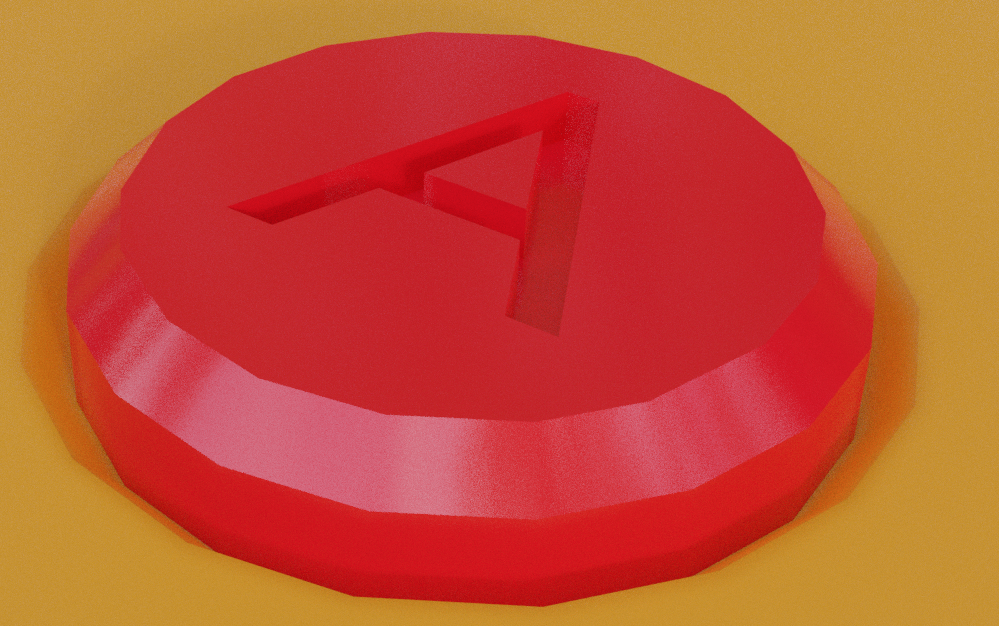
              Thank you!  As part of my troubleshooting, I tried many radius values, but it seems that the value is very specific for that look and indeed when I change it it works great.  Here is an updated version of my button with the new radius value:

              5 at 12.27.25 PM.png

              Thank you so much – I learned a ton on this step and I really appreciate how fast I was able to get direction on this.

              #77209
              Omar Domenech
              Participant

                Always always remember that the size of your object will affect those values you enter. So if your object is 10 meters, the value of that setting will be different than if your object is 1 meter. So always model to real world scale and always be sure the scale of your objects 1, 1, 1 if not then always apply your scale.

              Viewing 6 posts - 1 through 6 (of 6 total)
              • The topic ‘Bevel shader doesn’t seem to be working for me.’ is closed to new replies.