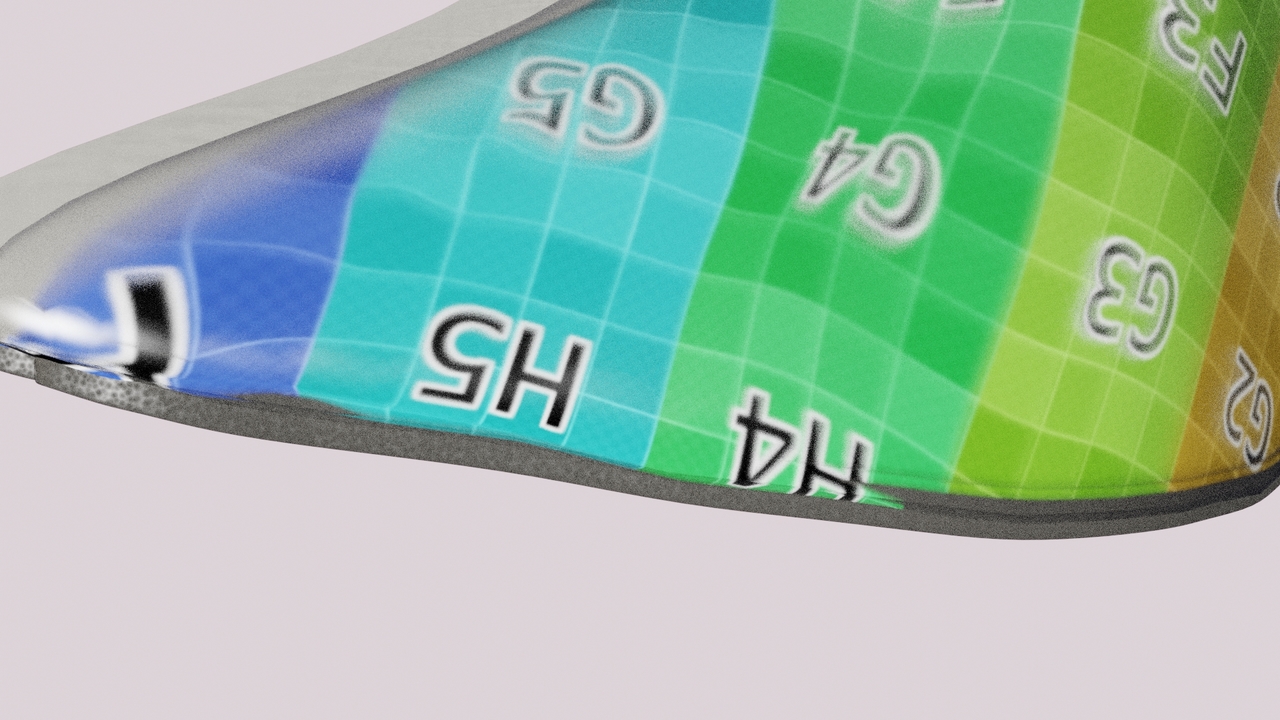
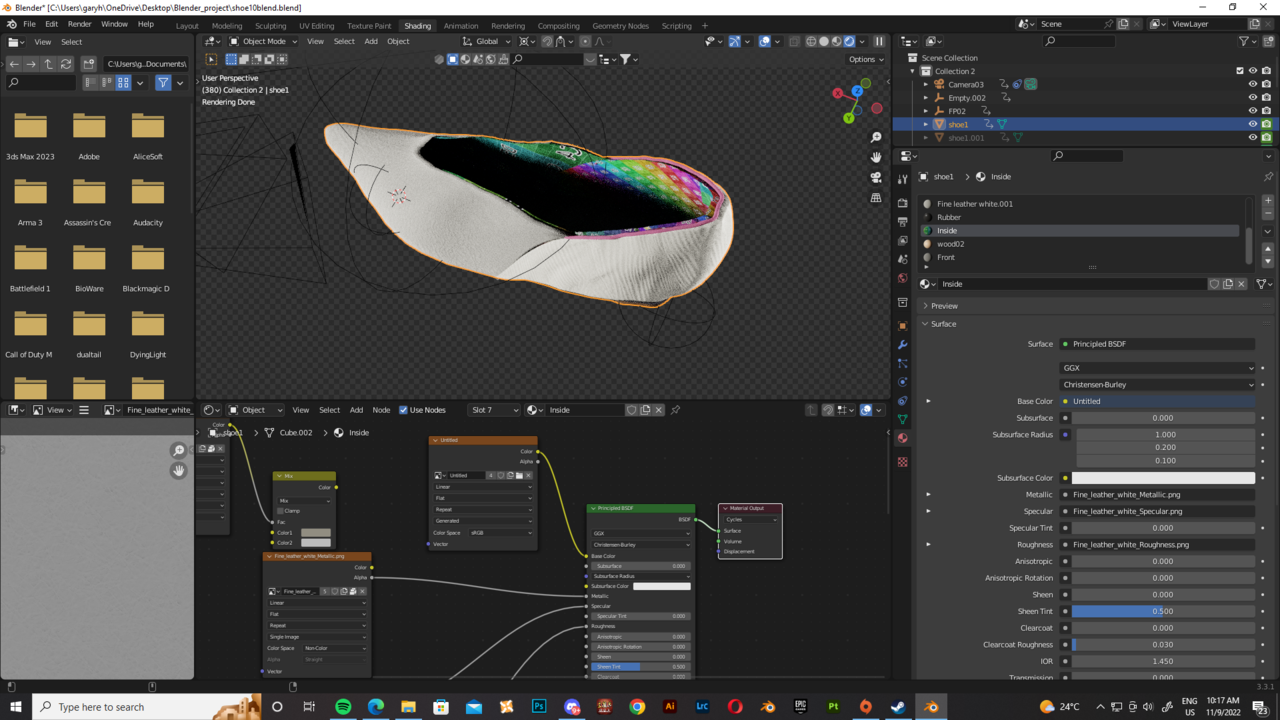
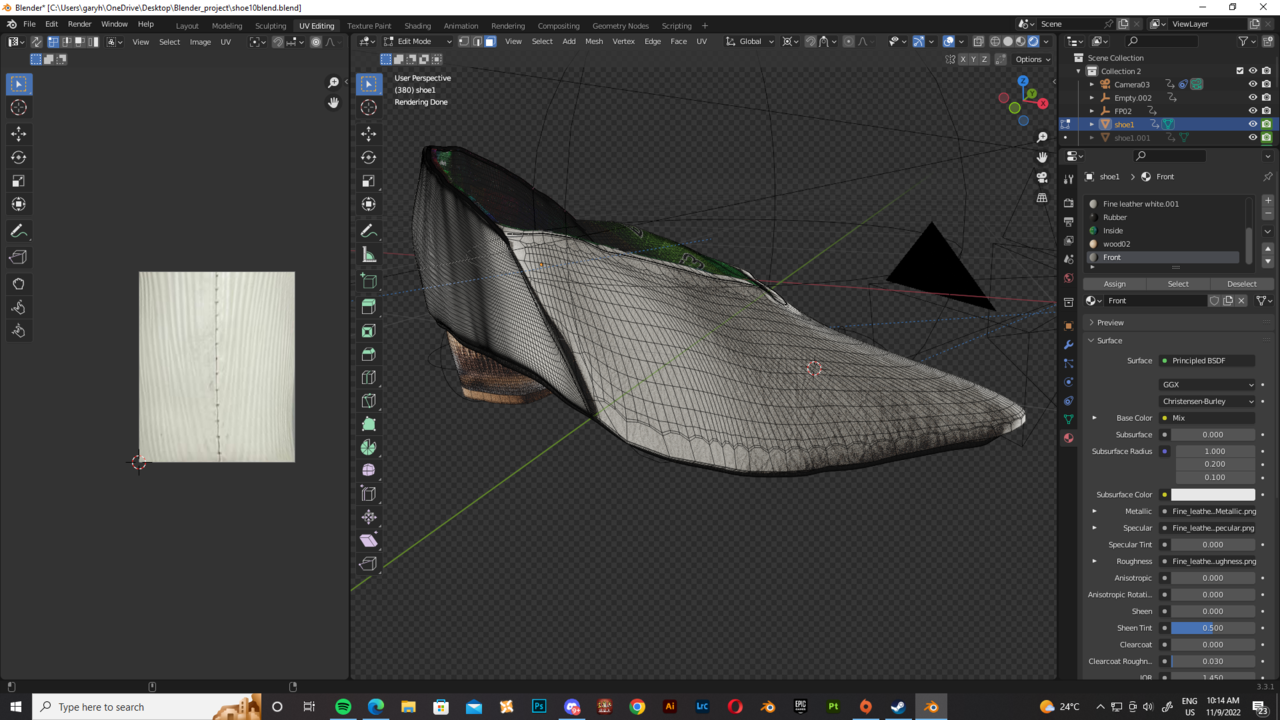
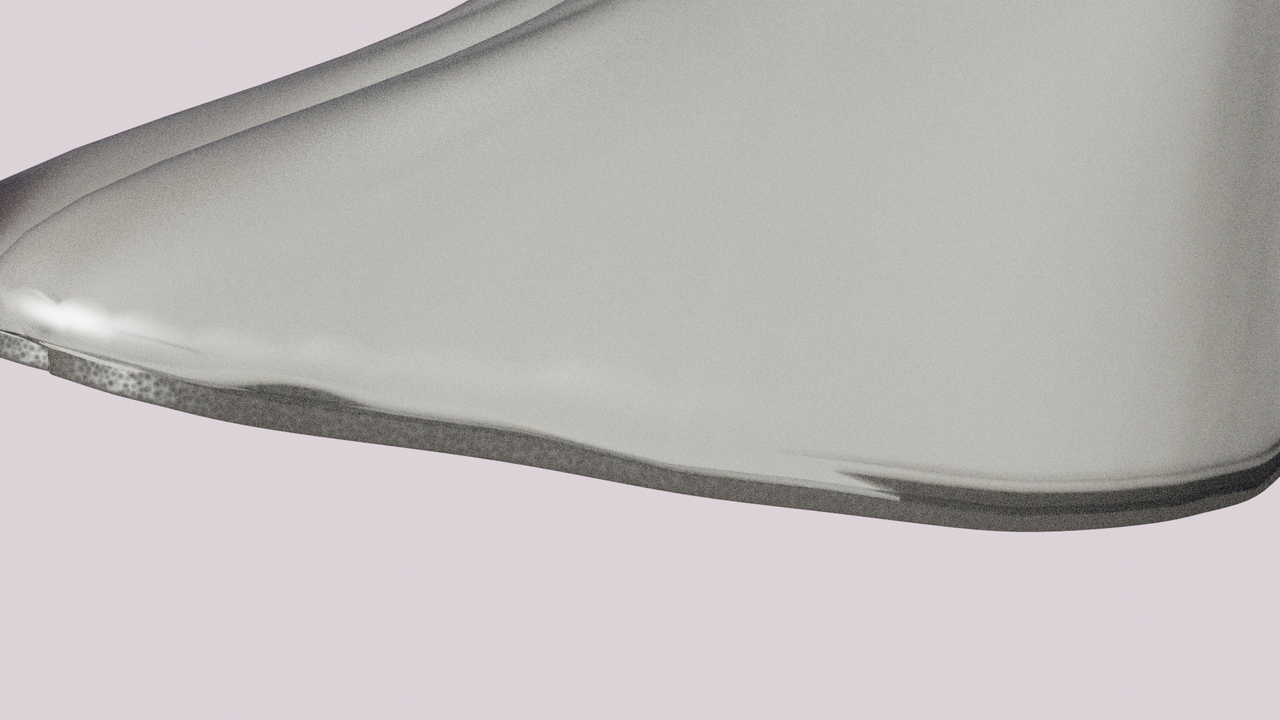
The Texture inside is overlapping the outside layer surface in the render. Creating clipping texture for some reason.

Forum Archive The Texture inside is overlapping the outside layer surface in the render. Creating clipping texture for some reason.

Viewing 4 posts - 1 through 4 (of 4 total)
  • Author
    Posts
  • #15582
    garyhohk
    Participant

      blend.blend10383.jpg1192022.jpgScreenshot (73).png

      Screenshot (72).png

      Here is the google drive link for the Blender file. https://drive.google.com/file/d/14xWg2GPOMzqtQUkef2ZooqIUmOwHhXiu/view?usp=sharing

      Thank you if anyone can just help me out

      #76078
      Martin Bergwerf
      Participant

        Hi @garyhohk ,

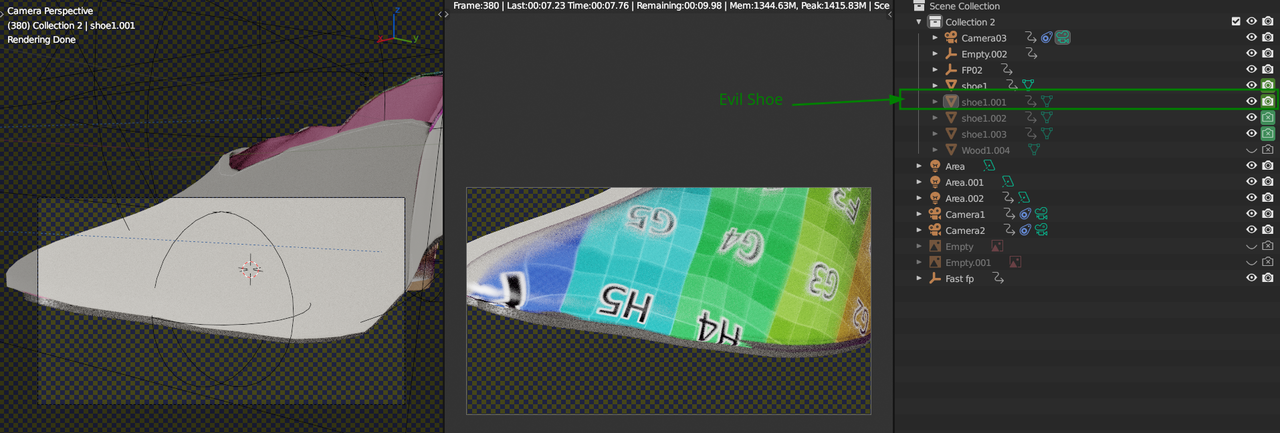
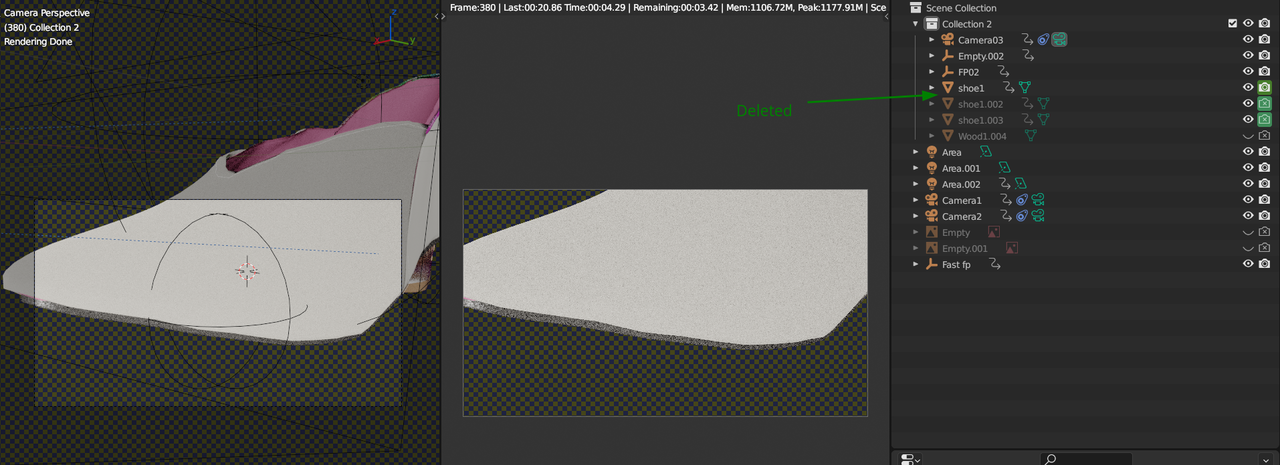
        I don’t understand what you are doing, but somehow you seem to render two shoes:

        Shoe_1.png

        Might have something to do with your Disable in Viewport and Disable in Renders

        When I Delete the bad guy:

        Shoe_2.png

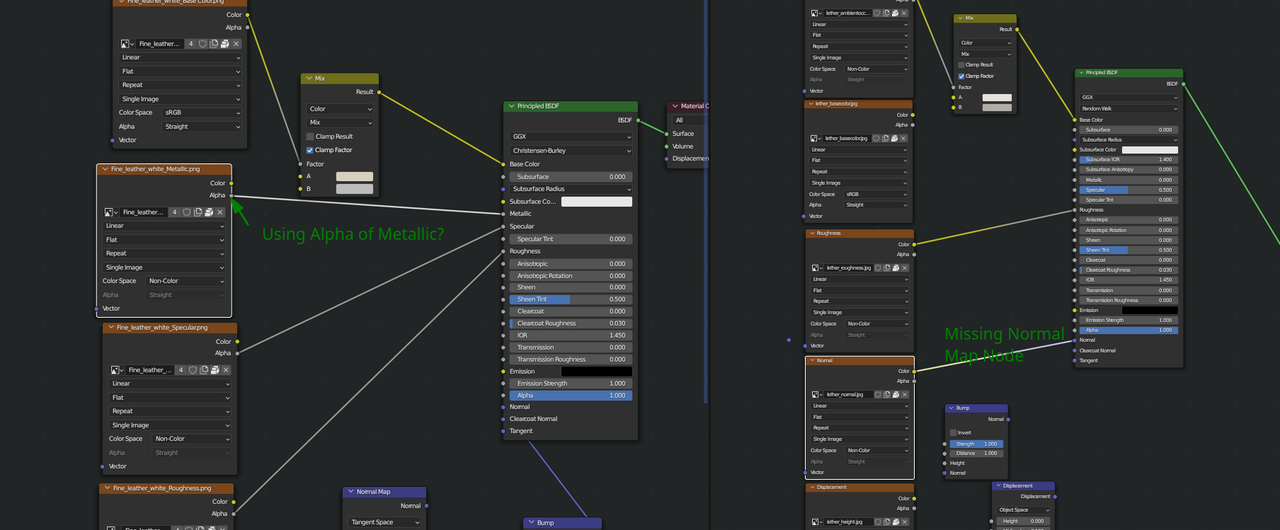
        But you also will have to look at your Materials, two things I noticed immediately (there are probably more issues):

        Shoe_3.png

        #76079
        garyhohk
        Participant

          I was trying to make an animation that four shoes merging into one, I saw that way on YouTube. I thought that was the keyframe for property. I also use plugins for my material. I have to adjust it for my work, and I guess I messed it up. Thank you so much!!!!

          #76080
          Omar Domenech
          Participant

            I don’t know if you have access to that, but for doing those kinds of effects, Element 3D in After Effects is killer, so awesome. I wish Blender had a system like that, I’ve always loved using the Element 3D plugin. You can search for it at least for you to see what other tools can do to make your job easier.

          Viewing 4 posts - 1 through 4 (of 4 total)
          • The topic ‘The Texture inside is overlapping the outside layer surface in the render. Creating clipping texture for some reason.’ is closed to new replies.