Hi @joluvian,
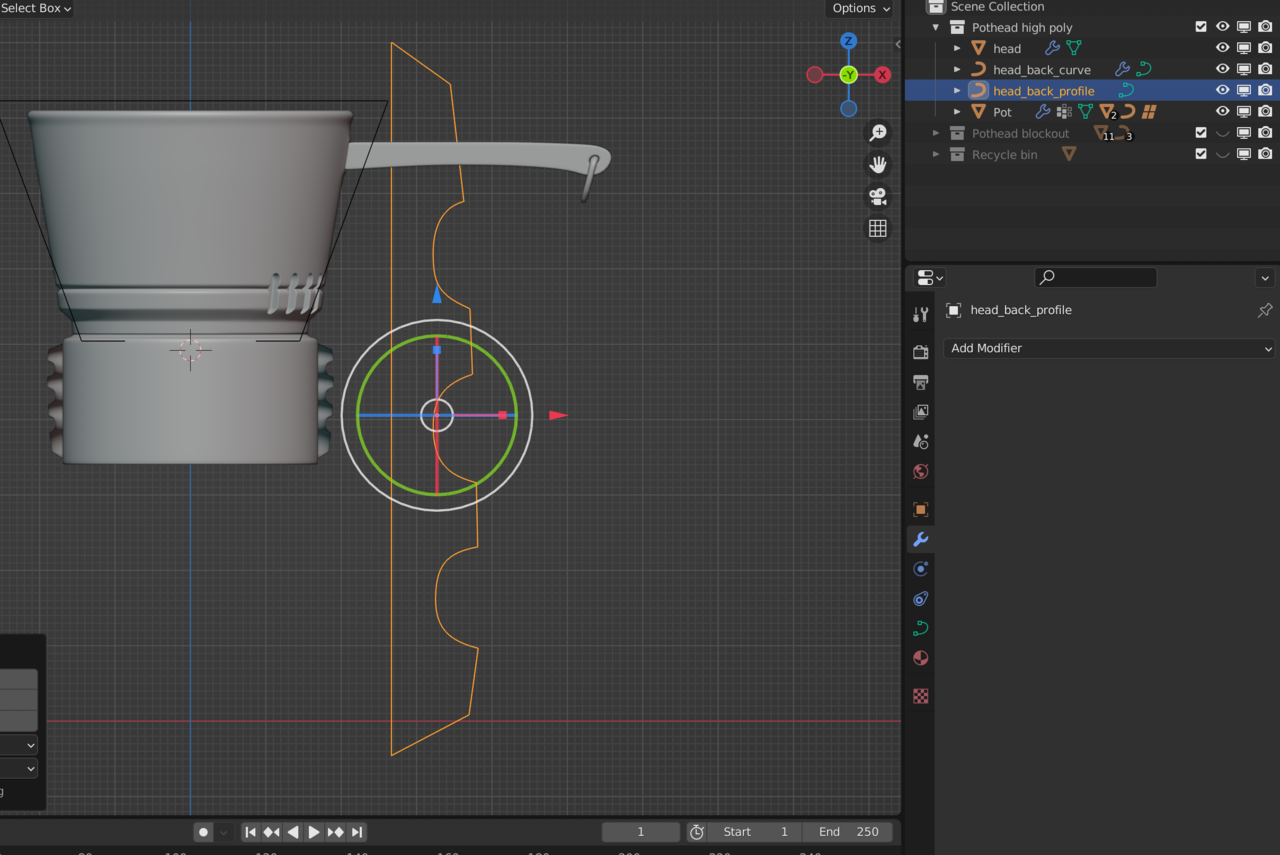
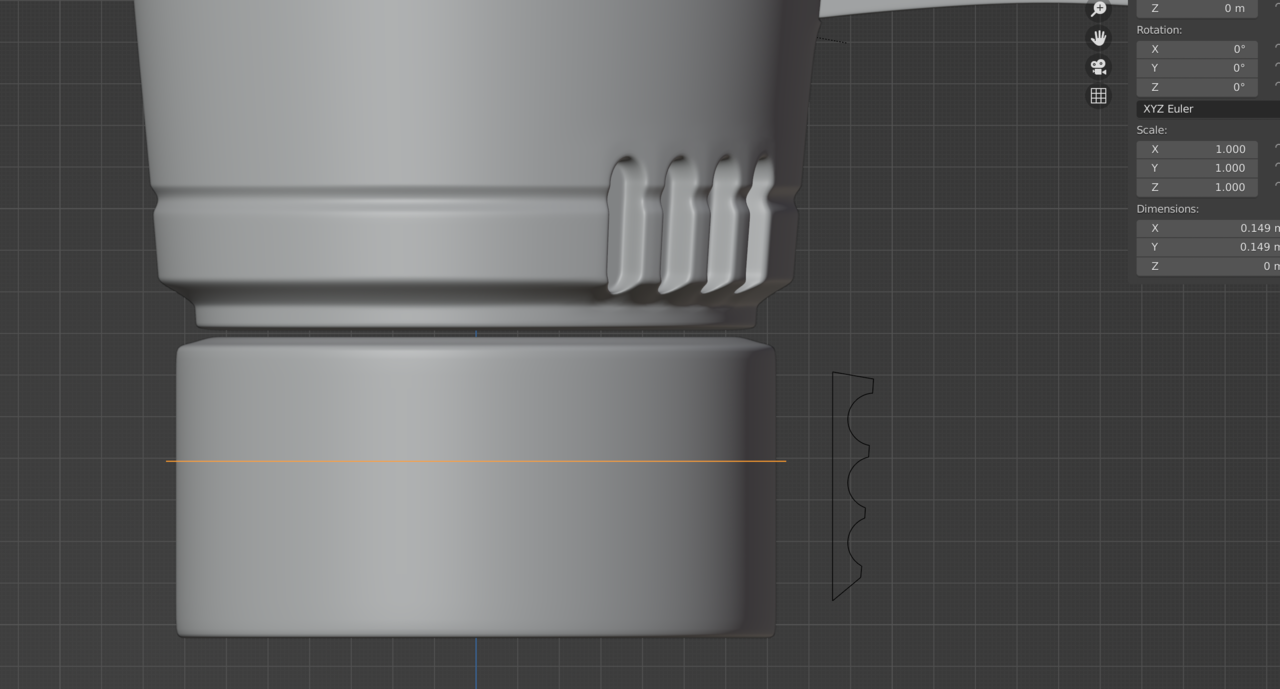
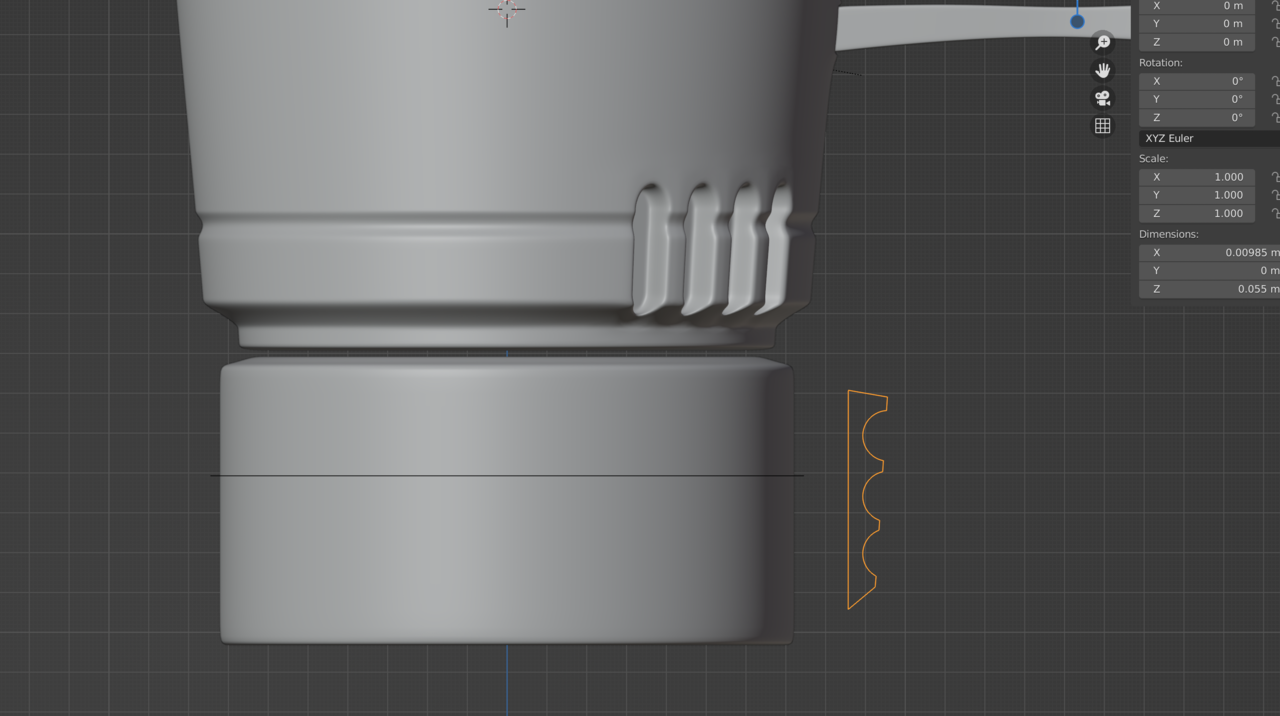
I don’t think your shape curve needs to be that large, but it may be tricky to fix once the two are linked.
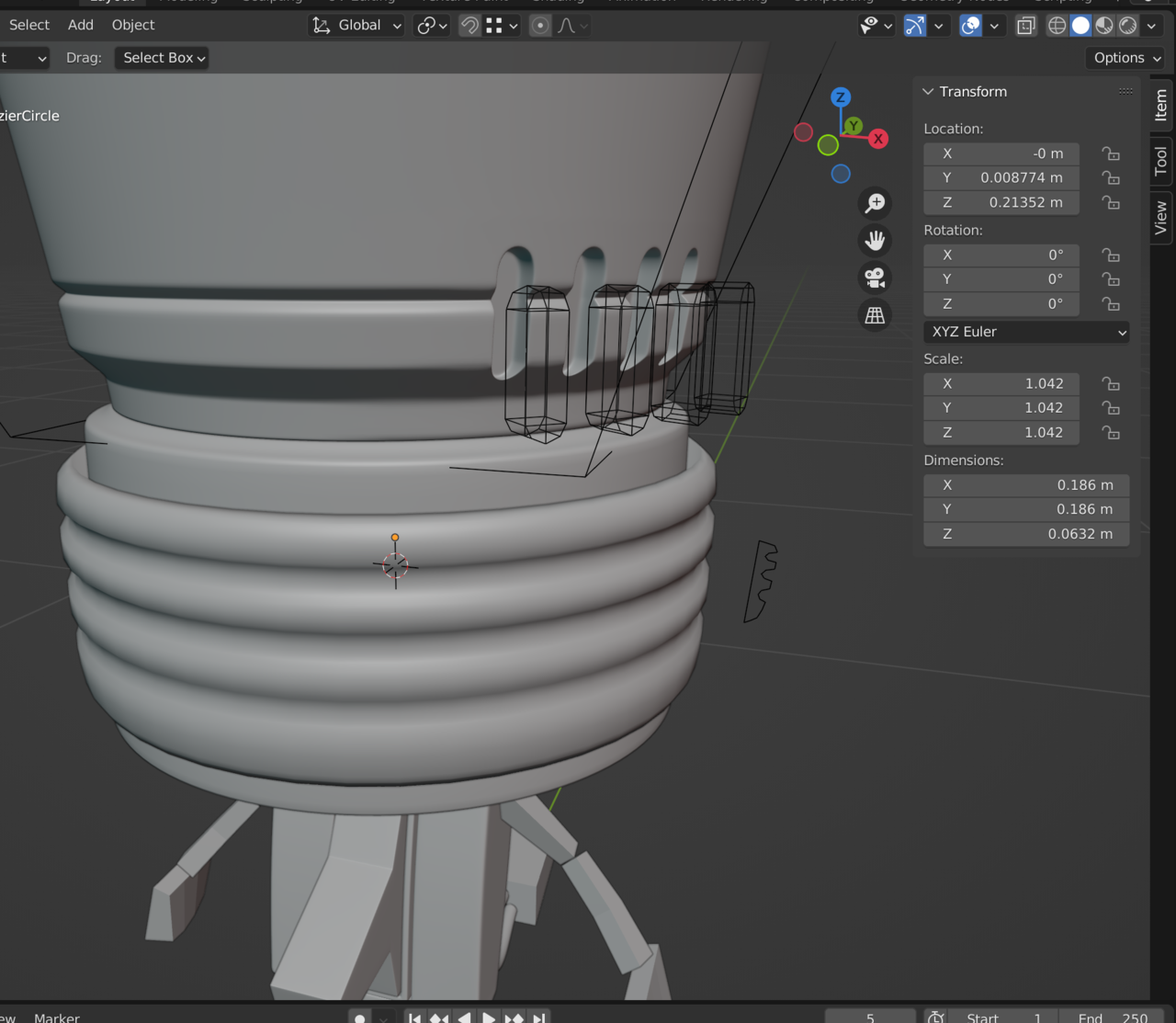
It feels like maybe your scale wasn’t applied either to the source curve, or the shape curve.
Save your work, maybe even make a copy.
Try duplicating the shape object, and simply recreating the curve that goes around the back of the head.
Get them to about the size you want them, then make sure the scale is applied to both.
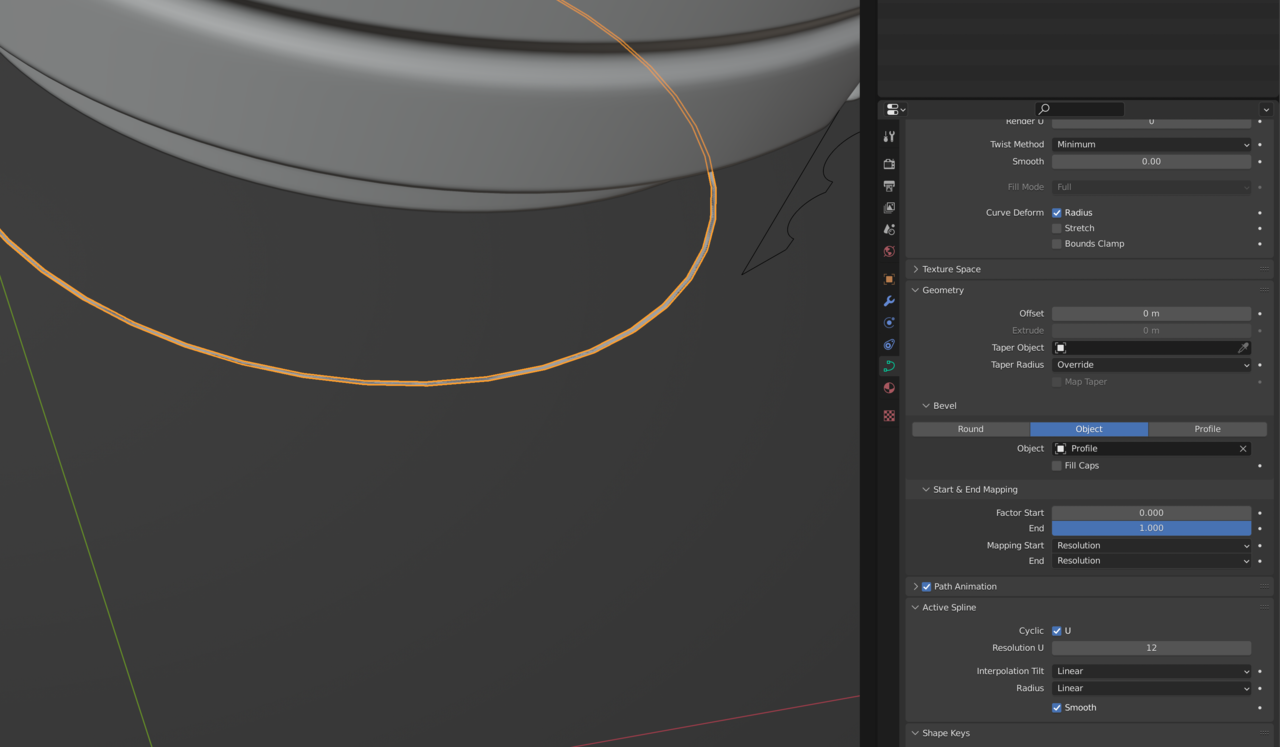
Once you’ve done that, try going to the back of head curve properties->Bevel->Object and select the shape curve.
You could also look at the original curve’s object data – the square dot surrounded by square brackets, and check out the scale, but it seems if you change this at this point, it’ll change everything.

.