Blender 3.1 – Bug With GPU Subdivisions

Forum Archive Blender 3.1 – Bug With GPU Subdivisions

Viewing 3 posts - 1 through 3 (of 3 total)
  • Author
    Posts
  • #14908
    Austin Dunham
    Participant

      Hi All,

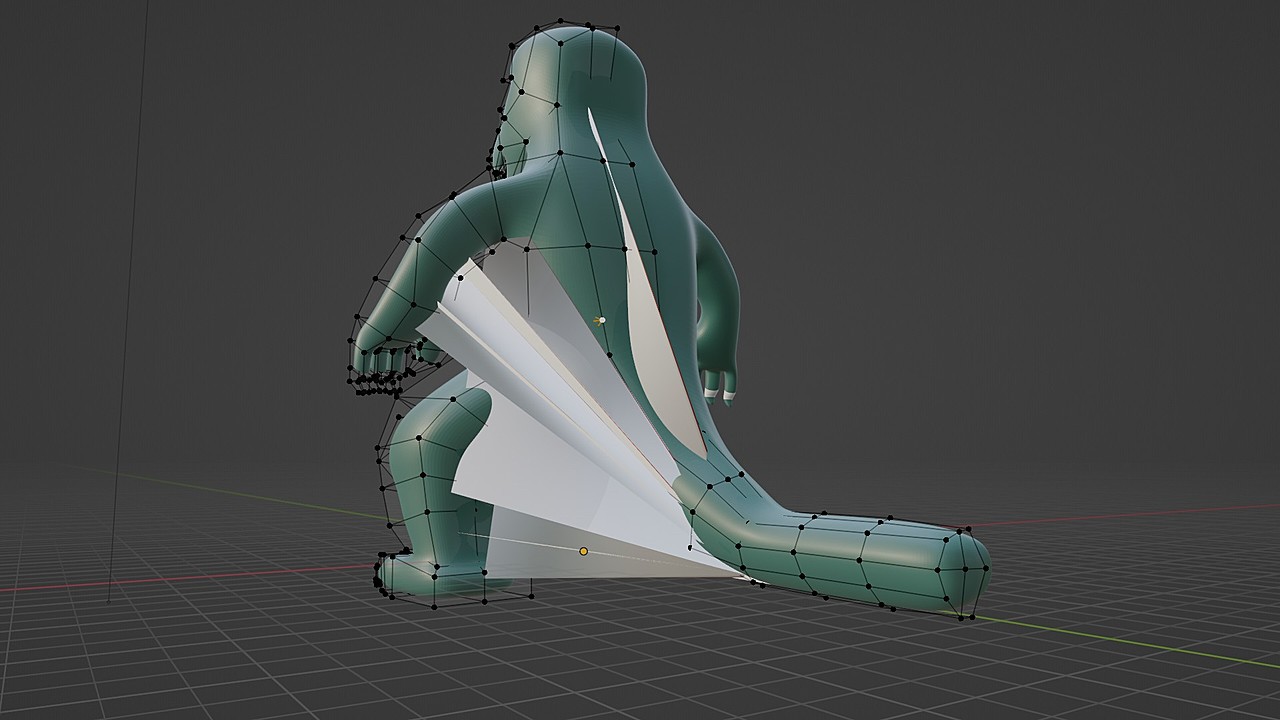
         I use Kubuntu and run Blender as a Snap.  Blender just updated to 3.1 and my latest project is freaking out with very simple materials:
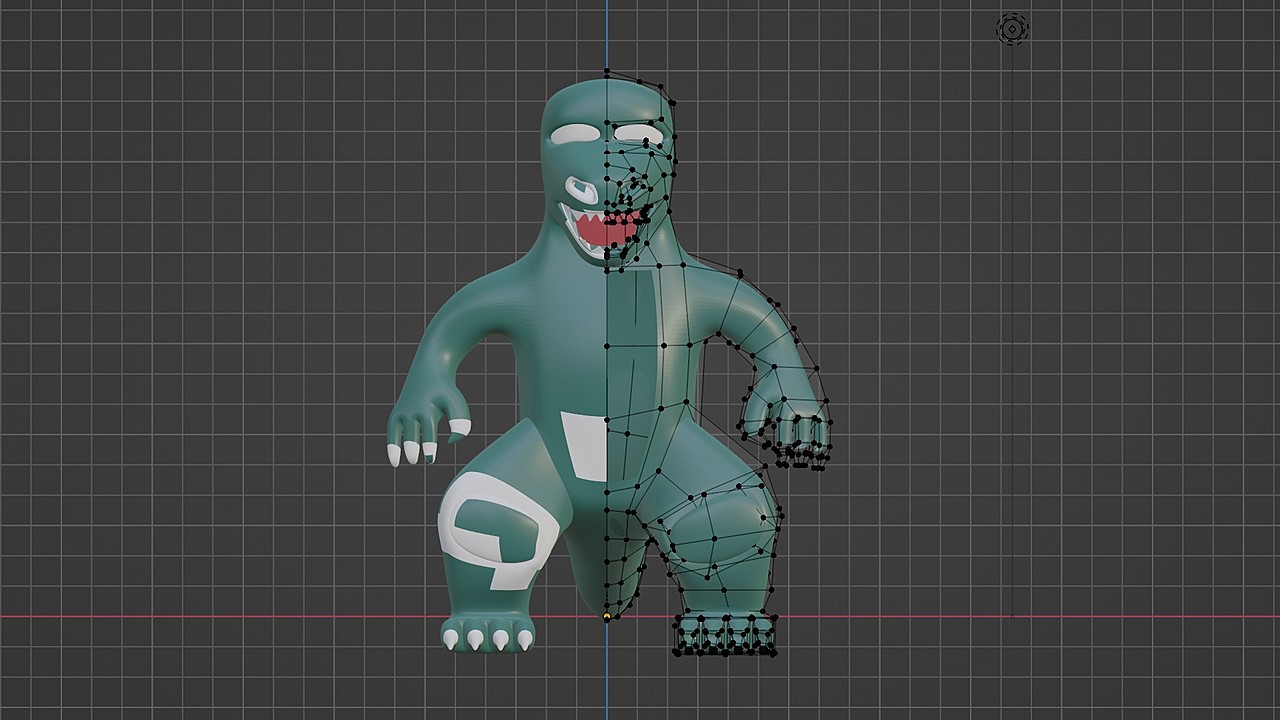
      aterialsFreakOut.jpg

      PuffZilla looks fine in object mode.

      It gets freaked out like this both on my laptop and on my desktop.

      If I remove the materials from the creature, it looks fine.  If I remove the broken material and try re-adding new ones, this happens again.

      Sometimes the geometry freaks out too.  The vertexes are all in the right place but I get jagged triangles.

      Wondering if anybody else is encountering this.

      To be fair, this was initially created in 3.0 and now is being edited in 3.1.

      I have a much more complex scene that doesn’t seem to suffer from the same issues.

      #73559
      Austin Dunham
      Participant

        Got examples of the “Geometry Streaking”.

        Tried to add it to my question, but it kept dumping me back to the dashboard.

        ialsFreakOut2jpg.jpg

        terialsFreakOut1.jpg

        Edit: It’s possible my connection was flaking out.  I’m at my “favorite spot” coffee shop now.

        #73560
        Austin Dunham
        Participant

          Looks like somebody already reported the issue:

          https://developer.blender.org/T96356

          Turning off preferences->vieport->subdivision->gpu subdivision fixed the issue.

        Viewing 3 posts - 1 through 3 (of 3 total)
        • The topic ‘Blender 3.1 – Bug With GPU Subdivisions’ is closed to new replies.