GIF(t) Challenge Part 2 (New Year) – festive rollercoaster ride

Forum Archive GIF(t) Challenge Part 2 (New Year) – festive rollercoaster ride

Viewing 14 posts - 1 through 14 (of 14 total)
  • Author
    Posts
  • #14570
    Sébastien Lenaerts
    Participant

      past year has been quite a ride and I’m pretty much curious to see what 22 brings.  The idea is to exit 2021 from a rollercoaster and to wish good things in 22.

      I’ll reuse the technique from my sleigh to animate the camera travel.

      I’ll try to play with bones to make the 2022 pop out of the ground and I’ll try to create the rails with geonodes as exercise. Also confetti exploding at the big finale

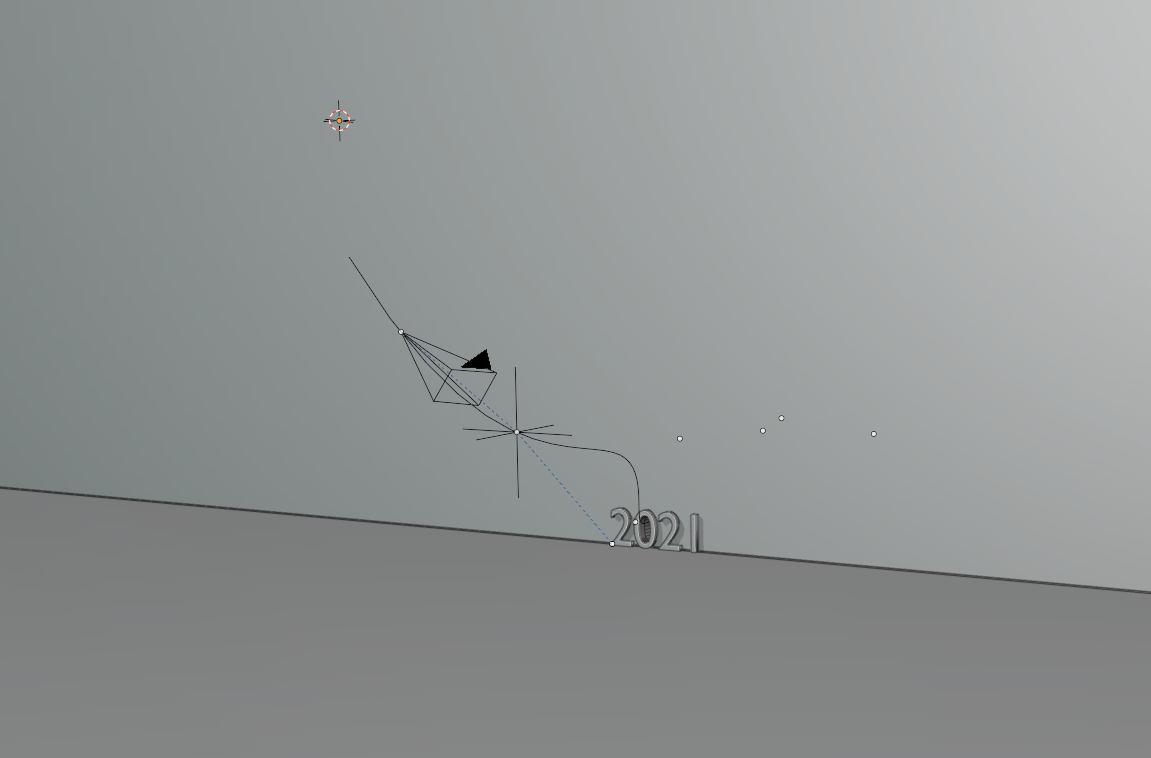
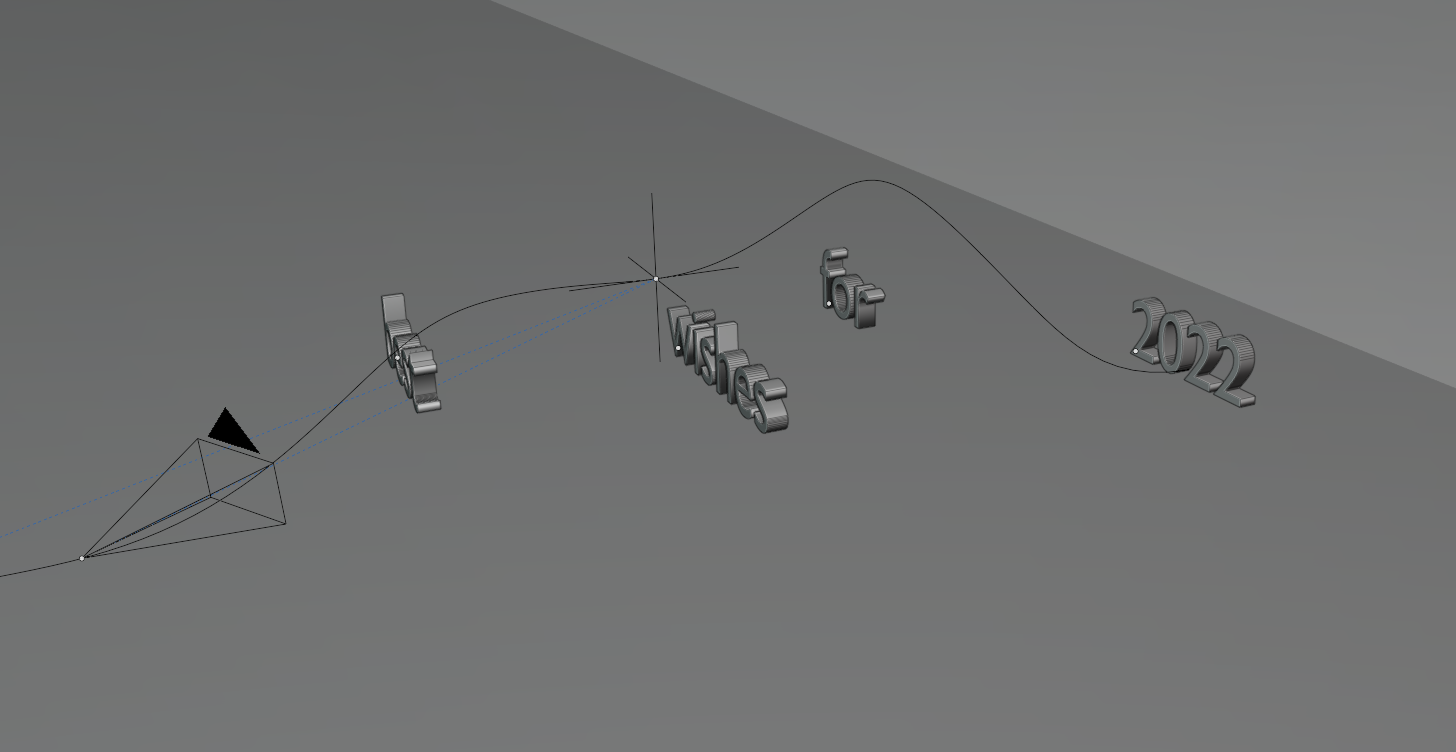
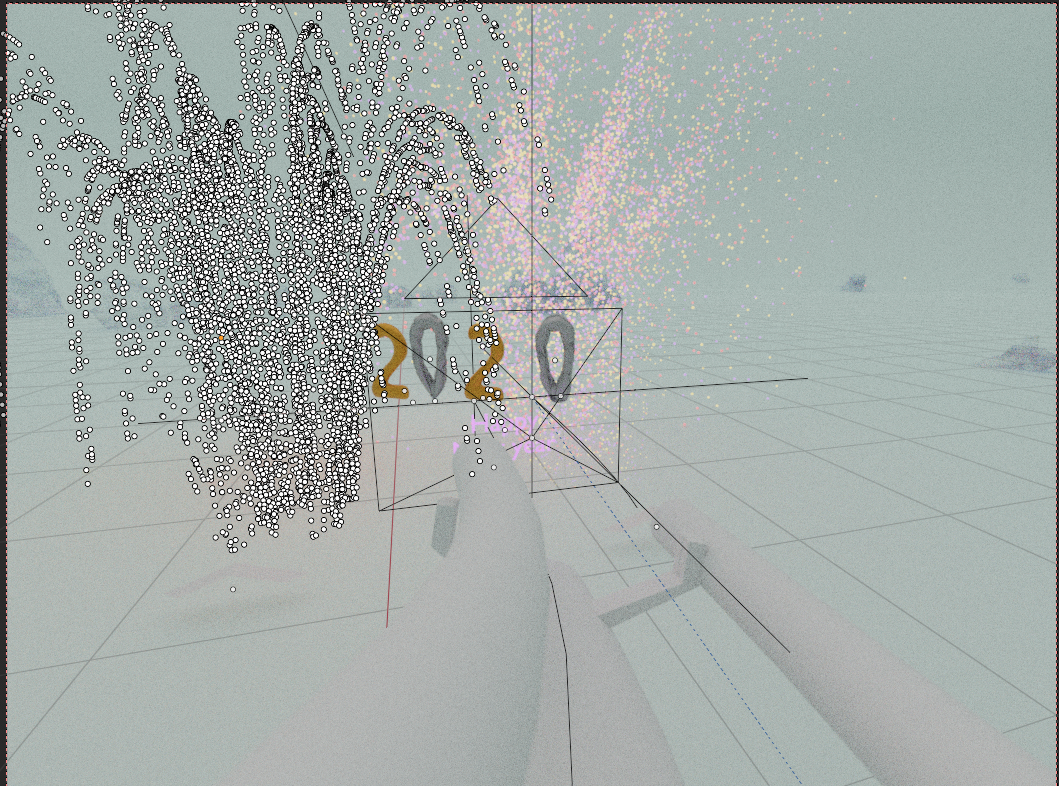
      Basic setup (quick draft)

      #71739
      Adrian Bellworthy
      Participant

        Ooh Interesting.

        I like this idea already.

        #71740
        spikeyxxx
        Participant

          Yes, great idea!

          #71741
          Sébastien Lenaerts
          Participant

            Thx Spikey, Adrian.  

            So the follow path for the camera always ended with the camera pointing the wrong direction, I could not make the animation of followpath stop at the  frame 250 (frame at which I want the camera to stop moving) So I added a second camera and switched cameras at that frame so my animation ends with the camera pointing where I want and not where the followpath wants :).

            I’m sure there is another way to manage this, but for the few extra clicks, it seems a fair enough workaround…

            Now to address the tweaking part of the animation:
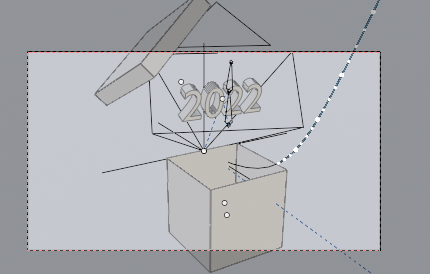
            something is popping out of the box, added 2 bones to the text,  yet I still need to figure out why the text doesn’t really deform like the bones (adding bends to the bone moves the whole text and not part of the mesh).

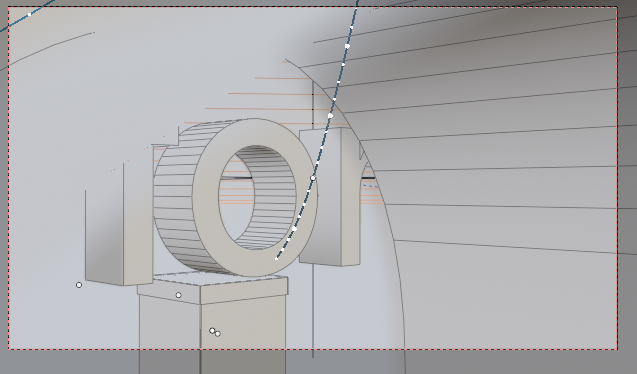
            the calera will have a focus effect as well to give more depth to the animation – not sure how this will be for”gif”able 🙂 , let’s test it out later on:

            #71742
            Adrian Bellworthy
            Participant

              Hey @slenaerts ,

              You could add an empty (a plain axis will do), 

              then on your camera object add a ‘Track To’ object constraint, using the empty as the target.

              then you can follow the path, and point the camera toward the empty.

              You can animate the position of the empty at the location of each of the text and hold it there long enough to read the text.

              like turning your head to read a street sign as you drive past.

              #71743
              Sébastien Lenaerts
              Participant

                You are right, I used the plain axis to follow the same path and ending at the same point, duplicating the path, would solve it as I can make one path longer 🙂

                #71744
                Sébastien Lenaerts
                Participant

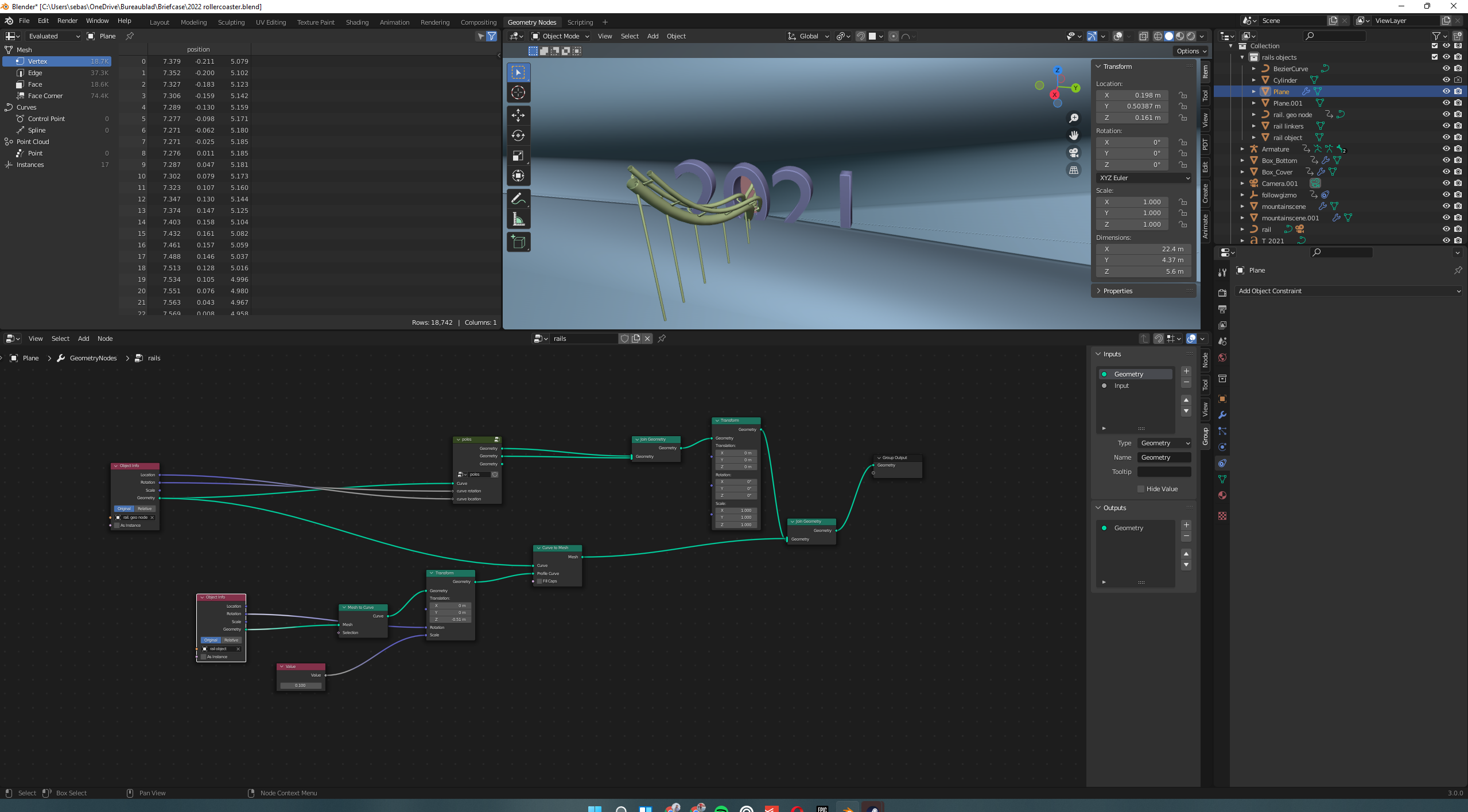
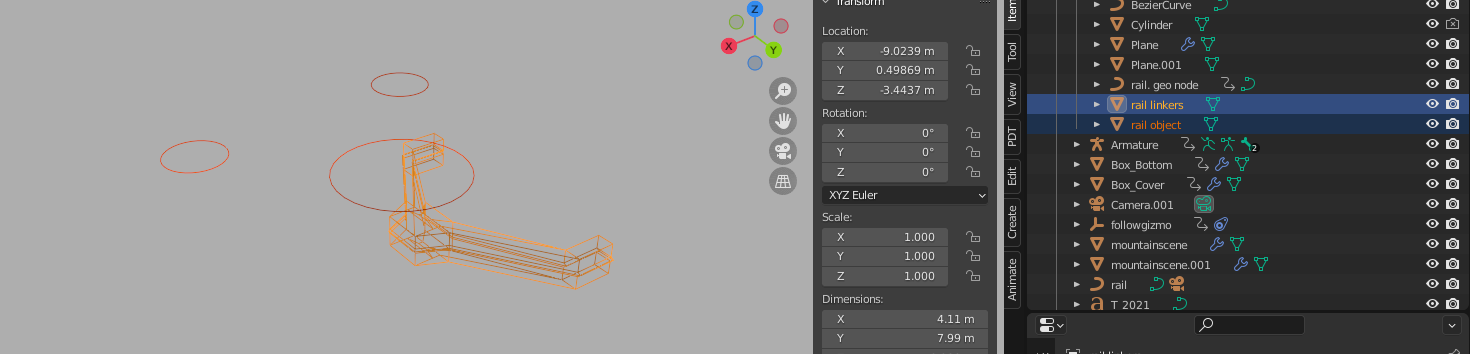
                  Ok I’ve been fidling with geometric nodes a bit and tried to create 100% rollercoaster track from nodes, but I couldn’t figure out how to make a track thatmoved the way I wanted (not random trhough noise), the rails and the holders I had to model and instance them.  For the rails, when I made them completely node based , when turning, both rails approached each other.  I couldn’t figure out how to prevent that so I resorted to a three circle shape that uses the curve to mesh node.  

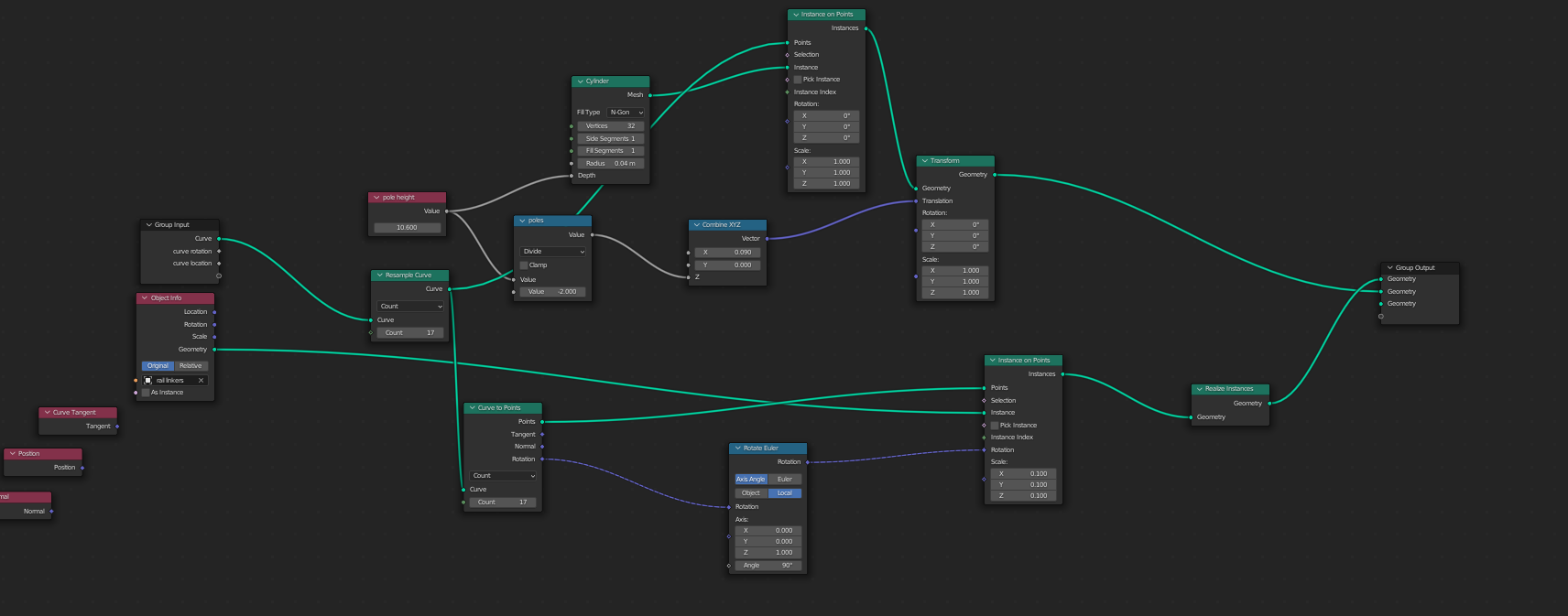
                  Here’s how I tackled the poles and rail holders:

                  The objects

                  The good thing is that it is procedural in that sense that it follows the track curve, this can be transformed at will.

                  #71745
                  Vue Thao
                  Participant

                    You’re using 3.0 version as I have. Yay! Lol

                    #71746
                    Sébastien Lenaerts
                    Participant

                      @euv … Oh boy… Those subtle shortcut changes… 😂

                      #71747
                      Kevin Mather
                      Participant

                        Hi,

                        This seems like a great idea.

                        I did a quick test and I couldn’t animate (bend/scale) a Text directly with an Armature. But Text converted to a mesh seems to work as expected.

                        #71748
                        Vue Thao
                        Participant

                          @slenaerts Yep 😄

                          #71749
                          Sébastien Lenaerts
                          Participant

                            Thx @techworker1,

                            you are right, it needs to be converted to mesh

                            #71750
                            Sébastien Lenaerts
                            Participant

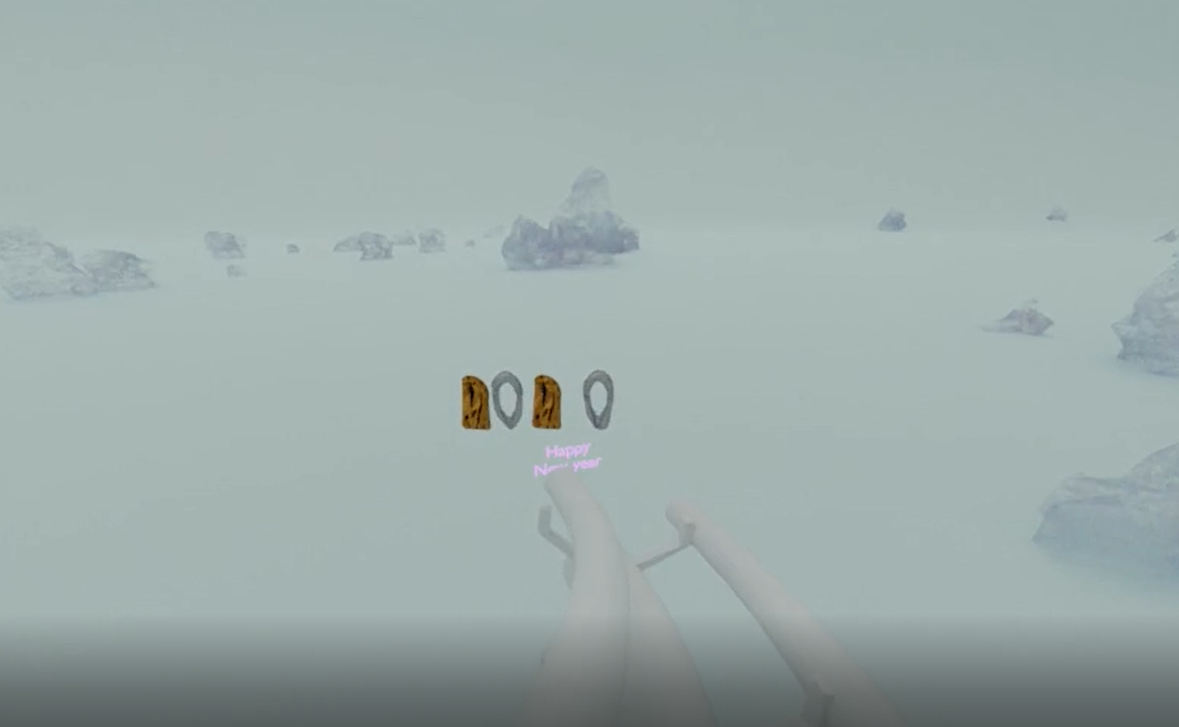
                              Ok this was unexpected for me using 3.0, what belnder calculates in the viewport:

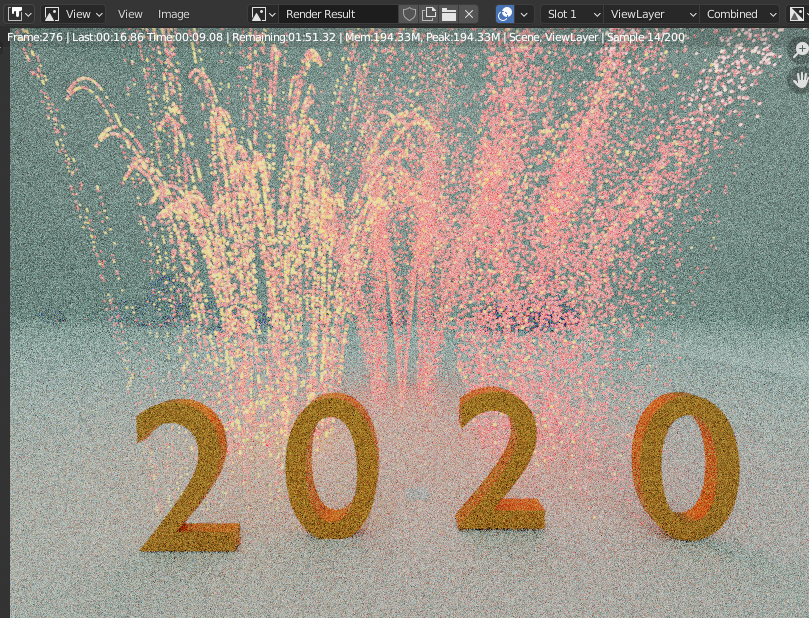
                              what got rendered…

                              The pressure effect in clothes sim works for  the “2” in viewport, once rendered it closes the the mesh completely.  The particle system did not render at all… I do see an option to make instance real though…  I’ll probably adapt the end anyway, but I’m puzzled

                              #71751
                              Sébastien Lenaerts
                              Participant

                                edit.. I hid my base objects from rendering… (facepalm…)

                              Viewing 14 posts - 1 through 14 (of 14 total)
                              • The topic ‘GIF(t) Challenge Part 2 (New Year) – festive rollercoaster ride’ is closed to new replies.