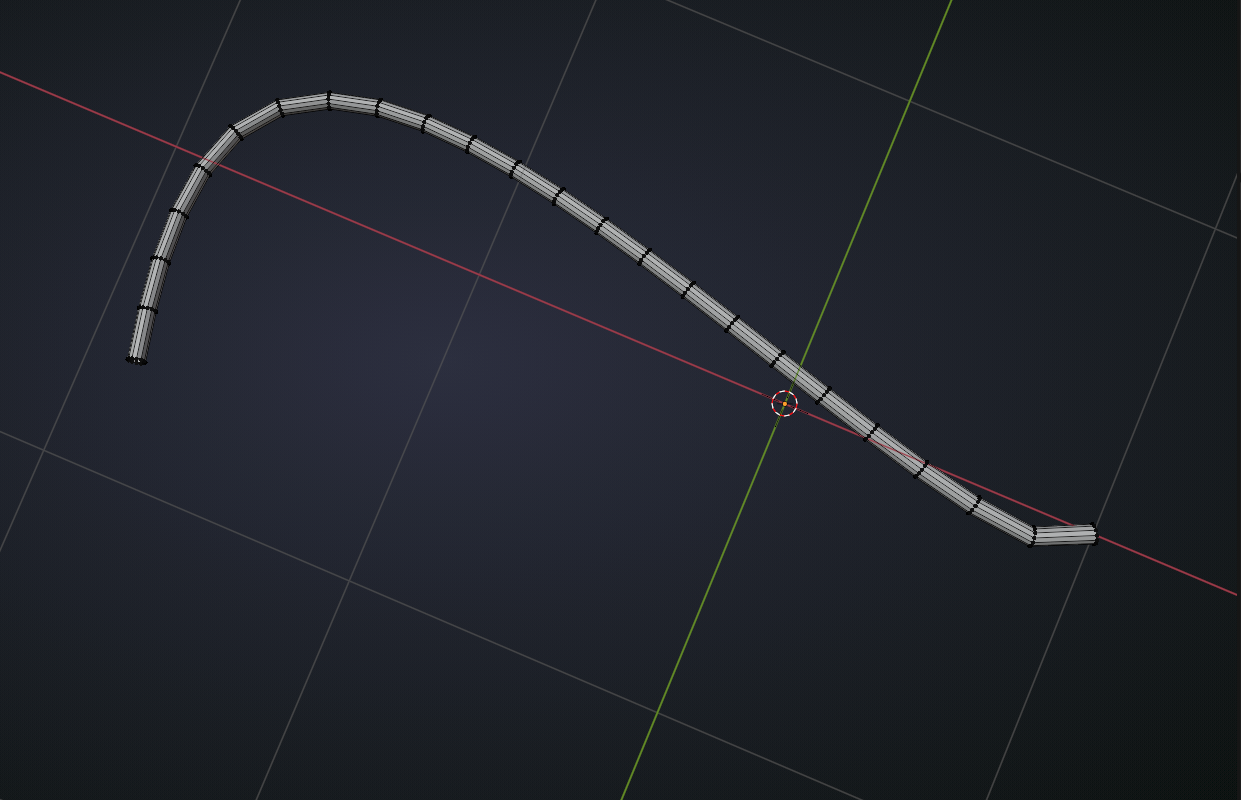
Cable Edges don’t have the same distance

Forum Archive Cable Edges don’t have the same distance

Viewing 5 posts - 1 through 5 (of 5 total)
  • Author
    Posts
  • #14555
    Martin Starchel
    Participant

      Hi Jonathan

      How do you manage to get the same distance by the edge rings?? When I put them into position (still curve), then convert them the edge rings are getting closer at the ends… 

      thank you, I hope you know what I mean

      ps: Or are you just eyeballing  them until it looks alright?

      #71687
      spikeyxxx
      Participant

        Hey Martin,

        I think he is just eyeballing it, but you can also use this trick:

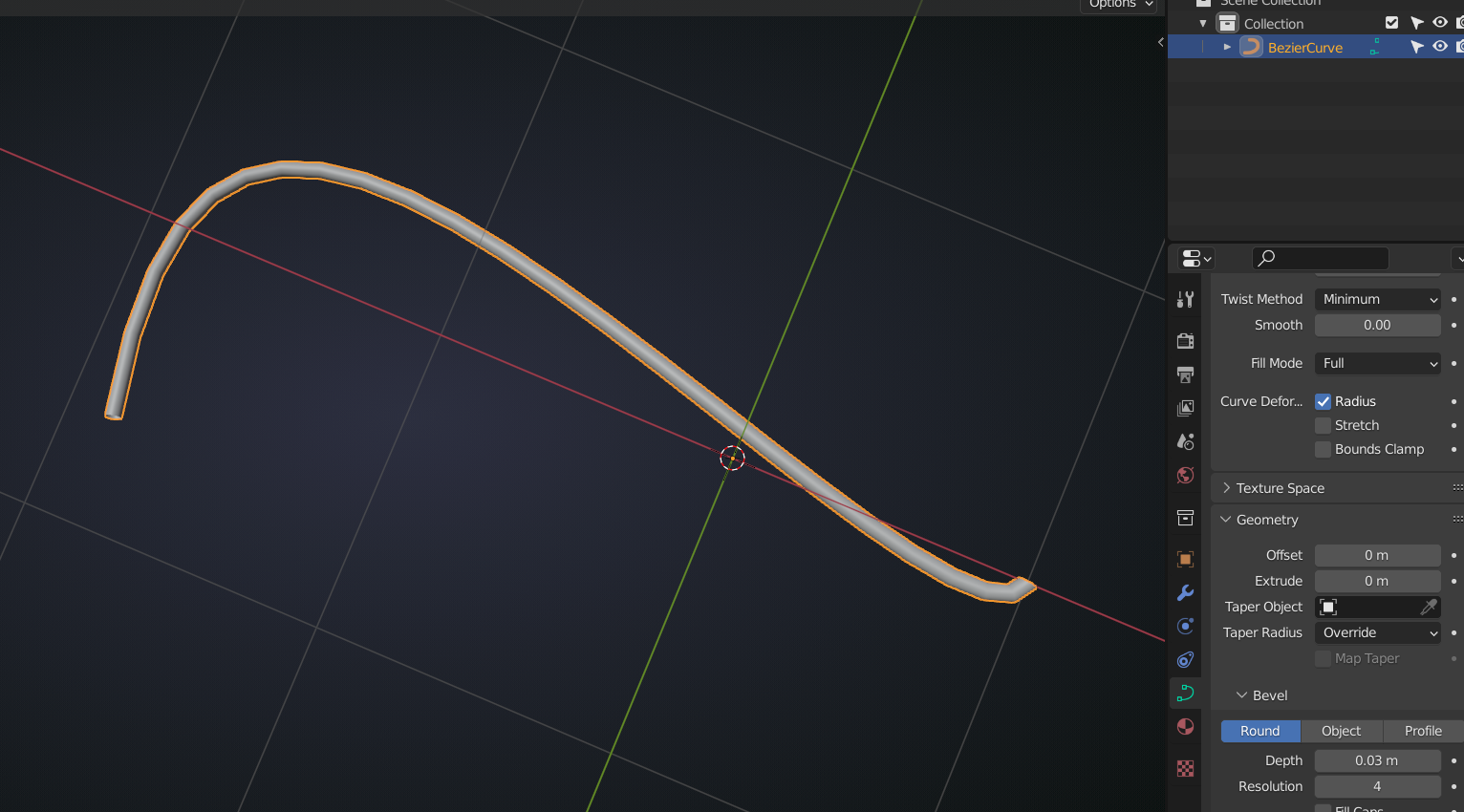
        Say you have a Curve:

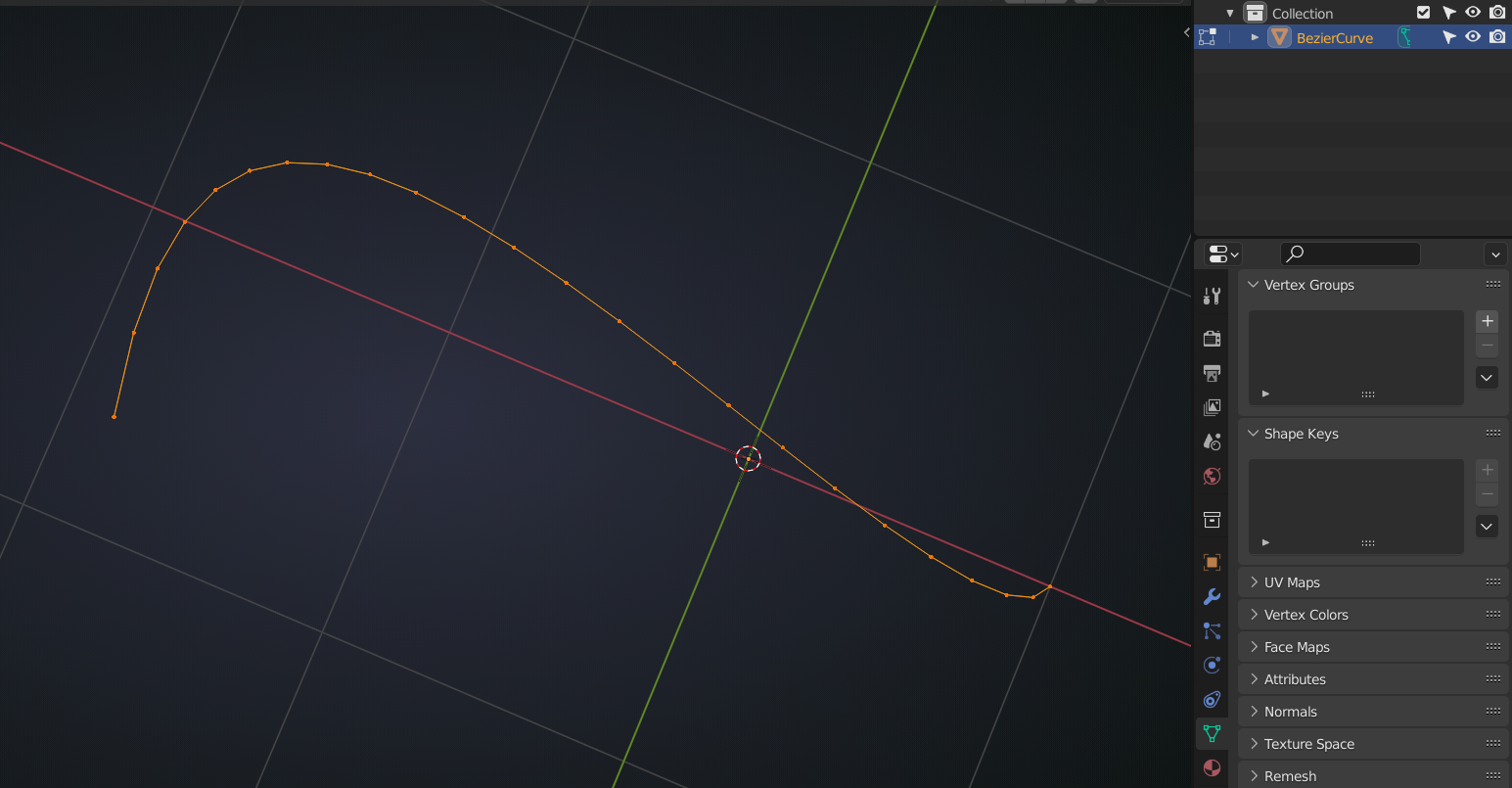
        Remove the Bevel, Convert to Mesh:

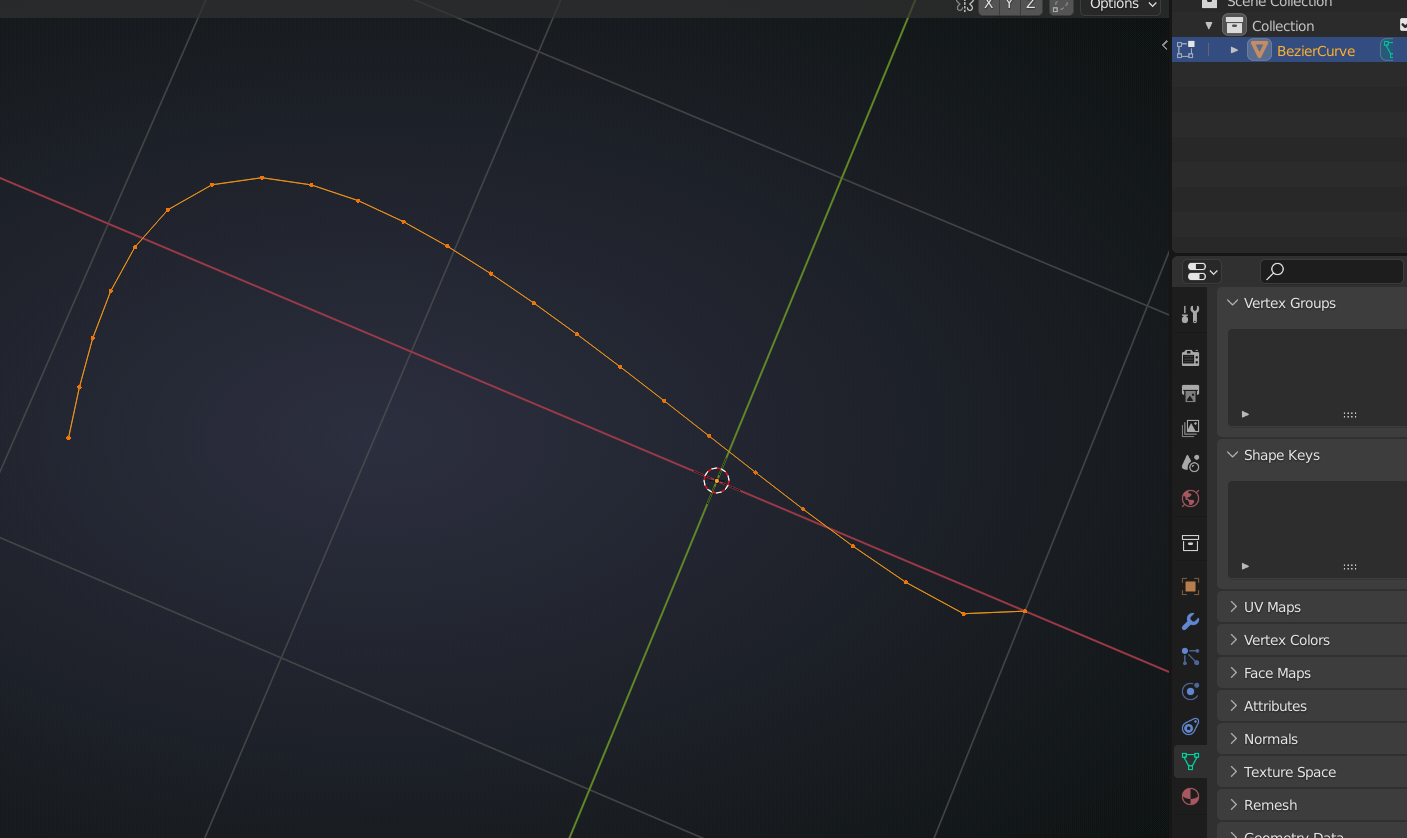
        Use your LoopTools Addon (ships with Blender, but is not enabled by default) > Space:

        that will evenly distribute the Vertices….might slightly change the shape of the Curve, depending on resolution and how unevenly spaced the Vertices were…

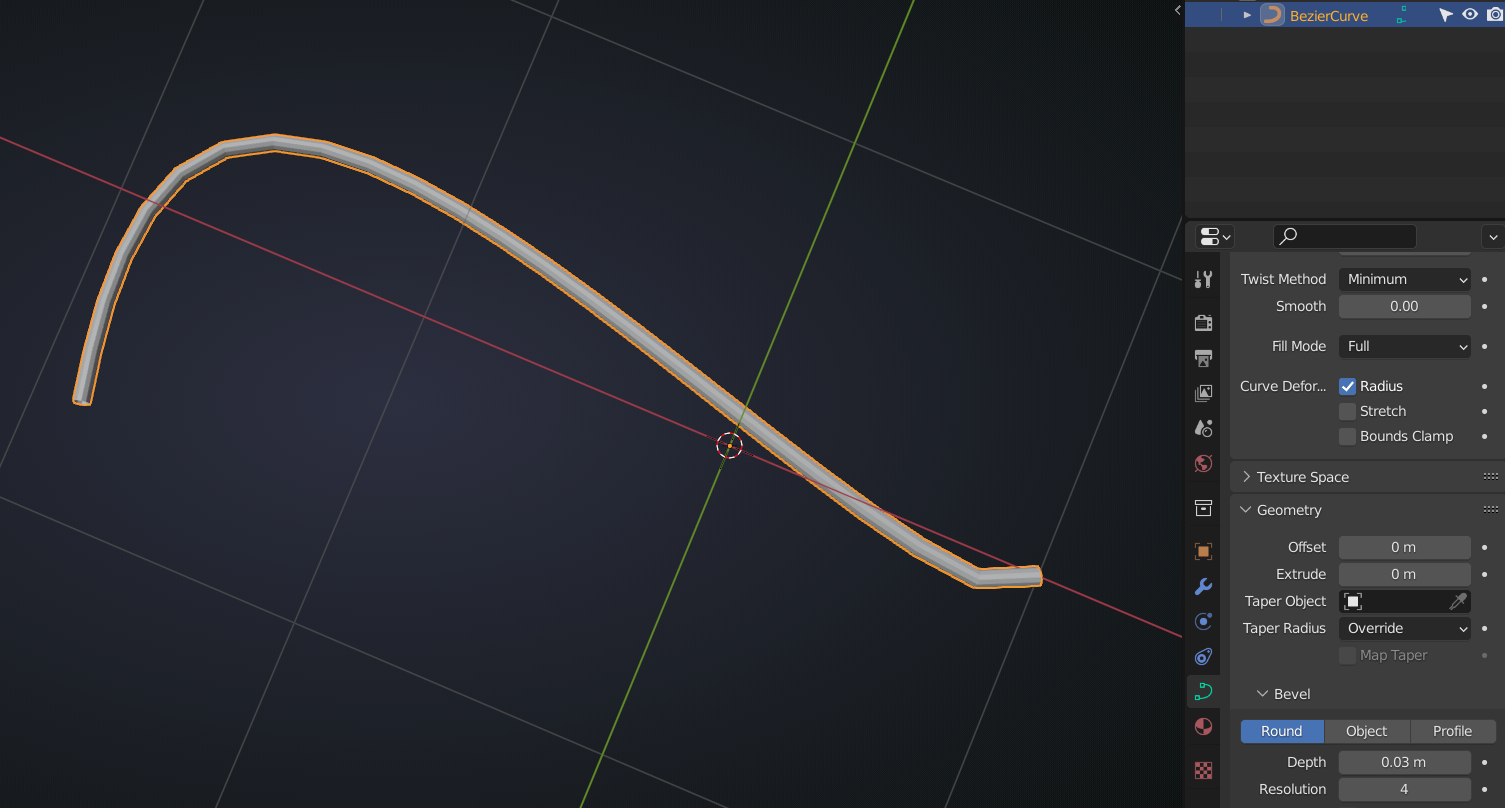
        and then Convert to Curve, Bevel:

        and back to Mesh:

        #71688
        Jonathan Lampel
        Participant

          Can you show an example of what yours looks like? Spikey is right, I’m just eyeballing it. 

          #71689
          Martin Starchel
          Participant

            Hi Jonathan, thank you, I was could eventually eyeball it and am happy with the result. My bad examples are deleted, nothing left to show :)) 

            thank you anyway for your time.

            Martin

            #71690
            Martin Starchel
            Participant

              Thank you Spikey for your time: I eventually could eyeball it and get a decent result…

            Viewing 5 posts - 1 through 5 (of 5 total)
            • The topic ‘Cable Edges don’t have the same distance’ is closed to new replies.