
Christmas Gif 2021 WIP 1 – simple snowman
Forum Archive › Christmas Gif 2021 WIP 1 – simple snowman
- This topic has 12 replies, 4 voices, and was last updated 4 years, 8 months ago by
Adrian Bellworthy.
-
AuthorPosts
-
December 13, 2021 at 6:46 am #14542
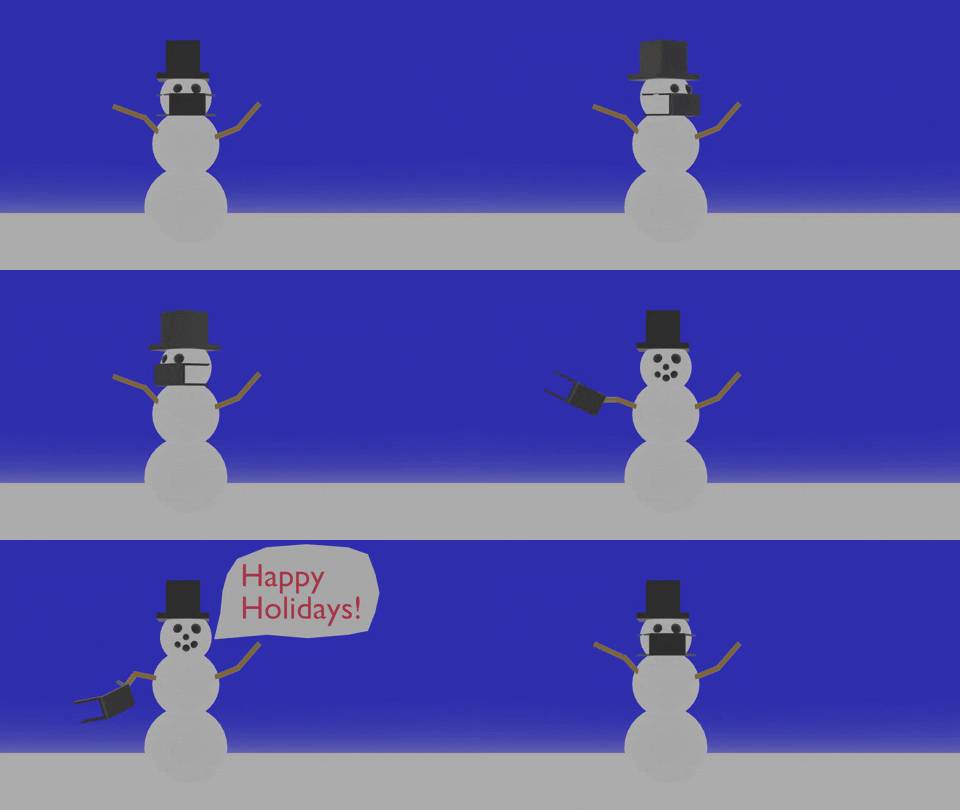
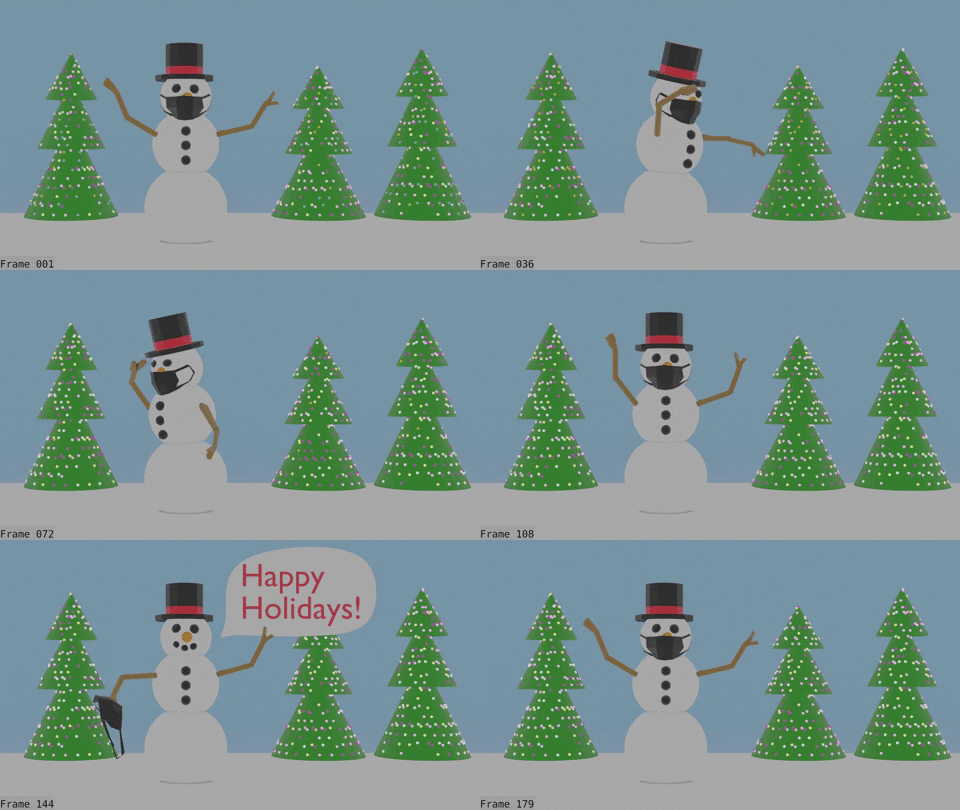
I just couldn’t come up with an idea for this one, so with not much time left am settling for this. I wanted a simple animation that looped well. Going for the simple gif look. Guess I’ll see what I can do with the deadline fast approaching. I was glad to see more people do this challenge, for me they have been a great way to try to apply what I have learned in tutorials and I never would have done a gif otherwise.
 December 13, 2021 at 8:31 am #71633
Nice, I like this, two messages in this Gif,
Happy Holidays,
and
Make sure you wear your mask, and it covers your carrot.
I’m pleased you are taking part in this @tanya53
You have been a regular participant, and you would be missed if we didn’t see your entry.
This challenge has two parts, the next part is a new year celebration Gif,
So you can use this part as a practise round for your awesome entry in part two.
for me they have been a great way to try to apply what I have learned in tutorials and I never would have done a gif otherwise.
This is exactly what I wanted these challenges to achieve.
Thankyou for sharing this, and taking part.
This is why the CGCookie community is so awesome.
December 13, 2021 at 11:18 am #71634This is so cool Tanya. I love it!
December 14, 2021 at 5:12 am #71635day 2 –
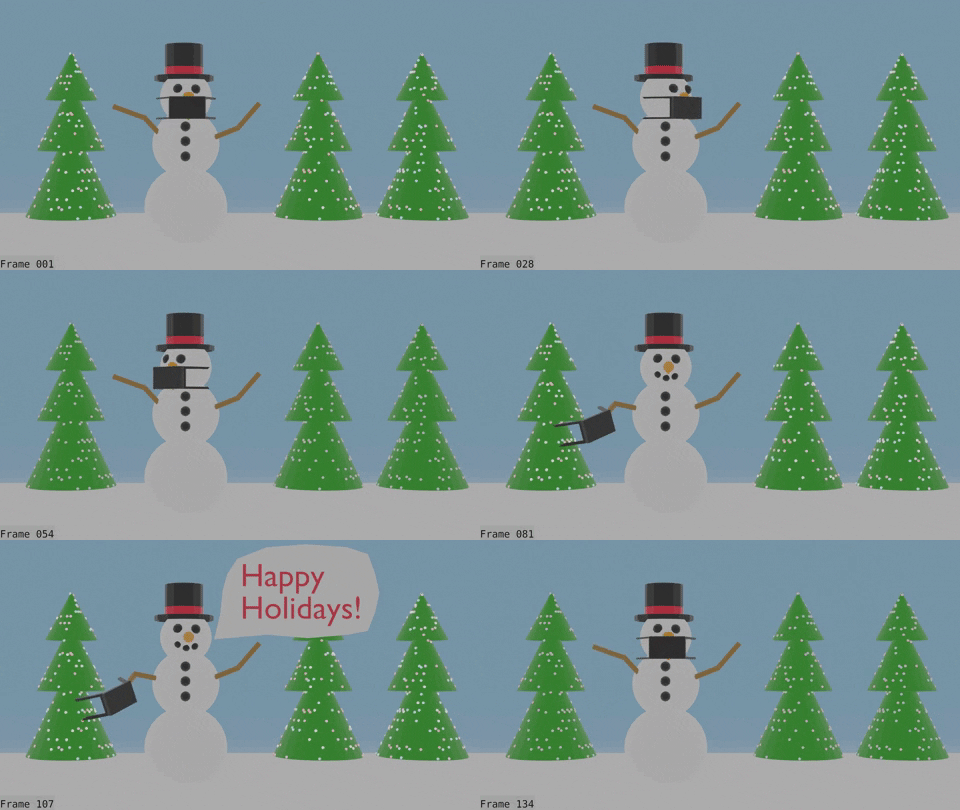
so much left to do
– fix animation. at beginning so looks more like looking around
– fix lights
– do something with the mask when he takes it off, change shape, probably a shape key
– want to keep the simple look, so decide how much detail to addd to the materials, definitely uncertain about this
– then the old nemesis lighting, currently I just have world color changed to more white and no lights. Unsure how to light up the entire scene, but keep everything still looking simple. Don’t know yet what 3-point lighting would look at.
– camera, focus on snowman, blur trees, or keep all in focus?
– so many questions and so little time, well off for more coffee.
December 14, 2021 at 6:02 am #71636The last point you make is the most important
more coffee.
Have a cookie too.
Personally, I don’t think you need to do much with the lighting for a Gif, I think the global illumination from the world is perfectly acceptable.
I’m not sure if you are using Cycles or Eevee, but some AO maybe all you need.
You say fix the lights, here is what I did for lights changing colors for an idea you could use
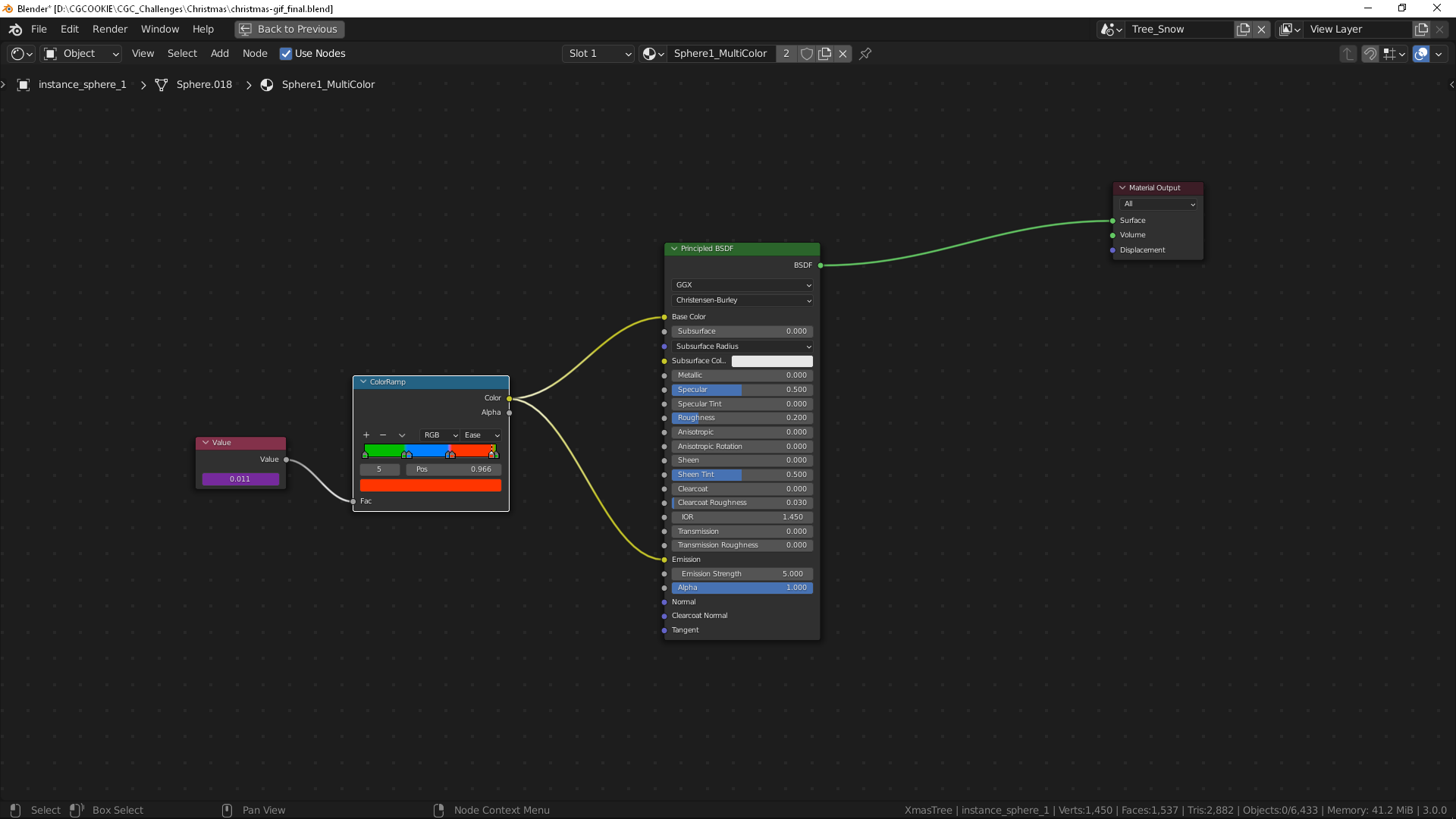
I used a color ramp with the different colors, the value node has a driver based on the frame number, in the value node just type #frame/180,
180 being the total number of frames for my animation, you would use however many frames are in your animation.
The colors are very saturated in the color ramp, they become less saturated the higher the emission strength is above 1.
I used ease for the interpolation on the color ramp rather than constant because I wanted the light to fade from one color to the next.
You could just use an emission shader instead of the principled I have used, I used it for a bright colored reflection at the top of the tree.
You don’t have to do this, but an idea to help you along with time running out.
December 14, 2021 at 6:53 am #71637@adrian2301 thanks for the suggestions. I was just thinking about what to do with the tree lights. I am currently rendering in evee, work on a laptop so rendering in cycles can be pretty slow. For the scream challenge I used cycles, the render was just so much better. Is it worth doing the render in cycles here or since it is a gif is evee good enough do you think? I appreciate all the advice and encouragement.
December 14, 2021 at 7:04 am #71638Considering it will be compressed when converting to a GIF, I would go with Eevee.
Cycles gives a better realistic result than Eevee, but you will lose this in the GIF.
Go with the best you can get with Eevee,
It will save you some time also.
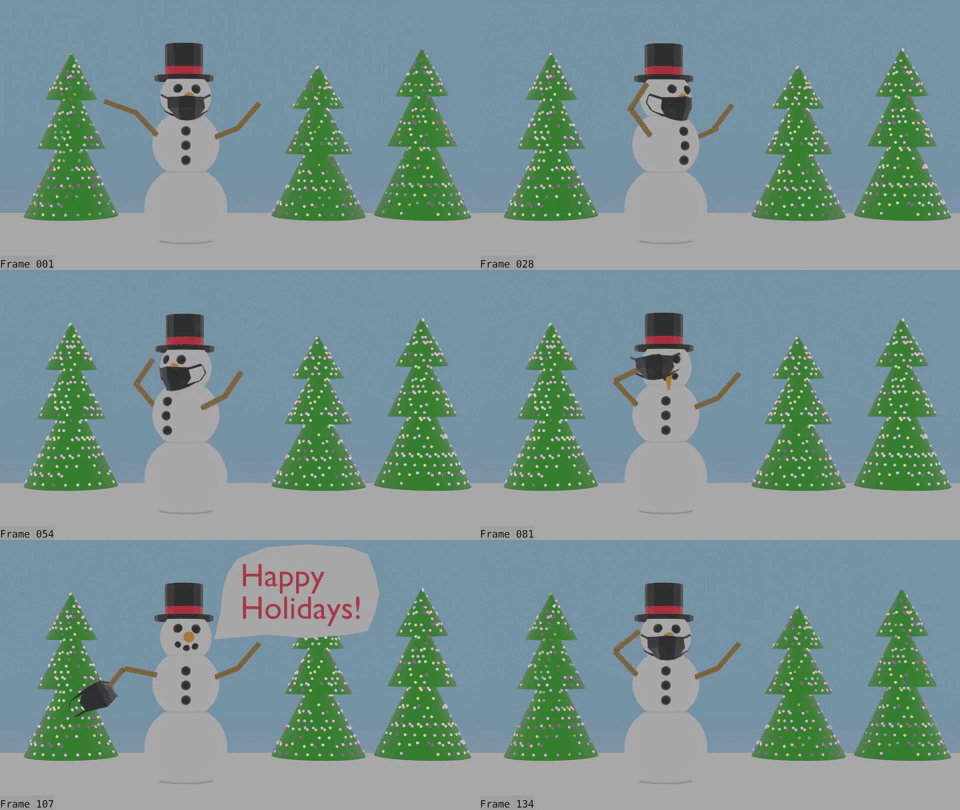
December 15, 2021 at 4:23 am #71639day 3 – working lights. I guess the particle system info node doesn’t work with evee. and of course I want to use evee and my lights are particles. Probably should have used geometry nodes, but with my learning curve, it wouldn’t have been done until next. xmas. Could change to cycles, not happening due to the time issue. So I cobbled something together that. sort of worked using. driver in a sin function, random number and. a color ramp.
status –
trees – done. !!! Still need to work on the snowman animation a fair amount and decide if I should blur out the trees some, etc. Decided not to smooth any of the meshes. and stay with that feel. Staying with this is harder to do then I thought, just want to smooth. it all oud and add more poly’s. Adding the AO as adrian suggested helped loads. Definitely will have to try to find some extra free time or maybe a little less sleep for a couple of days to finish, which means I should get to work on it now.
December 15, 2021 at 5:10 am #71640December 16, 2021 at 5:58 am #71641Looking great Tanya,
I love the nose pop up.
December 17, 2021 at 6:17 am #71642last day
Animation finished! Could still be tweaked forever, but have to quit sometime. Should probably add a few frames in a couple of places, but I want the animation to be smooth and time is pretty much gone. If I have time tonight might see what happens with blurring the trees some and adding some bloom to the lights. Ended up using a couple of shape keys (eyes and mask) and using an armature for the snowman. Last challenge used cycles, lots of compositing, lots of polygons, this one way less compositing, less polygons, evee and has animation. I also must have some of the. worst internet in the world, it is definitely challenged uploading a 7 sec video, takes multiple tries.
 December 17, 2021 at 6:46 am #71643
A gift for you Tanya, take another day or two, nothing will be judged until after the weekend.
Merry Christmas.
December 17, 2021 at 7:02 am #71644Don’t tell anyone but I just changed the date, I meant to do it before anyway.
-
AuthorPosts


- The topic ‘Christmas Gif 2021 WIP 1 – simple snowman’ is closed to new replies.