GIF(t) Challenge Part 1 (Christmas)- Merry Go Round

Forum Archive GIF(t) Challenge Part 1 (Christmas)- Merry Go Round

Viewing 15 posts - 1 through 15 (of 17 total)
  • Author
    Posts
  • #14521
    Thibault Caradec
    Participant

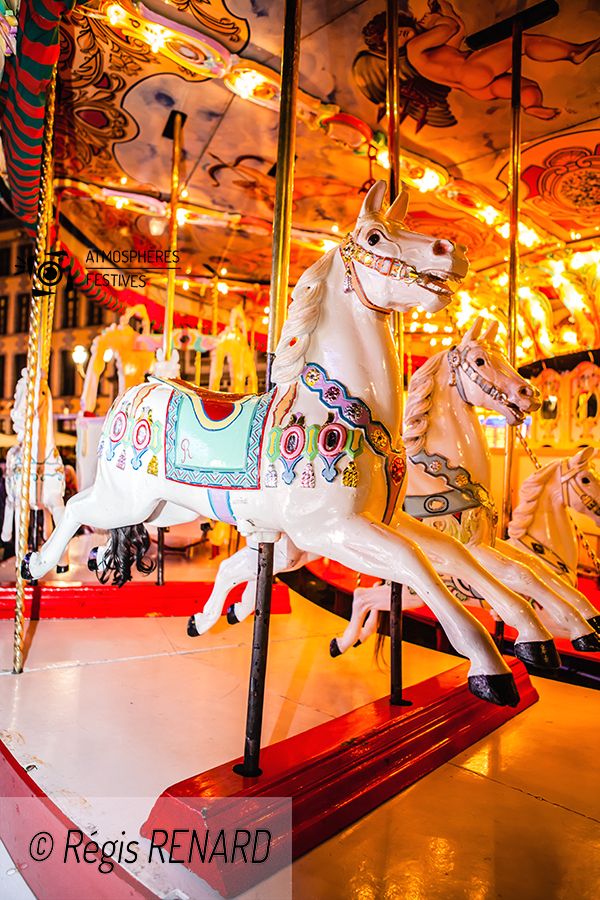
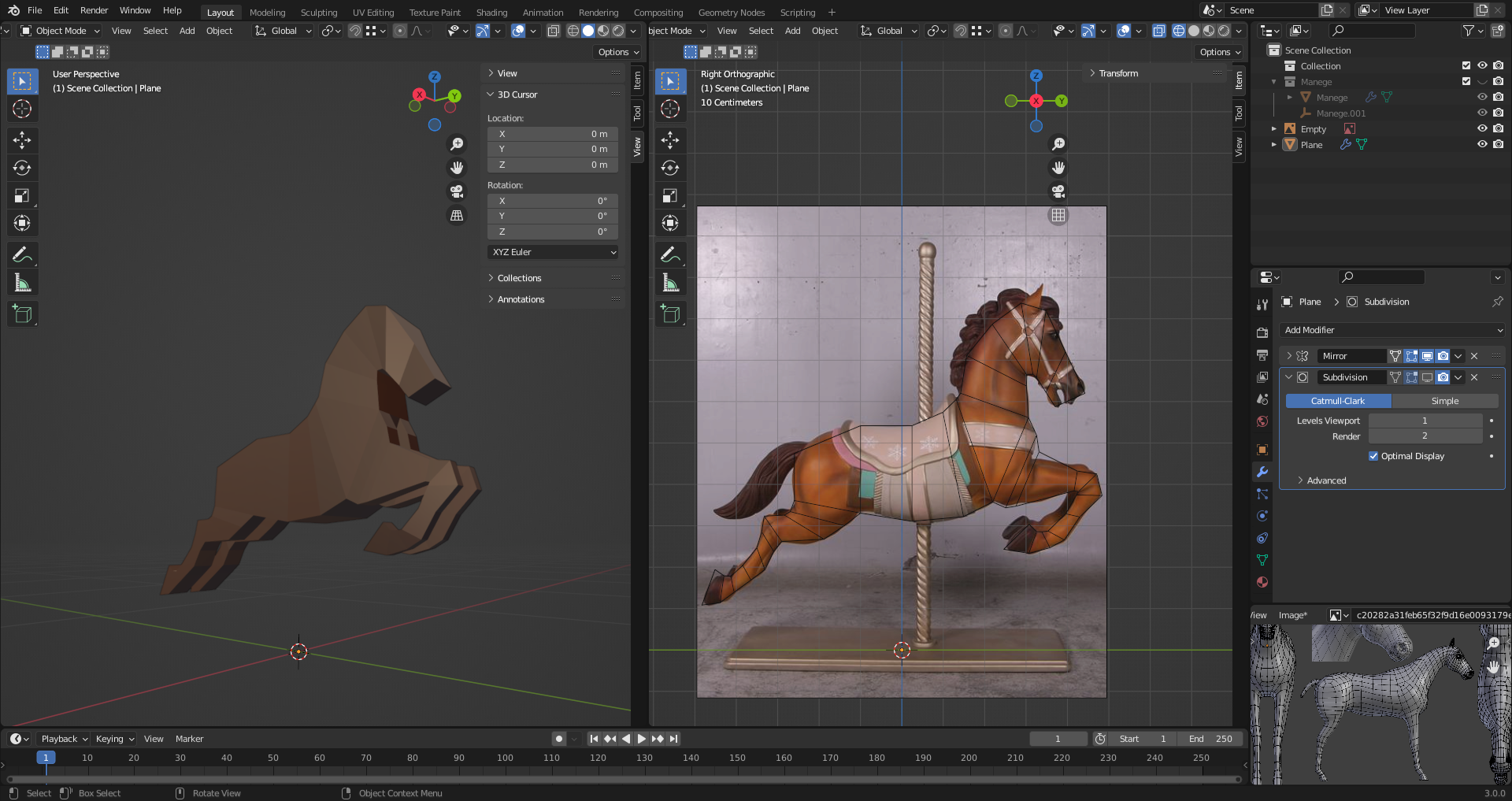
      Hello there! So my idea is to model a Merry-Go-Round, that will be in snow, turns, and will have blinking lights…

      I decided to start with what will decide if I’m up to the task or not…

      Let’s goooo!

      #71500
      Mel C
      Participant

        Very Nice. I can imagine this going to look good already. Can’t wait to see the finish product!

        #71501
        Adrian Bellworthy
        Participant

          Awesome idea @otowa ,

          I’m looking forward to seeing this.

          #71502
          Thibault Caradec
          Participant

            Ok… I’m really not having enough time for this… Especially because the ambition is way too big… Damn…

            #71503
            Thibault Caradec
            Participant

              It’s more and more unlikely that I’ll make it on time, but at least I’m learning about some things and experimenting….

              #71504
              Thibault Caradec
              Participant

                Ok I think this project is dead. 

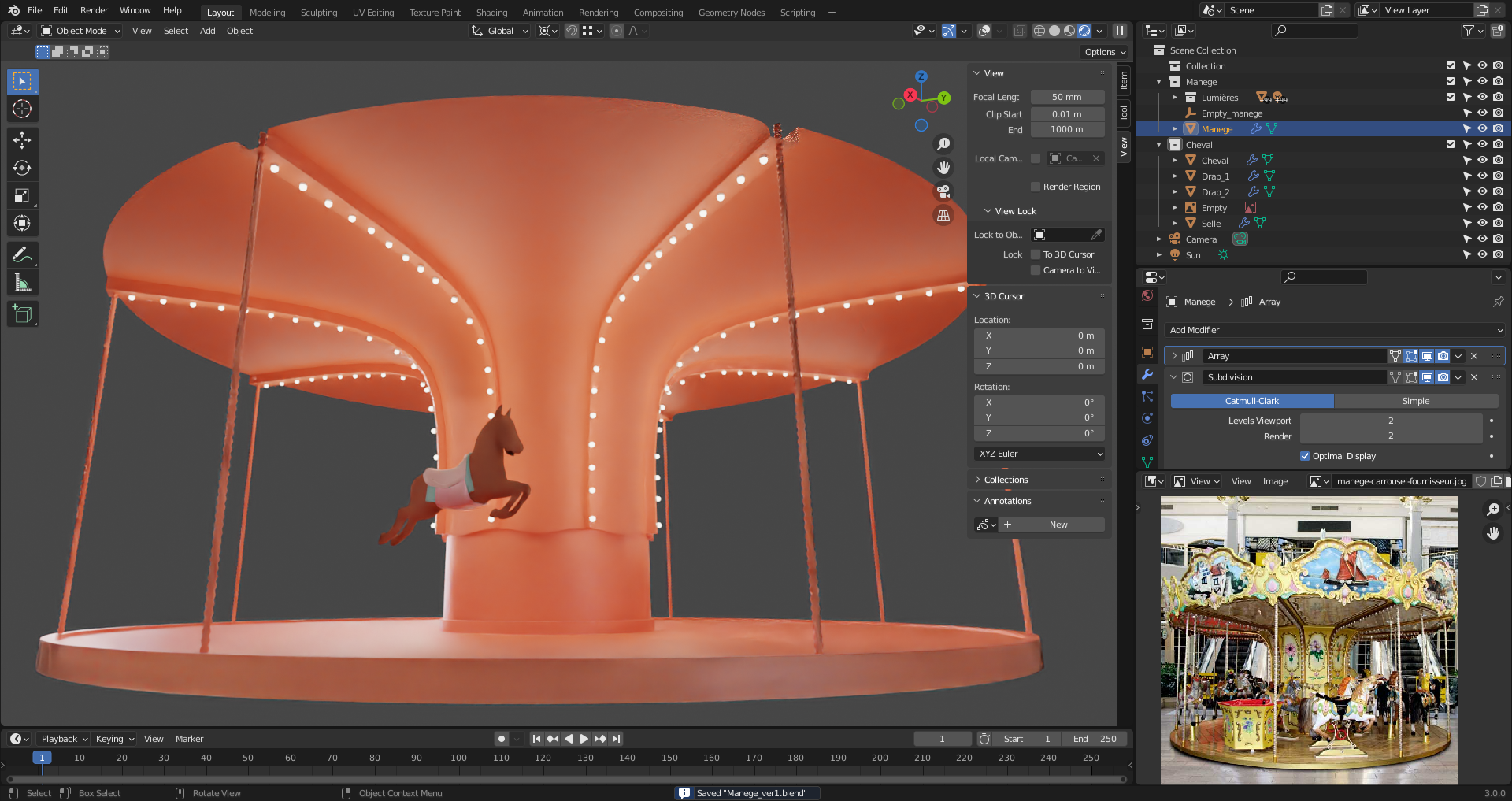
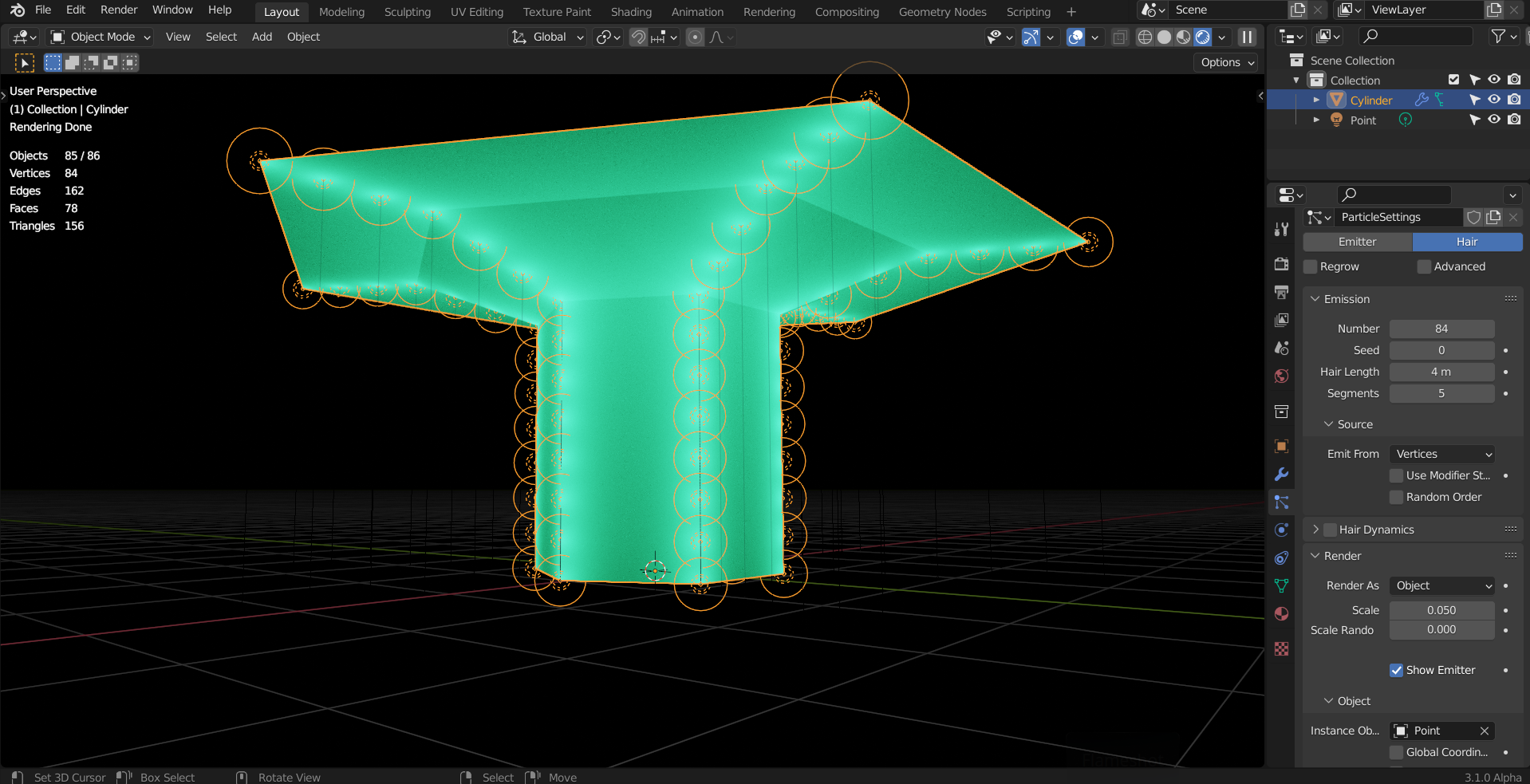
                I can’t parent all the objects to a central empty to make the rotation happening. (Biggest issue being the number of lights apparently)… Blender just loads indefinitely until “not responding”.

                I guess I have to learn a couple of things to het this done efficiently…

                #71505
                spikeyxxx
                Participant

                  That would be a pitty @otowa

                  If the lights are a problem, you should try and instance them…you can use Geometry Nodes for that, but also just a Particle System if you find that easier:

                  Don’t give up before the deadline 🙂

                  #71506
                  Thibault Caradec
                  Participant

                    Thank you @spikeyxxx for the kind words. 

                    To be fair I was frustrated and gave it a try and found a lazy solution before I saw your answer : parent the lights (objects + point lamps) 10 by 10 rather than the 150 of them at once…

                    Getting some progress… I’m a little bit skeptical abouthow to do the horse mane.

                    But if I have to have any chance to finish on time I need to keep eveything as simple as possible from now on…

                    #71507
                    Adrian Bellworthy
                    Participant

                      Hey @otowa ,

                      I try to design these challenges not as a competition, but as individuals to challenge their ability, and push through the mental barriers to keep learning and practising with Blender.

                      Don’t give up.

                      With a Gif and in particular one like you are creating, with moving parts, spending too much time on detail will be wasted.

                      Your horses are perfect as they are.

                      for the lights, I would also suggest like spikey, looking at geometry nodes.

                      Take a look at Redjam9 on YouTube, he has some great tutorials on GeoNodes.

                      I used one of them and modified it to create the Christmas tree on the example Gif I made.

                      Keep going, 

                      and another reason for these challenges is to communicate through these WIP threads and bounce ideas off each other.

                      Don’t concern yourself with the deadline,

                      Keep calm and have a cookie.

                      #71508
                      Thibault Caradec
                      Participant

                        Ok,I’ll try to follow @adrian2301 advice and keep it simple…

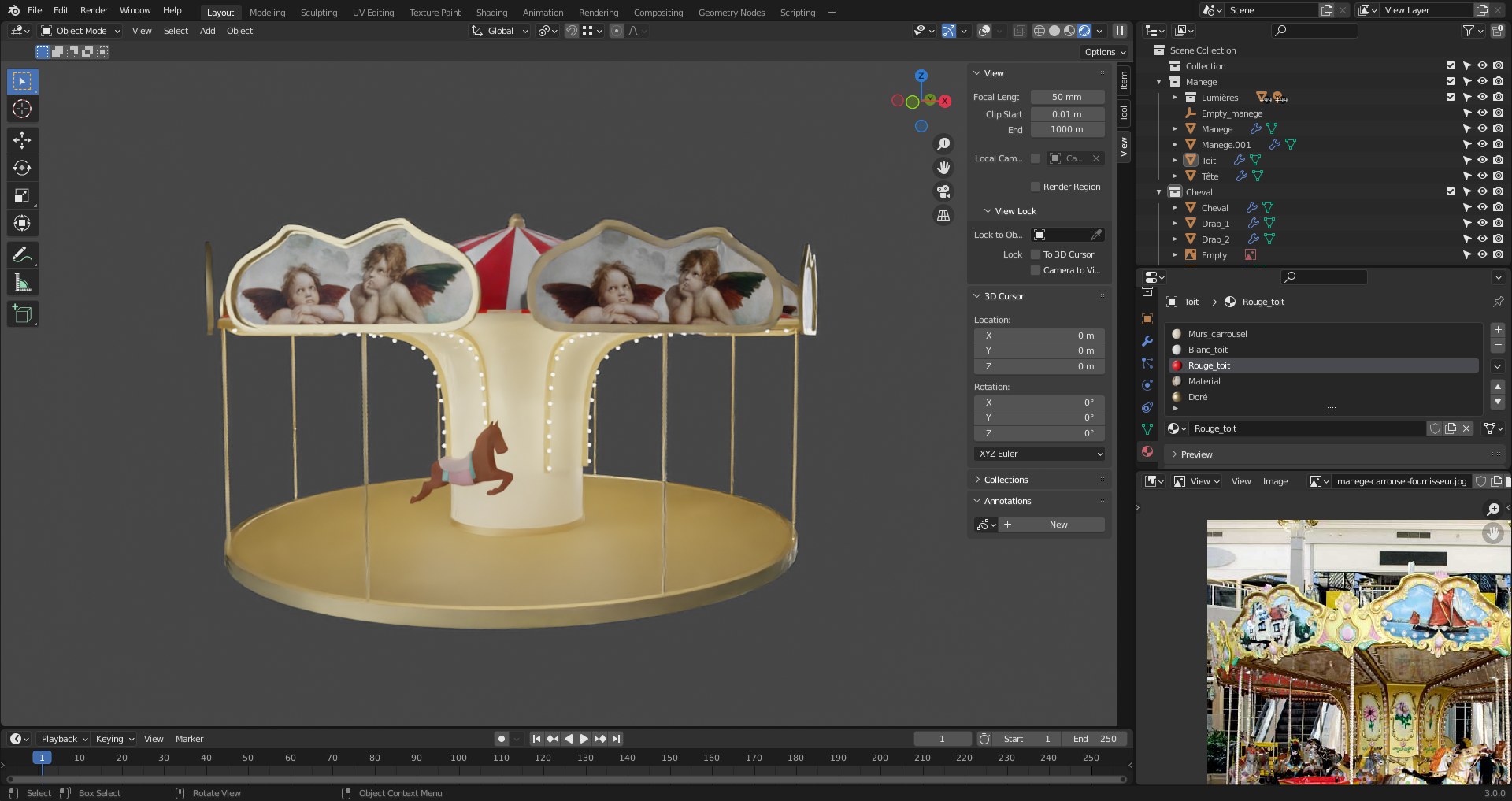
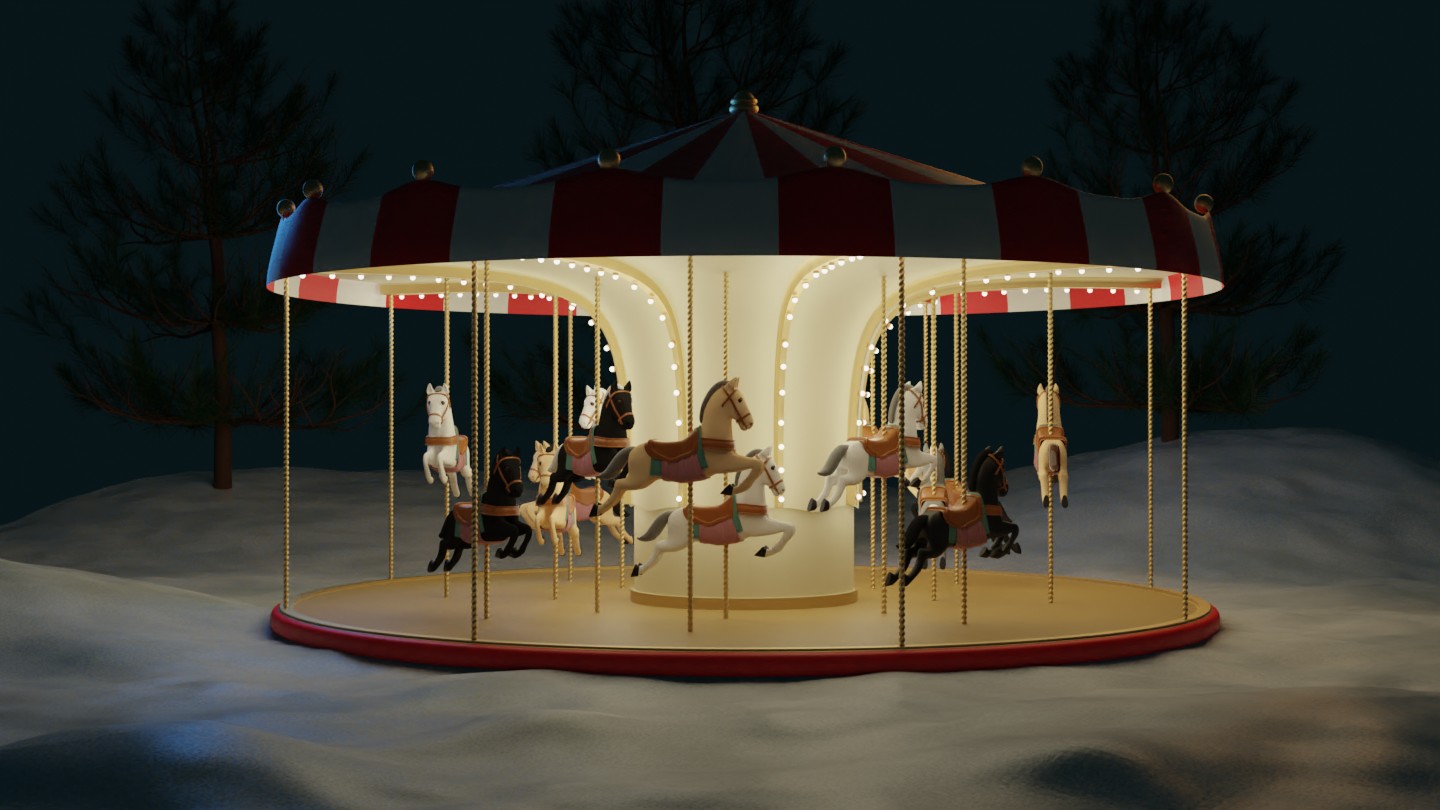
                        Working on overall scene and finishing the “roof” in a very simple way. 

                        Added a basic ground with snow material based on Ryan King Art tutorial (https://www.youtube.com/watch?v=UzJnsqIRbDw)

                        Added some lights

                        Added some non-final trees to think about the final composition.

                        Tomorrow I’ll try to add final details on horses while in the train to work, and maybe try to get some particle snow effect done by the evening after work… 

                        #71509
                        Thibault Caradec
                        Participant

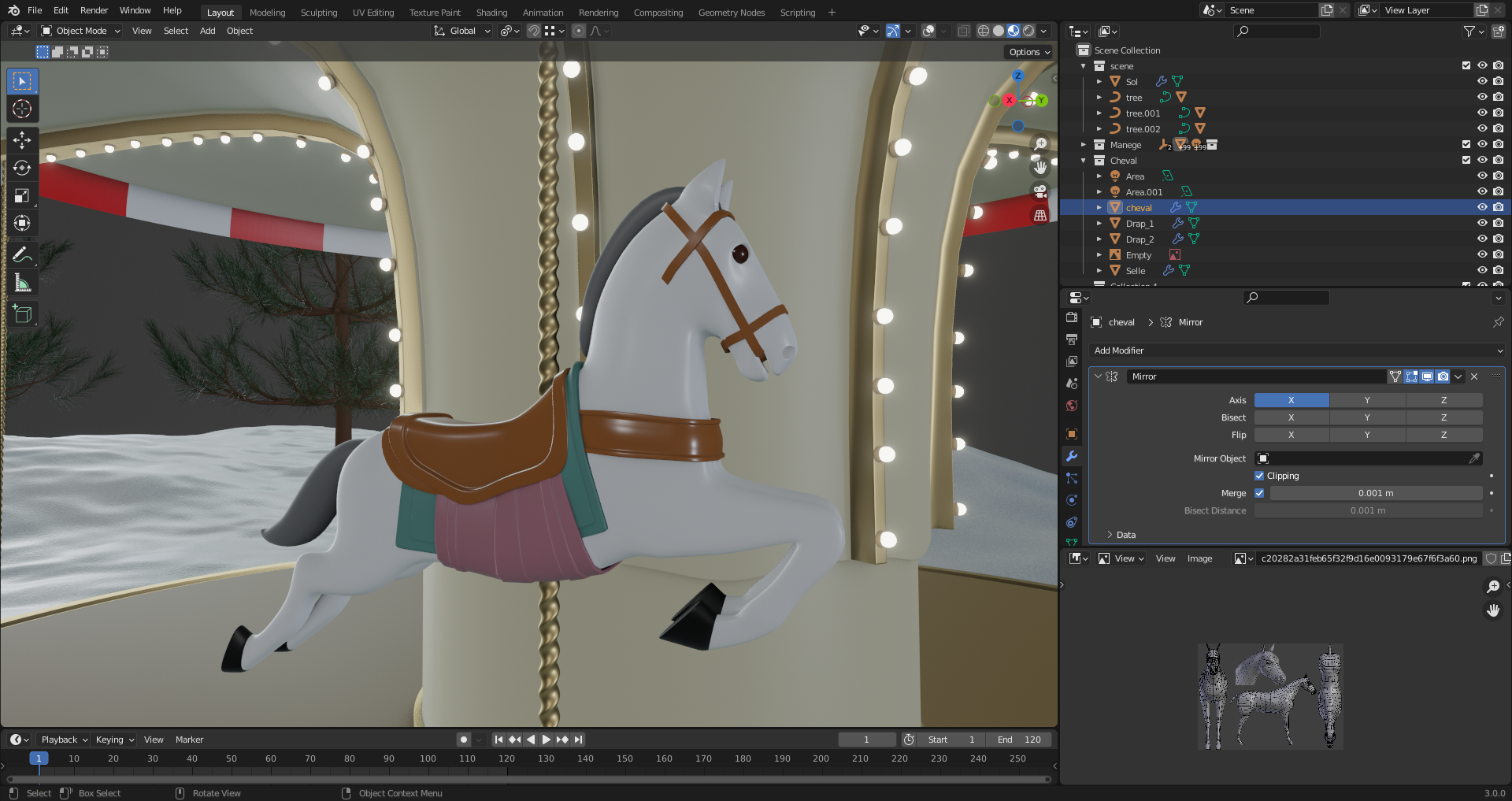
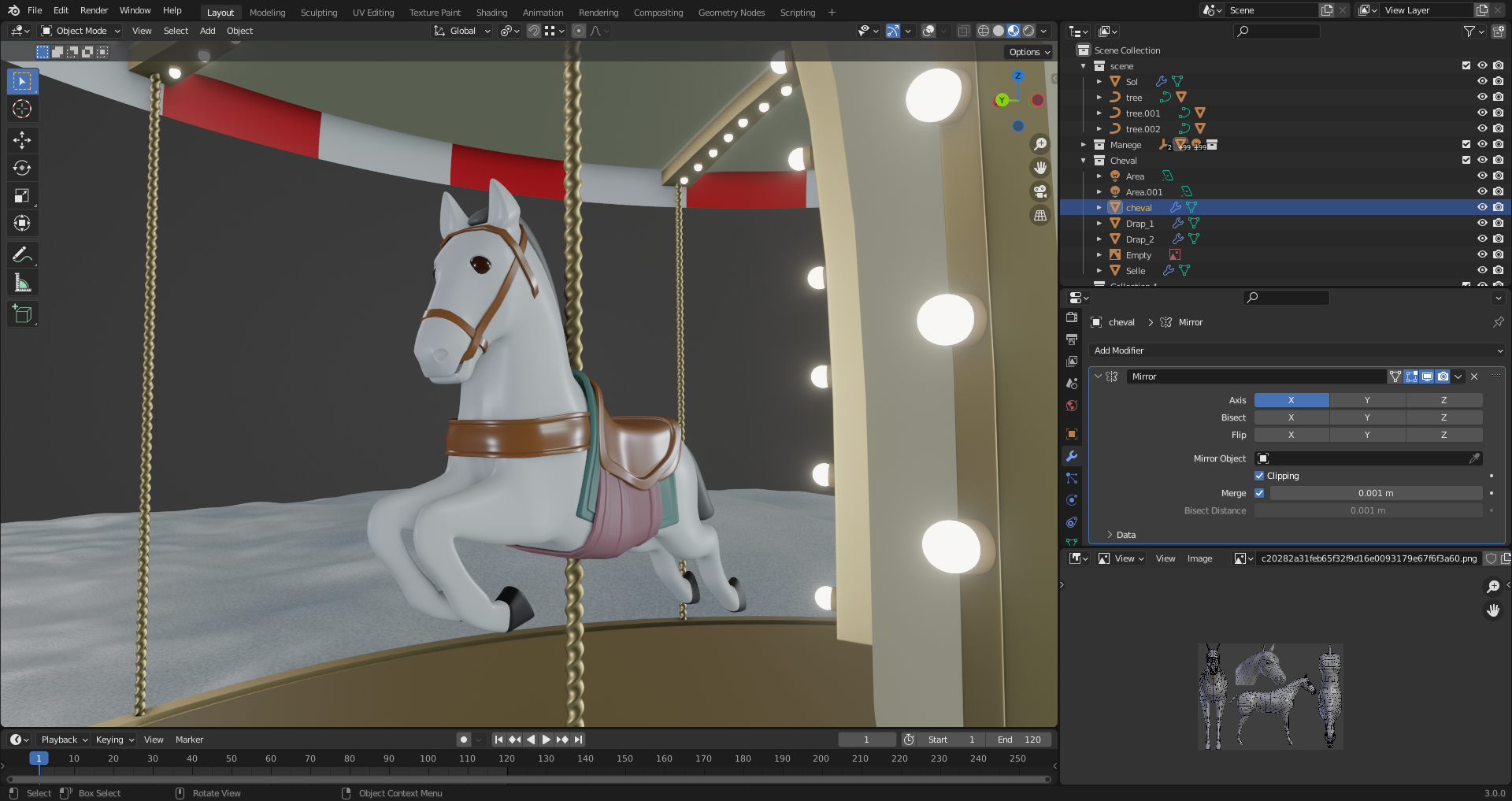
                          Added final horse “details”. I guess it looks ok enough. 

                          The best thing : I tried to make the horse go up and down during the merry go round rotation, and it works as intended. Now, Duplicating horse and puting color variations is next step.

                          #71510
                          Thibault Caradec
                          Participant

                            We’re getting somewhere… I think…

                            #71511
                            spikeyxxx
                            Participant

                              That horse definitely looks detailed enough for a Gif!

                              I’d recommend making a test Gif, because a Gif uses a color palette of only 256 colors per frame…and your white horse, due to shading, already has more different colors (‘pixel-wise’)…not really a problem, but keeping it simple is the key here 🙂 

                              Simple modeling and simple shading.

                              #71512
                              Vue Thao
                              Participant

                                Awesome work, man.

                                #71513
                                Thibault Caradec
                                Participant

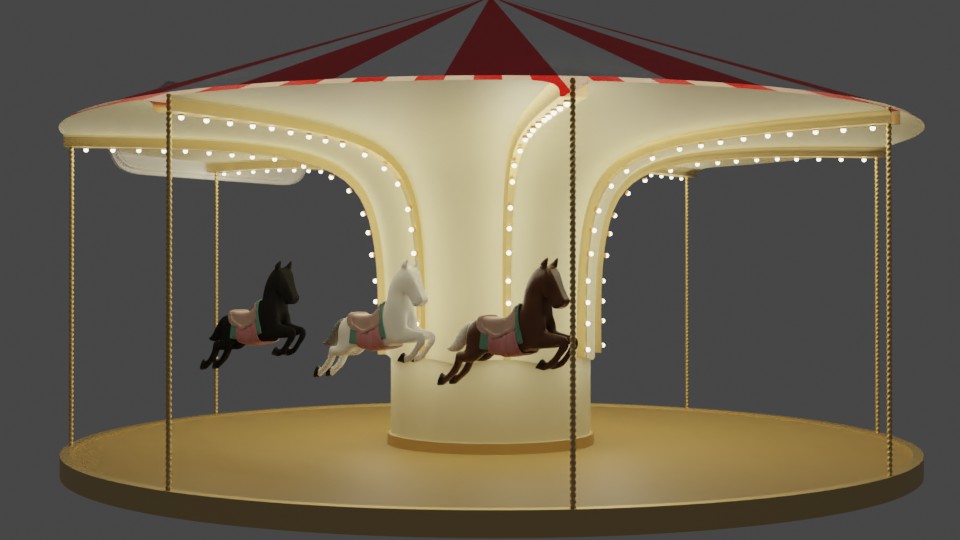
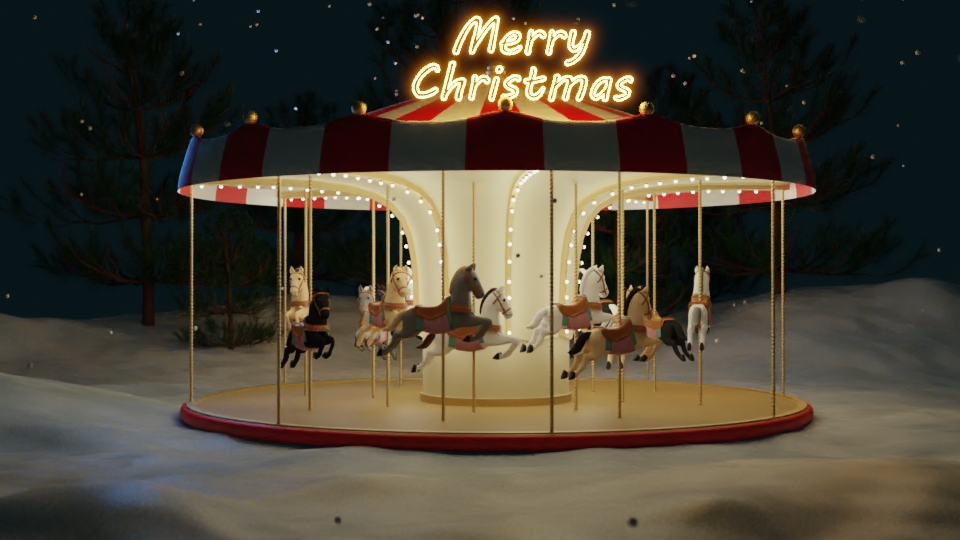
                                  Last render before rendering the animation…

                                Viewing 15 posts - 1 through 15 (of 17 total)
                                • The topic ‘GIF(t) Challenge Part 1 (Christmas)- Merry Go Round’ is closed to new replies.