Is there a visual way to tell if you have extruded faces on one another?

Forum Archive Is there a visual way to tell if you have extruded faces on one another?

Viewing 8 posts - 1 through 8 (of 8 total)
  • Author
    Posts
  • #14510
    turtlelearns3d
    Participant

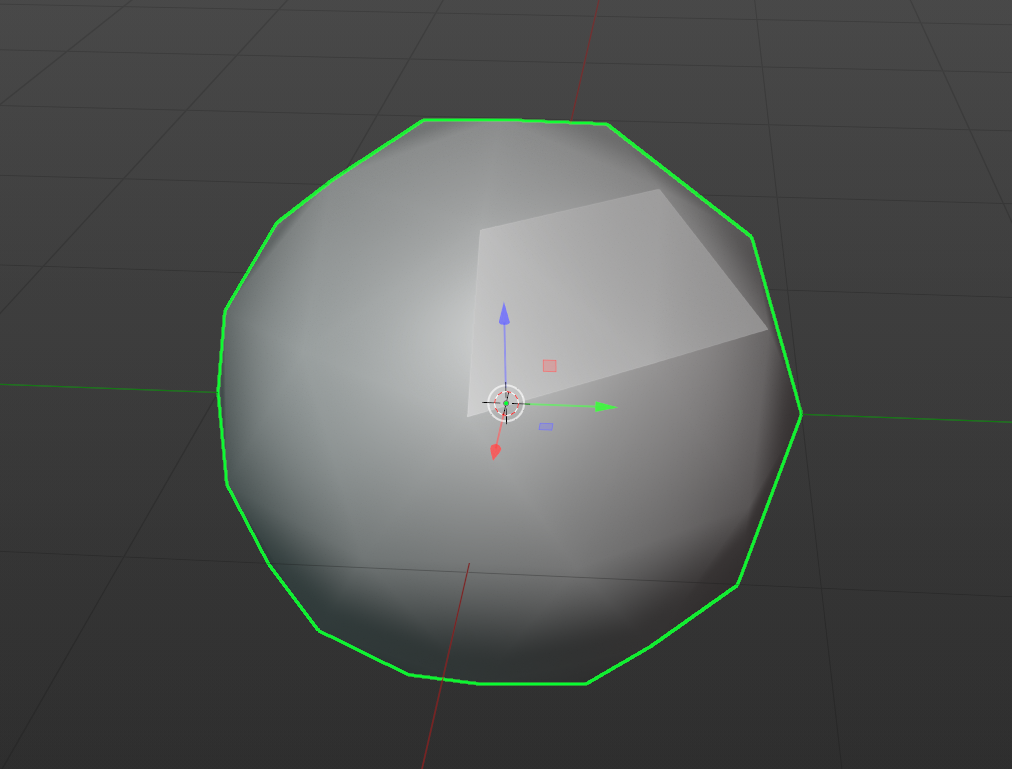
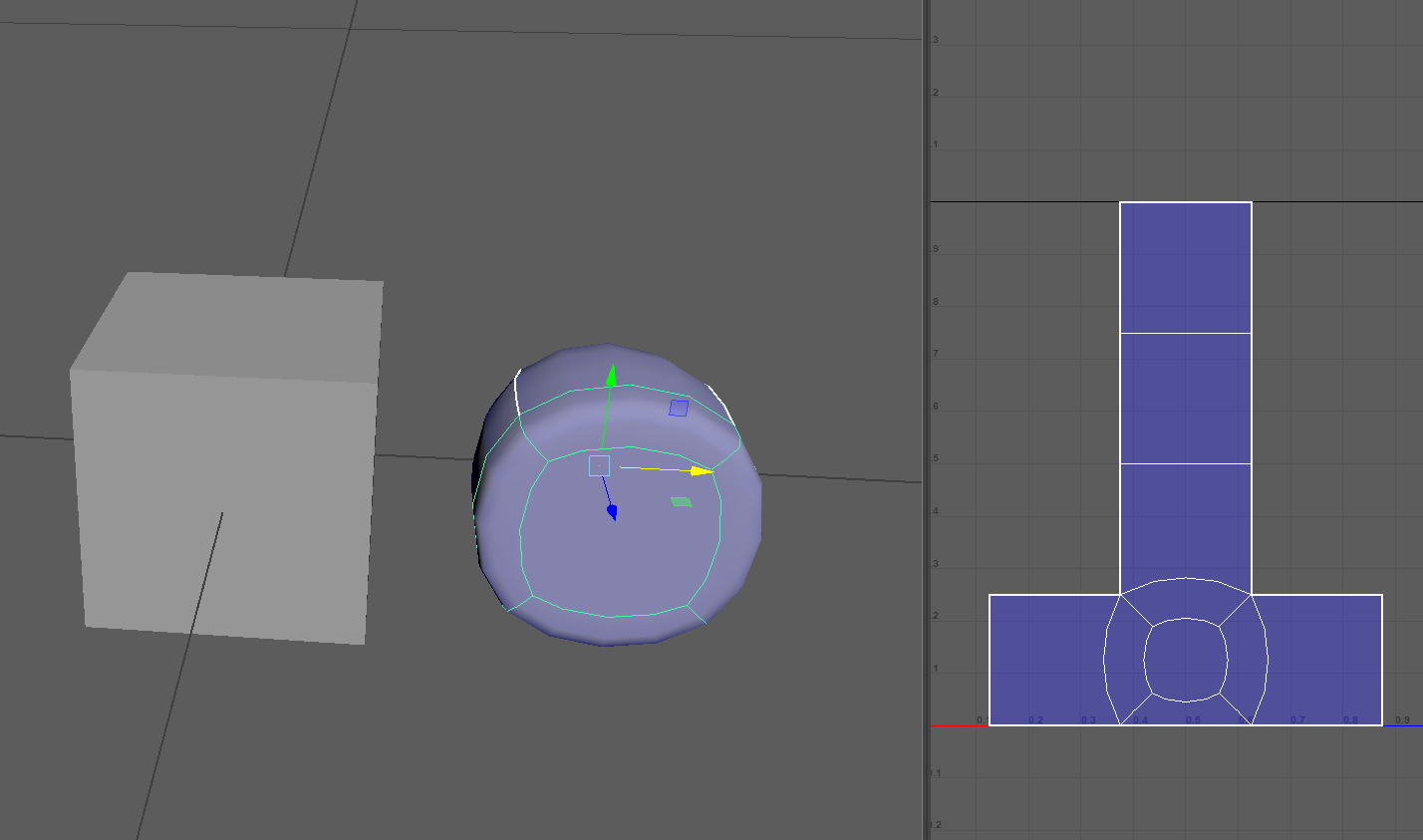
      I’m asking this as a former Maya user. In Maya, when I’ve accidentally extruded a face without moving it, I’ll see it when I switch to smooth mode, which looks like a little patch within my original face. 

      #71407
      nemernick
      Participant

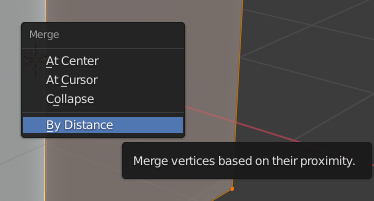
        Hi @turtlelearns3d , I don’t think there is a way to see it, but you can select all the vertices with A and press M for merge -> By Distance. This will get rid of any overlapping faces.

        Check out this lesson around the 8 minute mark for details:

        https://cgcookie.com/lesson/extrude

        #71408
        turtlelearns3d
        Participant

          Ohh okay, thanks for the response and the merge tip! ^^ 

          #71409
          Jonathan Lampel
          Participant

            That trick still works, but I’m not sure if it’s the same result as in Maya. To shade smooth, use the Ctrl+F face menu in edit mode or the right click context menu in object mode. 

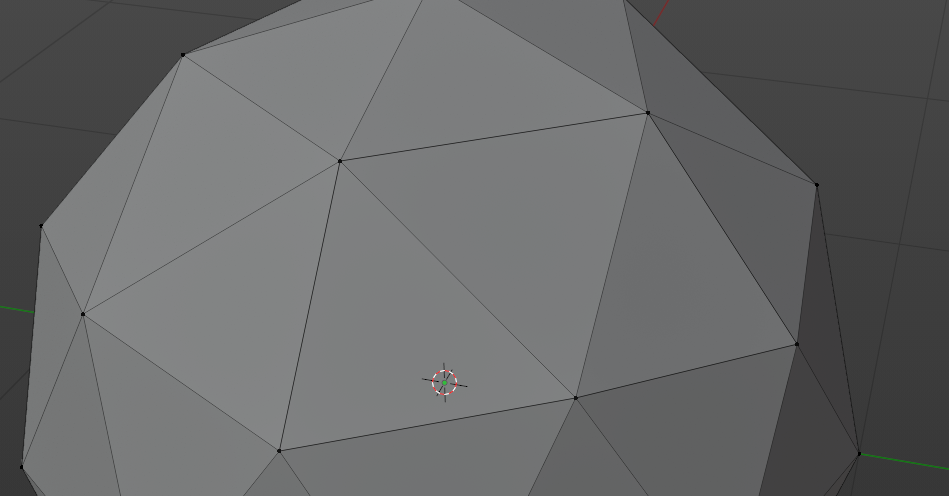
            It also looks like those edges are drawn slightly darker, but it’s super subtle:

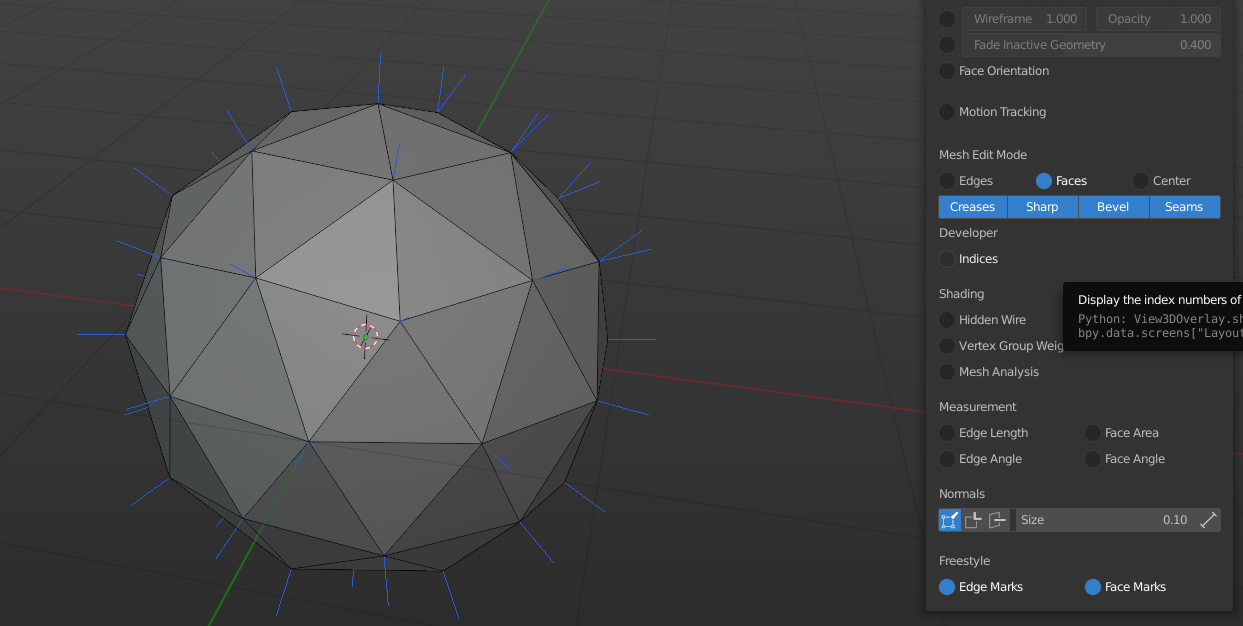
            You could also turn on the vertex normals, and see if any vertex has more than one normal line:

            #71410
            turtlelearns3d
            Participant

              Ahh okay, I’ll try those out, thank you! Here’s what it looks like in Maya for reference. The left is the square in unsmooth mode with an extruded face and the right is the same model but in smooth mode. 

              When I was learning Maya I did this all the time so now Im scared Im doing it in Blender. Thanks for helping ease my mind. lol

              #71411
              spikeyxxx
              Participant

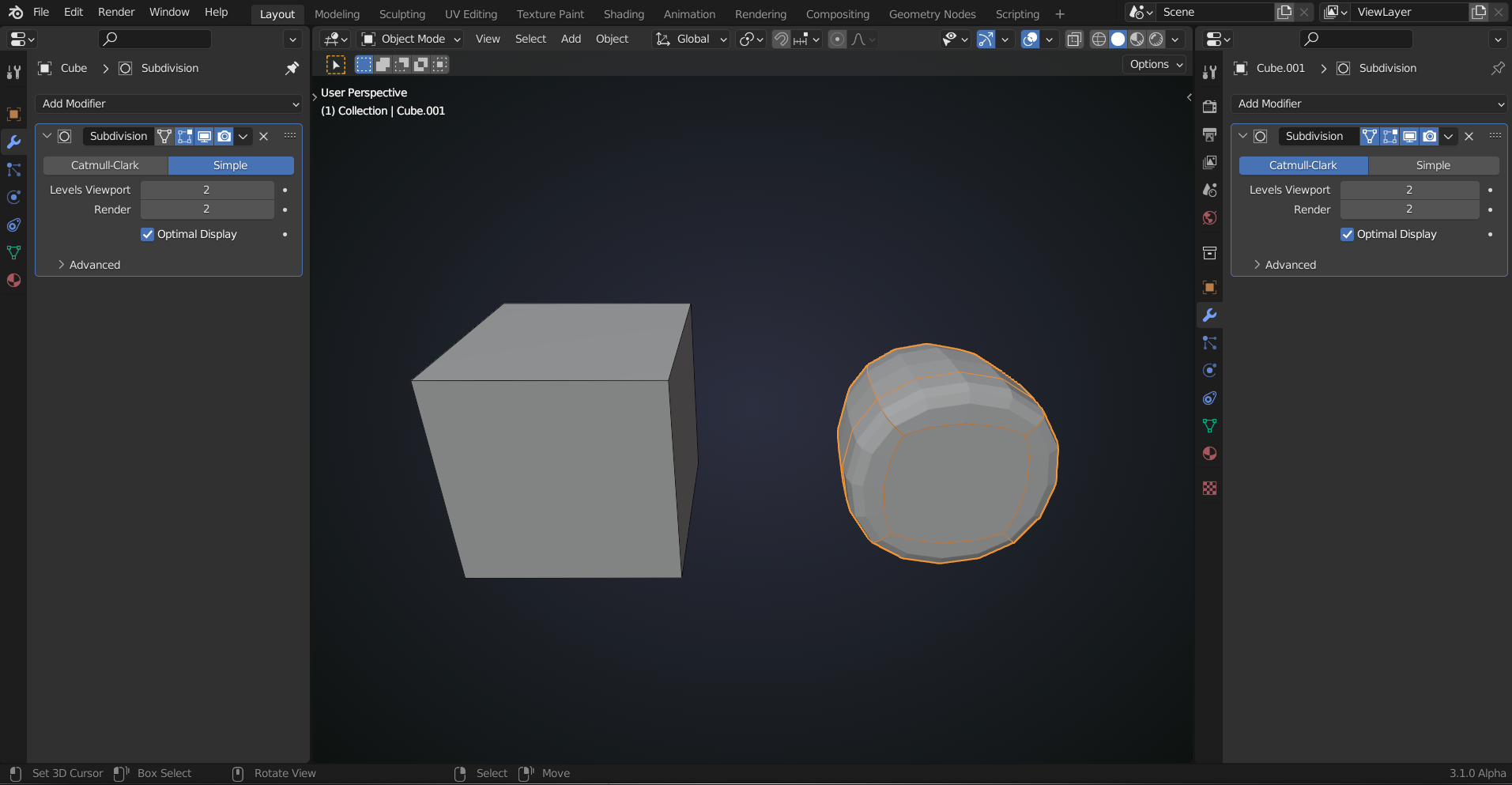
                I see, that is not what peolple  using Blender will think of when you say Smooth Mode. In Blender, you can get this by having a Subdivision Surface Modifier on both, one with Catmull Clarke (smooth version) and the other using Simple:

                You can then also use Smooth Shading to get even closer to the Maya result.

                I don”t know hot to get that same result (the unwrapped version) in the UV Editor though.

                #71412
                turtlelearns3d
                Participant

                  That’s good to know! I can’t wait to learn more about the differences. The more I learn about Blender the more I realize why my friend (Blender user) and I never understood each other when we were troubleshooting. xD 

                  #71413
                  Jonathan Lampel
                  Participant

                    Oh, right! I forgot that means subdiv in Maya. If you’re used to that workflow, use Ctrl and 0 – 5 on your keyboard number row to set subdiv levels in object mode without navigating to the modifier tab. 

                  Viewing 8 posts - 1 through 8 (of 8 total)
                  • The topic ‘Is there a visual way to tell if you have extruded faces on one another?’ is closed to new replies.