How to separately change colours of duplicated objects?

Forum Archive How to separately change colours of duplicated objects?

Viewing 2 posts - 1 through 2 (of 2 total)
  • Author
    Posts
  • #13631
    bennywarsh
    Participant

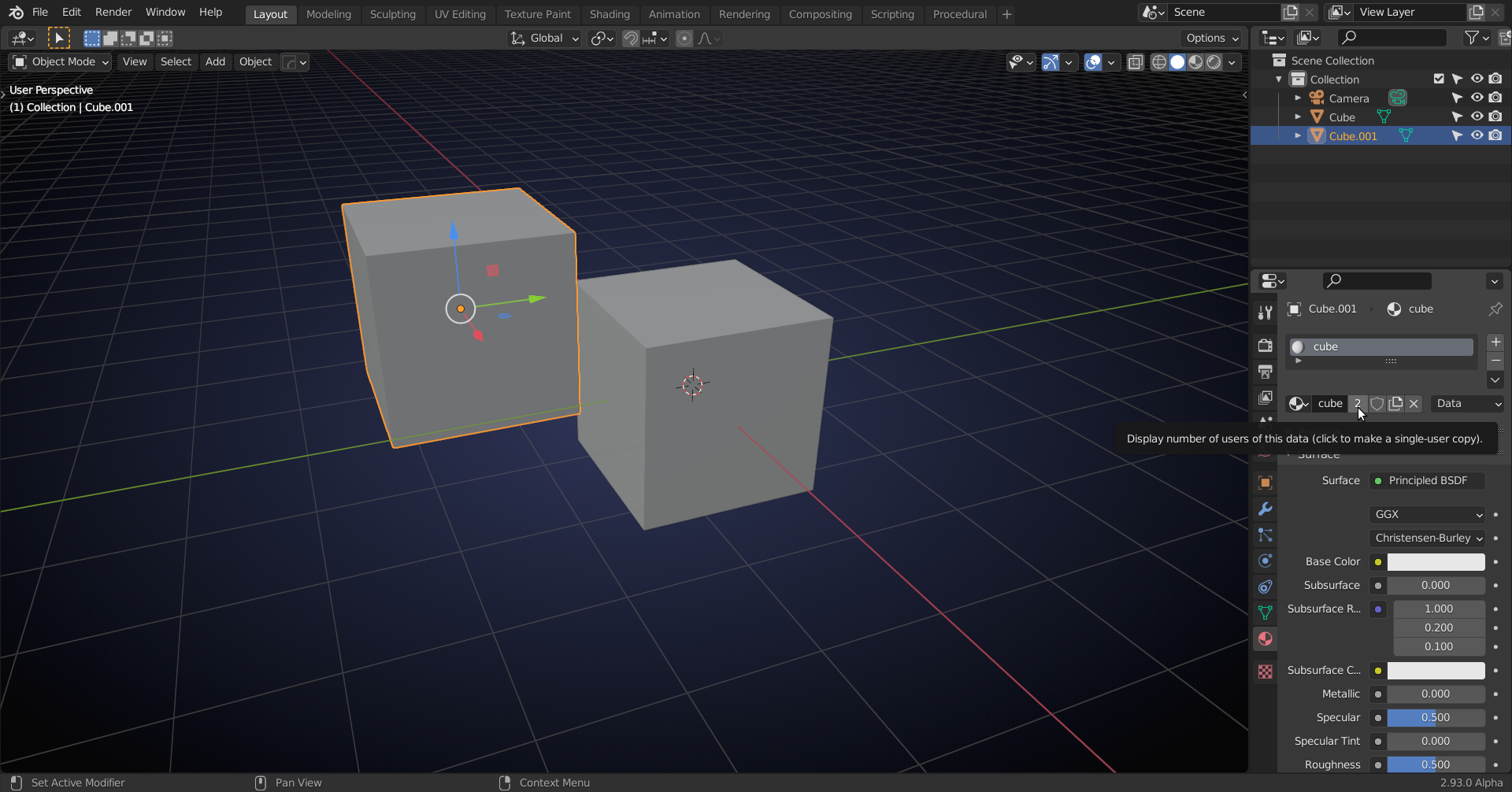
      After duplicating the ground layers and then moving on to changing the material colouring, the material colour is changing all 3 surface layers. How do I unlink them so I can adjust the colouring accordingly?

      #64445
      spikeyxxx
      Participant

        There are several ways, I usually click the number right of the material:

      Viewing 2 posts - 1 through 2 (of 2 total)
      • The topic ‘How to separately change colours of duplicated objects?’ is closed to new replies.