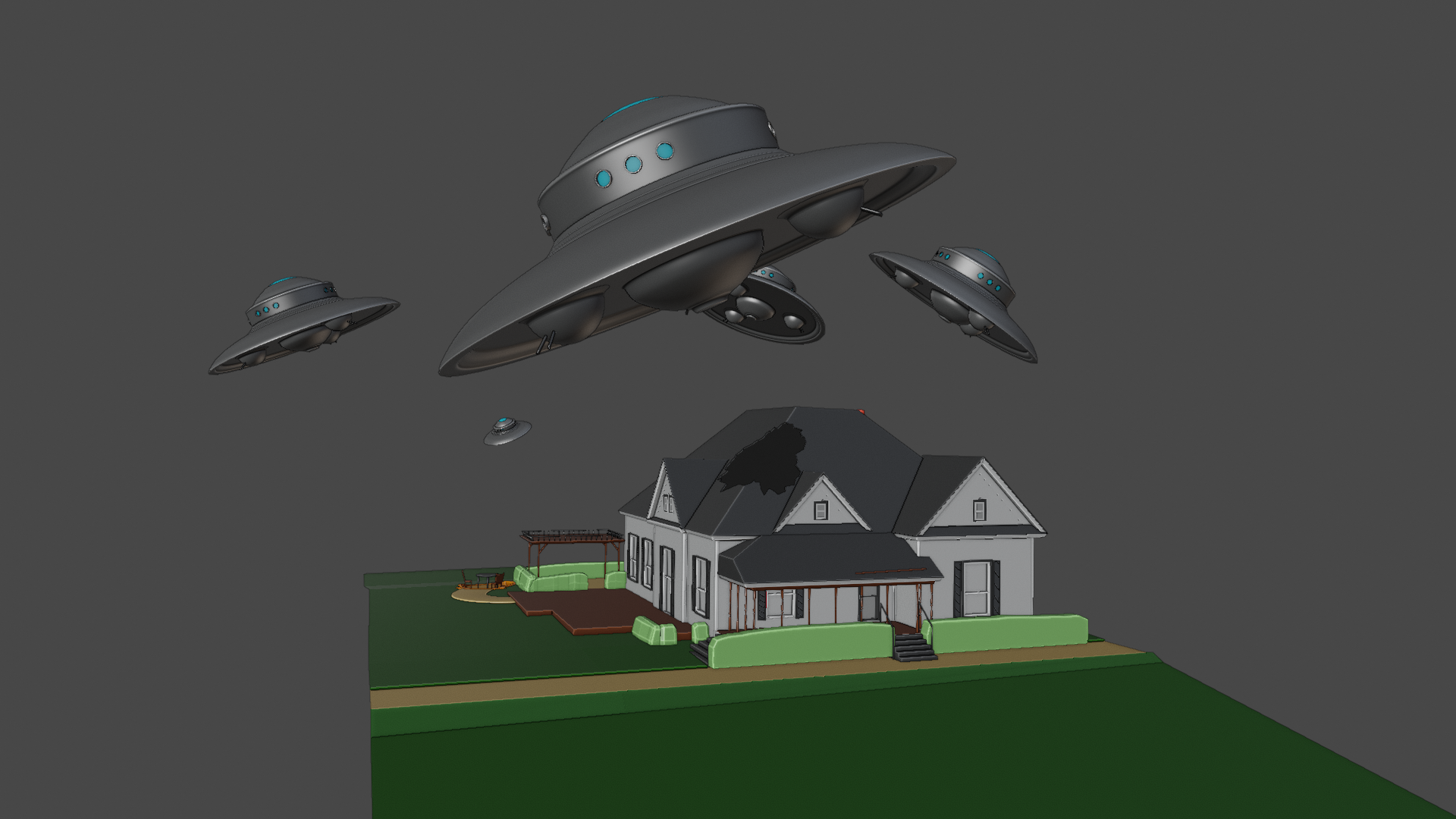
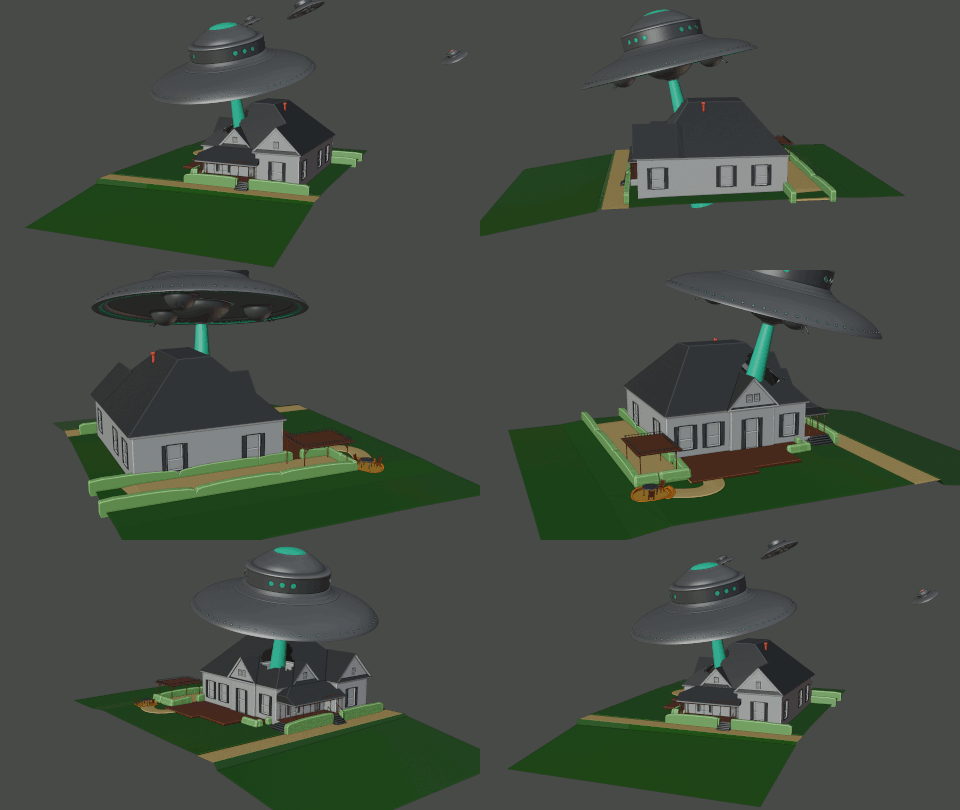
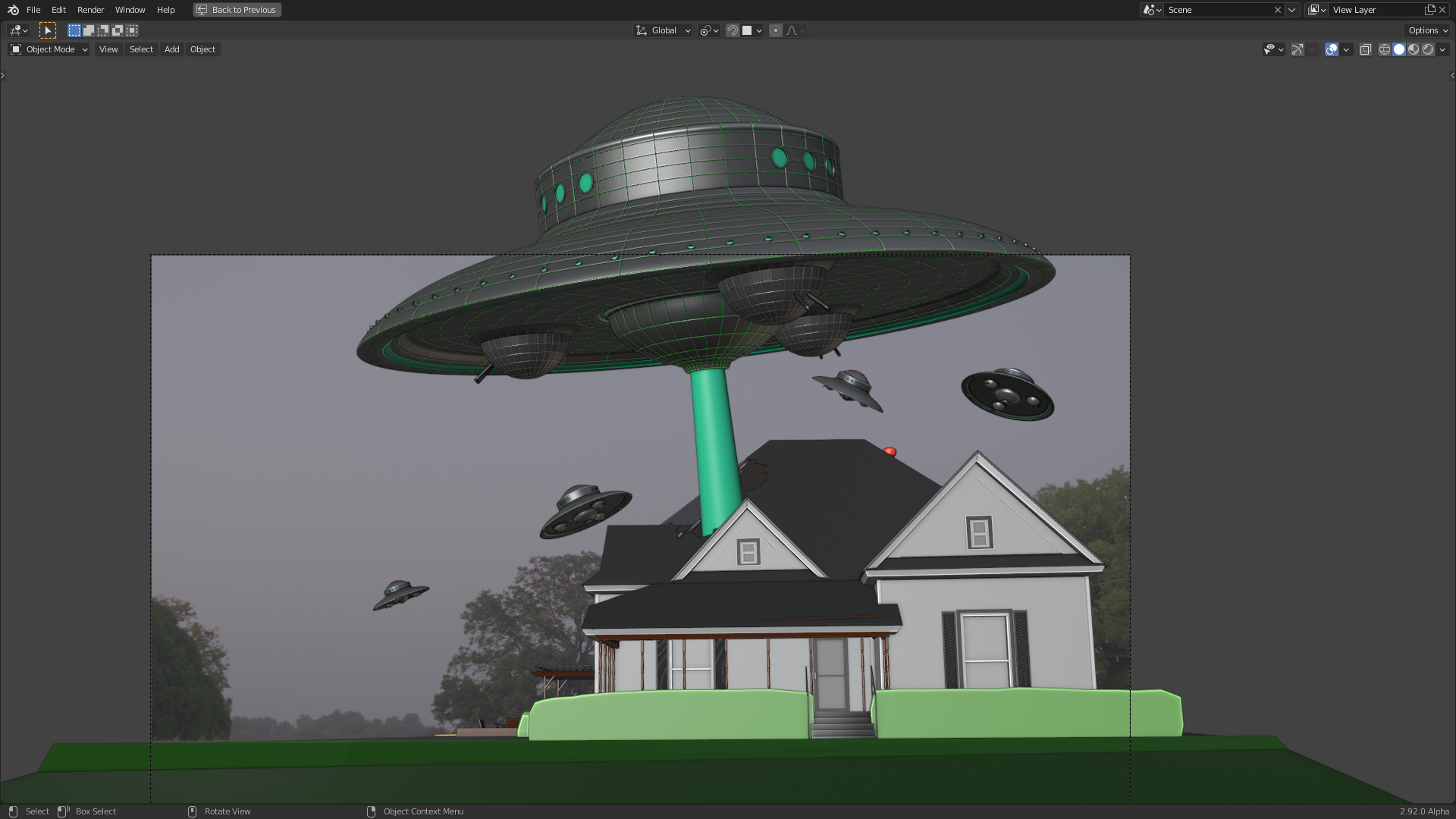
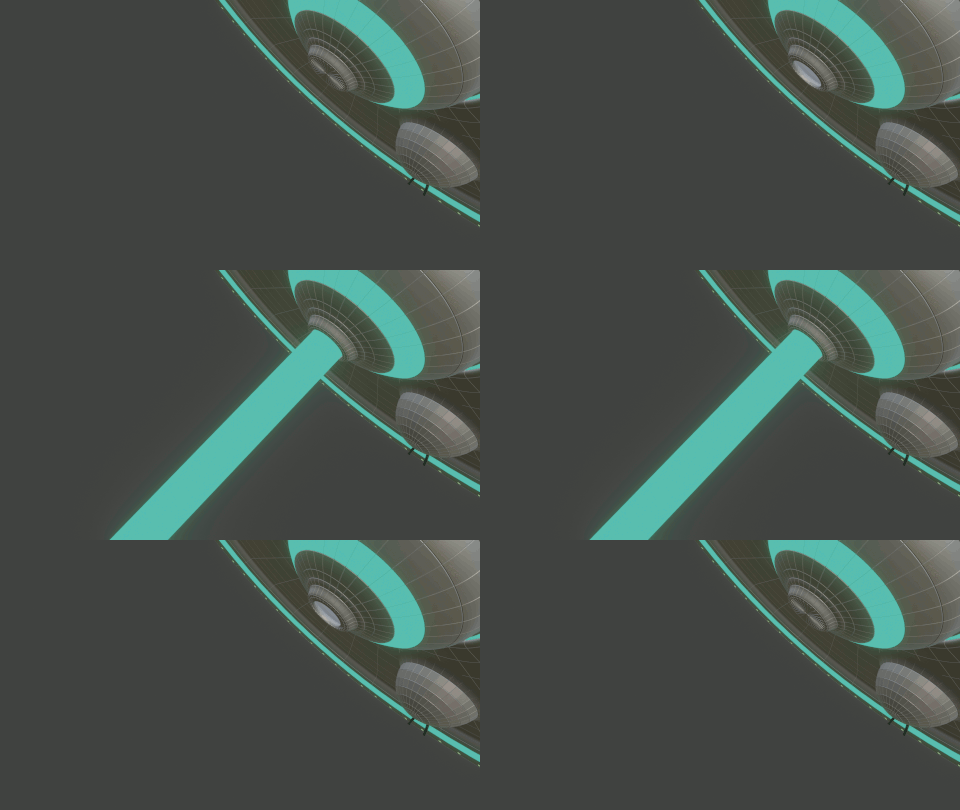
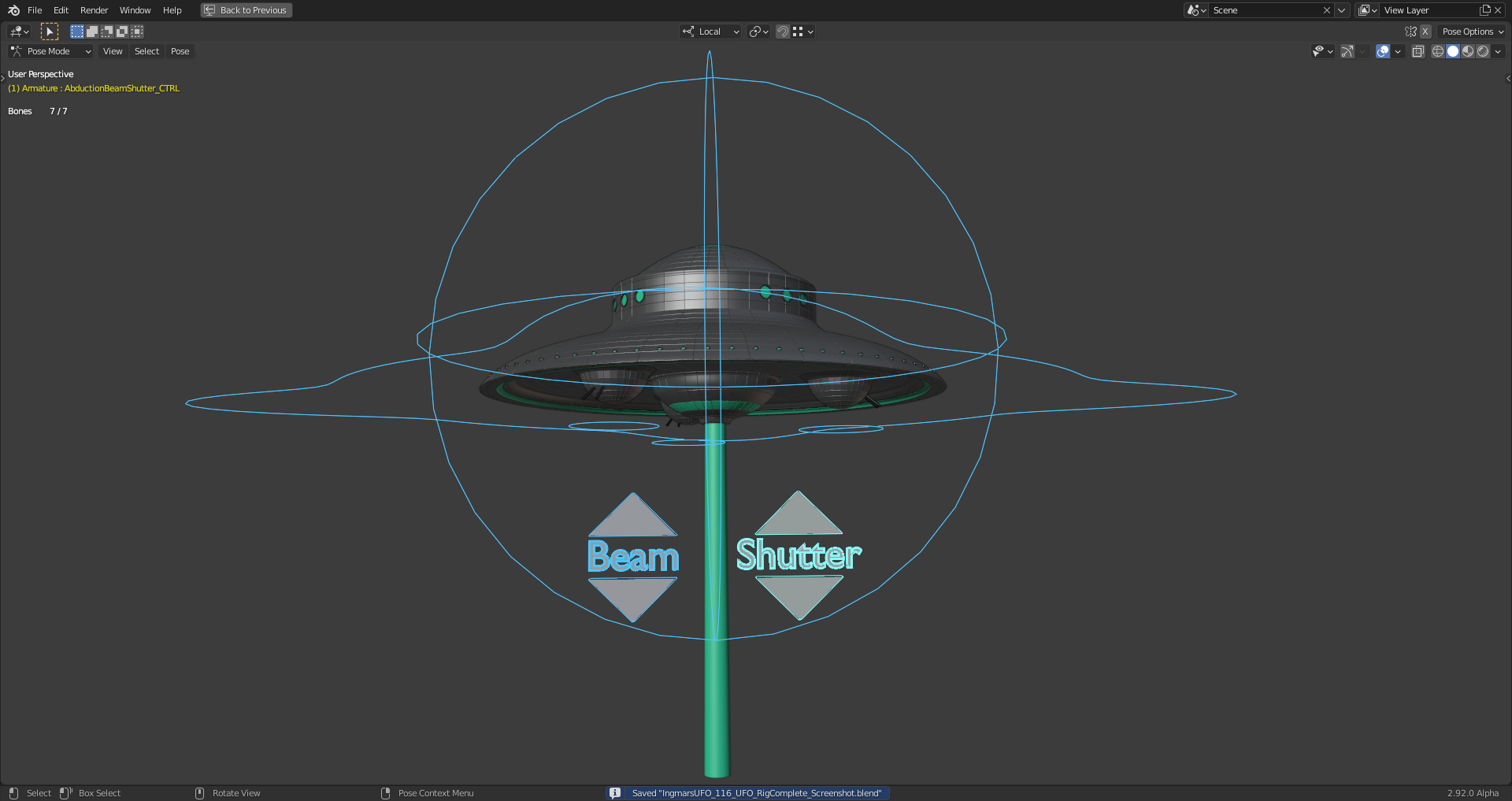
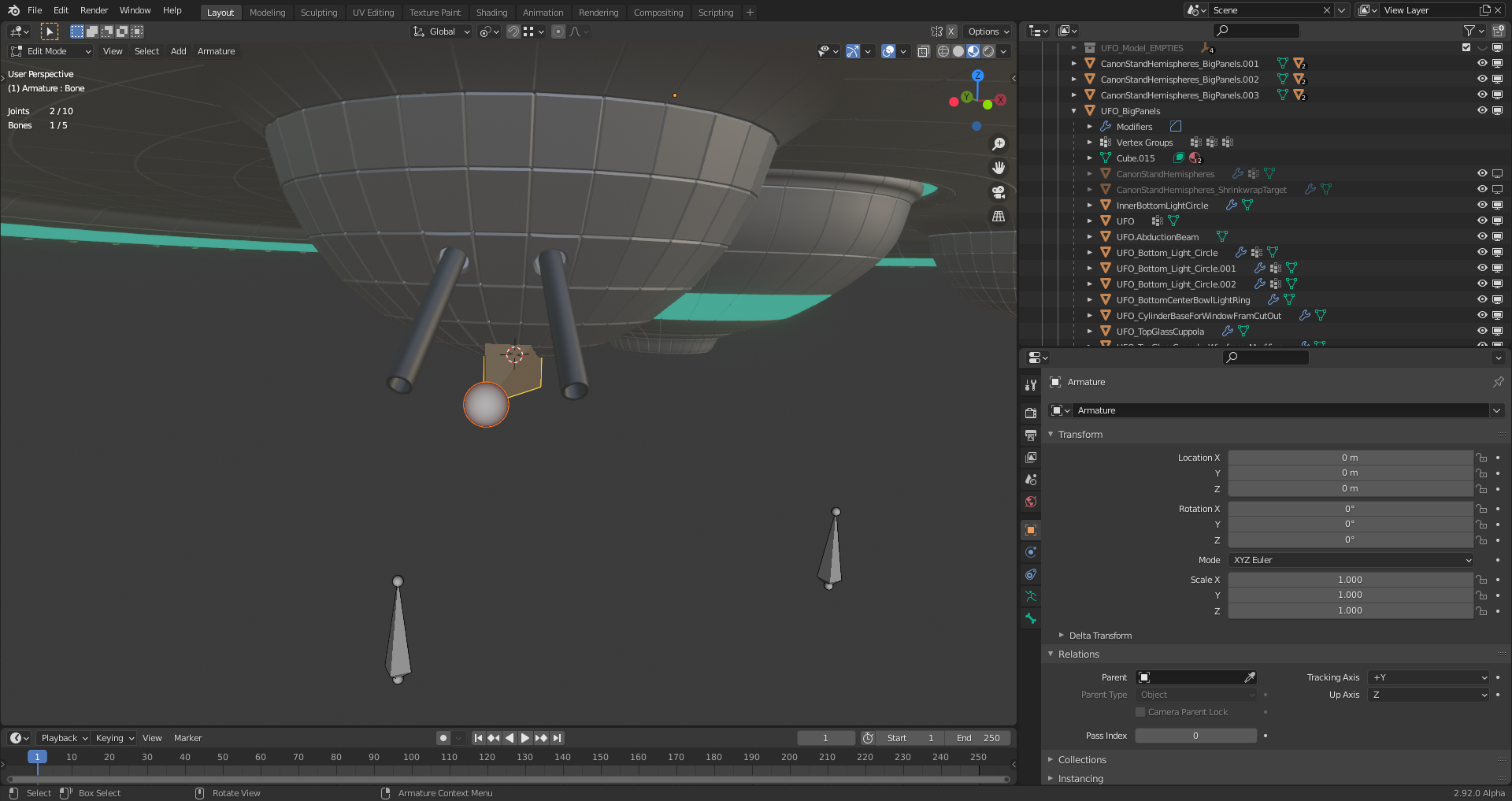
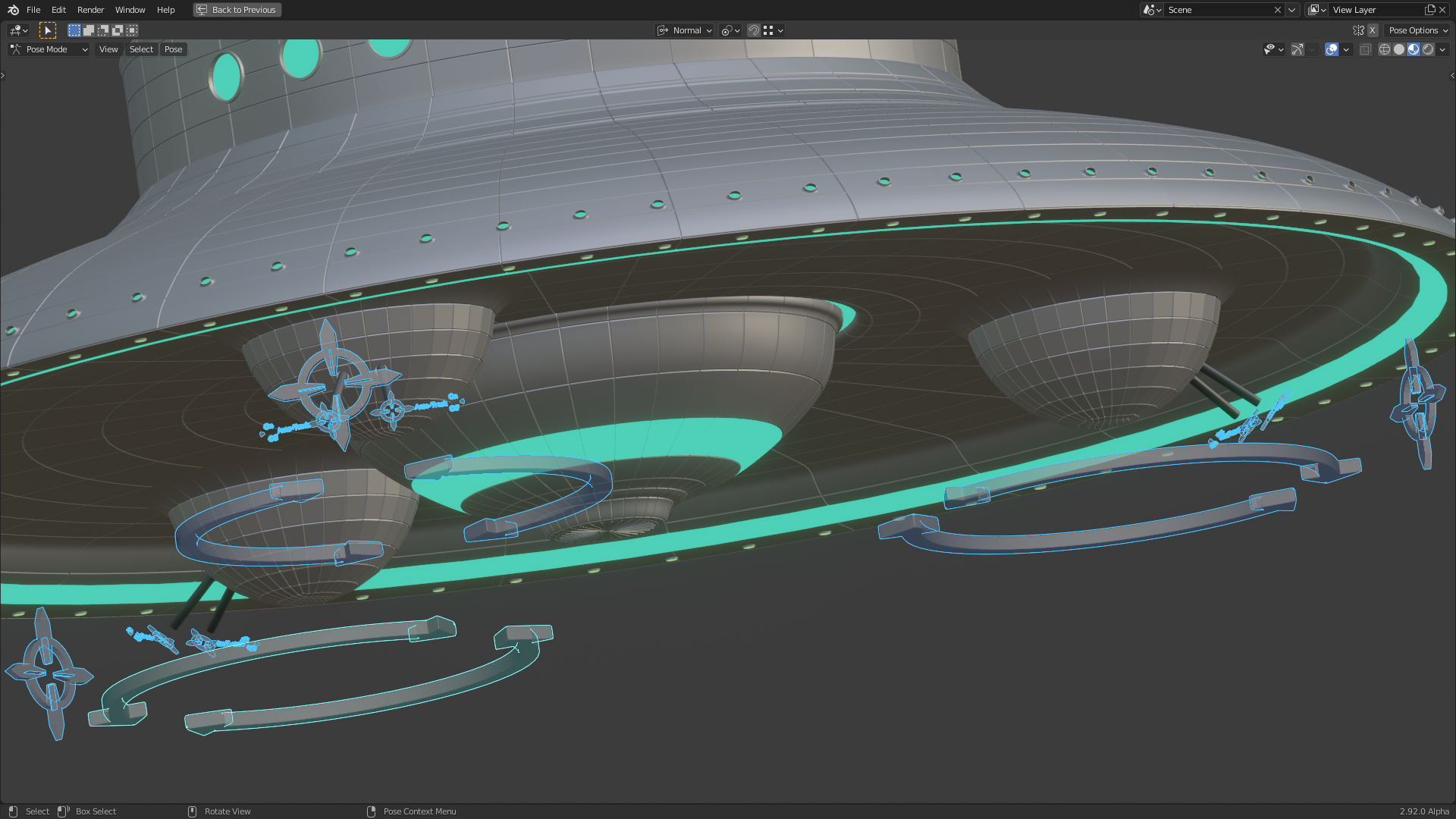
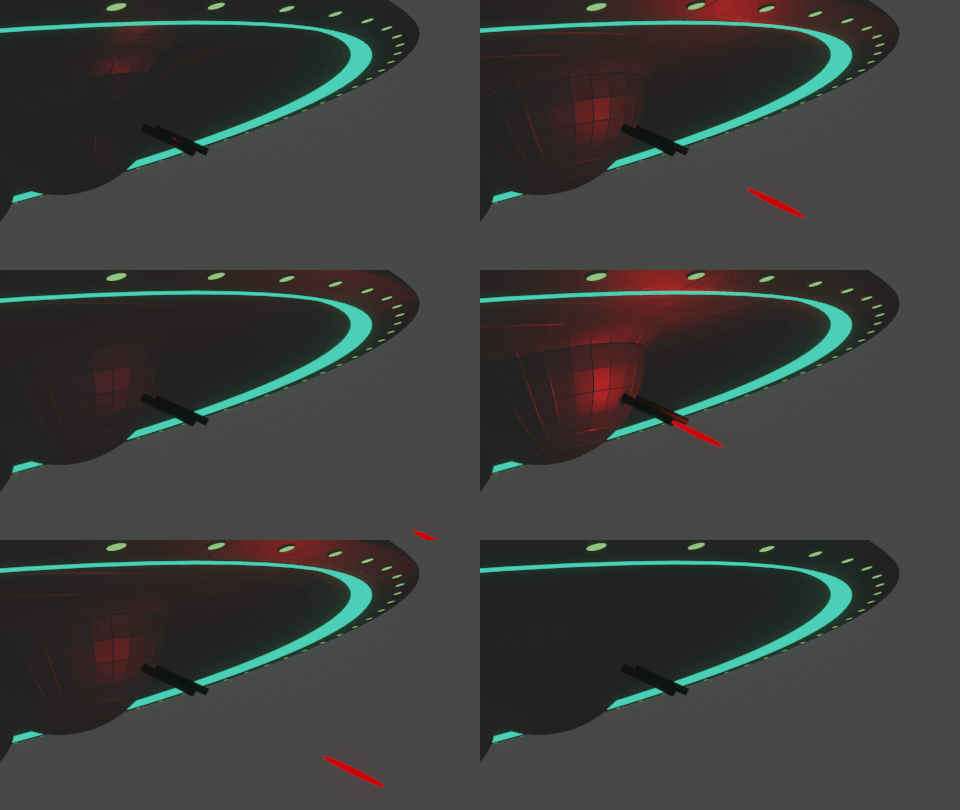
The lagging can be avoided by switching off the visibility of the UFO mesh object. But you have to either uncheck the “Exclude from View Layer” box (strange naming since the unchecking excludes) or turn off the “Global Viewport Visibility” (“Screen Symbol”) which switches off the visibility of the original object as well as of all instances in the same file or “Linked Duplicates” in external files:


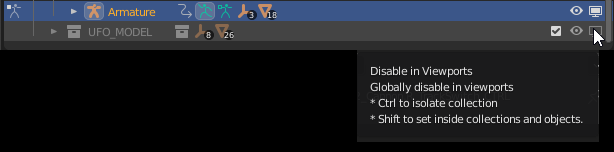
The “Eye Symbol”  also turns off the mesh object’s visibility but this doesn’t remove the lagging of the “Bone” movements in “Pose Mode”.

.

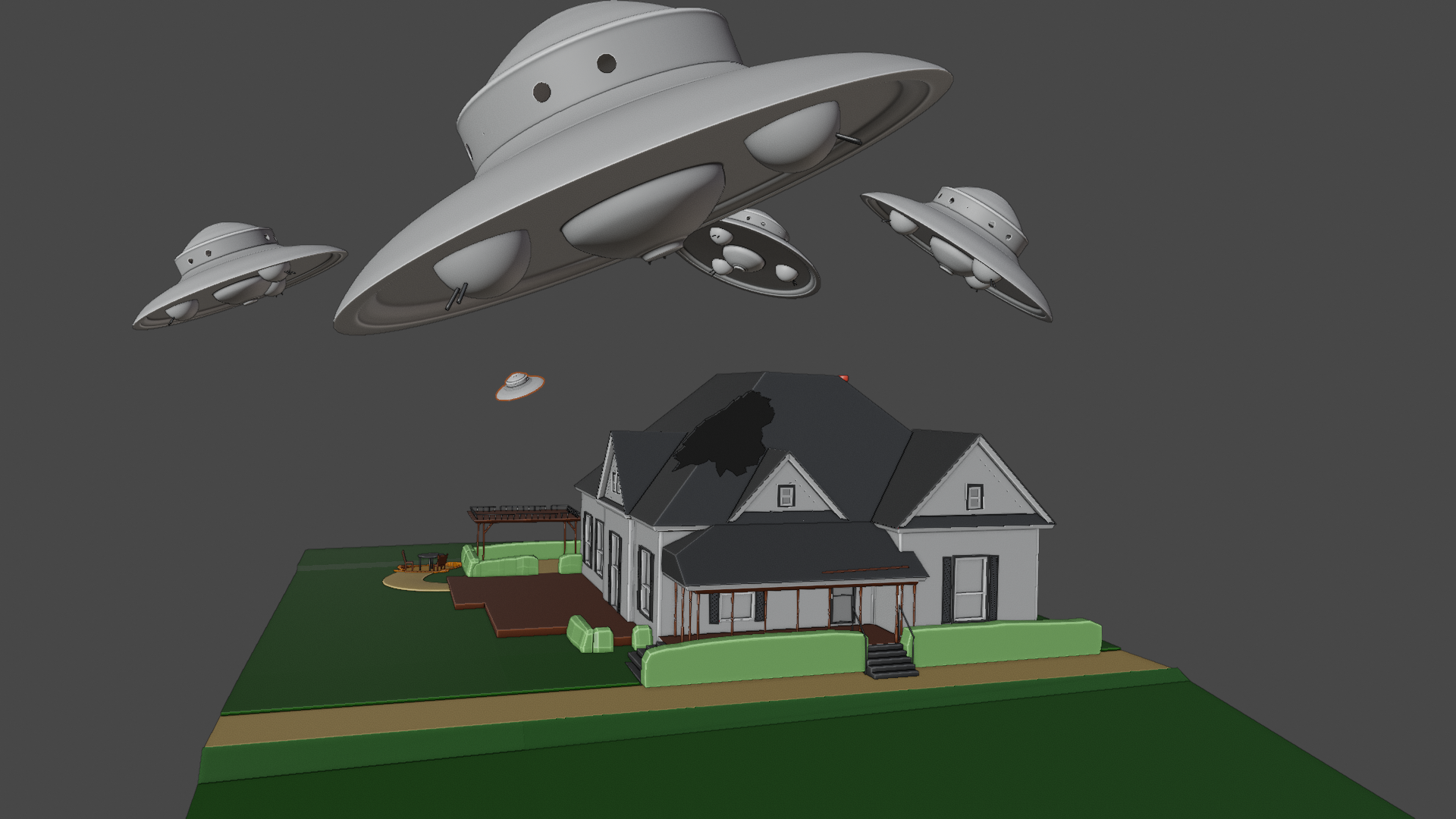 “Is it time to panic?” 😱🛸