Adding a new Shapekey to “Piero” instantly moves Vertices

Forum Archive Adding a new Shapekey to “Piero” instantly moves Vertices

Viewing 12 posts - 1 through 12 (of 12 total)
  • Author
    Posts
  • #13096
    Ingmar Franz
    Participant

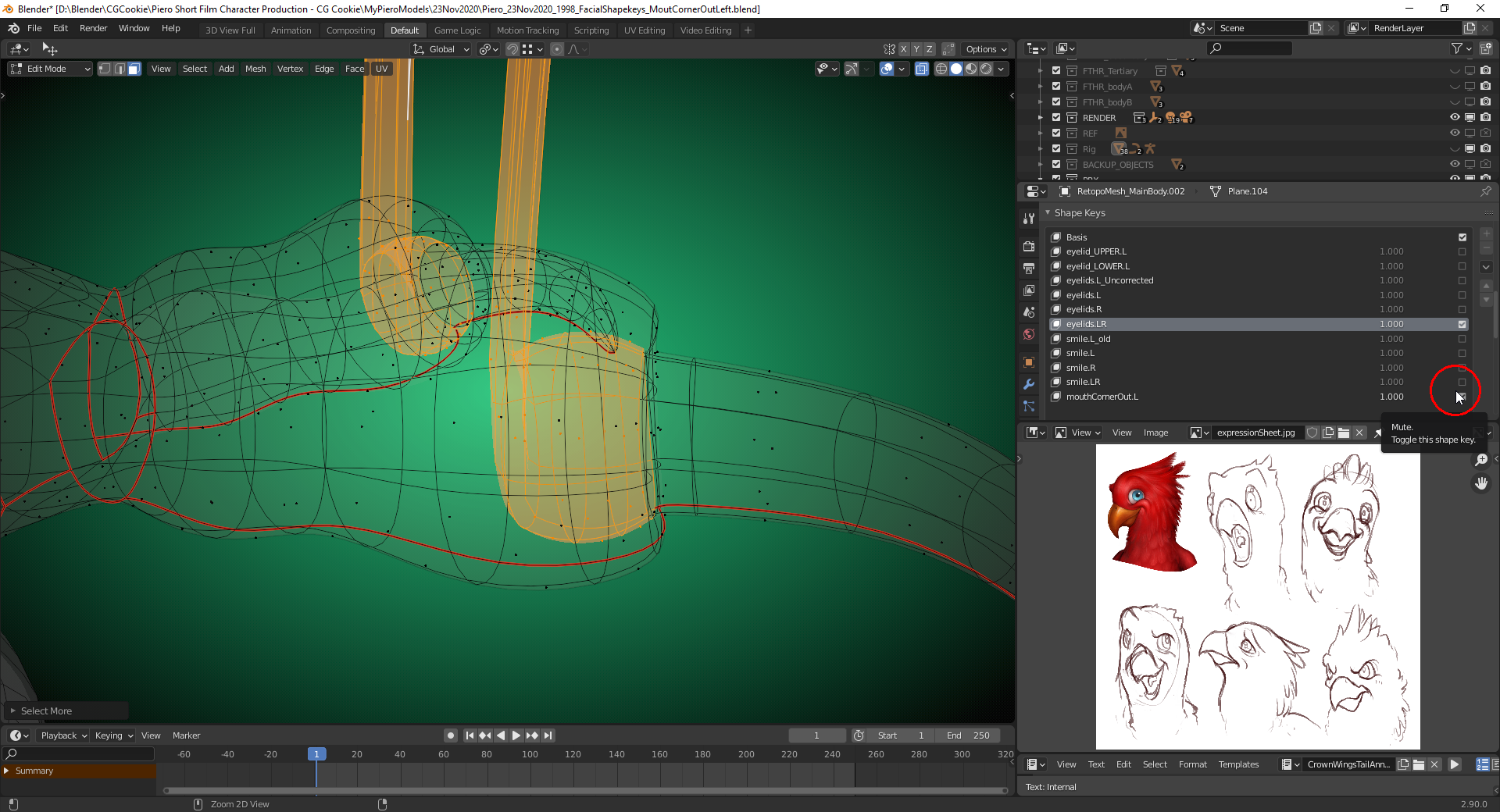
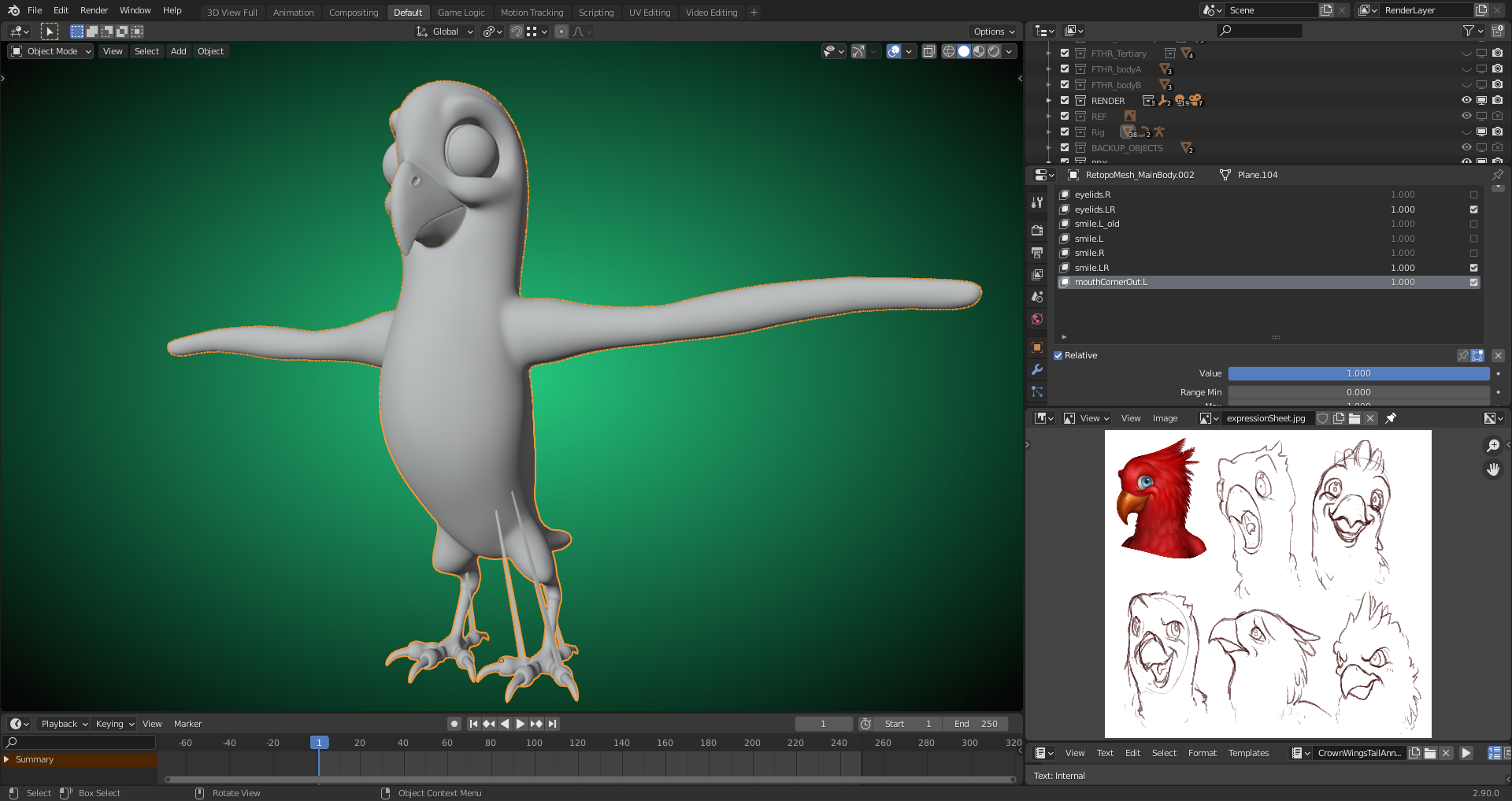
      As soon a I had added a new shapekey for Piero’s left mouth corner, vertices from Piero’s claws moved upwards:

      #61646
      Ingmar Franz
      Participant

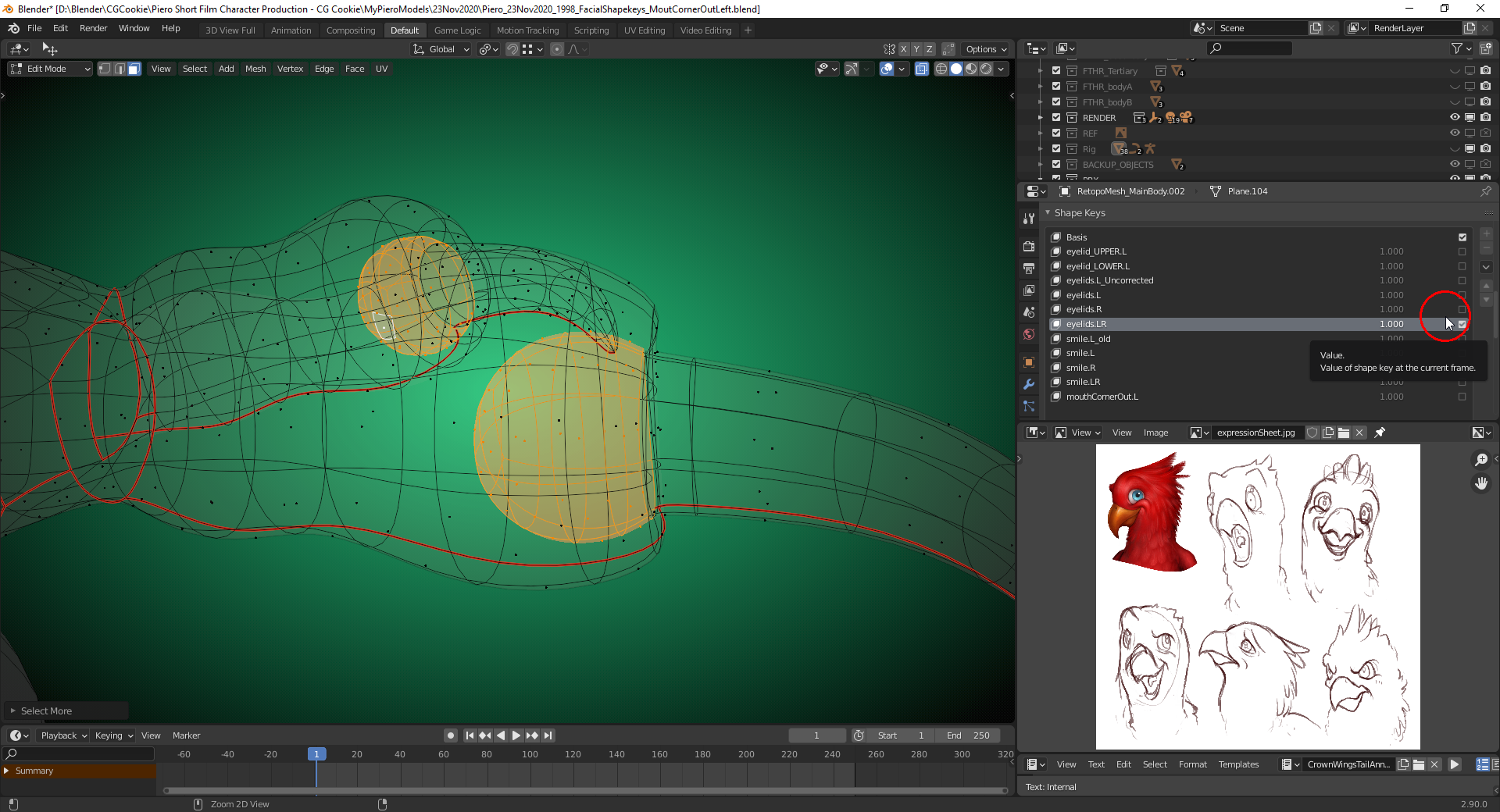
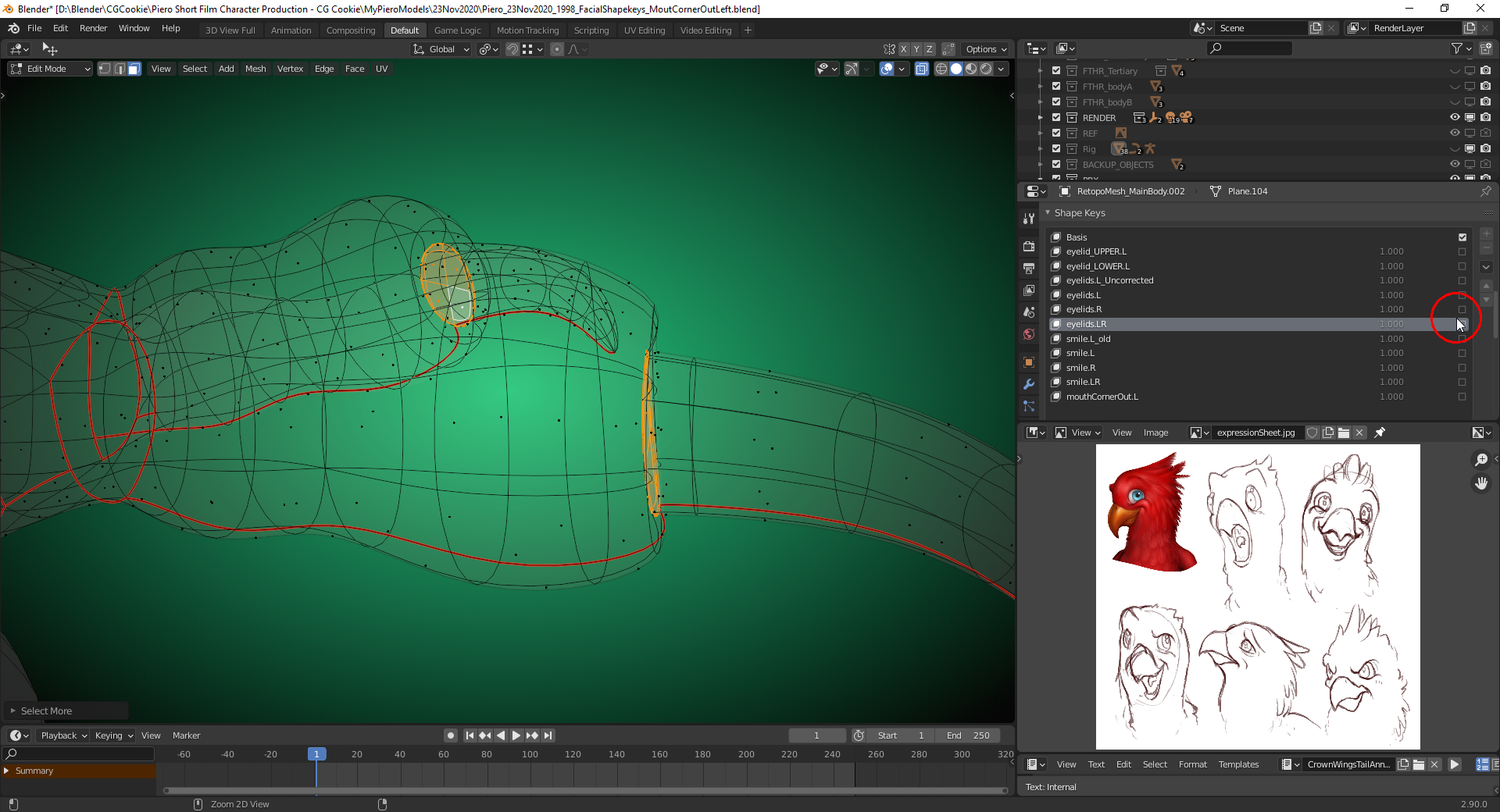
        I’ve found the reason: It’s additional geometry that I’ve added at the toe nails in order to close some gaps while the shapekey for the left and right eylid was set to full influence  and selected:

        #61647
        Ingmar Franz
        Participant

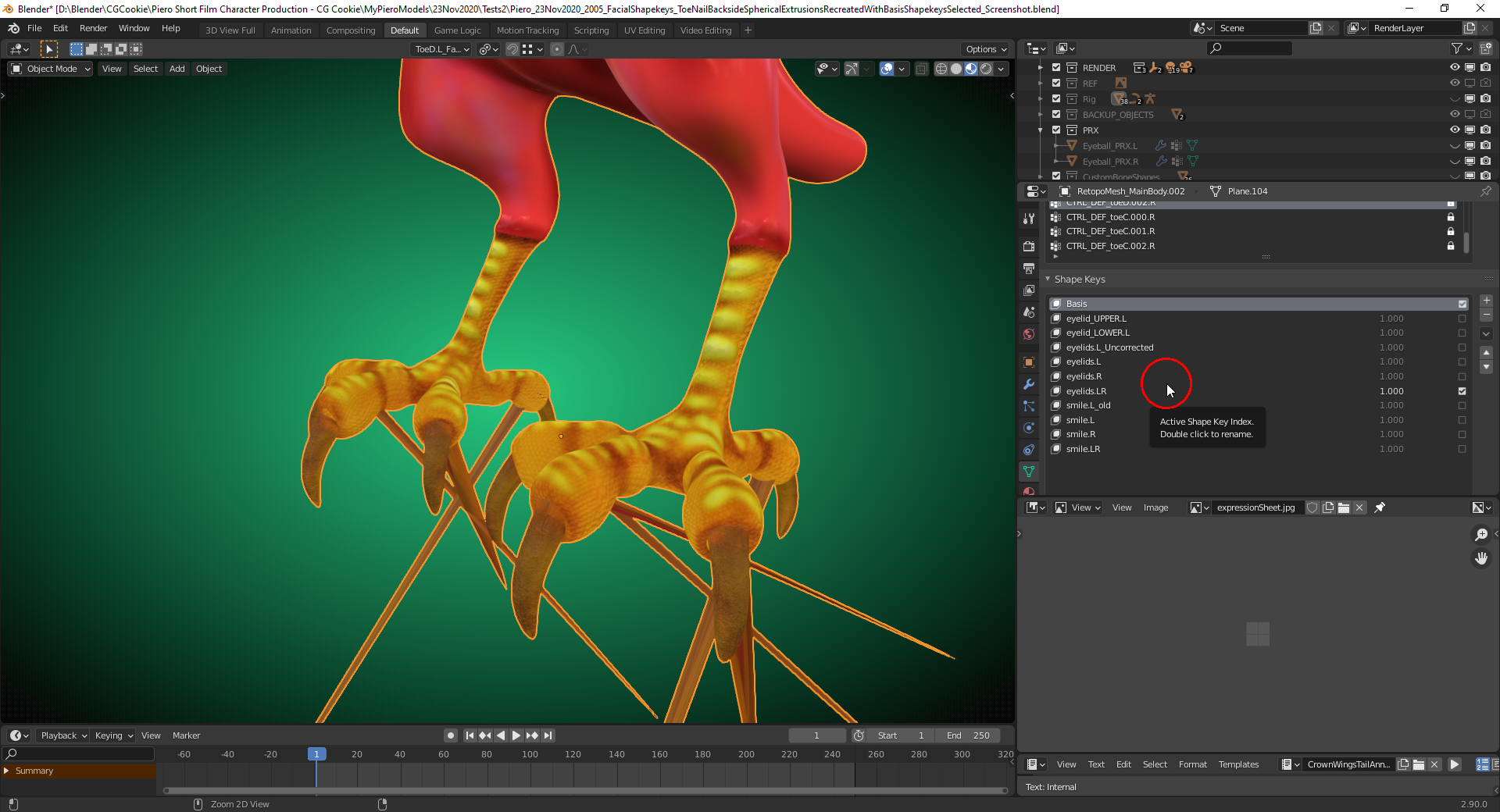
          I suppose that I have to recreate the new geometry at the toe nails while the “Basis Shapekey” is selected.

          #61648
          Ingmar Franz
          Participant

            I’ve recreated that geometry at the toe nails with the “Basis Shapekey” selected, but this causes problems with the existing “Shapekeys”:

            Conclusion👨‍🎓: Never add new geometry to a mesh after having created “Shapekeys” on it!

            #61649
            Ingmar Franz
            Participant

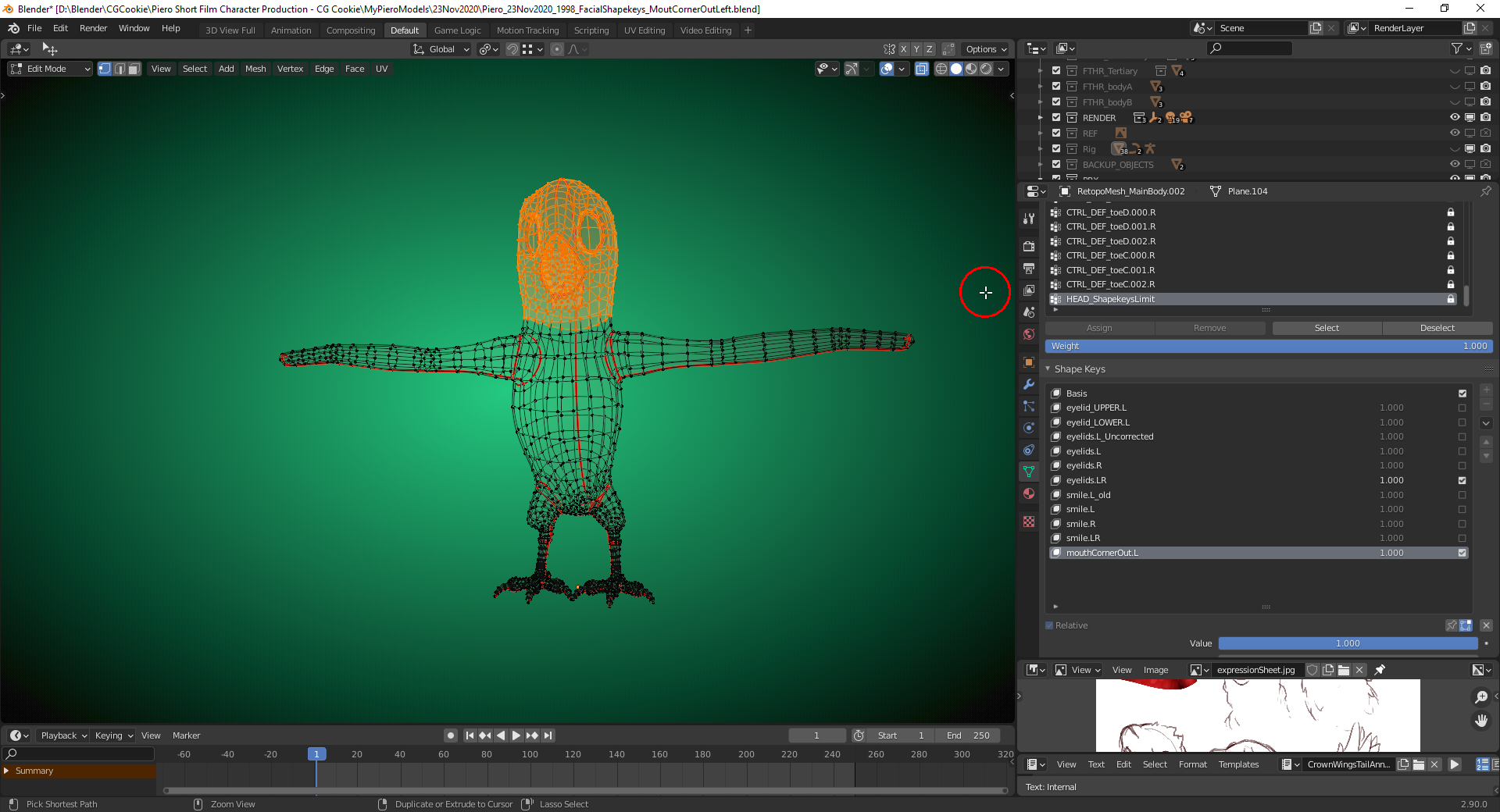
              I’ve found a way to use the “.blend” file from the first post here: Create a “Vertex Group” for the head and limit all new “Face Shapekeys” to this group:

              #61650
              Ingmar Franz
              Participant

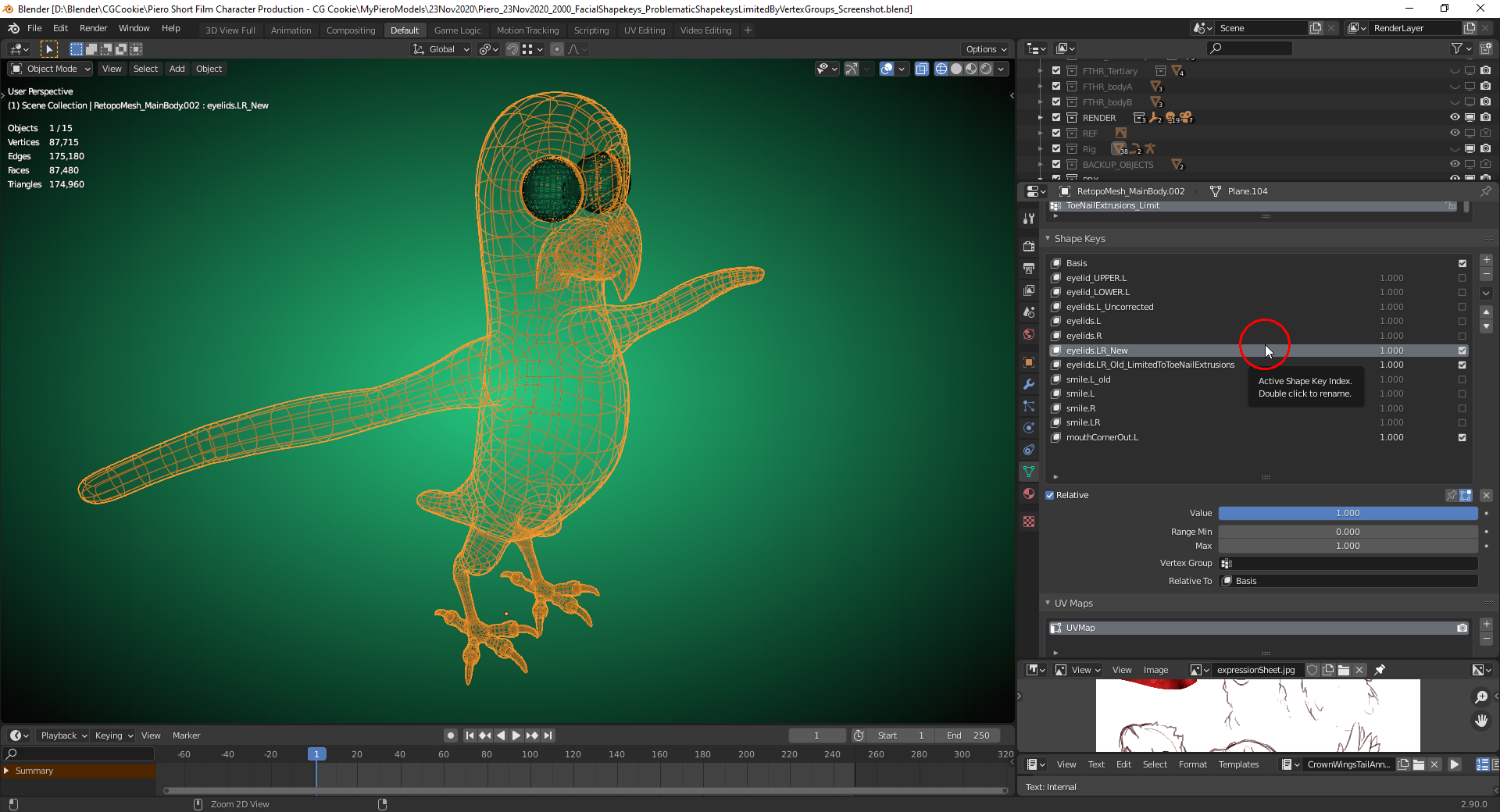
                The “Shapekey” for the eyelids which was active when I extruded new geometry had to be limited to the extruded geometry and renamed accordingly. Furthermore, a new “Shapekey” for both eyelids had to be created from the combination of the “Shapekeys” for the individual eyelids:

                #61651
                Kent Trammell
                Participant

                  Modifying the mesh with shapekeys in any way is risky business. It’s worth a try to see if you can do it, but be sure to always save a version of the file before modifying the mesh.

                  Years ago when I used Maya changing the mesh would explode all my shapekeys (blendshapes in Maya) no matter what. But Blender can actually accept some changes. I can’t detect a pattern as to what ruins shapekeys or not. Small changes like adding an edge loop or combining separate objects is usually a safe change. But it’s a lottery; any mesh change can ruin SK’s.

                  #61652
                  Ingmar Franz
                  Participant

                    @theluthier The method I describe in the two following separate posts seems to work. Since I only need “Shapekeys” for the face I can limit them to the “Head Vertices Group”.  It’s not elegant 😉 but it produces the desired result 😁. I’m already looking forward to the “Animation” chapter 🎥🎬 which is now in reach 😉😀!

                    #61653
                    Ingmar Franz
                    Participant

                      @theluthier I remember that you separated the body from the hips on downwards before editing the claws because of the “Shapekeys” for the eyelids and the smile and it worked. But the toe nails are already a separate part so it surprised me that they react to new shapekeys added. Before extruding any geometry I probably should have created a separate “Helper Shapekey” only for saving that extrusion.

                      #61654
                      Kent Trammell
                      Participant

                        I remember that you separated the body from the hips on downwards before editing…

                        I completely forgot that I did that lol. But makes sense. I need to try and diagnose exactly what causes problems when editing shapekey meshes. I’d say 50% of the time I make changes and it’s fine (to which I’m always pleasantly surprised) and the other 50% it ruins my shapekeys.

                        Trying to figure out exactly what’s OK and what’s not would be a useful tutorial.

                        #61655
                        Ingmar Franz
                        Participant

                          I’ve added a second “Shapekey” for a “Mouth Corner Inwards Movement” and surprisingly it doesn’t need a limiting “Vertex Group” as the first “Shapekey” for the “Mouth Corner Outwards Movement”.  Maybe this first “Shapekey” acts as a kind of “Firewall” for the following “Shapekeys” 🤔.

                          #61656
                          Ingmar Franz
                          Participant

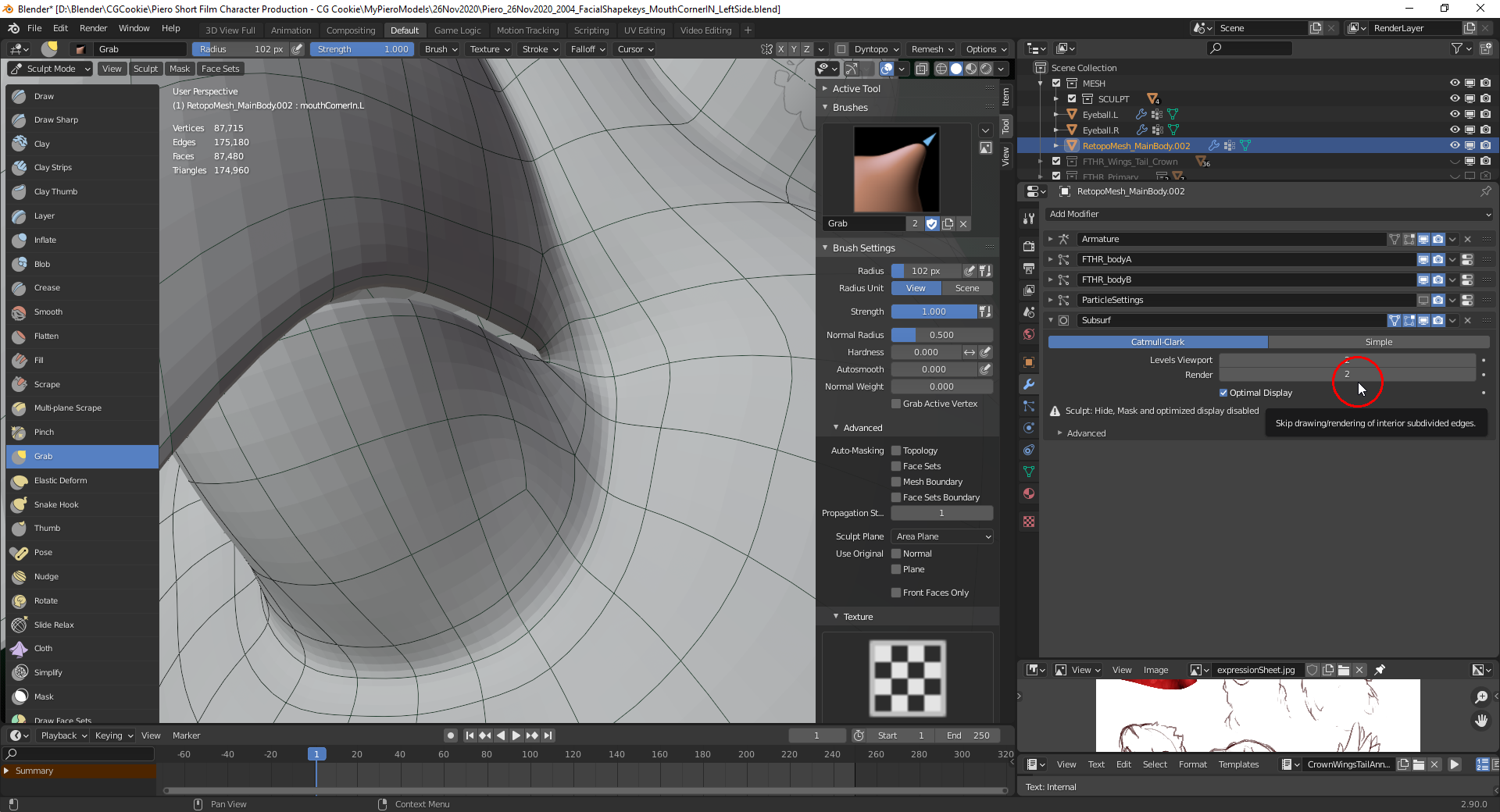
                            I still have a “Subsurf Modifier” in place. Should I apply it or could this cause problems with the “Shapekeys”? For the finetuning of the “Face Shapekeys” it would be good to have more geometry to work on but due to the bad experiences with “Shapekeys”, I’m still hesitating to apply the “Subsurf Modifier”:

                          Viewing 12 posts - 1 through 12 (of 12 total)
                          • The topic ‘Adding a new Shapekey to “Piero” instantly moves Vertices’ is closed to new replies.