Blender 2.9: Texture Painting with “Color Only” display (no lighting effects)

Forum Archive Blender 2.9: Texture Painting with “Color Only” display (no lighting effects)

Viewing 2 posts - 1 through 2 (of 2 total)
  • Author
    Posts
  • #12804
    Ingmar Franz
    Participant

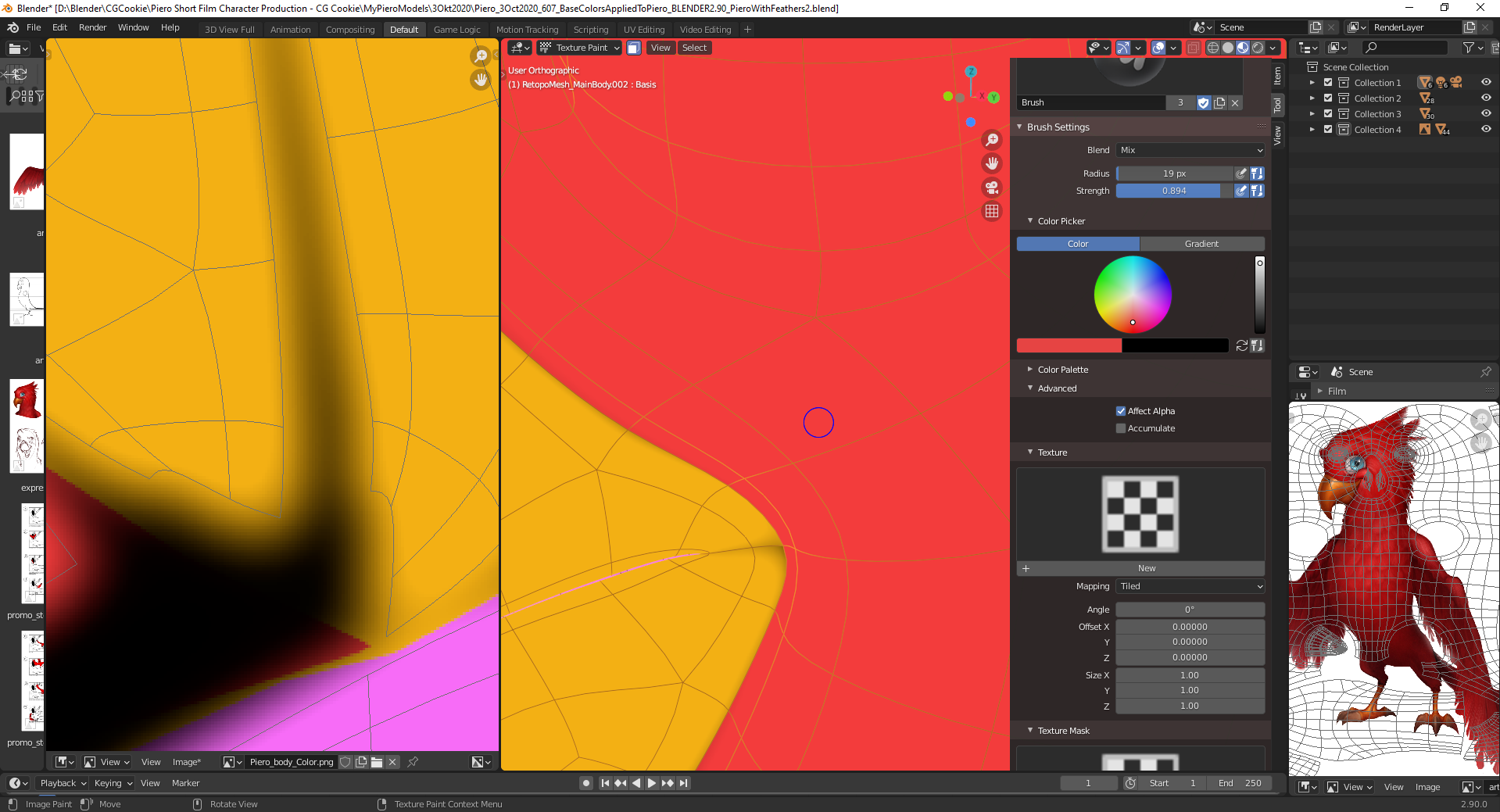
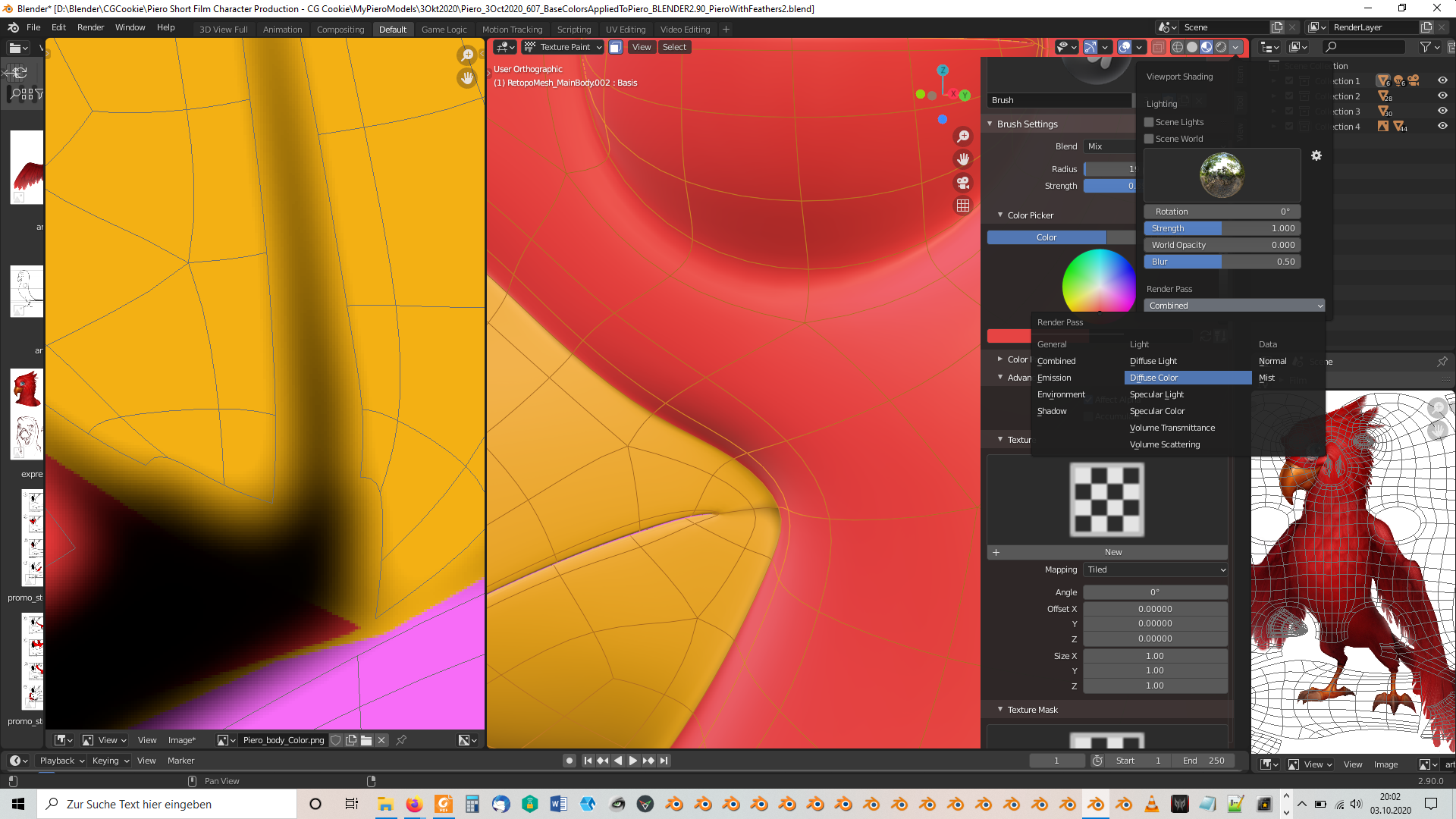
      If you wish to see only the colors of your texture while in “Texture Paint” mode you can select in “Material Preview” mode (=Eevee), choose “Diffuse Color” under “Render Pass” in the “Viewport Shading” dropdown box:

      And the result:

      #60544
      Kent Trammell
      Participant

        Thanks for sharing this tip @duerer!

      Viewing 2 posts - 1 through 2 (of 2 total)
      • The topic ‘Blender 2.9: Texture Painting with “Color Only” display (no lighting effects)’ is closed to new replies.