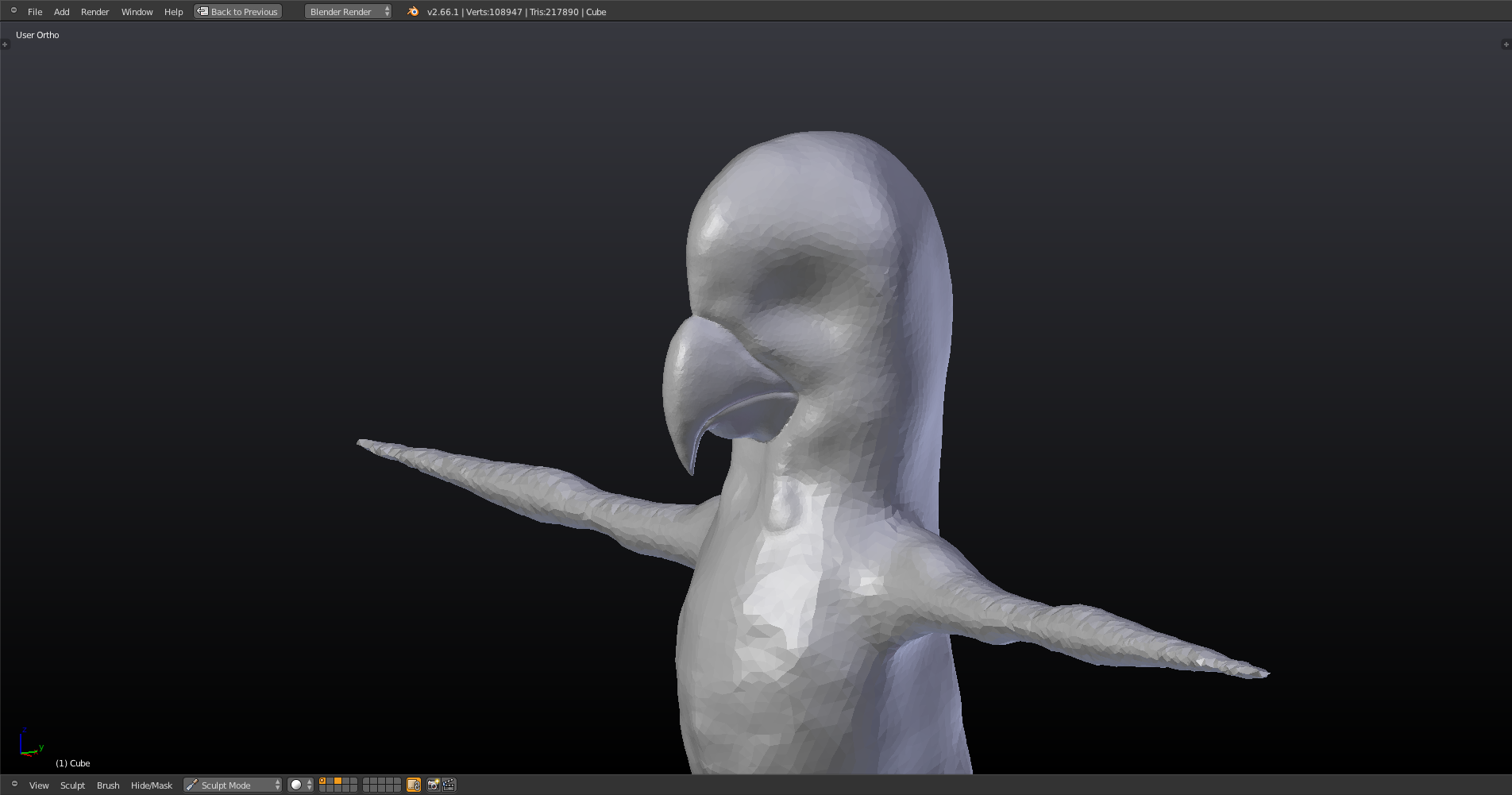
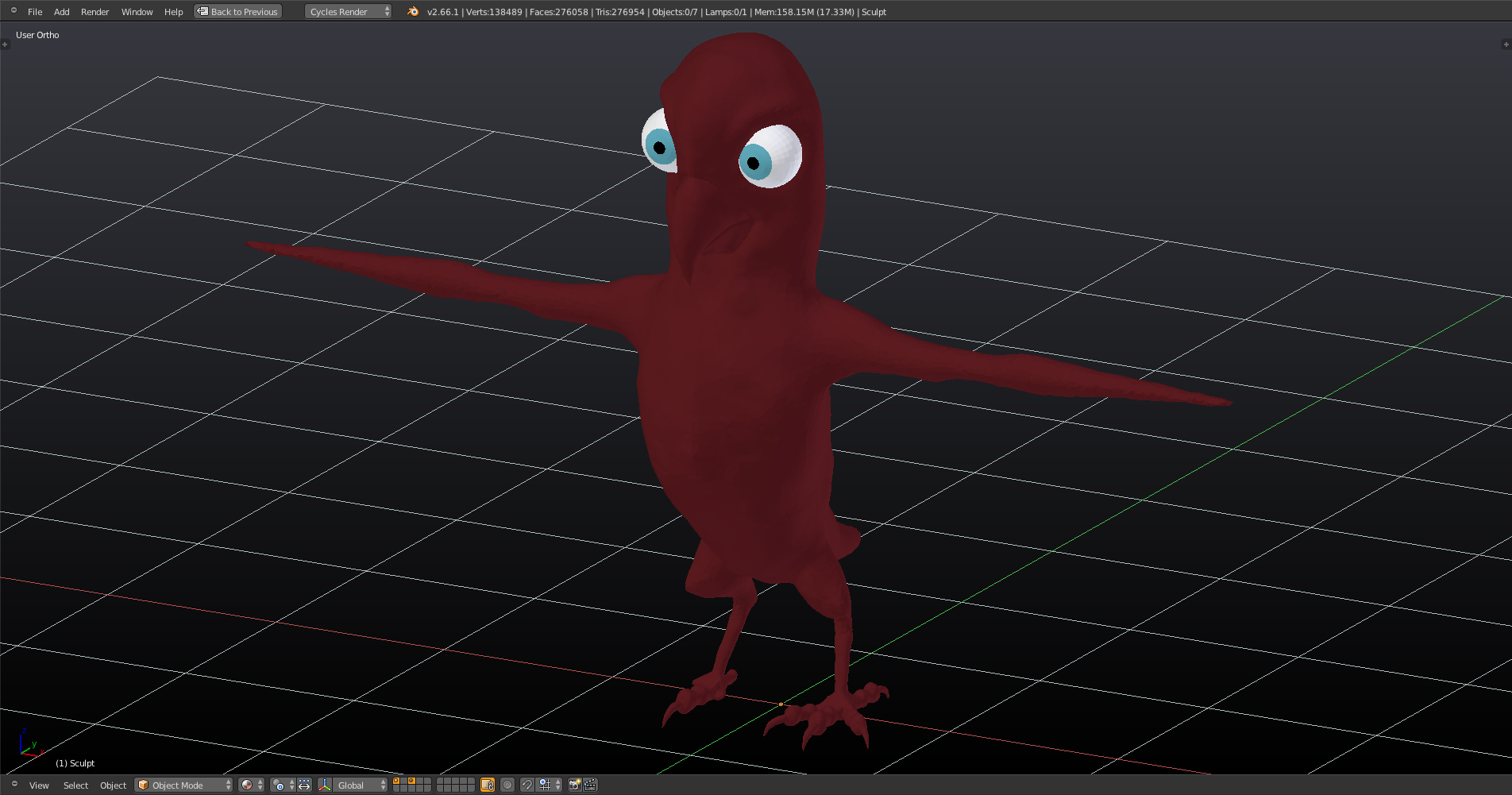
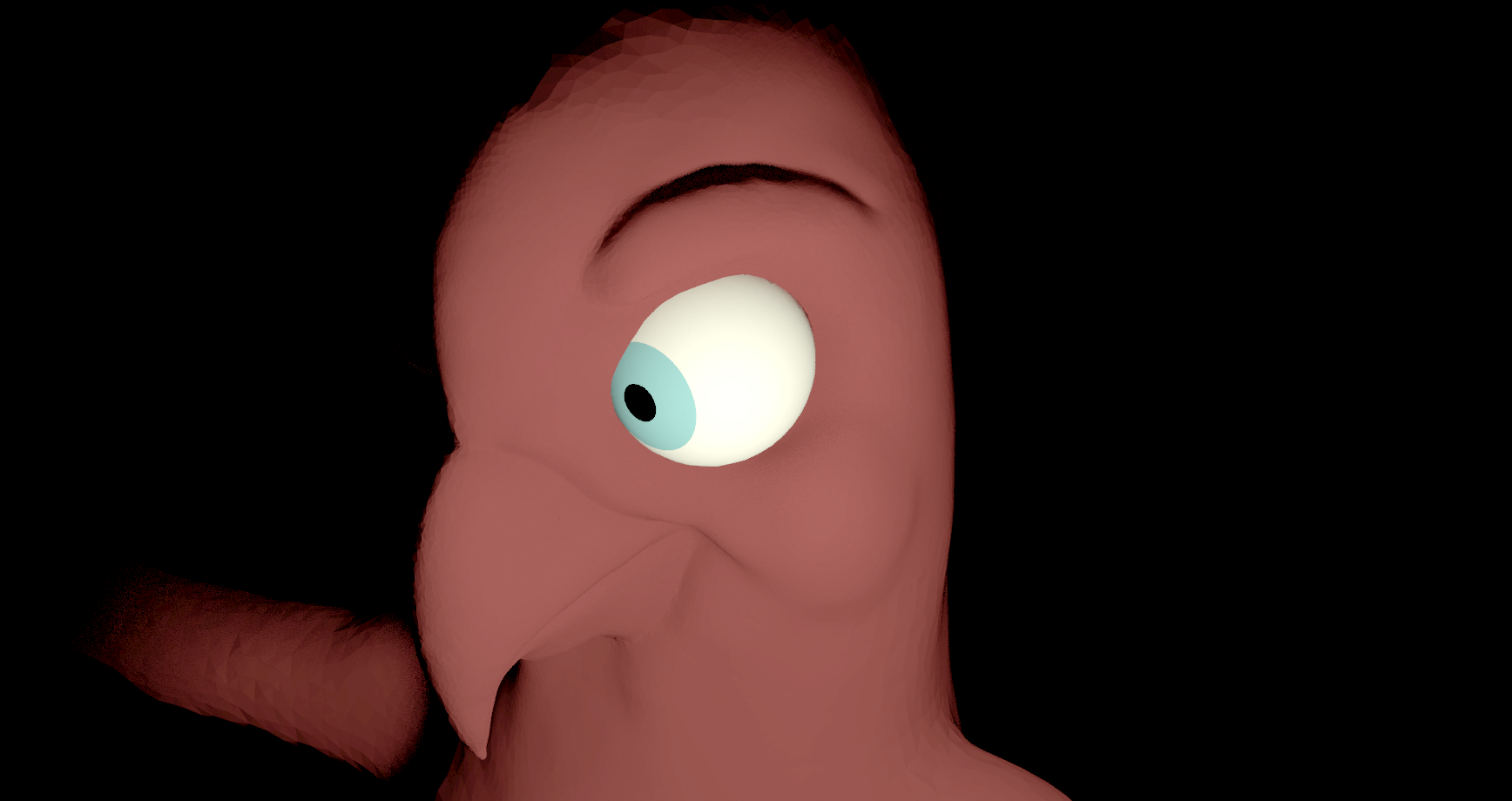
Just a technical question: The images posted here look a lot darker than in my Blender 2.66 installation. They were taken using the “Save Screenshot” menu in Blender. When pressing “Print” on my keyboard and pasting it directly here, I get this brighter view like seen through a slightly dust covered window glass which corrsponds to what I’m seeing when working with Blender 2.66:
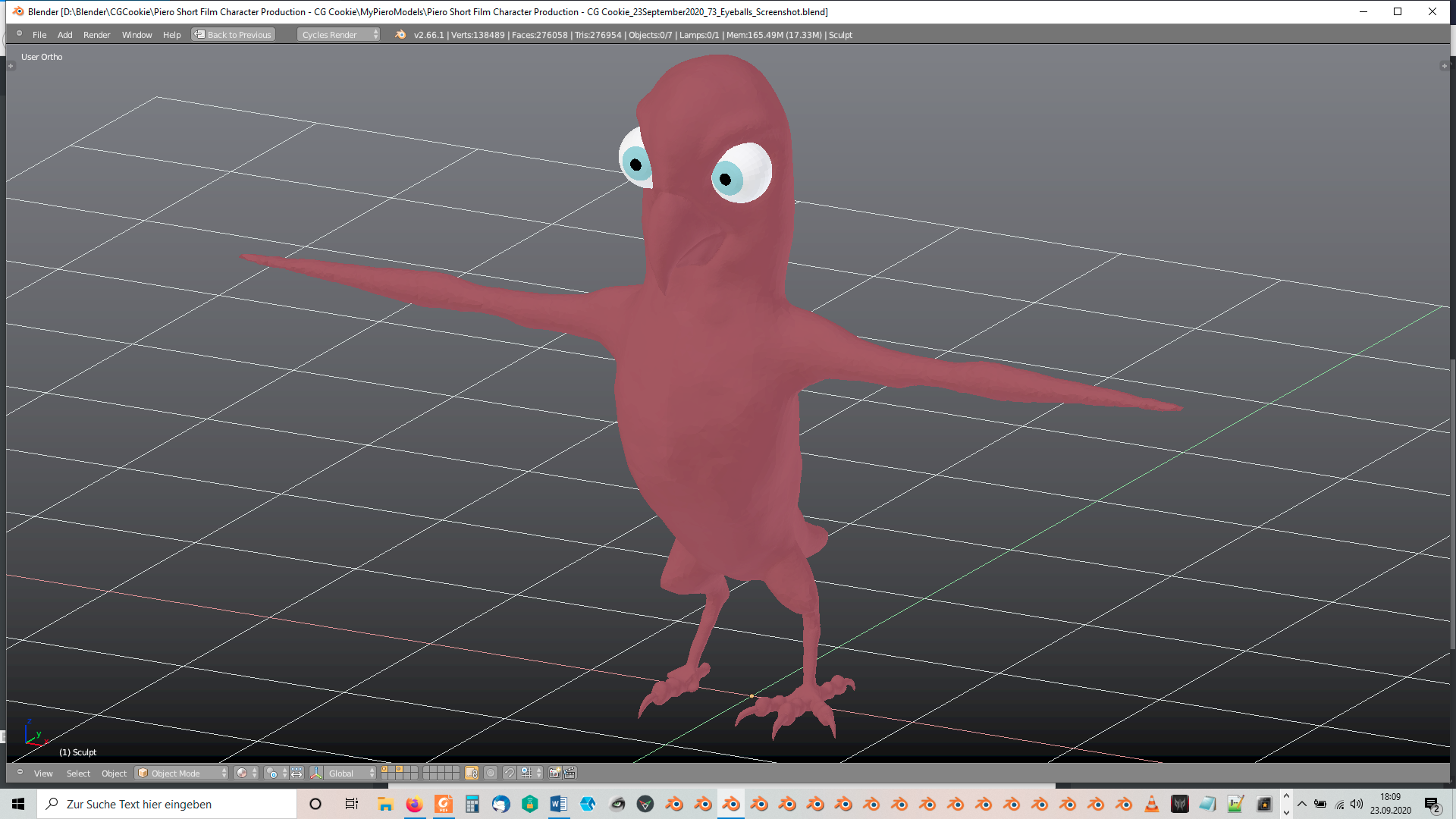
Is there something I can do in Blender’s “Preferences? I already had to lower the brightness of the colors of the “Momo” color scheme that I had installed earlier.
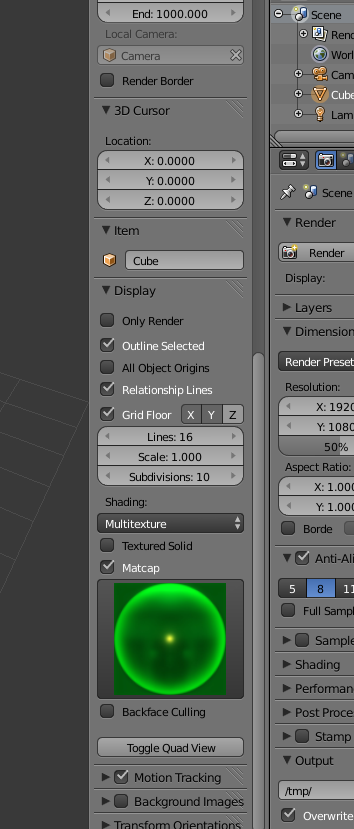
PS: Were there no “Matcaps” in Blender 2.66?

.