
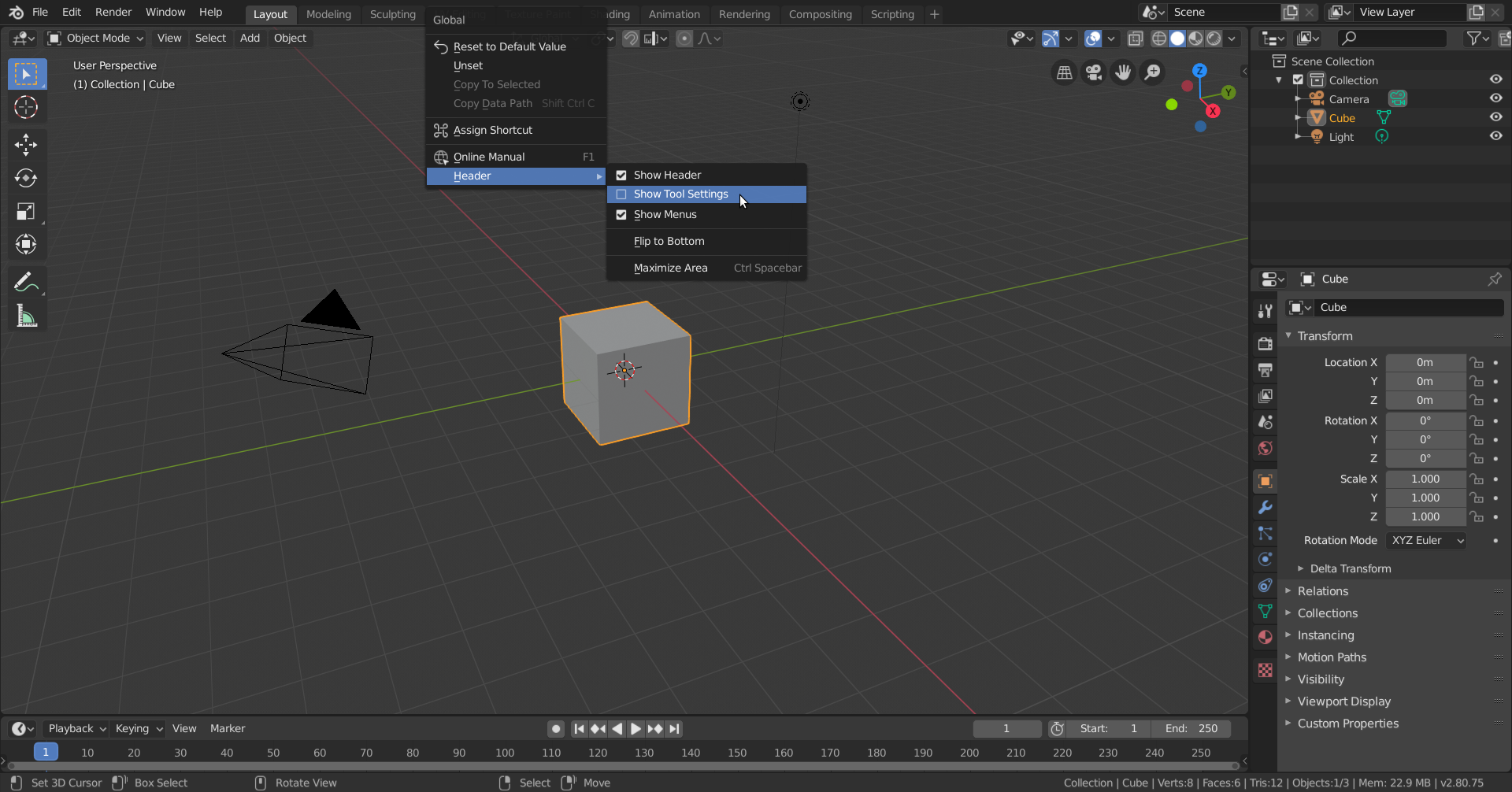
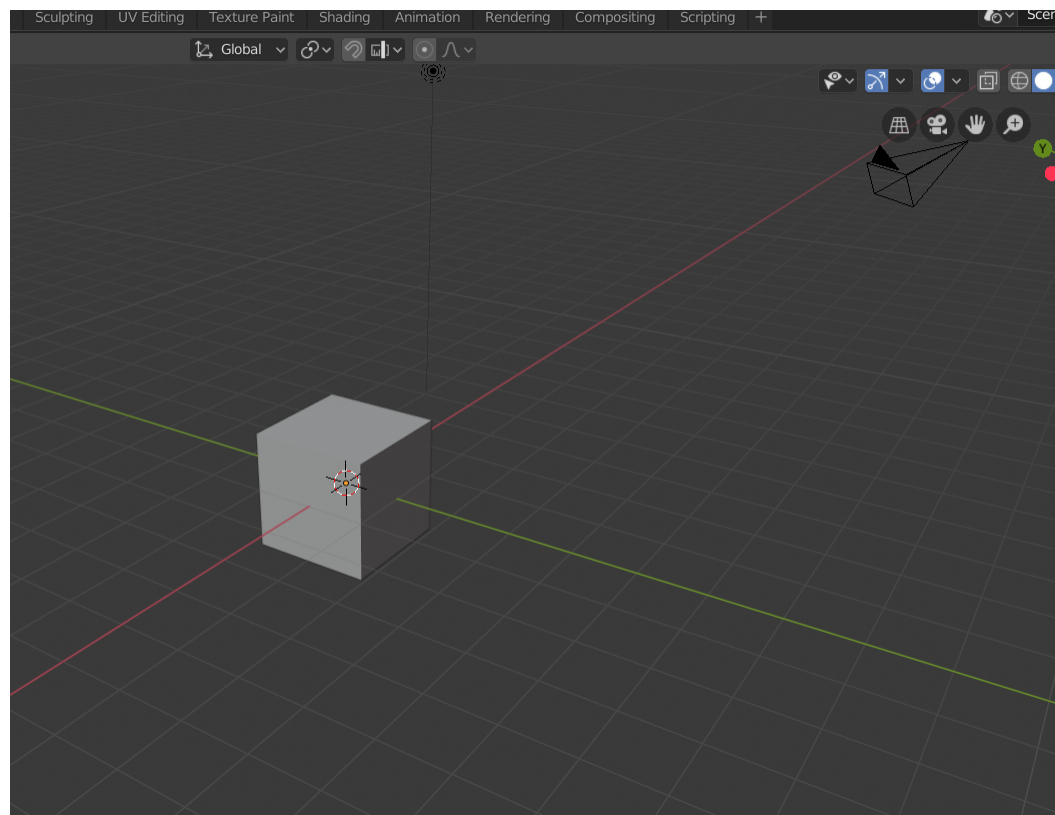
How do I activate the options from the tool settings?, it does not appears to me , I am using the 2.80 version.
- This topic has 4 replies, 2 voices, and was last updated 5 years, 11 months ago by
.
Viewing 5 posts - 1 through 5 (of 5 total)


Viewing 5 posts - 1 through 5 (of 5 total)
- The topic ‘How do I activate the options from the tool settings?, it does not appears to me , I am using the 2.80 version.’ is closed to new replies.