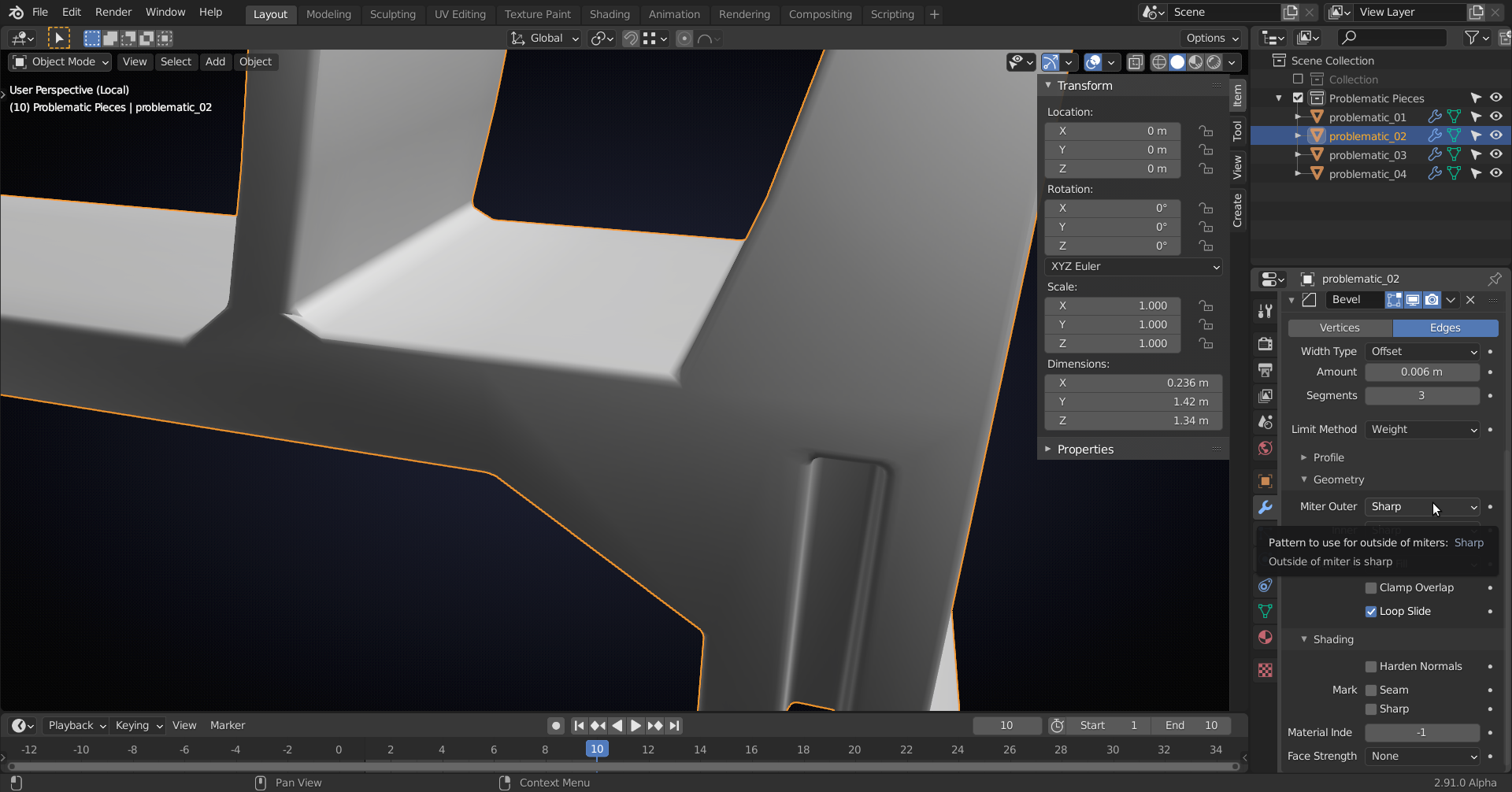
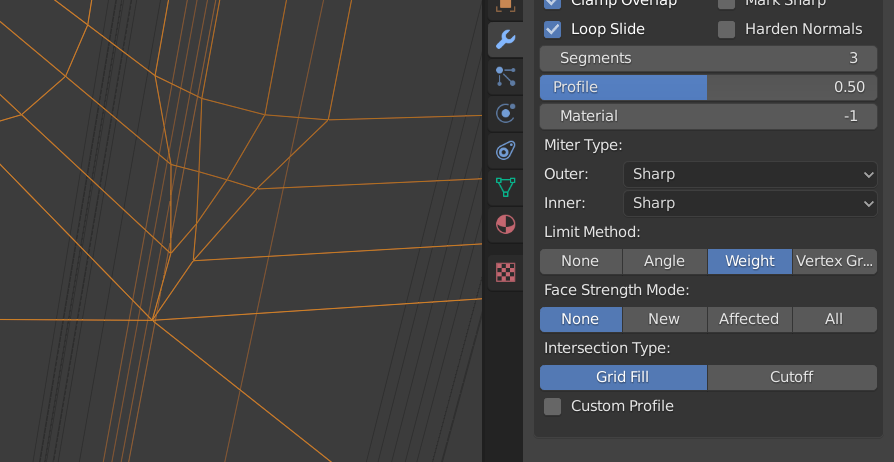
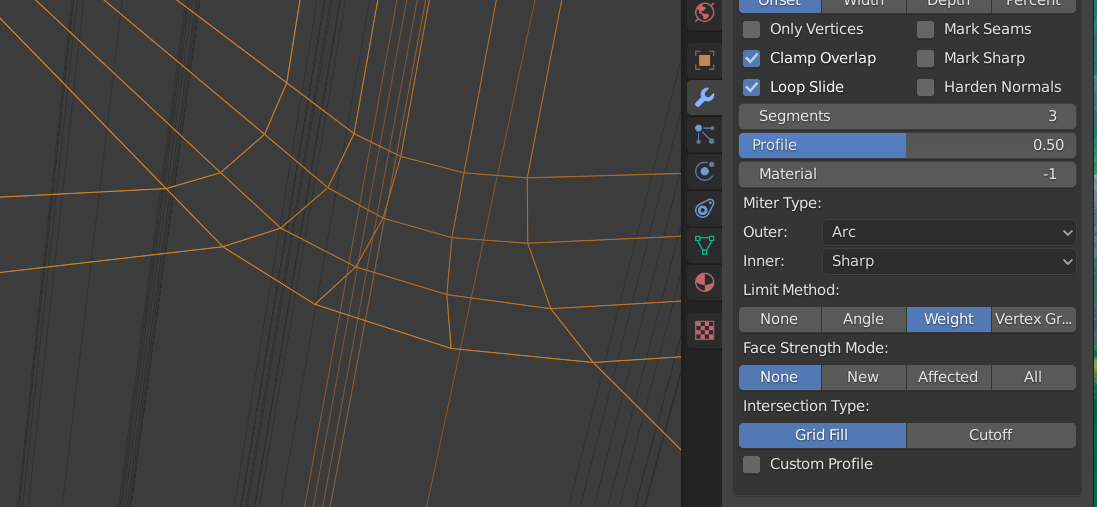
Ok, just like @spikeyxxx mentioned, changing the Miter Type helps here. That wasn’t even an option when I recorded so it’s a new feature and why your bevel results look different than the video.
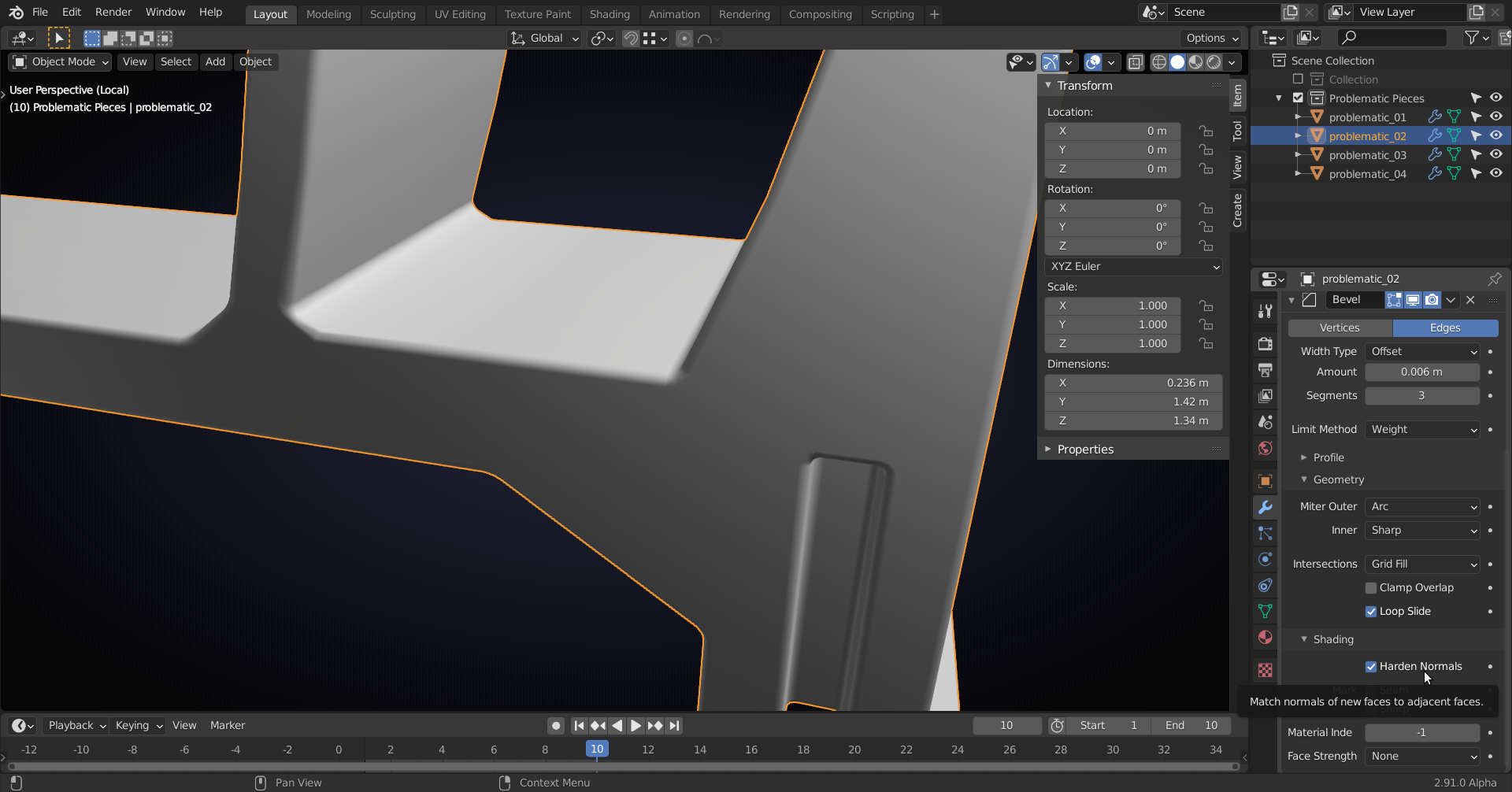
Arc creates much smoother geometry in this case:
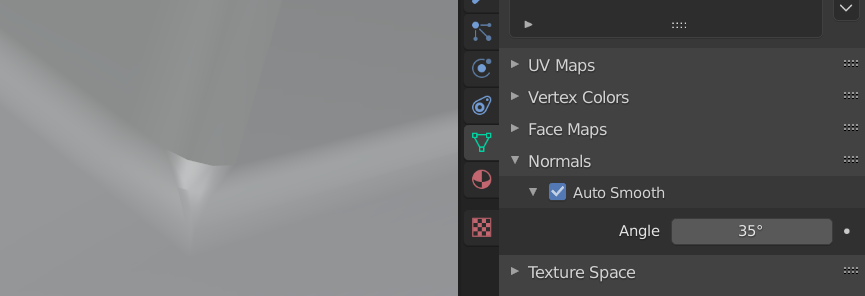
I’d also recommend bumping up your Auto Smooth angle to the max of 180. That way the only sharp edges will be what you manually marked as sharp.

The new Harden Normals bevel modifier feature, like Spikey also brought up, will solve all of your flat-surfaces-not-looking-flat problems. You also need to switch the Limit Method from None to Weight for the problematic_04.
Hope that helps!

.