
retopology with retopoflow

Forum Archive retopology with retopoflow

Viewing 6 posts - 1 through 6 (of 6 total)
  • Author
    Posts
  • #12174
    yukino hatake
    Participant

      Hey guys

      i now have retopoflow but wonder how to work with it.

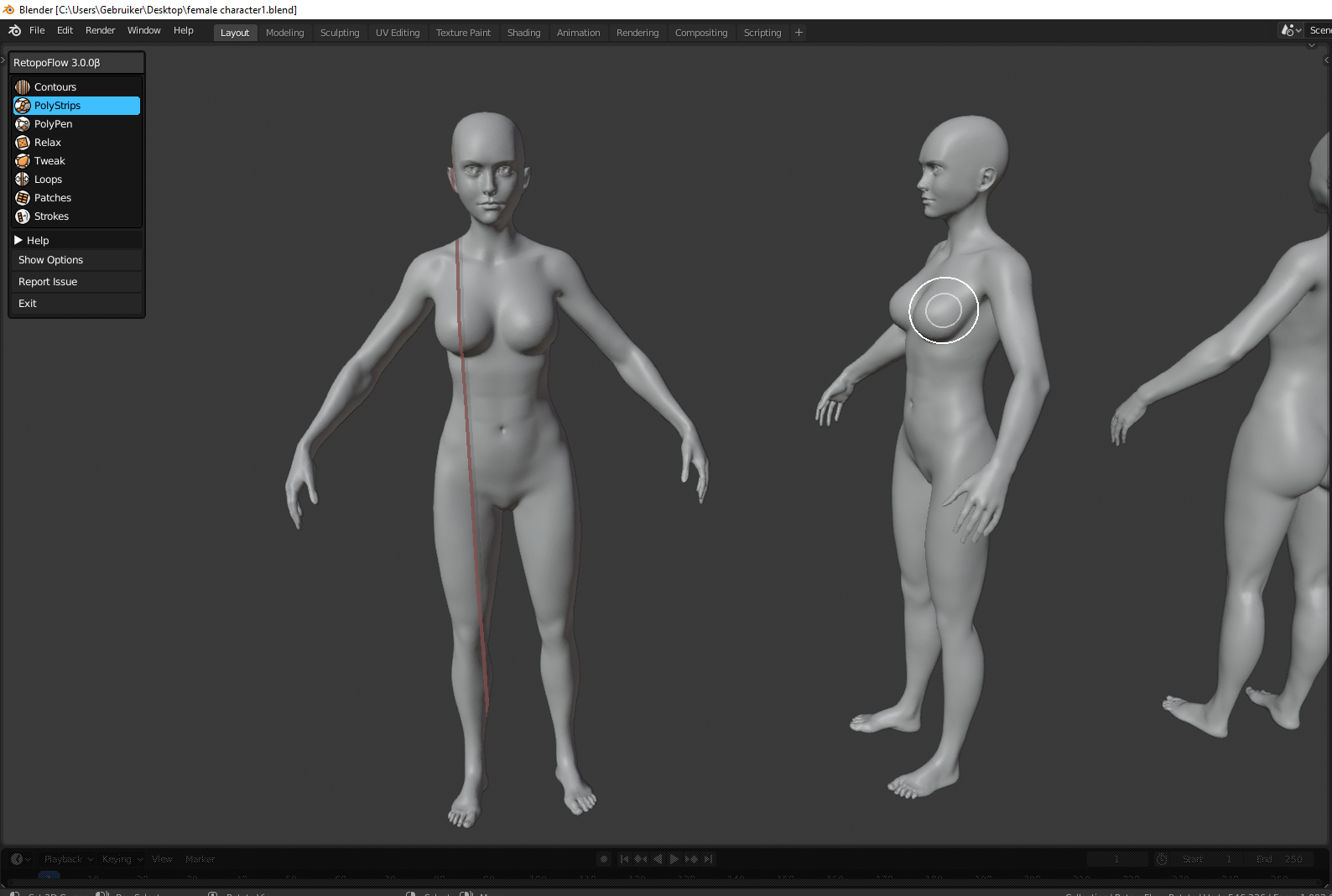
      when i open my blender file i can click retopoflow and then i get this screen.

      now i wonder how do i add polystrips or anything ? i click and drag with left or right mousse button but nothing happens 🙁

      #57927
      silentheart00
      Participant

        Have you looked at this course?  May or may not be relevant.

        #57928
        yukino hatake
        Participant

          Ya trough i did not watch it all. Normally you should click and drag with mouse button pressed but nothing happens for me. 

          #57929
          yukino hatake
          Participant

            @silentheart00 posted in wrong place xd

            The comment is above 🙂 

            #57930
            yukino hatake
            Participant

              @silentheart00 finally found it . didnt hold shift . gonna look tomorrow how to change the brush size 🙂

              #57931
              Jonathan Lampel
              Participant

                Hi! If you’re using the latest version of RetopoFlow for 2.8 (3.0.0 beta 2), some of the hotkeys have changed to support left click select, and they’re all listed in the in-app help menu. To draw topology, hold Ctrl as you left click and drag. For the symmetry, be sure the model is in the middle of the world’s X and Y axis. 

                Happy modeling! 

              Viewing 6 posts - 1 through 6 (of 6 total)
              • The topic ‘retopology with retopoflow’ is closed to new replies.