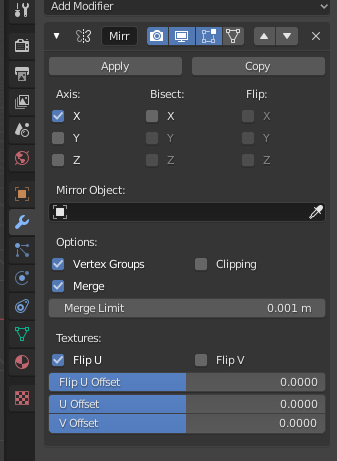
As in the tutorial, lots of my objects have mirror modifiers. E.g. the top left and right metal bands are just one object, mirrored across the x-axis. 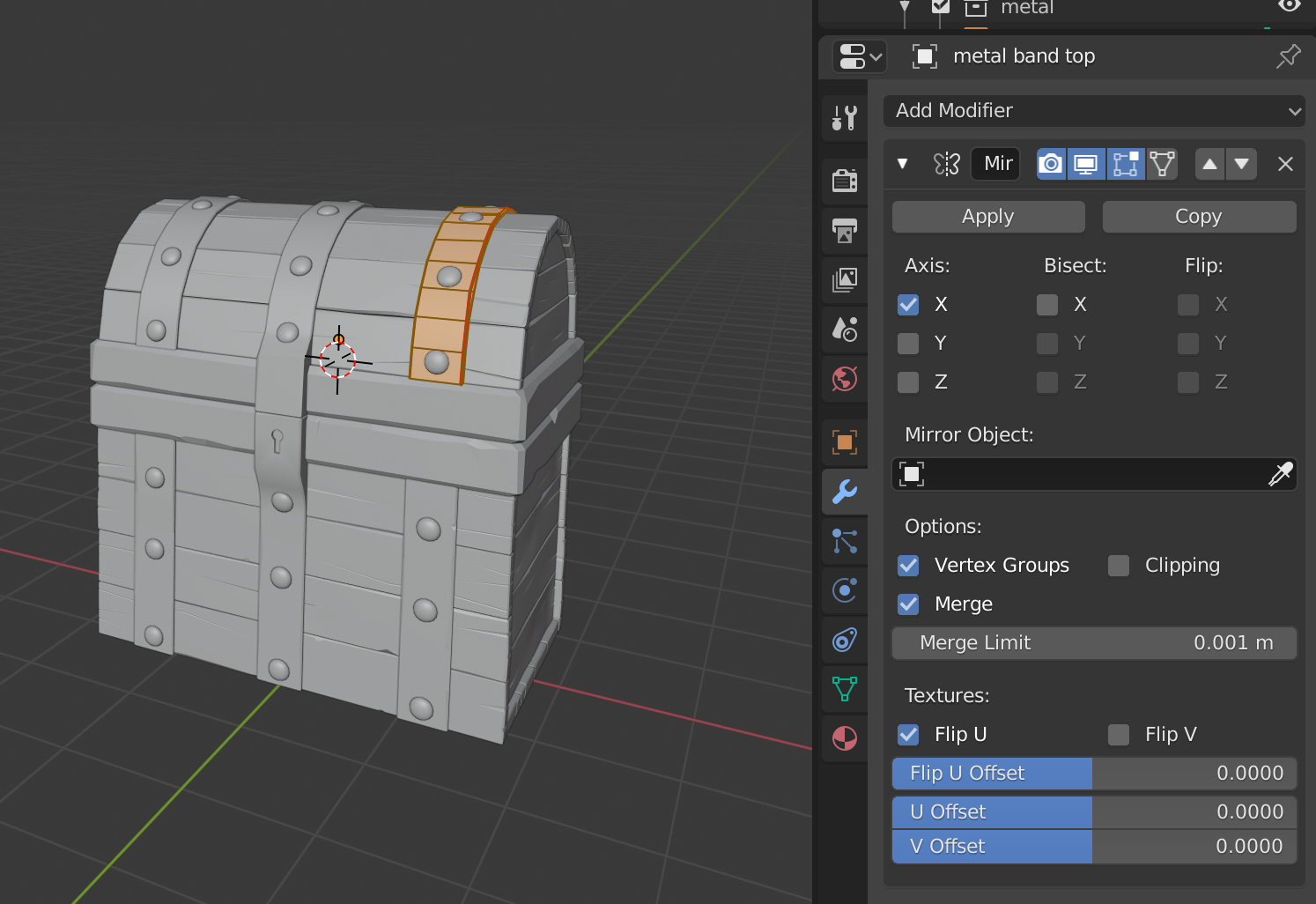
As a result (?), there seems to be just one UV island for the left/right top metal bands: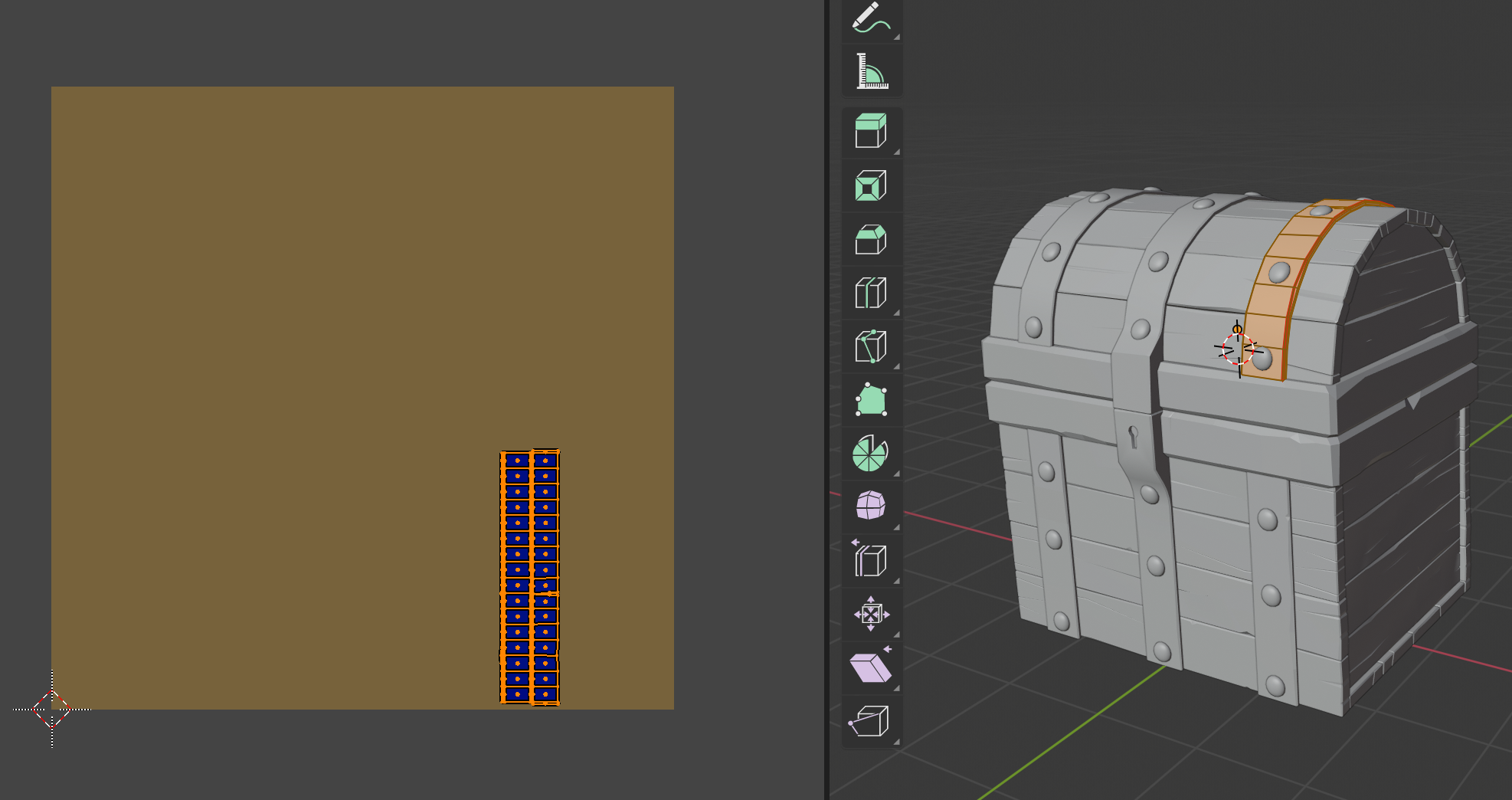 But when I use the texture paint fill tool to fill the metal bands, a second mirrored UV island seems to appear.
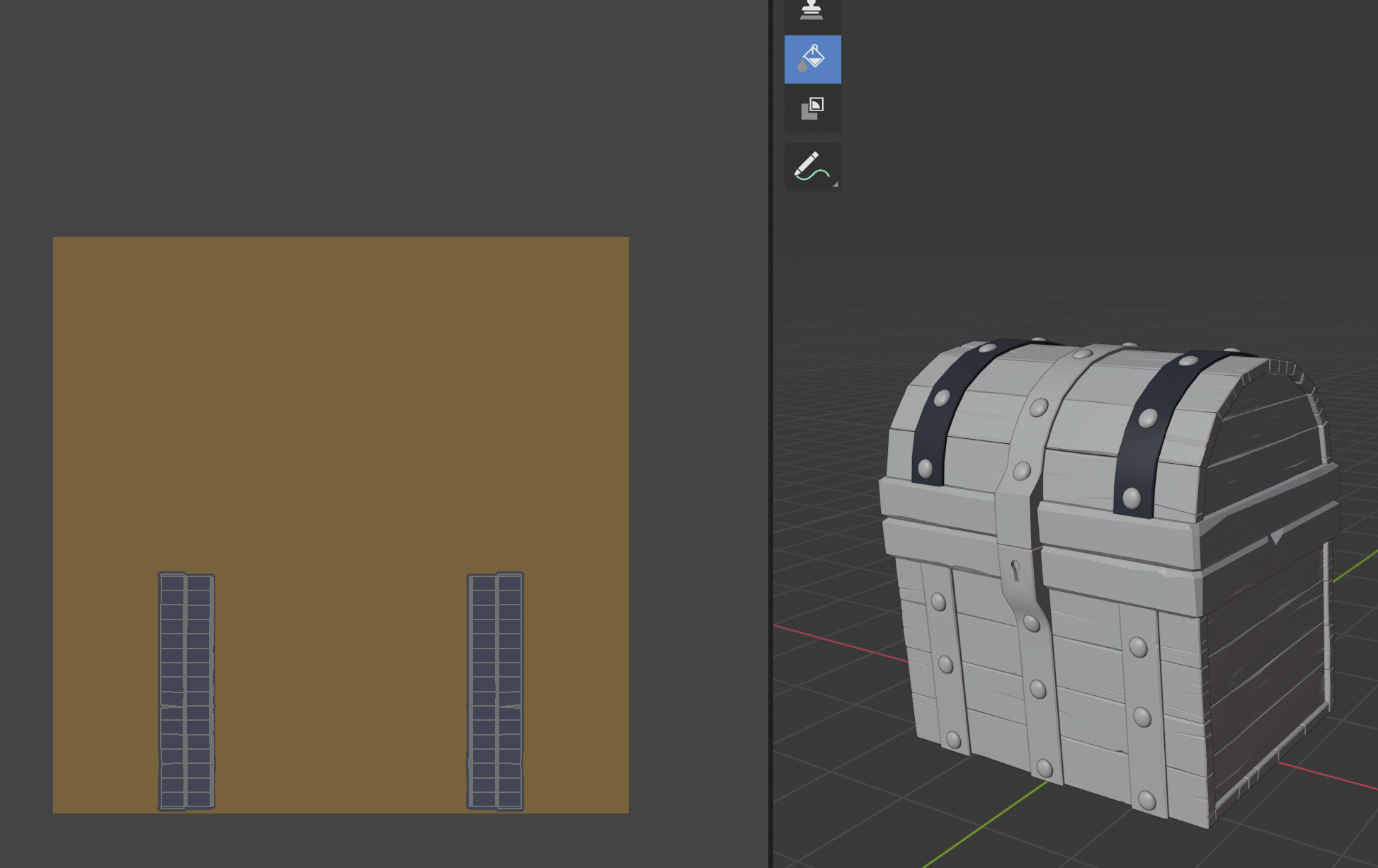
The texture applied to the bands ‘leaks’ to some other parts, namely the lower boards:
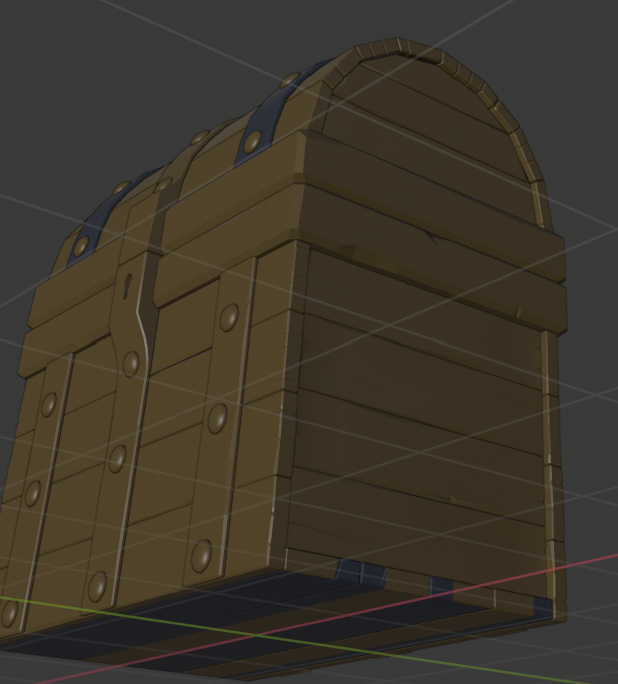
I guess this makes sense, because the part of the UV space occupied by that left island is also used by the bottom boards.
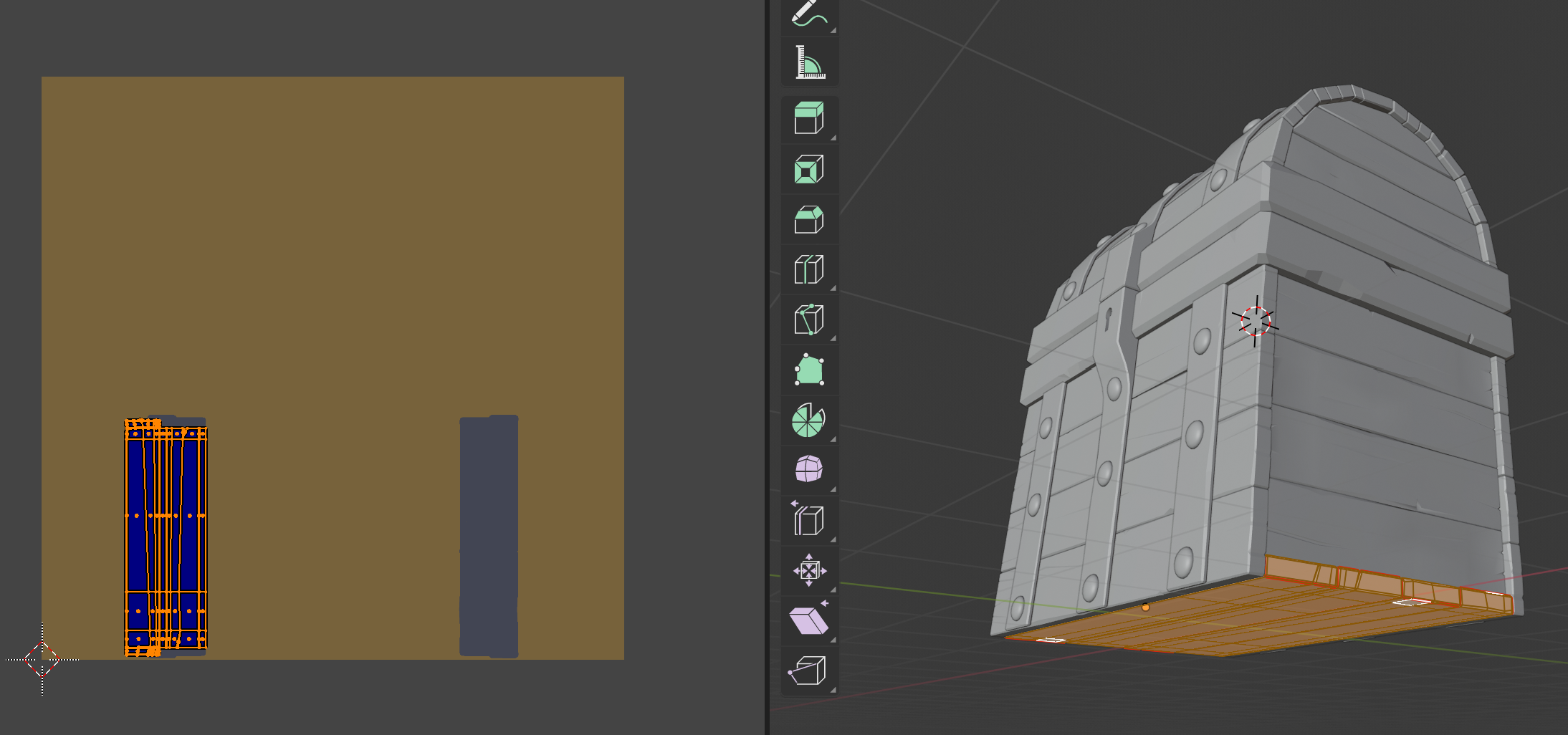
What’s the fix to this? Is it necessary to apply all mirror modifiers before UV unwrapping? (Did I miss this in the unwrapping tutorial?! Quite possible…)
(I’m particularly confused because at 15:00 you apply the fill tool to one metal band, both bands get colored, but there isn’t a “phantom” second colored section in the texture corresponding to the mirrored half. How did you avoid that / how did I cause that?)

.