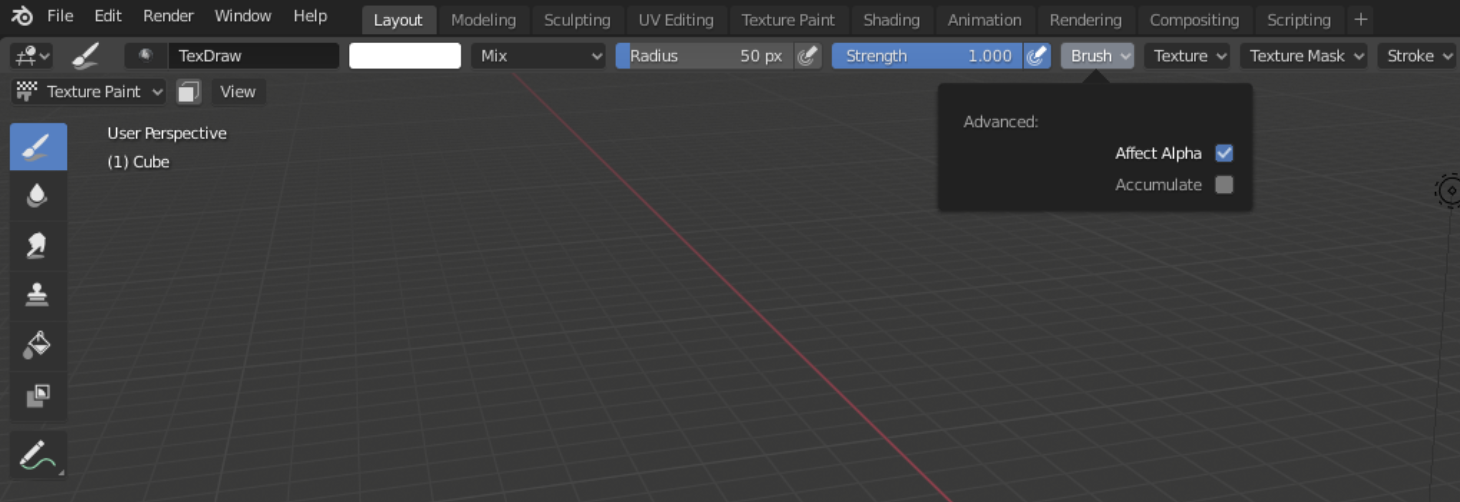
Colour pallet not in brush drop downs of header menu bar.

Forum Archive Colour pallet not in brush drop downs of header menu bar.

Viewing 10 posts - 1 through 10 (of 10 total)
  • Author
    Posts
  • #11599
    jaydens
    Participant

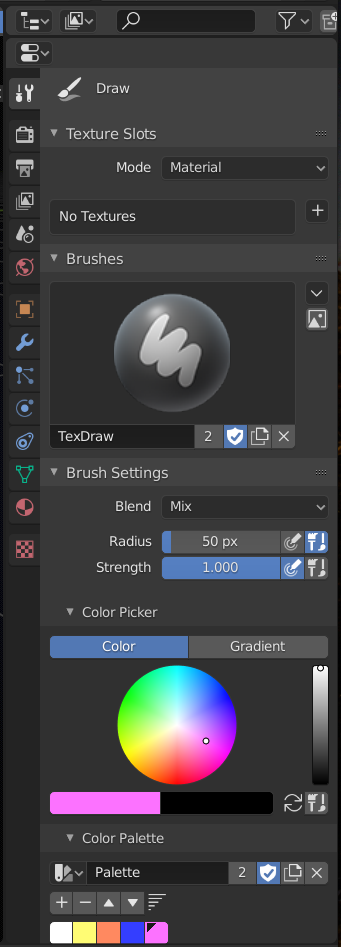
      I can only access the colour pallet of the brush in the menu on the right, and not in the header menu bar. Has it been removed from the top all together?

      #55449
      spikeyxxx
      Participant

        That seems indeed to be removed from the top bar tool settings. Don’t know why. I’ll try and ask Pablo Vazquez on Friday.

        #55450
        Kent Trammell
        Participant

          Yikes I hope they don’t remove that. I still see it with Blender 2.82a. Which version are you using @jaydens?

          #55451
          spikeyxxx
          Participant

            That is utterly strange, Kent. I can’t find it in 2.82a (or 2.83 for that matter). It used to be under Brush. (I looked in the other places as well of course.)

            This is 2.82a on Linux…From the official website.

            #55452
            Kent Trammell
            Participant

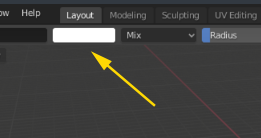
              @spikeyxxx I apologize, I thought we were talking about the single color swatch:

              Sorry for the confusion. I can confirm that the full color palette UI is missing from the Brush menu in 2.82a.

              #55453
              jaydens
              Participant

                I’m using 2.82a, thanks for getting back to me and thanks for the tutorial!

                #55454
                Evan Riskedahl
                Participant

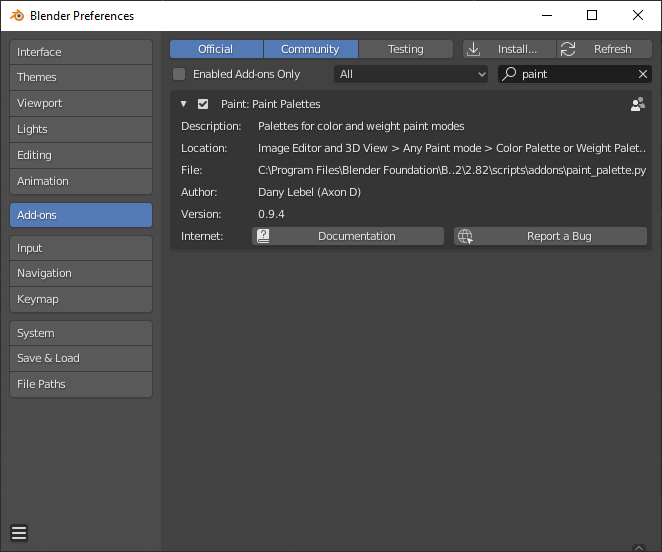
                  The work around I found was to enable the color palette add on in the preferences. The new palette is located in the  right side “N” menu. 

                  #55455
                  Shawn Blanch
                  Participant

                    Nice workaround!

                    #55456
                    davide789
                    Participant

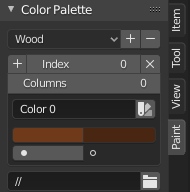
                      If you want to restore this functionality in version 2.82: under Edit -> Preferences… there is an add-on called Paint Palettes.This adds a new tool to your menu (top right of your main view) called ‘Paint’. 

                      To add a new palette, click the ‘+’ next to Index. To save the palette you’ve created, click the ‘+’ next to where the word ‘Wood’ is in the above screenshot. It works pretty much identically to shown in the video, except you have to eyedropper it into your current palette..

                      #55457
                      spikeyxxx
                      Participant

                        @davide789 thank you, but you are a month behind @ndtith11 😉

                        Anyway, don’t think that the Color Palette has been removed from Blender, it just isn’t in the Header anymore.

                        You can still access it in the Tool Settings in the Properties Editor:

                        But when you go Fullscreen on the 3DViewport when painting, the addon can be useful!

                      Viewing 10 posts - 1 through 10 (of 10 total)
                      • The topic ‘Colour pallet not in brush drop downs of header menu bar.’ is closed to new replies.