Ok, I found an answer by myself. I will share it here maybe someone can use it or find it helpful.
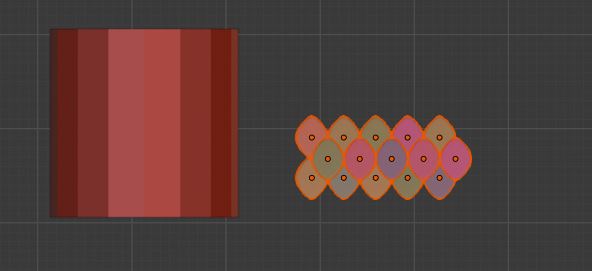
First, I created a cylinder and a scale (in this example just a circle). Behind the circle, I created a grid plate (picture 1).
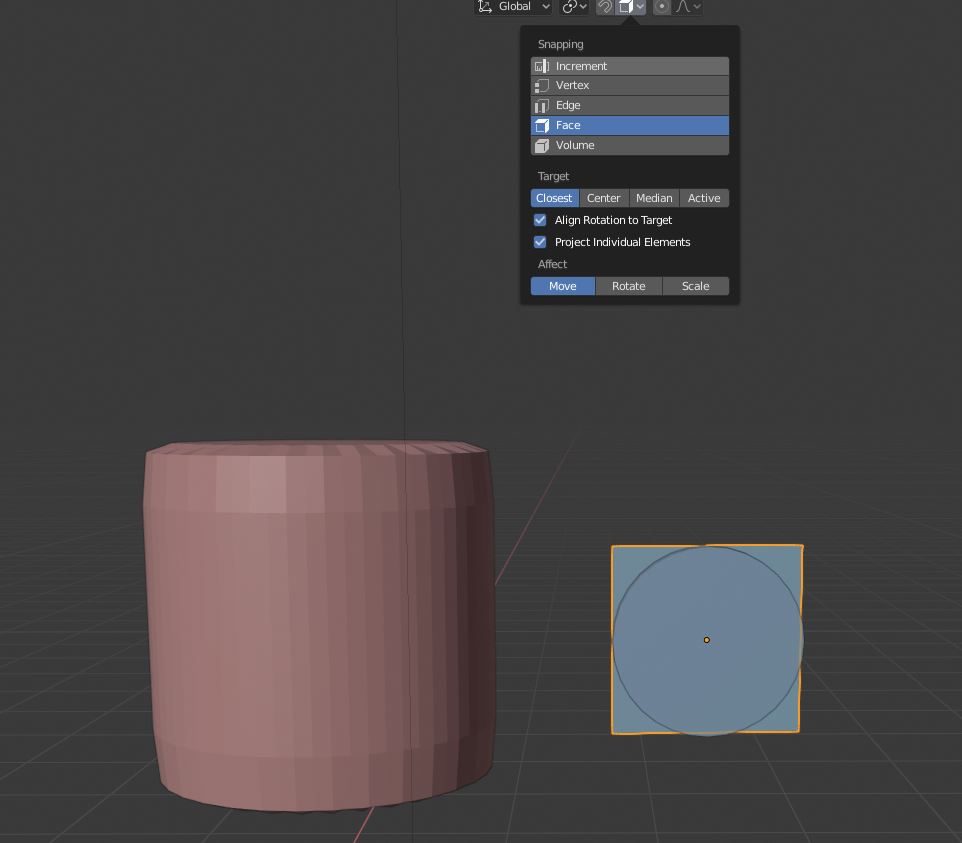
Also, make sure you use face snapping with align rotation to target and project individual elements.
I put a Surface Deform modifier on the circle and take the grid as the target.
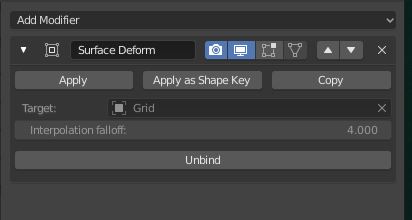
then i put a shrinkwrap modifier to the grid and use the cylinder
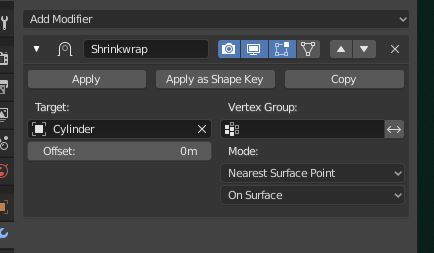
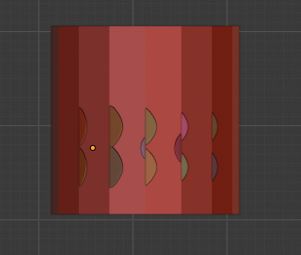
i parent the circle to the grid. Now i can hover over the cylinder, press ctrl and the circle fits perfect to the cylinder.
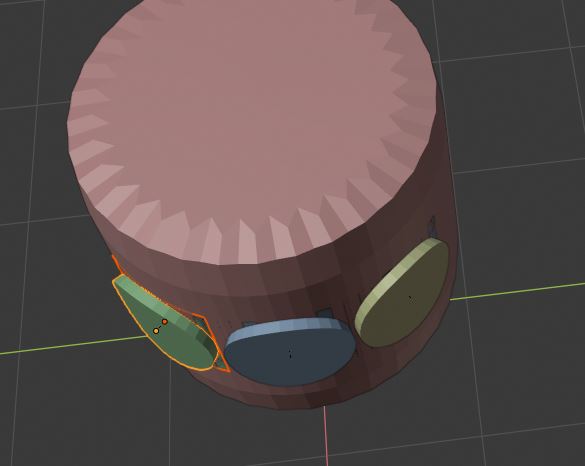
That’s how I solved the problem with the scales on the cylinder. I can recommend, that you but the scales to the cylinder at very least because the performance is getting worse and worse especially if you use subsurf too.
there is probably another better way for that reason. Does someone know a better way, maybe with the shader?

.