Wiggly lines in the 3D-Viewport

Forum Archive Wiggly lines in the 3D-Viewport

Viewing 10 posts - 1 through 10 (of 10 total)
  • Author
    Posts
  • #10851
    Philip Rampa
    Participant

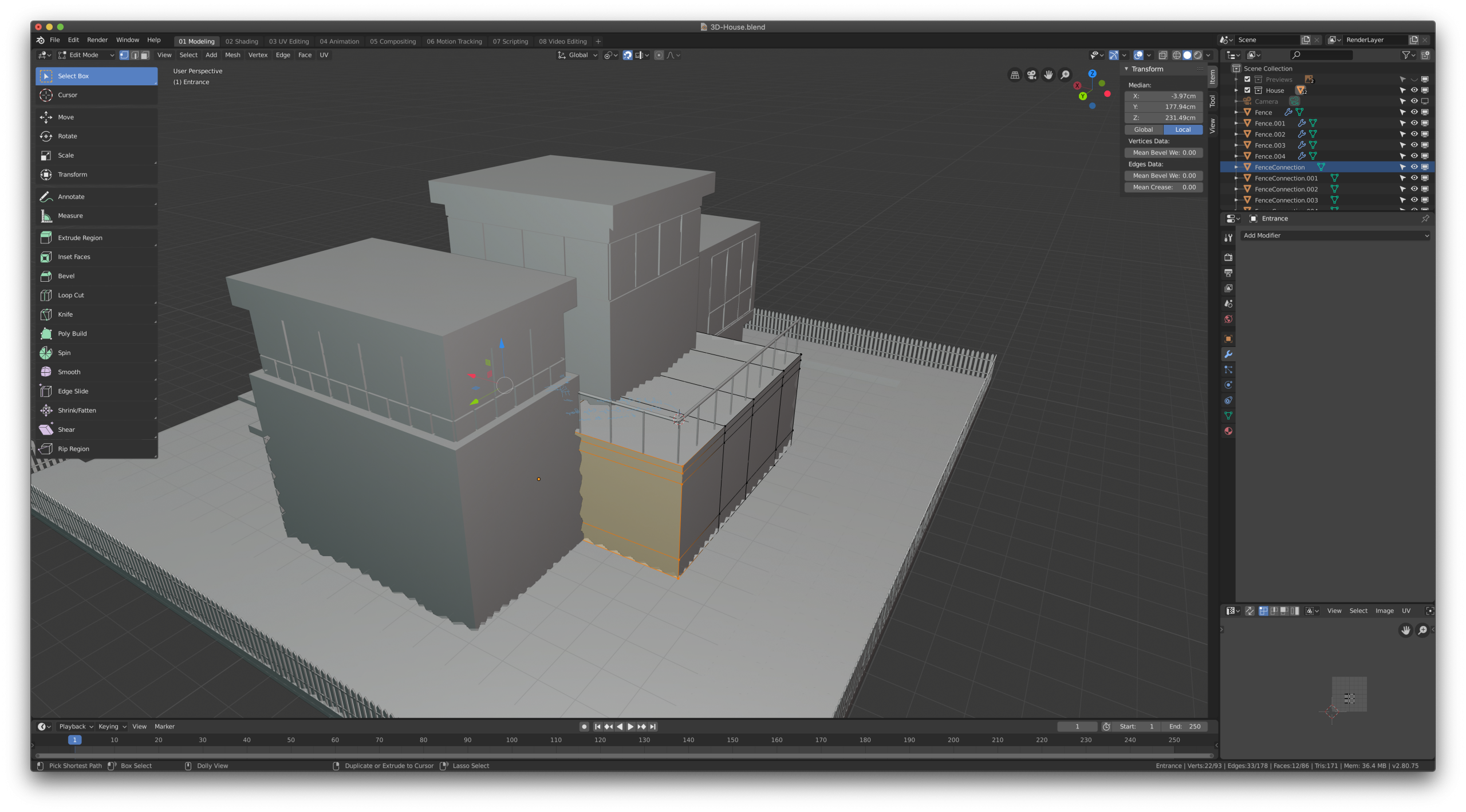
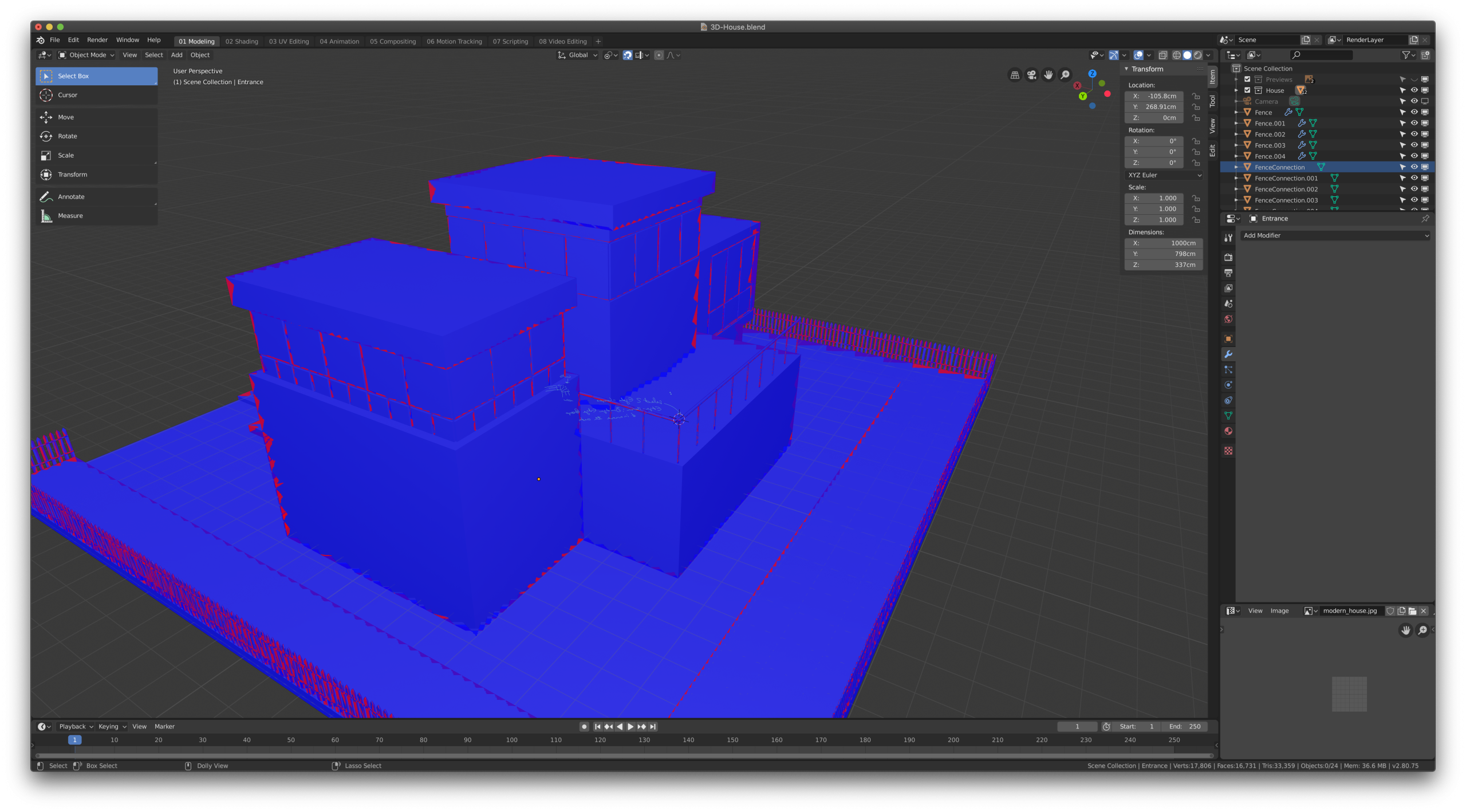
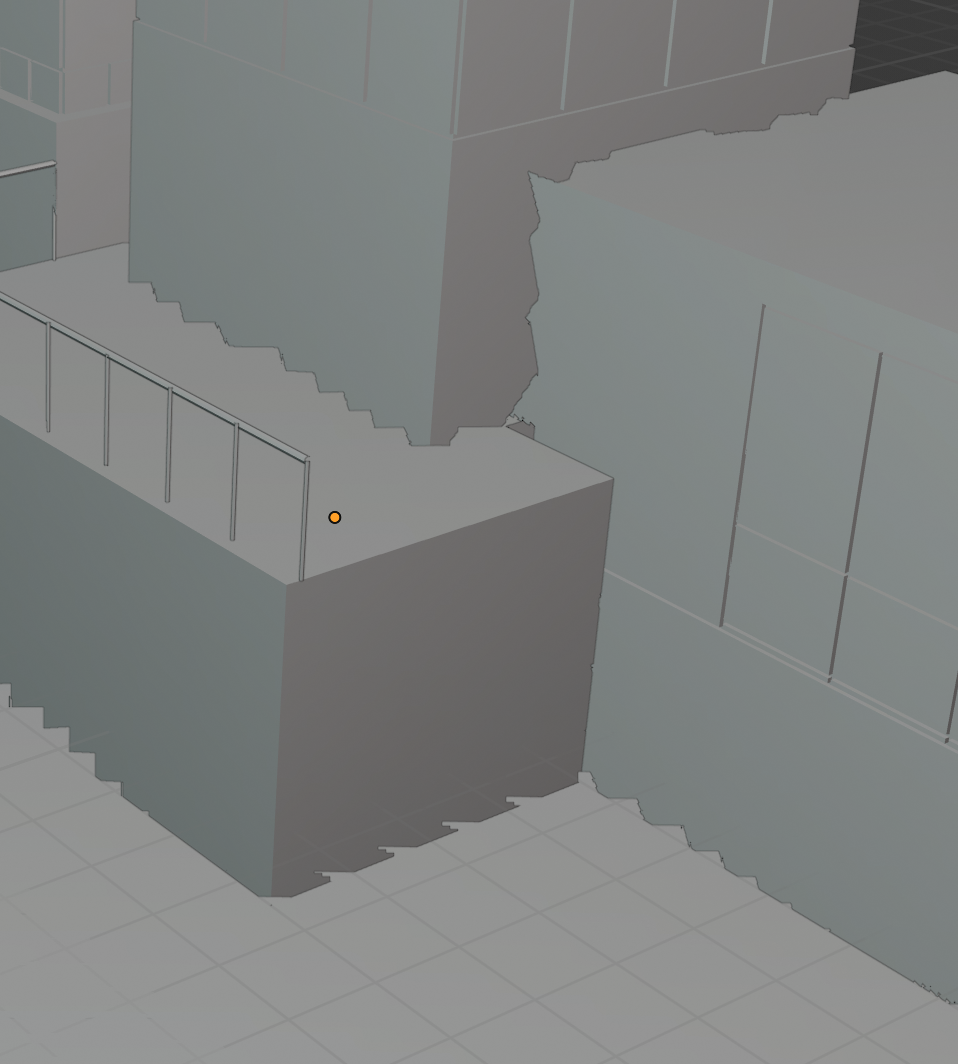
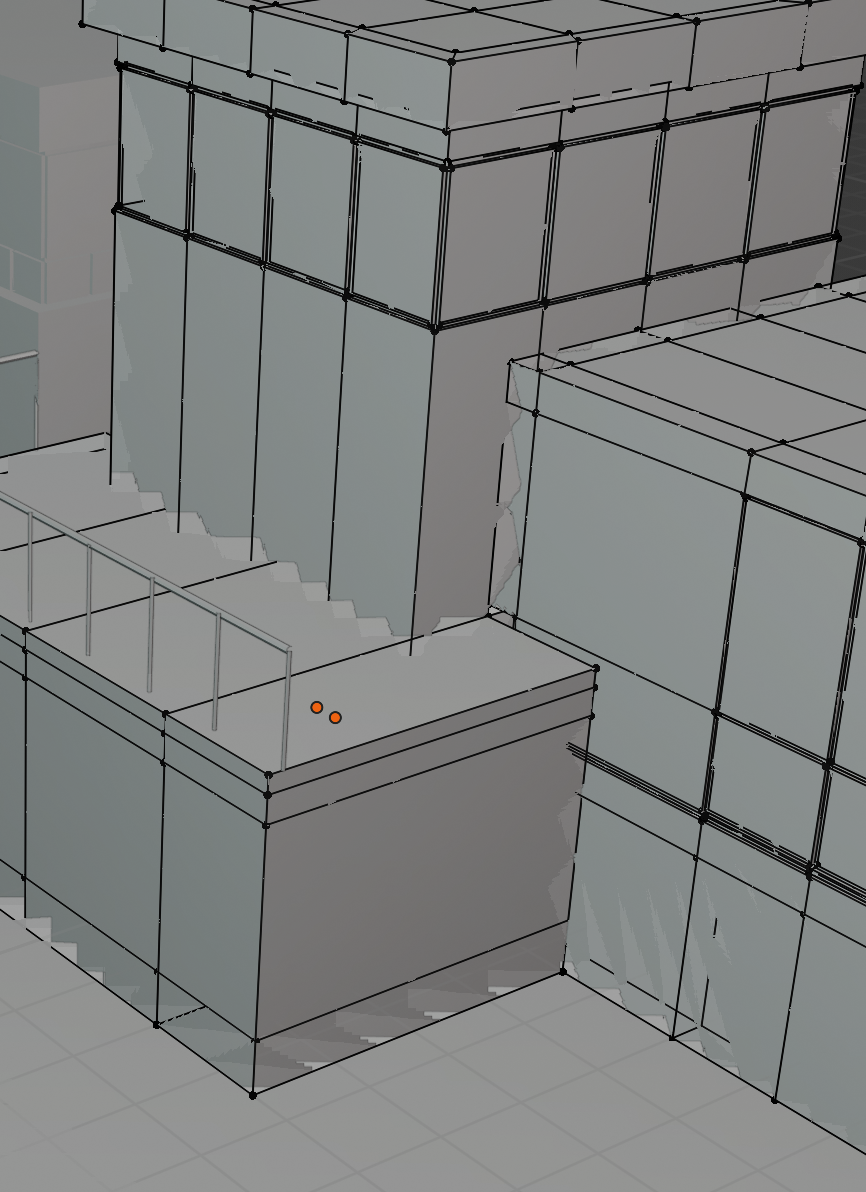
      Hello, I have noticed that in your videos the display always seems clean and sharp. In my viewport in object mode the lines are all wiggly and that is very irritating. Is there a way to get rid of this problem? Am I missing a setting for my 3D-Viewport? My normals are correct and I have no double verticies but also the normal display is somewhat messed up.

      Thanks for your help 🙂

      #51382
      Jonathan Lampel
      Participant

        Whoa, that is strange! I’ve never seen that before. Since you have no modifiers applied, I’m reasonably sure that that’s a bug! You can report it here: https://developer.blender.org/ 

        #51383
        Philip Rampa
        Participant

          Thank you Jonathan for the quick answer. I have made a bug report on the site you have posted. 🙂

          #51384
          spikeyxxx
          Participant

            Hi Philip, is this just in this file? 

            This is not just irritating, but absolutely unworkable.

            Could you please provide a link to your .blend? (Unless this happens all the time.)

            I have not been able to reproduce this effect. Your mesh is partially see-through…

            #51385
            Philip Rampa
            Participant

              Hi spikeyxxx 

              it has happend before but I noticed it much more in this exercise. But it does not happen all the time.  🙂

              Here a link to the .blend file: https://drive.google.com/open?id=16PLQecdBfXM2_44julqBZBlWLQAzcRL5

              #51386
              Philip Rampa
              Participant

                I have reported the bug but it was appearantly my fault. 🙂 I have been told I have set too high a range for the depth buffer. The near clipping plane is set to 0.01 cm, and end clipping plane to 1km. This is what causes such flickering. 

                If I set the near clipping to 1cm it is gone. 🙂

                #51387

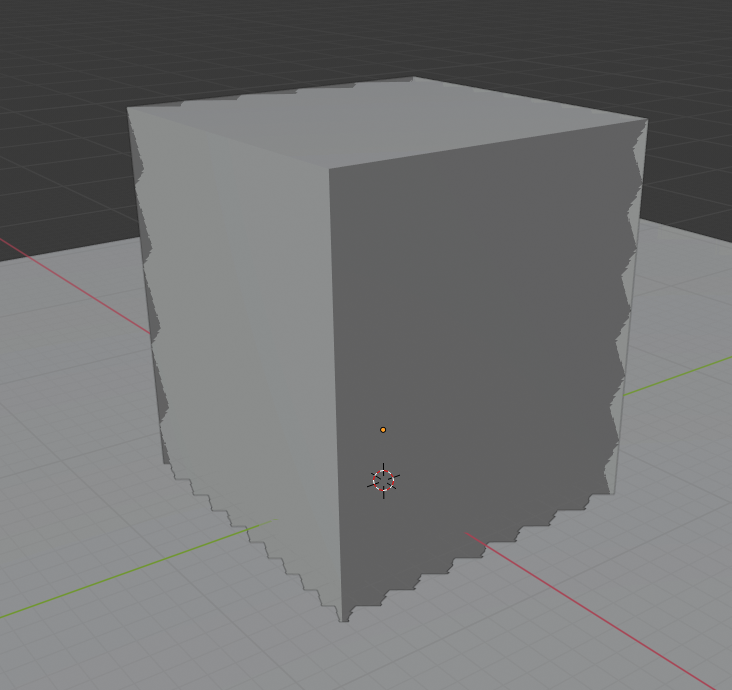
                @philip79  This is not necessarily a bug. I believe its a display anomaly that occurs when the zbuffer has to work with extreme ranges and loses precision because of that.

                For the practical solution to this, it occurs when you are working with extreme sizes and/or work with extreme clipping ranges in the camera. Both are interlinked (you can’t have a really large models and not have to adjust your clipping range).

                I would check the size of your model, its probably really large. Try scaling it down by 0.01 (or even more), frame it with . (numpad) and see what happens.

                I could recreate this “bug” (its not) by simply scaling up a cube that intersected a plane:
                #51388
                Philip Rampa
                Participant

                  Thank you Jan-Willem

                  you are absolutely right! It was my fault and not a bug. I have deleted the bug-report. I had the range from 0.01 cm to 1km. When I increase the minimum to 1cm it is gone. 🙂 Thank you.

                  #51389

                  Awesome, glad to hear it helped. You are most welcome! 🙂

                  #51390
                  spikeyxxx
                  Participant

                    Glad it’s solved.

                    Thank you @3dioot !

                    I noticed that in Camera View, everything looks normal and if I open it without Load Ui it also looks OK, but hadn’t made the clipping plane connection yet.

                  Viewing 10 posts - 1 through 10 (of 10 total)
                  • The topic ‘Wiggly lines in the 3D-Viewport’ is closed to new replies.