I think I have messed up with the Dirty Vertex Colors

Forum Archive I think I have messed up with the Dirty Vertex Colors

Viewing 7 posts - 1 through 7 (of 7 total)
  • Author
    Posts
  • #10849
    Ang Deaver
    Participant

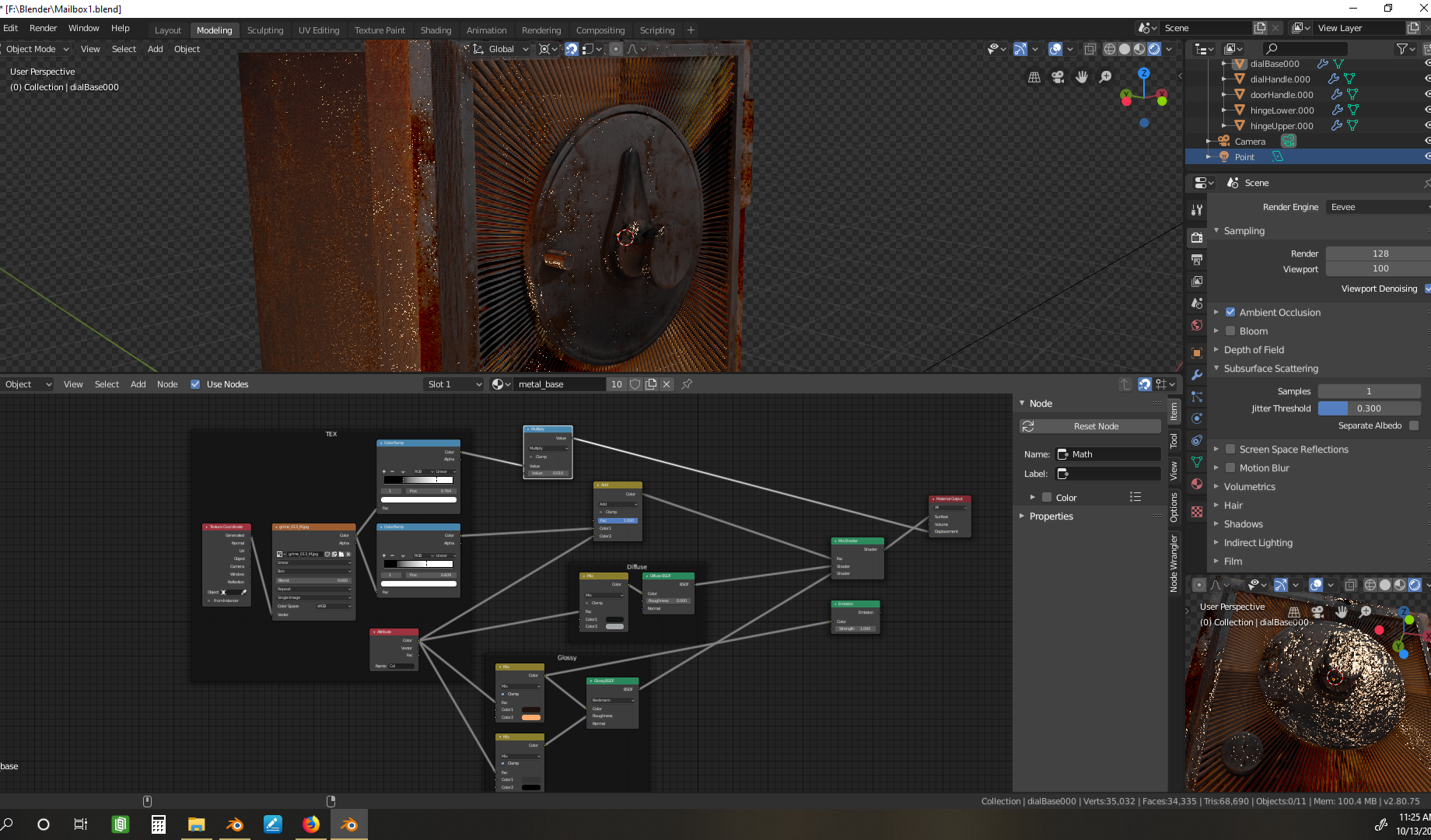
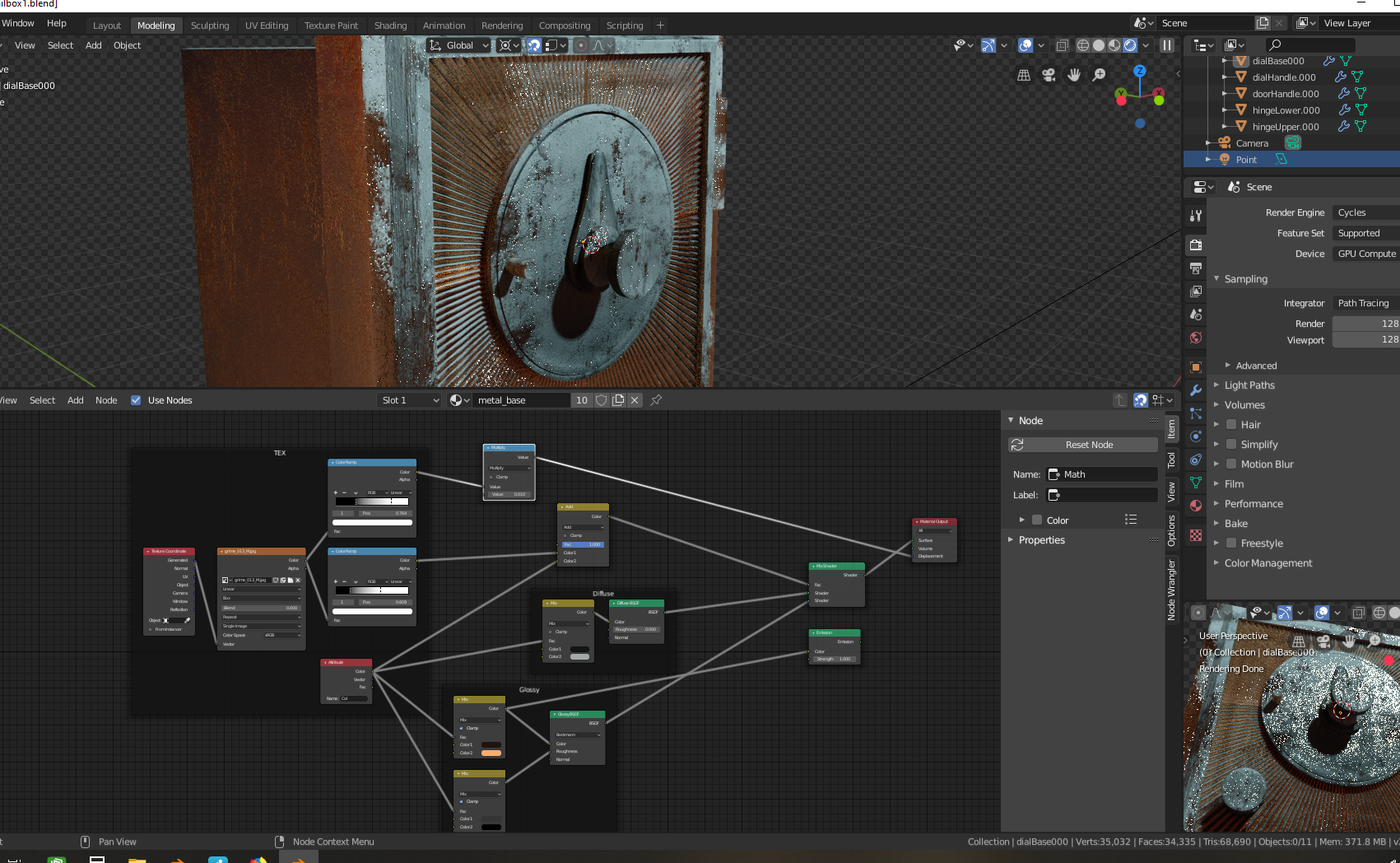
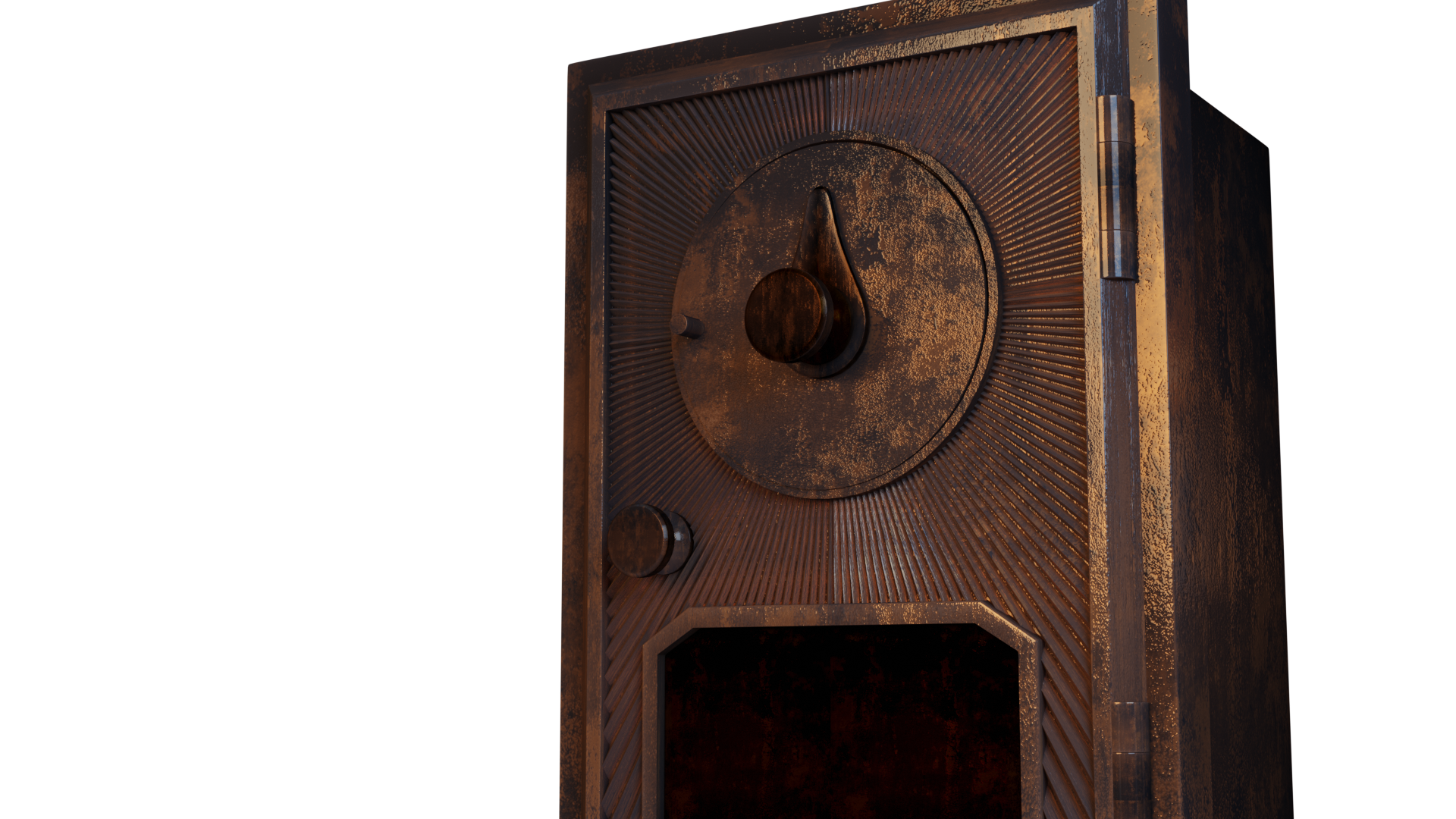
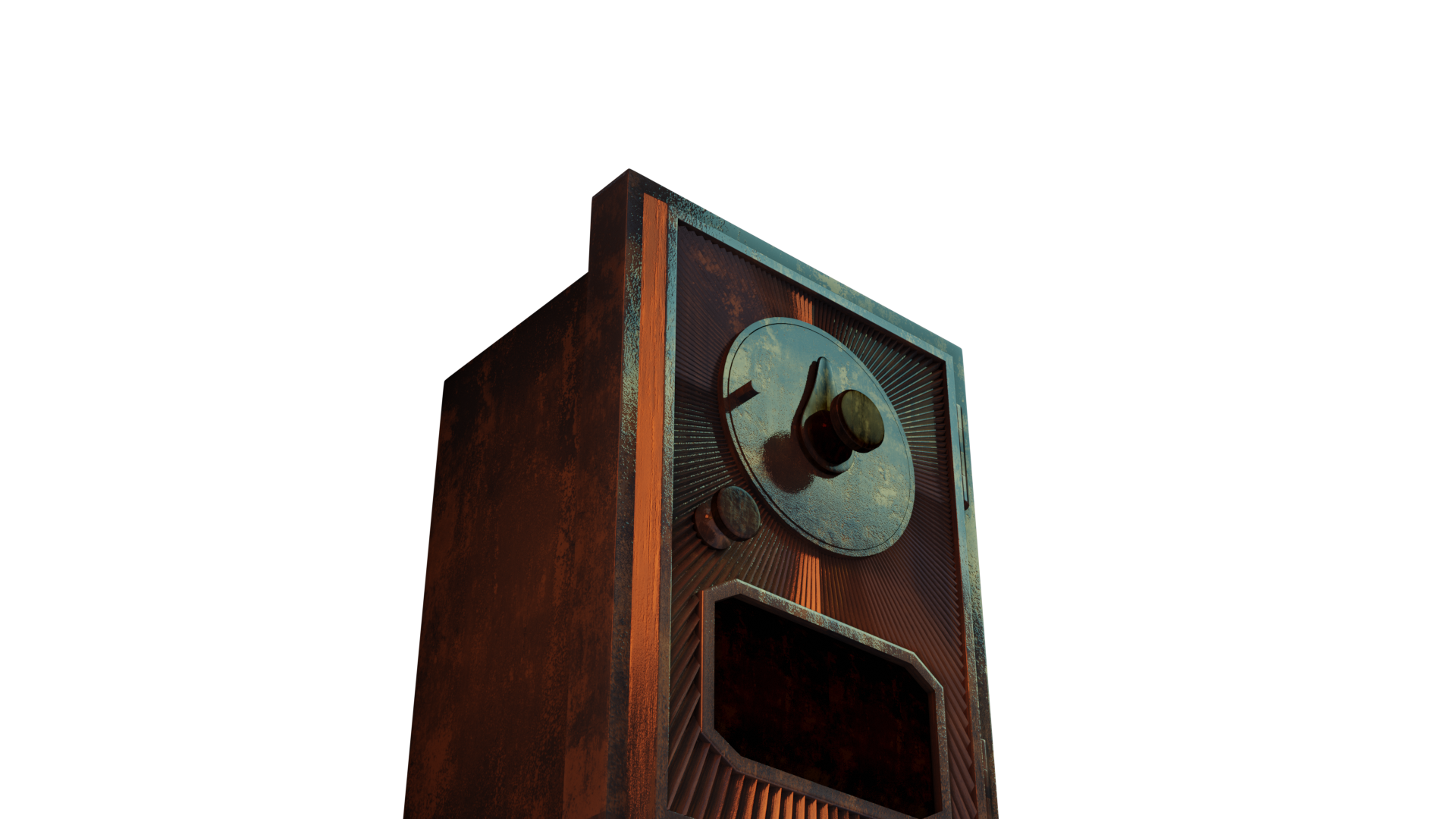
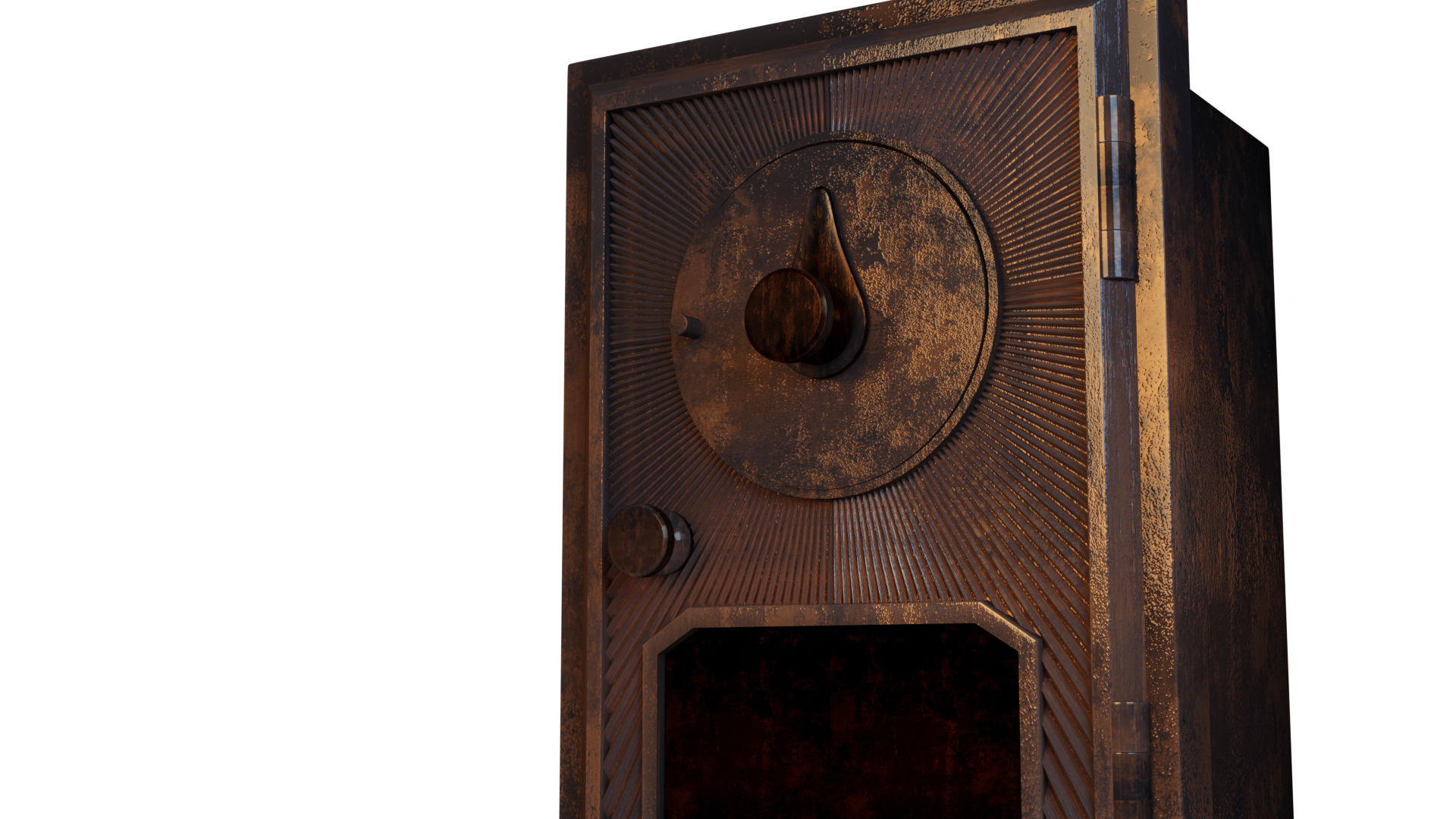
      This top one is Eevee and bottom is Cycles. Something is going very wrong when I apply the Dirty Vertex Colors. It looks meh in Eevee but way wrong in Cycles.
      I used to have 2.78 on my computer but I go to it to open (in my Steam account) it now opens 2.8.

      I am uncertain what I should or could do to fix this. I keep deleting the Vertex Colors and start over, but it just doesn’t get better. I flipped normals…
      I can’t think of anything else.

      #51376
      Ang Deaver
      Participant

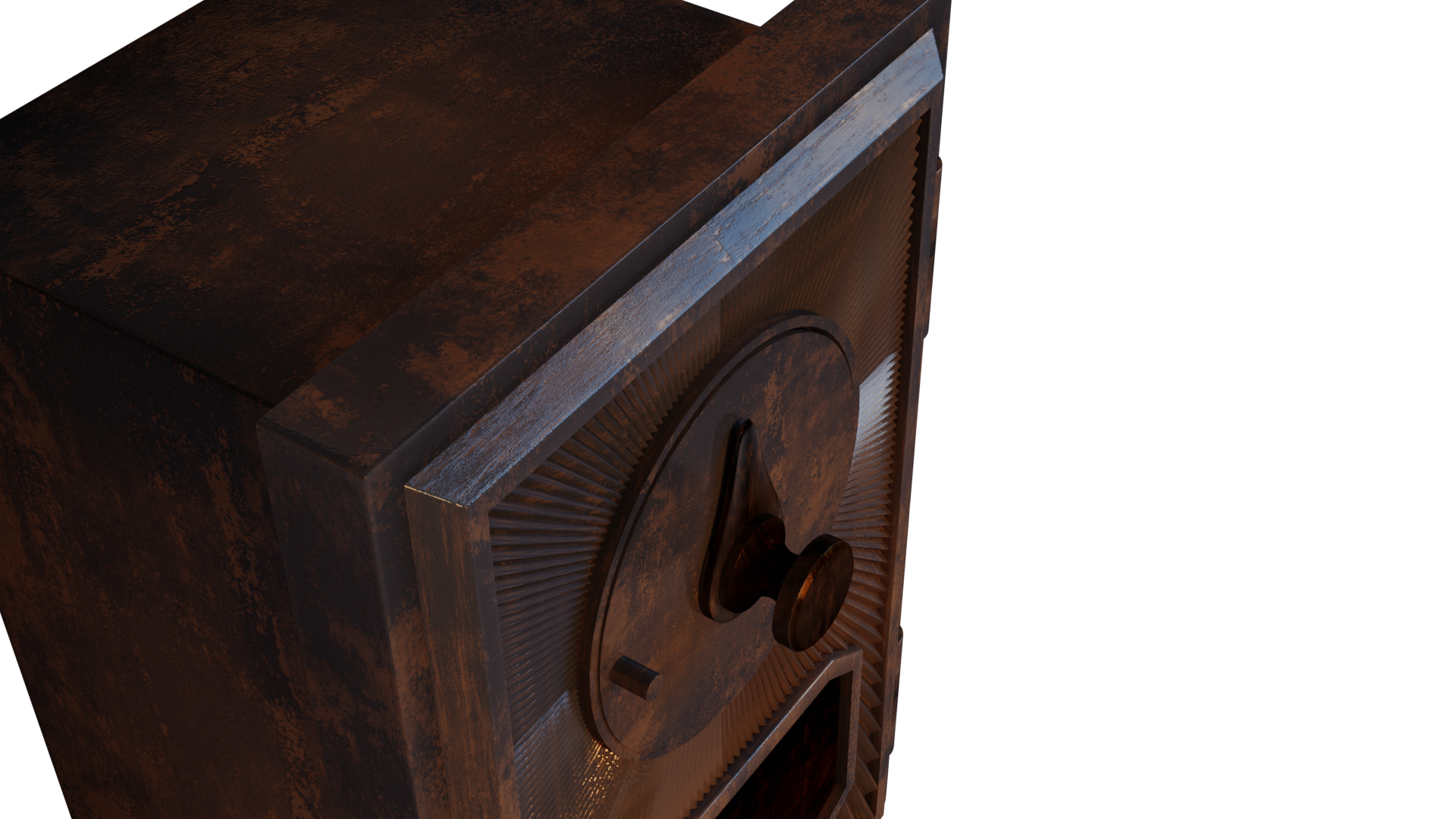
        I may have solved it. I started over and got the same result, but when I turned down the lamp it made it less tarnished looking.

        #51377
        spikeyxxx
        Participant

          @shegeek 

          It has been a long time since I followed this tutorial, and I haven’t watched it again now, but what I notice is, going from your Surface Output to the left, there you have a Mix Shader, that mixes a Diffuse with a Glossy Shader. When the Factor of that Mix Shader is 1, then the result would be pure Glossy Shader. As the Factor you Add (should maybe be an Overlay???)  the Vertex Color output (which is a value between 0 and 1) to the output of a Color Ramp (which also gives a value between 0 and 1, in this case). So, you end up with a value between 0 and 2, as a Factor to mix the Diffuse and Glossy! That is way too much Glossy for any purpose!

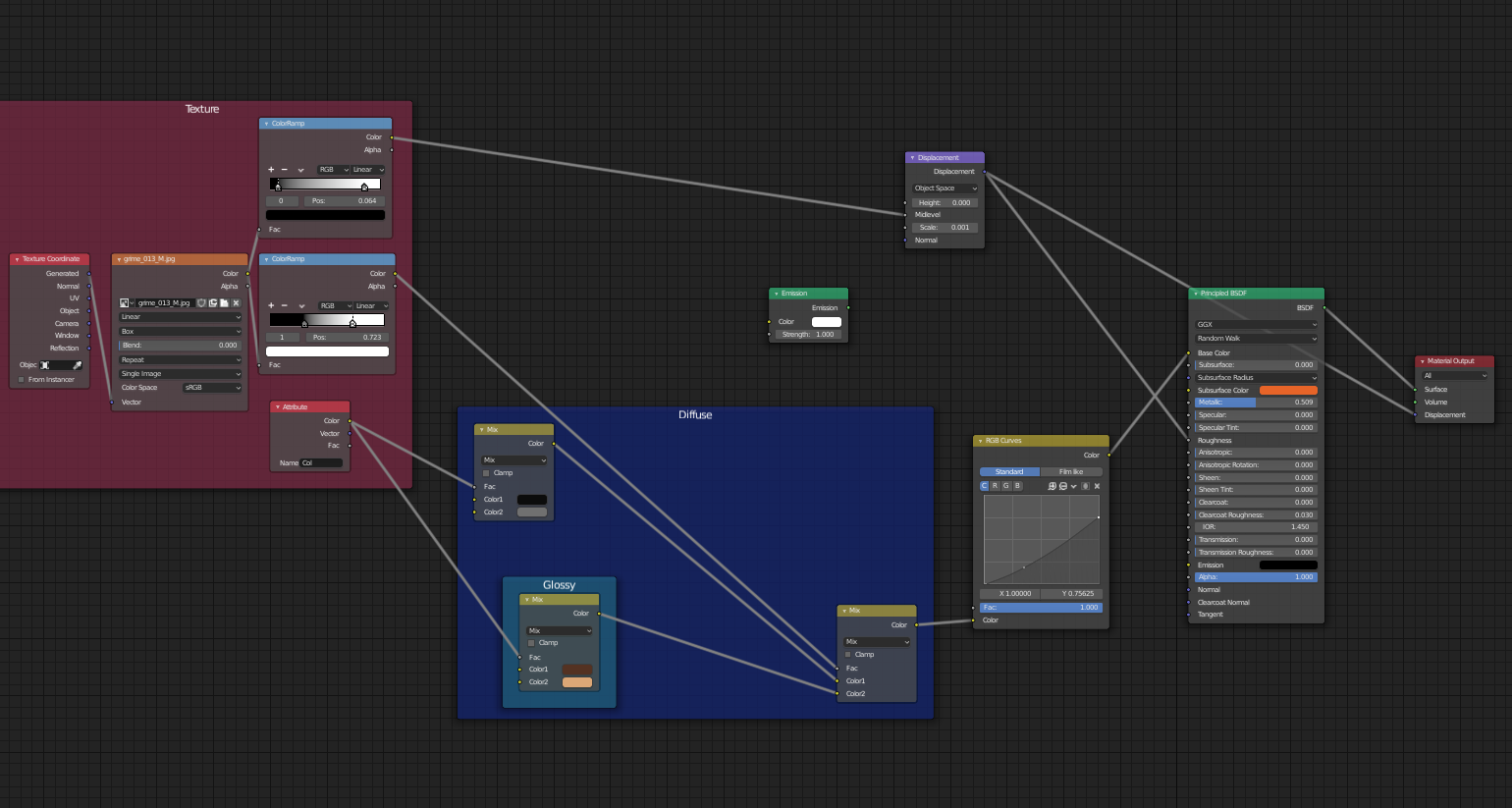
          And furthermore, in 2.8 the Displacement (in the Material Output Node) is a Vector Displacement (purple socket). It’s better to use the Vector > Displacement Node for that, in stead of the Multiply Node…

          And lastly, yes, the light values have changed in 2.8, mainly to get consistency between Cycles and Eevee.

          I hope I didn’t confuse you more than helping;)

          #51378
          Ang Deaver
          Participant

            Thanks, I will go through those steps and give it a try.  I am also wondering how to do it with the Principle BSDF instead.

            #51379
            Ang Deaver
            Participant

              I tried with Prinicpled BSDF I think I am getting closer with this rather than the other.

              #51380
              spikeyxxx
              Participant

                @shegeek

                Just don’t put the output of the Vector > Displacement Node into the Roughness of the Principled Shader;)

                #51381
                Ang Deaver
                Participant

                  Oh, OK – I get it. If I turn down the roughness, I get the same affect.  Thank you.

                Viewing 7 posts - 1 through 7 (of 7 total)
                • The topic ‘I think I have messed up with the Dirty Vertex Colors’ is closed to new replies.